

Music festival poster template designs you can edit
Choose a music festival poster template, swap in your lineup, dates and venue, and make it match your event. Everything is edited in your browser. Each design has clear space for headliners, ticket details and sponsors, so you can finish a poster that reads well from across the street.
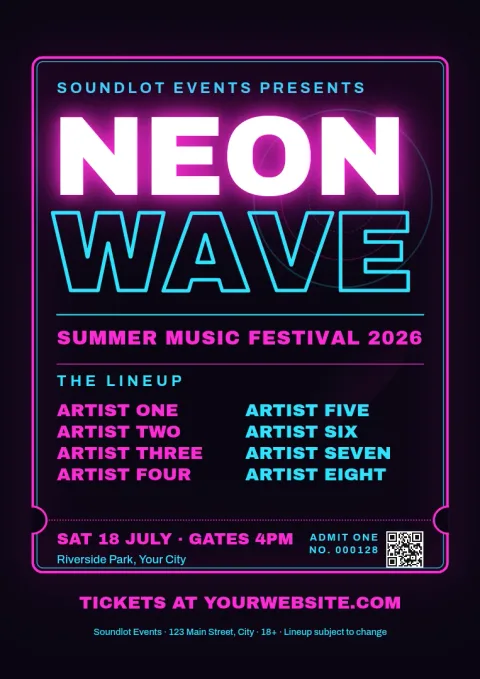
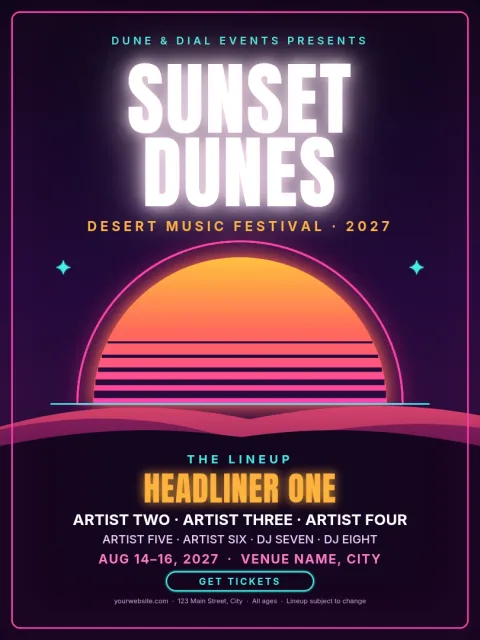
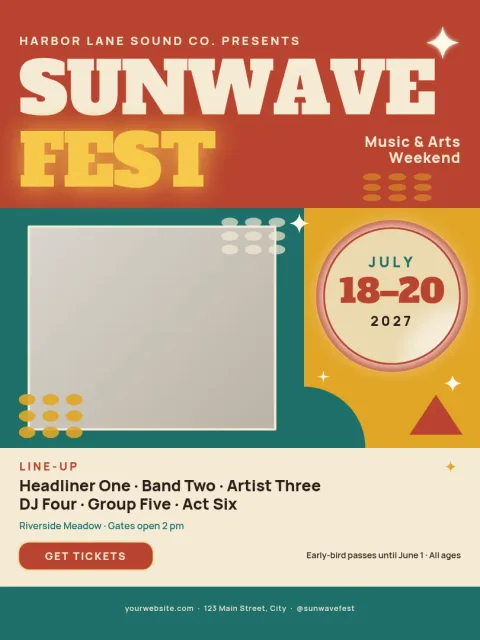
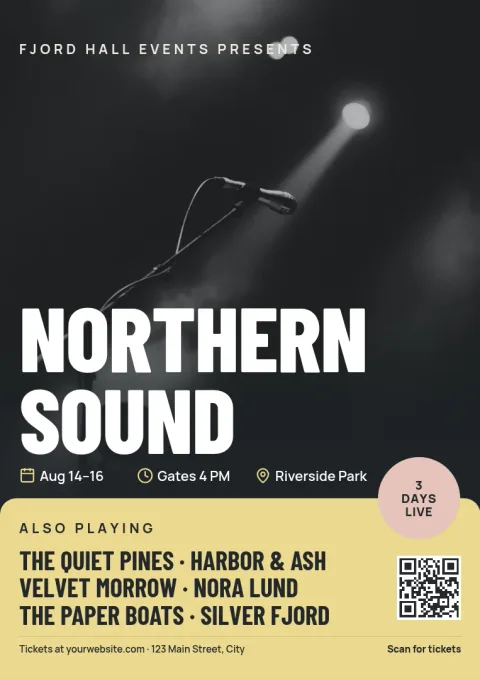
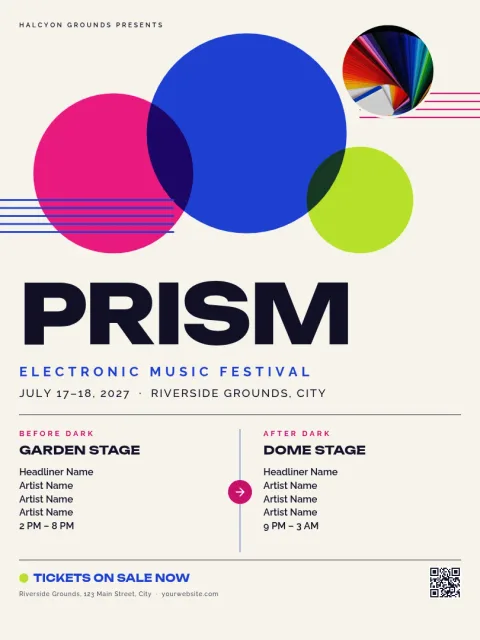
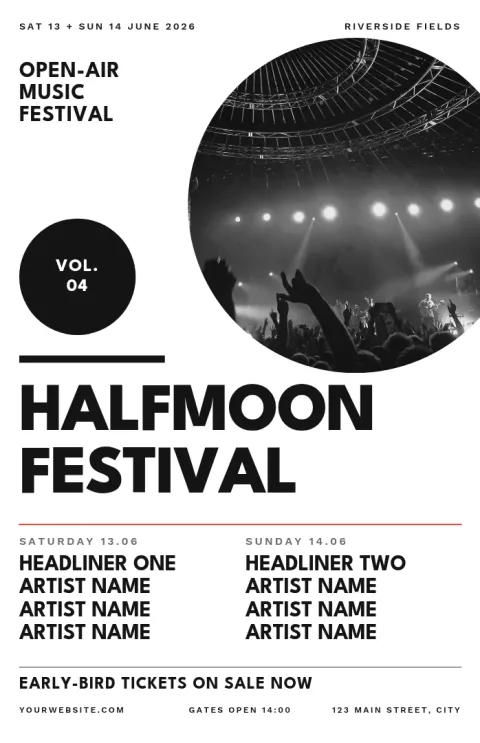
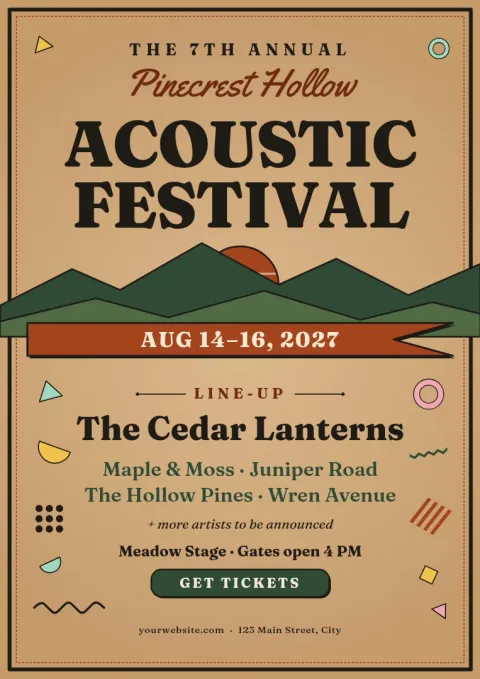
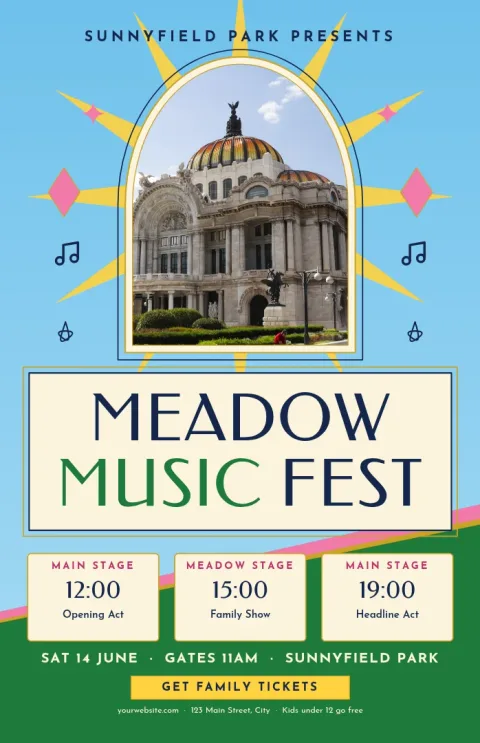
What to put on a festival poster
Start with the festival name, dates and city, because those answer the first questions. Next comes the lineup, with headliners largest and smaller acts below. Add the venue, a ticket link or QR placeholder, and sponsor logos last. Each template here already has room for these pieces, so you replace text rather than build a layout from nothing.
Edit the template to fit your event
Change the text, fonts, colours, photos and layout in the Nimply Design editor. If you save a brand kit, your colours, fonts and logo stay consistent across the poster, the social posts and the tickets. Swap the photo placeholders for your own artist or crowd images. Design is part of every Nimply plan, including Free.
Download or send it to your feed
When the poster is ready, download it as a PNG, JPG, WebP, PDF (standard or vector) or SVG. You can also send the design straight into a Nimply post for approval and scheduling, which helps when you announce the lineup online. Sizes include 18x24, A3 and 11x17. Downloading a template does not use AI credits.
Frequently asked questions
Can I change the lineup and dates?
Yes. Every text block is editable, so you can replace the festival name, dates, venue and artist names. You can also resize text, change fonts and move elements if a long band name needs more room.
Which poster sizes are available?
The templates use common poster sizes: 18x24, A3 and 11x17. Pick the one that matches where the poster will be shown or shared, then adjust the layout inside the editor if needed.
What file types can I download?
You can download PNG, JPG, WebP, PDF (standard or vector) or SVG. Choose PDF or SVG when you need sharp text and shapes at larger sizes.
Does downloading a template cost AI credits?
No. Downloading a template does not use AI credits. Credits apply only to AI photo tools such as the background remover and Magic Layers, if you choose to use them.
Make it yours in minutes
Open any template in Nimply Design, add your brand in one click, and send it straight into a post for approval and scheduling.