

Music festival lineup poster template to edit online
Choose a music festival lineup poster template, type in your headliners, dates and venue, and change the colours and fonts to suit your event. Each of the eight designs below is ready to edit in your browser, then download as a PNG, JPG or PDF, or send into a Nimply post.
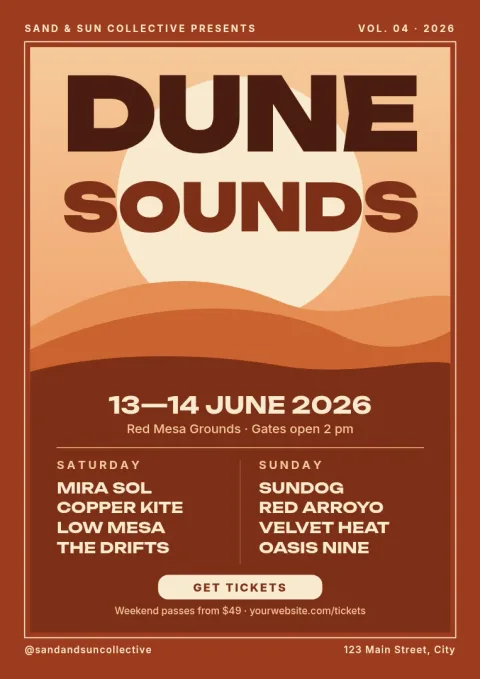
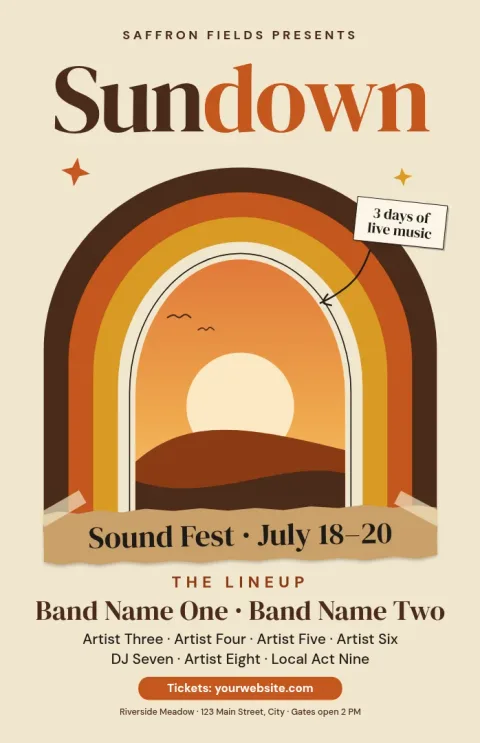
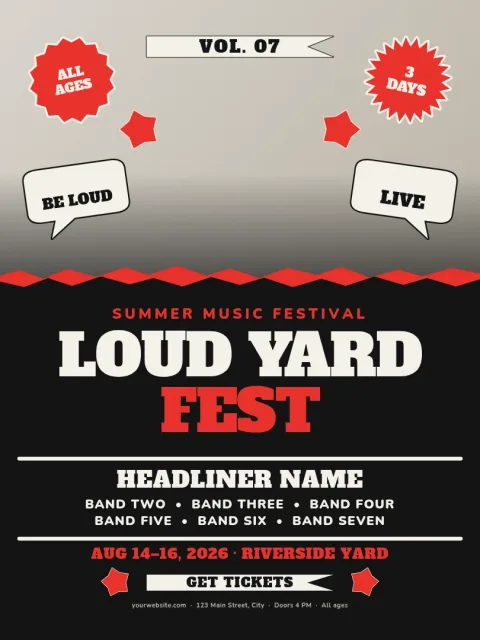
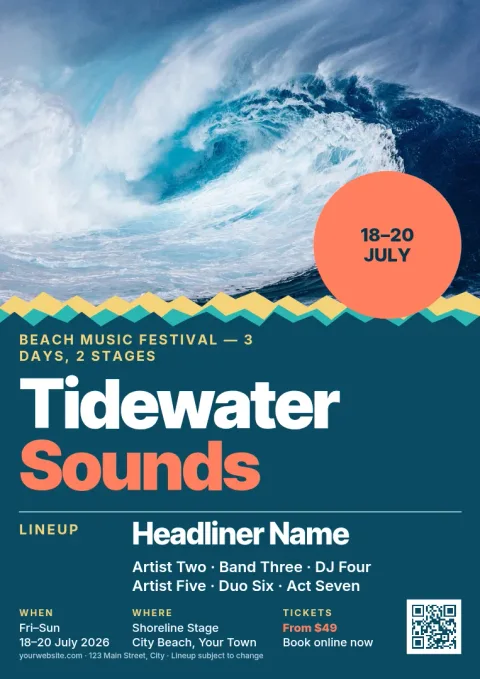
Start with the mood of your festival
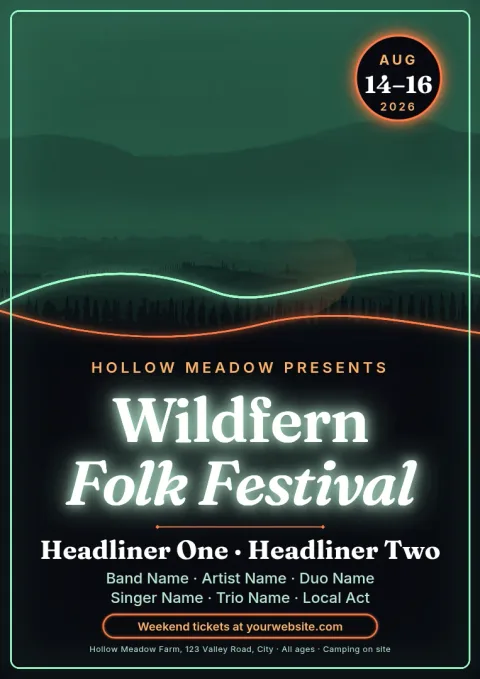
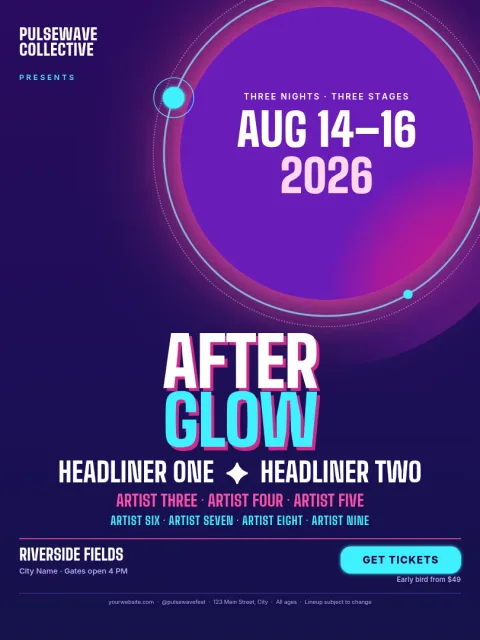
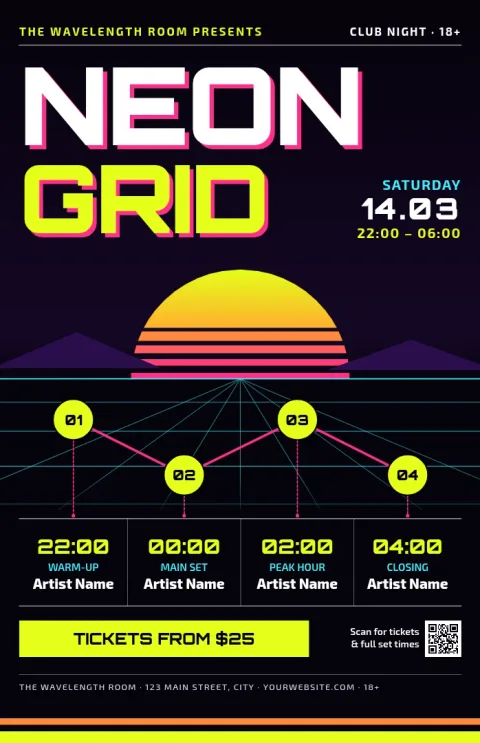
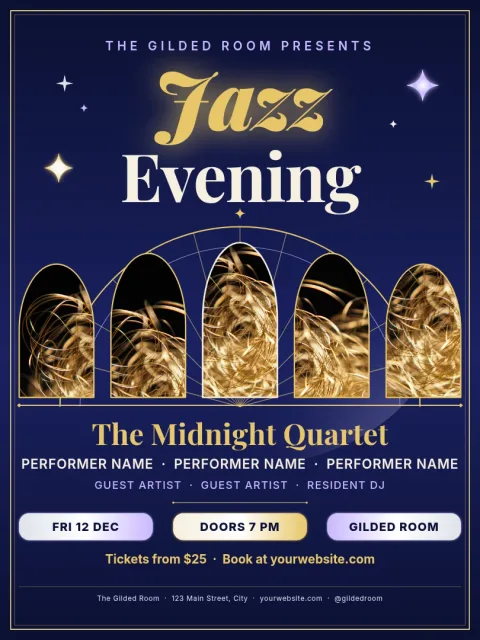
A lineup poster works when people can feel the event before they read a name. These eight templates cover neon nights, desert sunsets, retro stripes, folk fields, club grids, beach days and jazz evenings. Pick the one closest to your crowd, then adjust the colours and photo areas so it looks like your festival.
Get the lineup order right
Put headliners in the biggest type at the top, then step the size down for each tier of artists. Keep dates, venue and ticket details in one clear spot, usually the bottom. Every template here already has tiers set up, so you only replace the text and resize lines if a name runs long.
Edit, save and share
Change text, fonts, colours, photos and layout in the Nimply Design editor. If you have a brand kit, it keeps your colours, fonts and logo ready to apply. Download as PNG, JPG, WebP, PDF or SVG, or send the poster into a Nimply post for approval and scheduling.
Choose a poster size
The templates come in 18x24, A3 and 11x17 poster sizes. Pick the size that matches where you plan to show it, and keep a PNG copy for social posts. Downloading a template does not use AI credits. Only the AI photo tools, like background remover, do.
Frequently asked questions
Can I change the artist names and dates?
Yes. Every line of text is editable, including artist names, dates, venue and ticket details. You can also change fonts, sizes and colours, and move or delete any element to fit a shorter or longer lineup.
What file types can I download?
You can download your poster as PNG, JPG, WebP, PDF (standard or vector) or SVG. You can also send the design straight into a Nimply post for approval and scheduling.
Does downloading a template use AI credits?
No. Downloading a template does not use AI credits. Credits are only used by the AI photo tools, such as the background remover and Magic Layers.
Can I keep my festival colours and logo?
Yes. Set up a brand kit with your colours, fonts and logo, and apply them to any template so each poster, flyer and social post stays consistent.
Make it yours in minutes
Open any template in Nimply Design, add your brand in one click, and send it straight into a post for approval and scheduling.