

Music concert poster design template free to edit online
Fill the room with a poster that tells people who is playing, when and where. Choose one of eight concert poster templates, swap in your band name, date and venue, and change the colours and photo. Everything is edited in your browser, and the Free plan includes it.
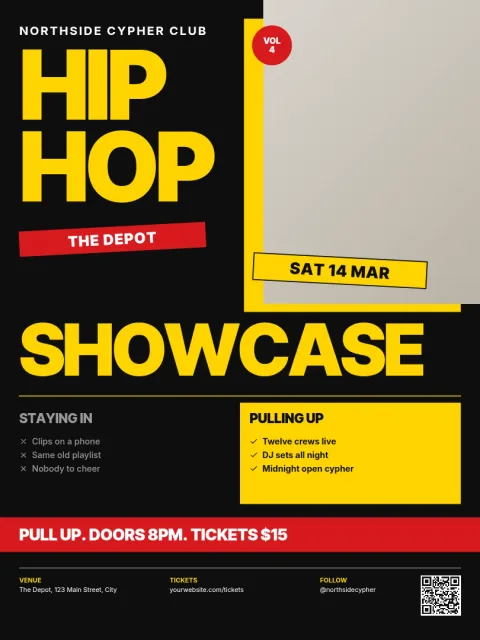
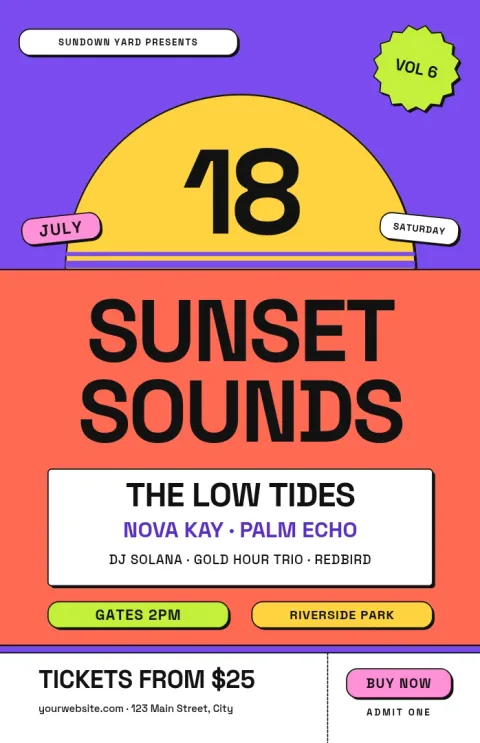
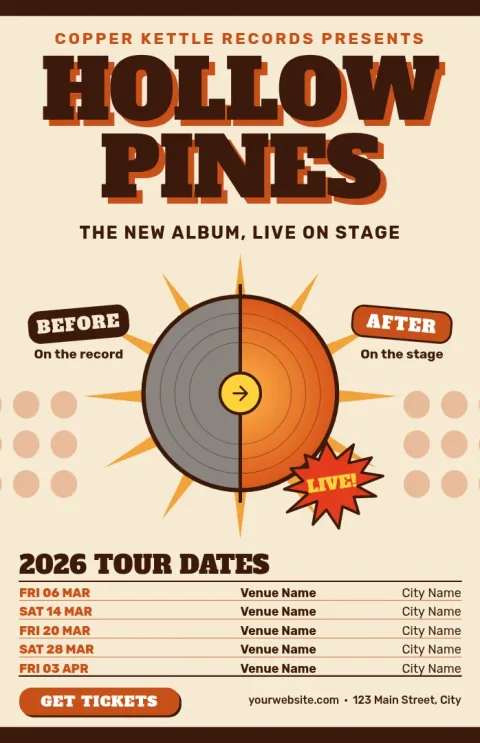
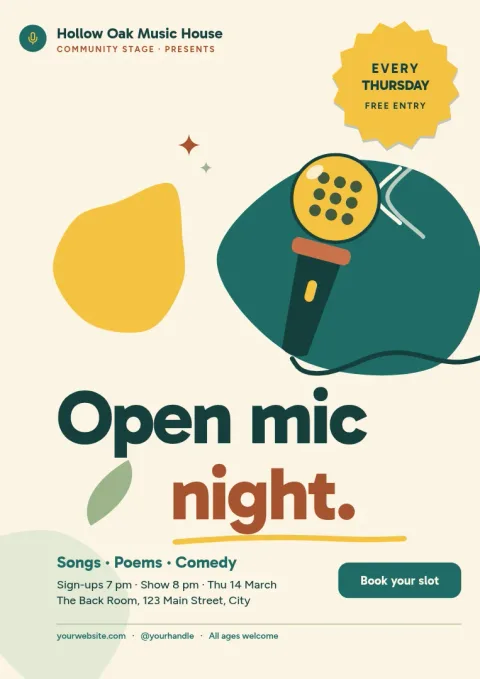
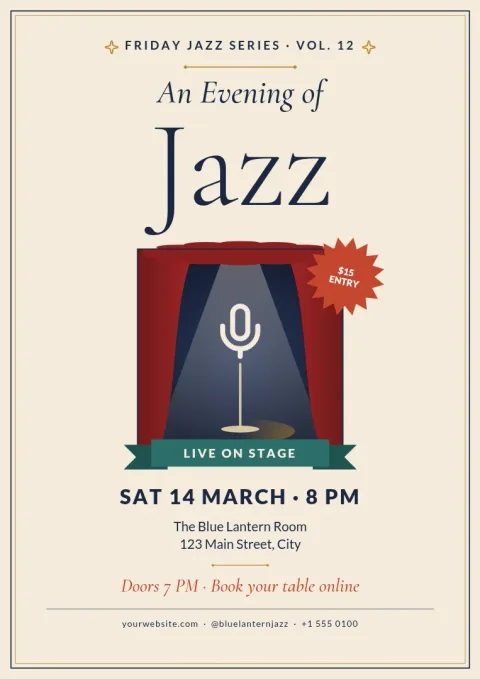
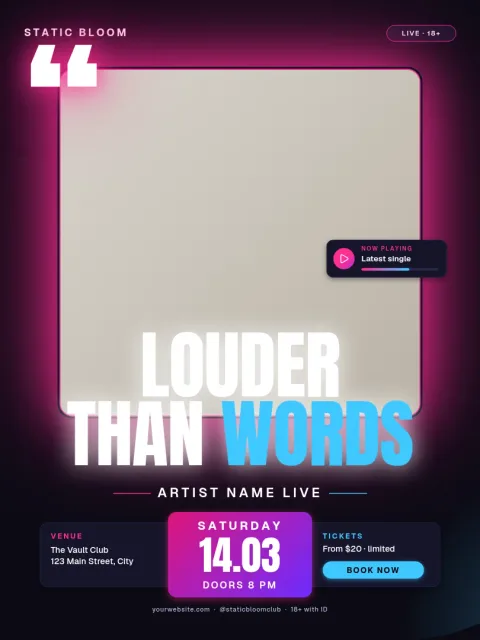
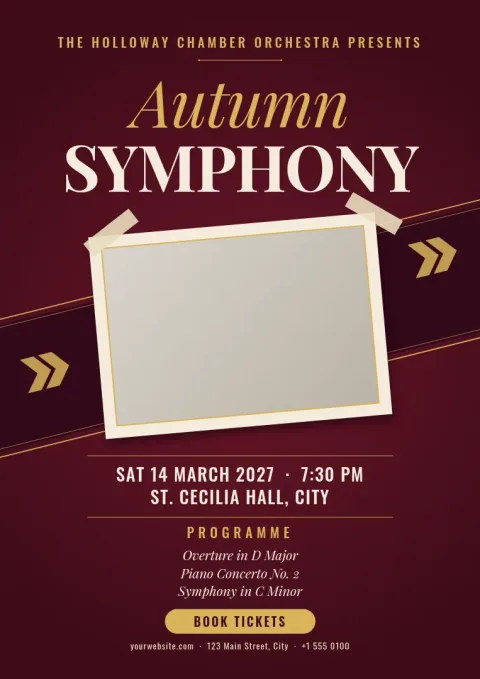
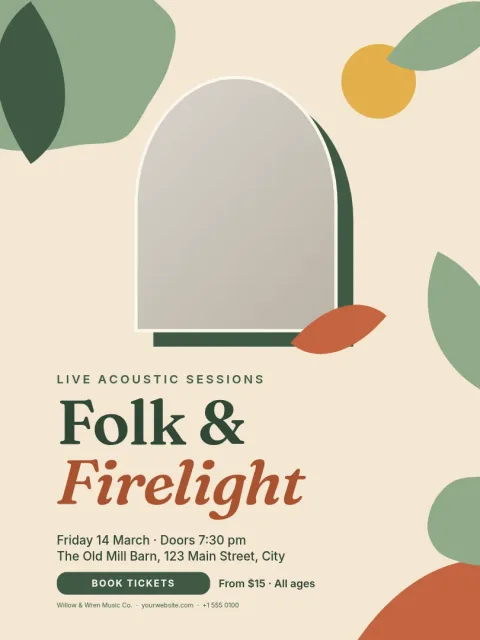
Pick a style that fits your sound
A punk gig and a string quartet should not look alike. These eight templates cover club nights, rock tours, jazz evenings, folk shows, festivals, classical concerts, hip-hop showcases and open mics. Start with the mood closest to your event, then adjust the fonts, colours and layout until it feels like your act.
What to put on a concert poster
Keep the essentials easy to spot: the artist or event name, the date, the venue and where to get tickets. Support acts and doors time come next. Each template leaves clear space for these details, so you can type them in without redesigning the page.
Edit, save and share
Change text, fonts, colours, photos and layout in the Nimply Design editor. Save your colours, fonts and logo in a brand kit so a whole tour looks consistent. Download as PNG, JPG, WebP, PDF or SVG, or send the design into a Nimply post for approval and scheduling.
Frequently asked questions
Is this music concert poster template really free?
Nimply Design is part of every plan, including Free, so you can open a template, edit it and download it. Downloading a template does not use AI credits. AI photo tools, such as the background remover, do use credits.
Which file formats can I download?
You can download your poster as PNG, JPG, WebP, PDF (standard or vector) or SVG. You can also send it straight into a Nimply post to get it approved and scheduled.
Can I use my own band photo?
Yes. Each template has a photo placeholder where you can add your own picture. Make sure you have the right to use any image you upload.
What poster sizes are available?
These templates come in 18x24, 11x17 and A3 poster sizes. Pick the one that matches where your poster will be shown.
Can I keep the same look across several gigs?
Yes. Save your colours, fonts and logo in a brand kit, then start each new poster from it so a run of dates looks like one set.
Make it yours in minutes
Open any template in Nimply Design, add your brand in one click, and send it straight into a post for approval and scheduling.