

Charity Event Flyer Template Collection
Choose a charity event flyer template, swap in your event name, date, venue and cause, and have a flyer ready to share. Each design is editable in your browser, so you can change text, fonts, colours and photos to fit your organisation. Start free.
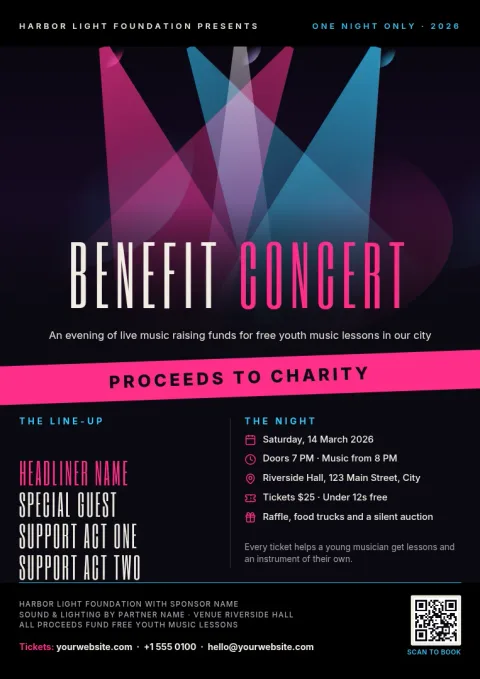
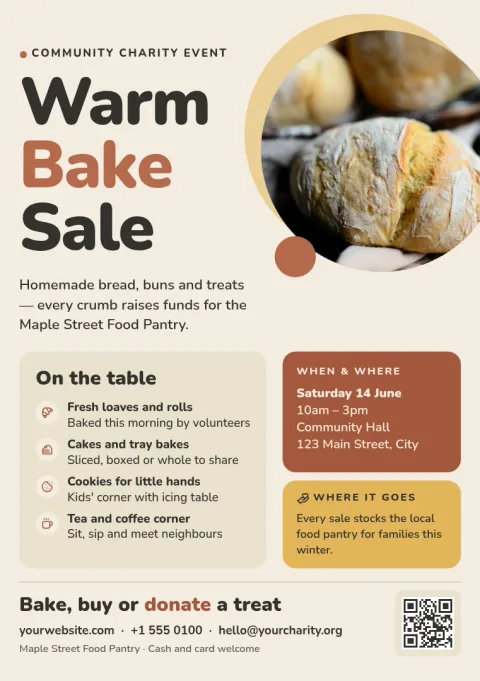
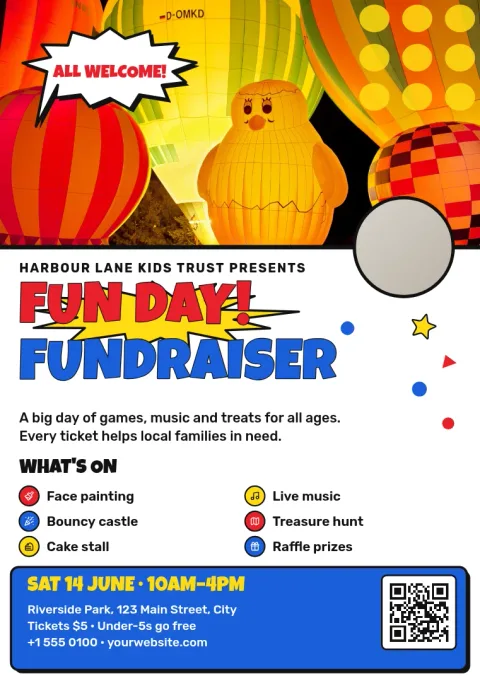
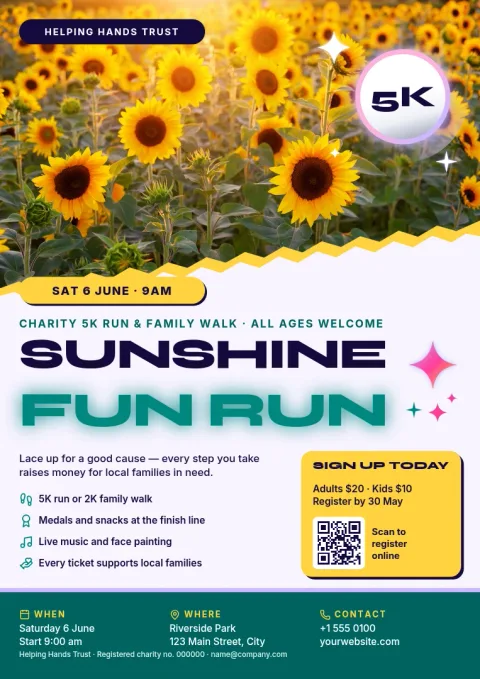
What a charity event flyer should say
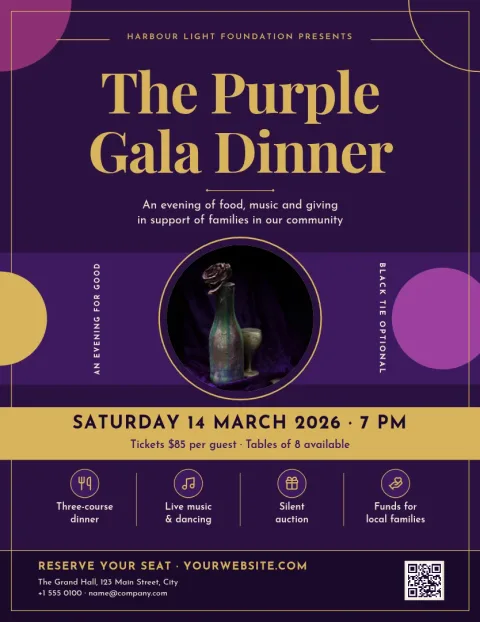
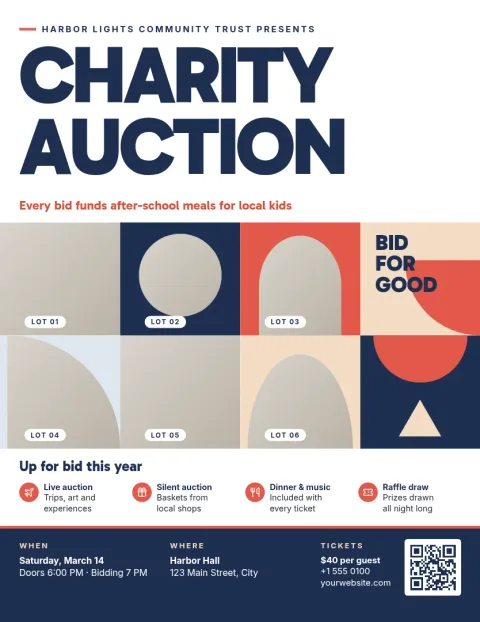
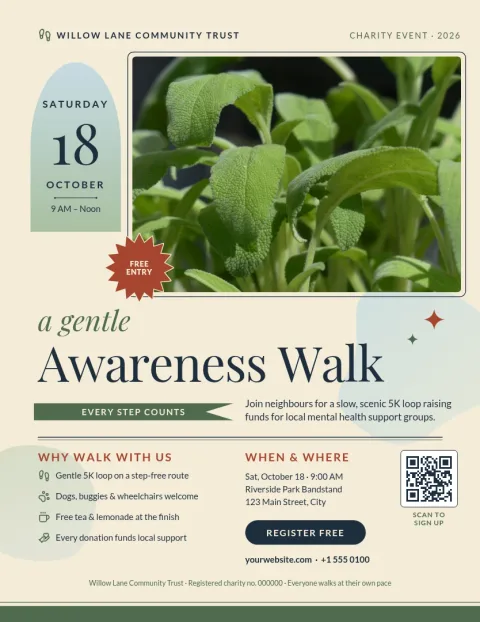
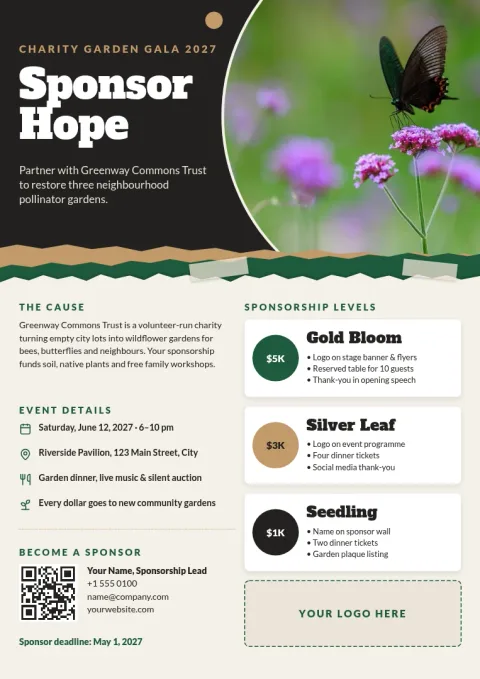
People decide quickly whether to come. Put the event name, date, time and place near the top. Say in one line what the money or time will help with. Add one clear way to take part, such as a ticket link, a phone number or a QR code. Keep sponsors and extra details small at the bottom.
Make it match your organisation
Each template can be changed to suit your charity. Edit the text, fonts, colours, photos and layout. If you save a brand kit, your colours, fonts and logo stay consistent across every flyer, poster and social post you make for the event.
Download or share it
When the flyer is ready, download it as a PNG, JPG, WebP, PDF (standard or vector) or SVG. You can also send the design straight into a Nimply post for approval and scheduling, so the same artwork can promote your event online.
Choosing a size
Templates come in US Letter, A4 and A5 flyer sizes. Letter and A4 suit noticeboards and handouts with more detail. A5 is a smaller, simpler format for counters, bags and quick handouts. Pick the size first so your layout fits from the start.
Frequently asked questions
Can I edit a charity event flyer template for free?
Yes. Nimply Design is part of every plan, including Free. You can change the text, fonts, colours, photos and layout of any template in your browser. Downloading a template does not use AI credits.
Which file formats can I download?
You can download PNG, JPG, WebP, PDF (standard or vector) or SVG. PDF is a common choice for sharing a flyer as a document, while PNG and JPG suit posting online.
What sizes are available?
These flyers come in US Letter, A4 and A5. Choose the size that fits where the flyer will be shared, then edit the design to match.
Can I keep my charity's colours and logo?
Yes. Brand kits store your colours, fonts and logo, so you can apply them to each flyer instead of setting them up again every time.
Can I use the flyer for social media too?
Yes. You can send a design straight into a Nimply post for approval and scheduling, or download it as an image and post it yourself.
Make it yours in minutes
Open any template in Nimply Design, add your brand in one click, and send it straight into a post for approval and scheduling.