

Event management business card design template for every style
Choose an event management business card design template, swap in your name, contact details and logo, and have a card ready to hand out at your next client meeting or venue walk-through. Eight different looks below, from elegant wedding styles to bold conference designs. Edit everything in your browser.

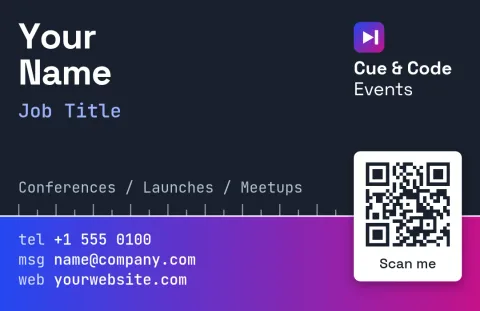
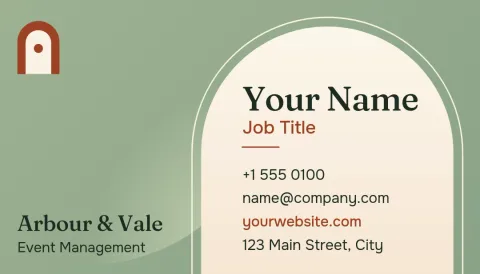
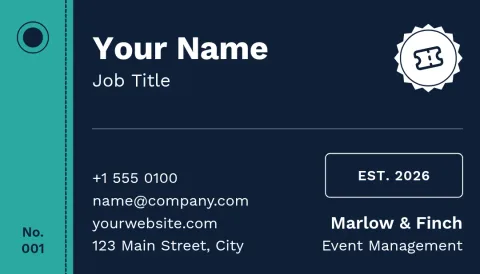
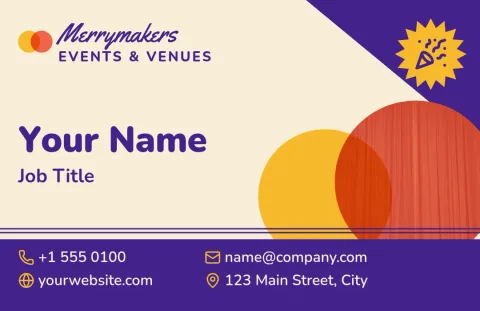
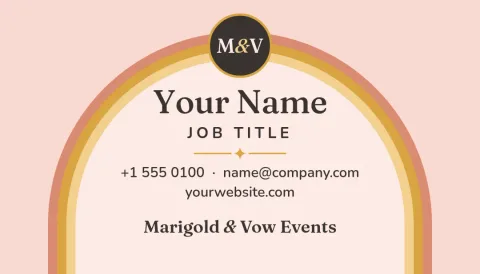
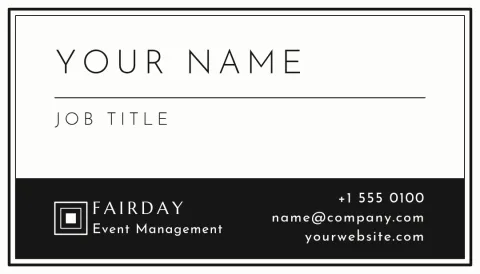
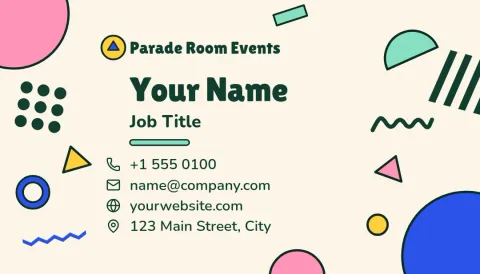
Pick a look that fits the events you run
A wedding planner and a conference organiser should not hand out the same card. Start with the mood your clients expect: soft and romantic, clean and corporate, or lively and colourful. Each template is built from text, shapes and photo placeholders, so you can change the layout until it suits your work.
What to put on an event card
Keep it short: your name, your role, the type of events you manage, a phone number, an email and a website or social handle. A small logo helps people remember you. Use the back for a tagline or a photo from a past event. Leave some empty space so the card reads easily.
Edit, save your brand and download
Change text, fonts, colours, photos and layout right in the editor. A brand kit keeps your colours, fonts and logo ready so every card matches your other materials. Download as PNG, JPG, WebP, PDF (standard or vector) or SVG. Downloading a template does not use AI credits.
Frequently asked questions
Can I edit these templates for free?
Yes. Nimply Design is part of every Nimply plan, including Free. You can change text, fonts, colours, photos and layout, and downloading a template does not use AI credits.
Which file formats can I download?
You can download PNG, JPG, WebP, PDF (standard or vector) or SVG. Pick the format that suits where you will use the card, such as sharing online or sending a file to a print shop.
Are the cards US or European size?
Templates come in US and European business card sizes. Choose the one that matches the country where you will have your cards made or where most of your clients are.
Can I keep my brand colours and logo?
Yes. Set up a brand kit with your colours, fonts and logo, and use it across your cards and other designs so everything looks consistent.
Make it yours in minutes
Open any template in Nimply Design, add your brand in one click, and send it straight into a post for approval and scheduling.