

Halloween party poster template for your next party
Choose a halloween party poster template, add your date, place and dress code, and have a finished poster in minutes. Every design below is editable in your browser. Swap the text, fonts, colours and photos, then download the file or send it to a Nimply post.
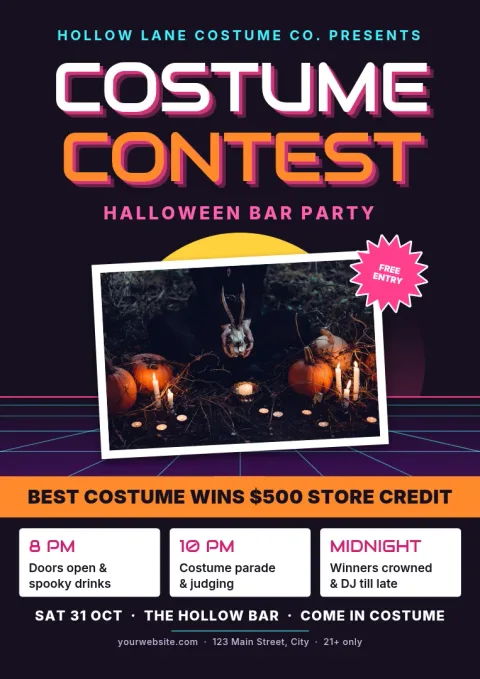
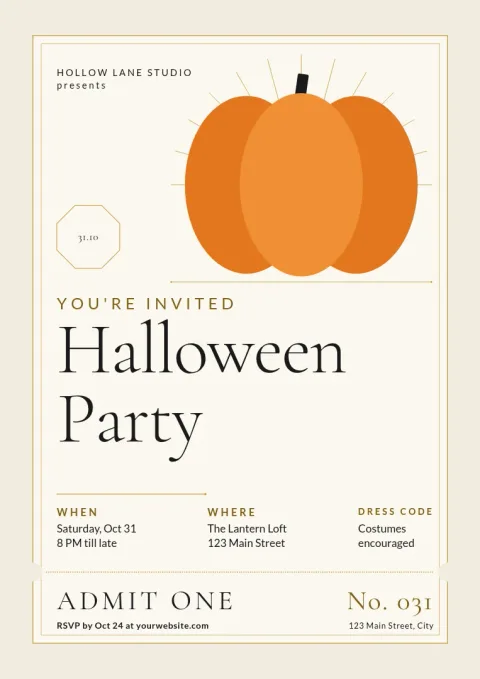
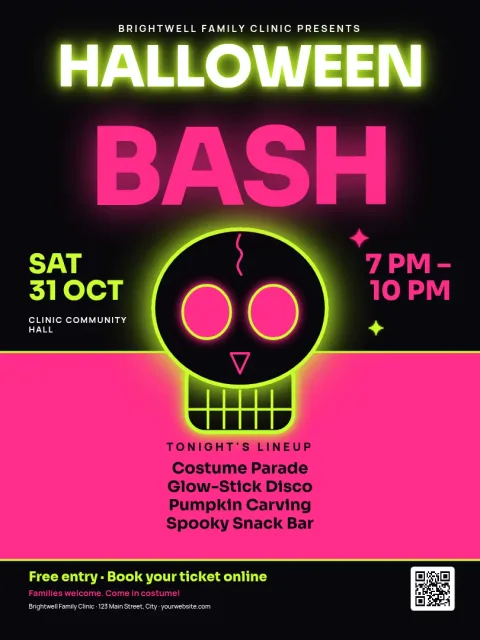
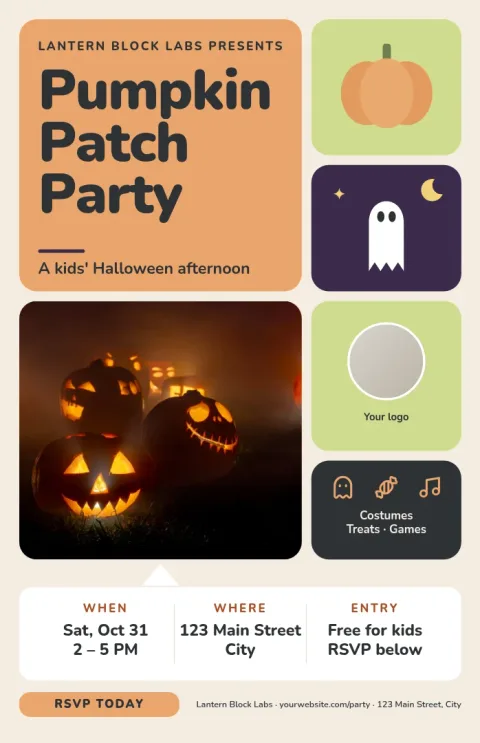
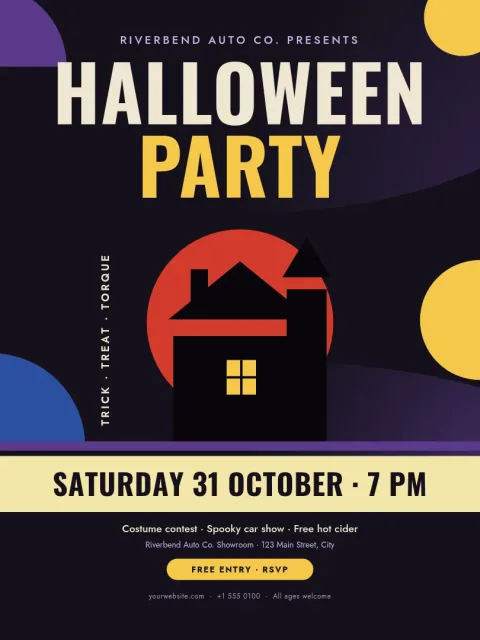
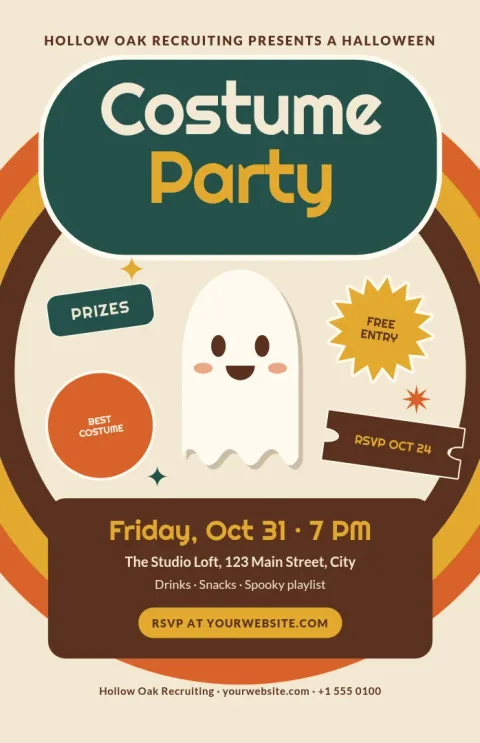
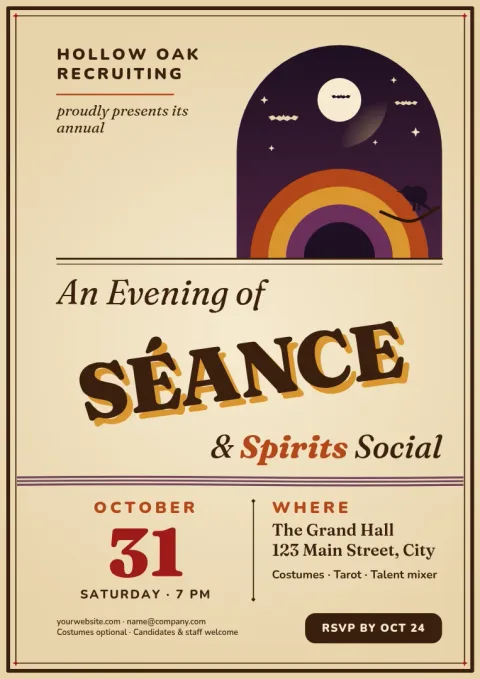
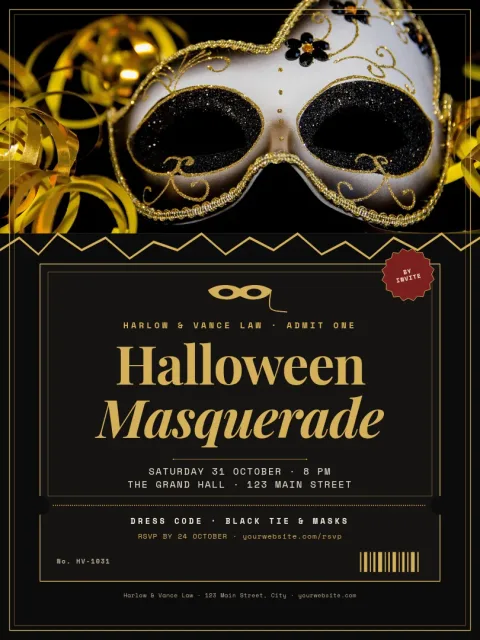
What to put on a Halloween party poster
People decide in a few seconds, so lead with the party name and the date. Put the time and place right under it. Add one line about what makes the night worth coming to, such as a costume contest, a playlist or a free first drink. Finish with how to RSVP or buy tickets. Each template leaves room for these basics.
Pick a mood that fits your guests
Spooky and dark suits a late-night house party. Soft and minimal suits a grown-up dinner. Bright orange and playful suits kids and families. The eight templates here cover haunted, retro, neon, vintage, minimal, family, masquerade and costume contest looks, so you can start close to your event and adjust from there.
Edit, download or schedule
Nimply Design runs in your browser and is part of every Nimply plan, including Free. Change text, fonts, colours, photos and layout, or use your brand kit to keep your colours, fonts and logo. Download as PNG, JPG, WebP, PDF or SVG, or send the poster into a Nimply post for approval and scheduling. Downloading a template does not use AI credits.
Frequently asked questions
Is the halloween party poster template editable?
Yes. You can change the text, fonts, colours, photos and layout in the Nimply Design editor in your browser. Nothing is locked, so you can start from a template and make it look like your own event.
Can I use it on the Free plan?
Yes. Nimply Design is part of every Nimply plan, including Free. Downloading a template does not use AI credits. Only AI photo tools, such as the background remover and Magic Layers, use credits.
What file formats can I download?
You can download your poster as PNG, JPG, WebP, PDF (standard or vector) or SVG. You can also send it straight into a Nimply post for approval and scheduling.
Which poster size should I choose?
The templates come in 18x24, A3 and 11x17 poster sizes. Pick the one that matches where you plan to show it. You can start from any template and check the size before you edit.
Can I add my own photos and logo?
Yes. Replace the photo placeholders with your own images and add your logo. If you use a brand kit, your colours, fonts and logo stay consistent across your designs.
Make it yours in minutes
Open any template in Nimply Design, add your brand in one click, and send it straight into a post for approval and scheduling.