

Event Proposal Presentation Template Collection
Pick an event proposal presentation template, swap in your event details, and share a clear pitch with your client. Each deck is editable in your browser, so you can change text, fonts, colours, photos and layout without starting from a blank slide.
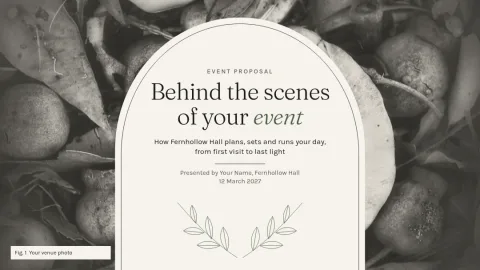

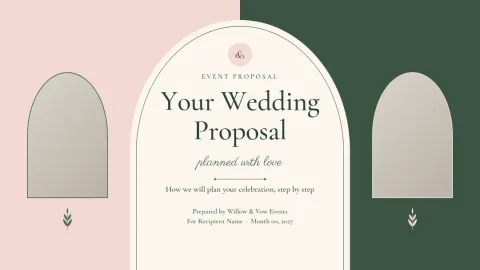
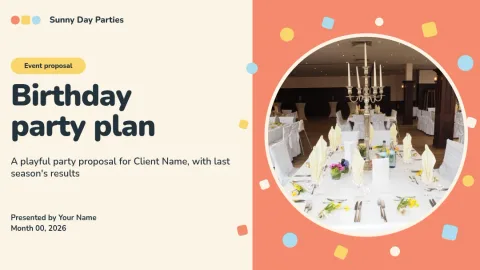
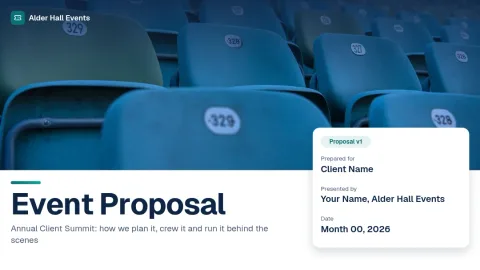

What a good event proposal deck covers
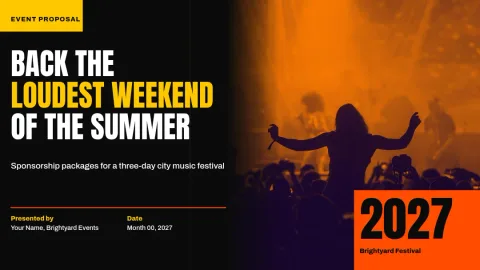
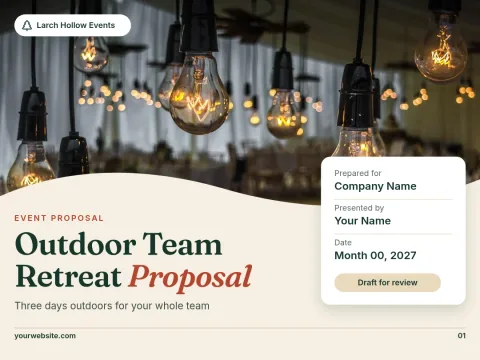
Clients want to see the idea, the plan and the cost without digging. A good proposal deck opens with the concept, shows the venue or setting, lays out the schedule, and ends with pricing and next steps. These templates give you slides for each of those parts, so you only fill in your own details.
Make it match your brand
Set up a brand kit and your colours, fonts and logo stay consistent across every slide. Replace the photo placeholders with your own pictures of past events or venues. Change the layout when a slide needs more room for text, a timeline or a budget table.
Download or send it on
When the deck is ready, download it as a PDF, PNG, JPG, WebP or SVG. PDF works well for emailing a proposal to a client. You can also send a slide into a Nimply post for approval and scheduling if you want to share a preview on social media.
Frequently asked questions
Is the event proposal presentation template free to edit?
Nimply Design is part of every Nimply plan, including Free. You can open a template, edit it in your browser and download it. Downloading a template does not use AI credits.
What should an event proposal include?
Usually the event concept, goals, date and venue, schedule, services you provide, pricing and next steps. Add a short about-us slide so the client knows who is behind the plan.
Can I download my proposal as a PDF?
Yes. You can download as a standard or vector PDF, or as PNG, JPG, WebP or SVG. PDF is usually the easiest format to email.
Can I use my own brand colours and logo?
Yes. Brand kits keep your colours, fonts and logo ready, so you can apply them to each slide of the deck.
Can I add my own photos?
Yes. Replace the photo placeholders with your own images. AI tools such as the background remover use AI credits.
Make it yours in minutes
Open any template in Nimply Design, add your brand in one click, and send it straight into a post for approval and scheduling.