

Influencer marketing presentation template collection
Pitch a creator campaign, share a strategy or send a report with a deck that looks ready on day one. Choose an influencer marketing presentation template below, swap in your text, colours and photos, then download it or send it into a Nimply post.


What you can make with these decks
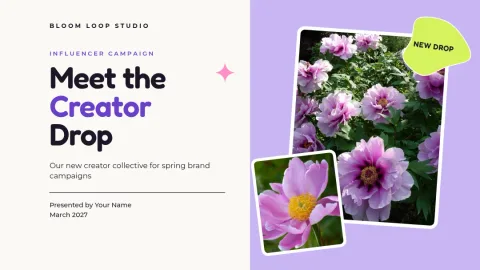
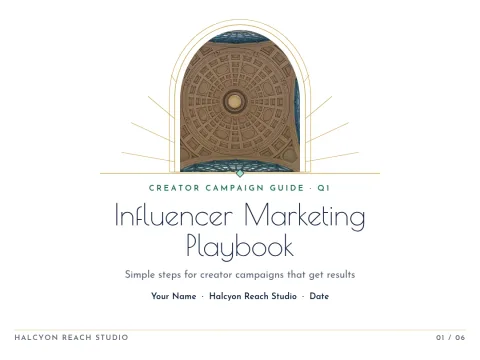
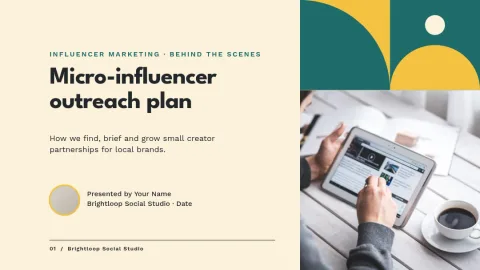
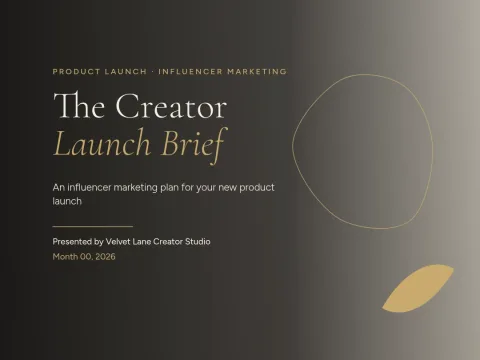
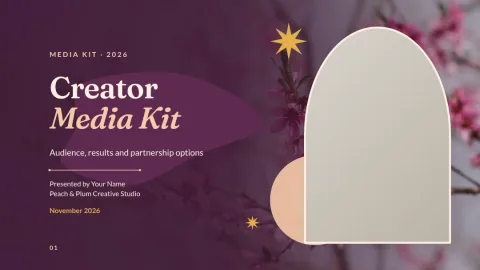
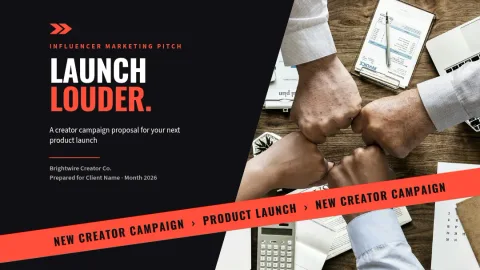
These templates cover the slides most influencer work needs: a campaign pitch, a creator media kit, a strategy roadmap, a brand partnership proposal and a results report. Each one has placeholders for photos, so you can drop in creator shots, product images or screenshots and keep the layout tidy.
Edit in your browser
Nimply Design runs in the browser and is part of every Nimply plan, including Free. Change text, fonts, colours, photos and layout on any slide. If you work with a brand or a client, a brand kit keeps your colours, fonts and logo ready so every deck matches.
Download or send to a post
When the deck is done, download it as a PDF (standard or vector), PNG, JPG, WebP or SVG. You can also send a design straight into a Nimply post for approval and scheduling, which helps when you want to share a slide as a teaser. Downloading a template does not use AI credits.
Frequently asked questions
Can I edit these templates for free?
Yes. Nimply Design is part of every Nimply plan, including Free. You can change text, fonts, colours, photos and layout in your browser. Downloading a template does not use AI credits.
What file formats can I download?
You can download PNG, JPG, WebP, PDF (standard or vector) or SVG. PDF is the usual choice for sending a deck to a brand or client.
Can I add my brand colours and logo?
Yes. Set up a brand kit with your colours, fonts and logo, and use them across every slide so the deck matches your brand or your client's.
Do the decks come in more than one size?
Templates here are made for widescreen and 4:3 presentation sizes. Pick the one that suits where you will present or share the deck.
Can I share a slide on social media?
Yes. You can send a design straight into a Nimply post, then use approval and scheduling to publish it with the rest of your content.
Make it yours in minutes
Open any template in Nimply Design, add your brand in one click, and send it straight into a post for approval and scheduling.