

Event schedule poster template you can edit online
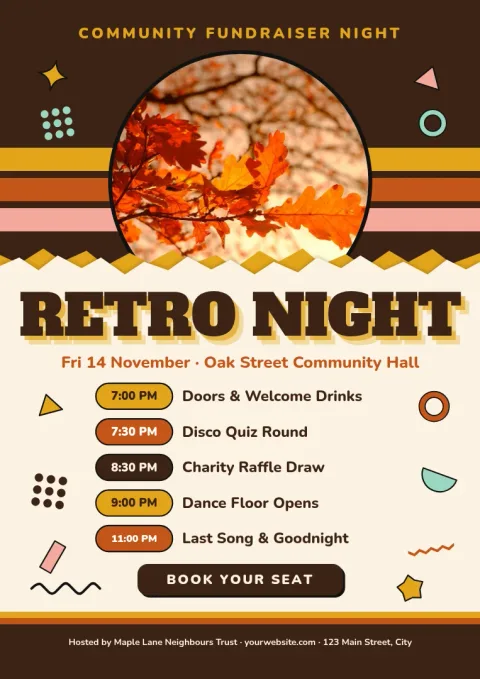
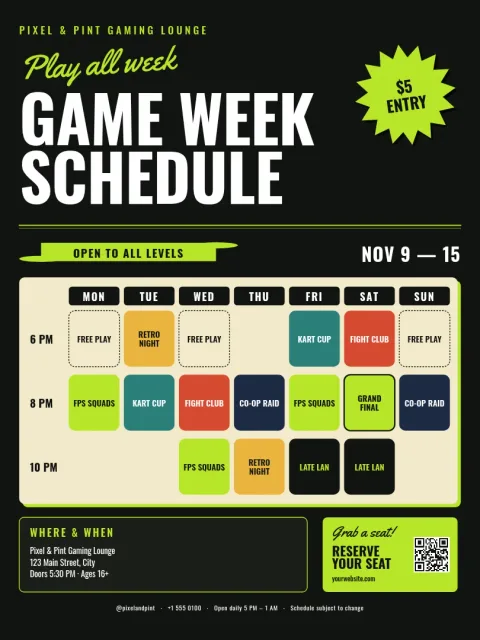
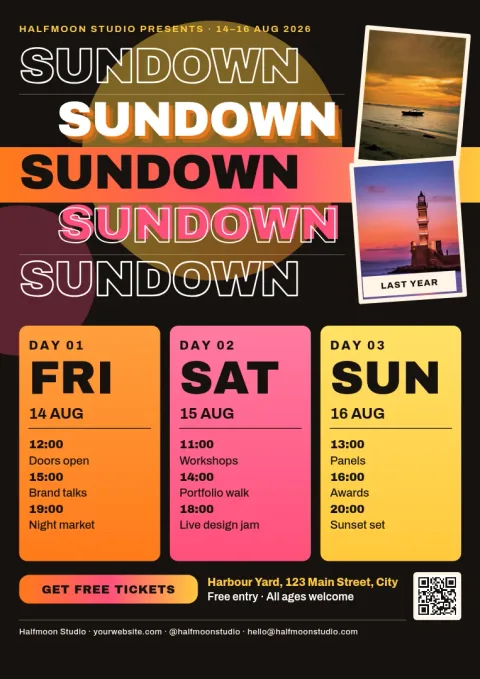
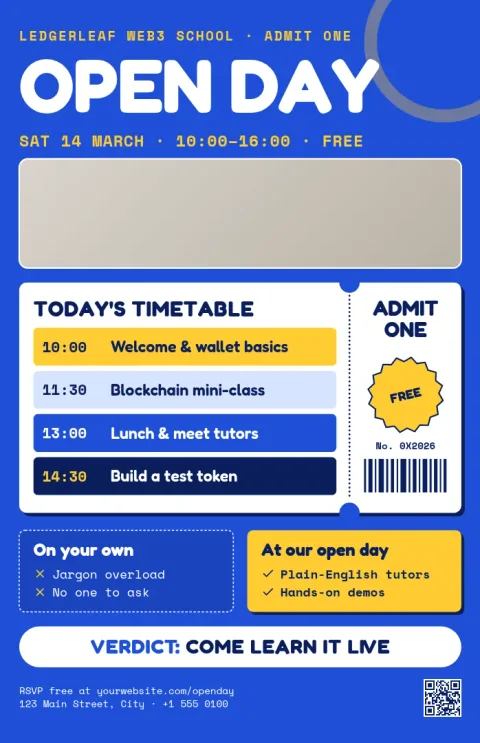
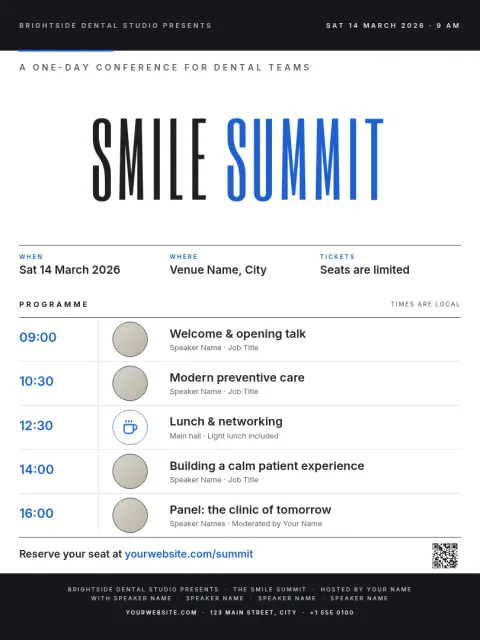
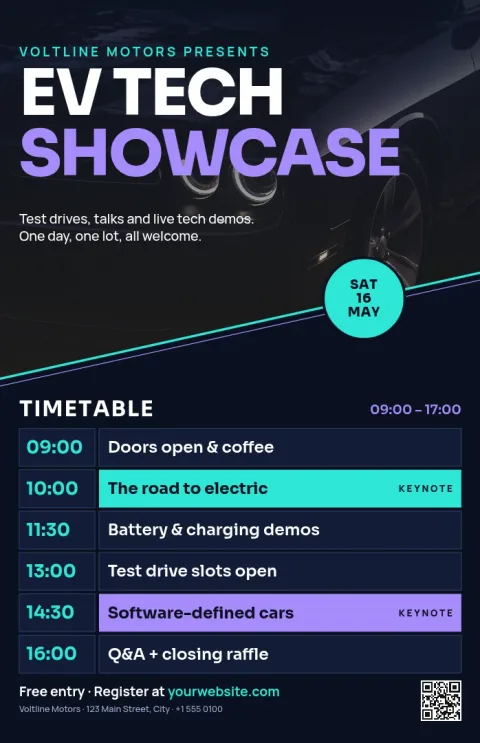
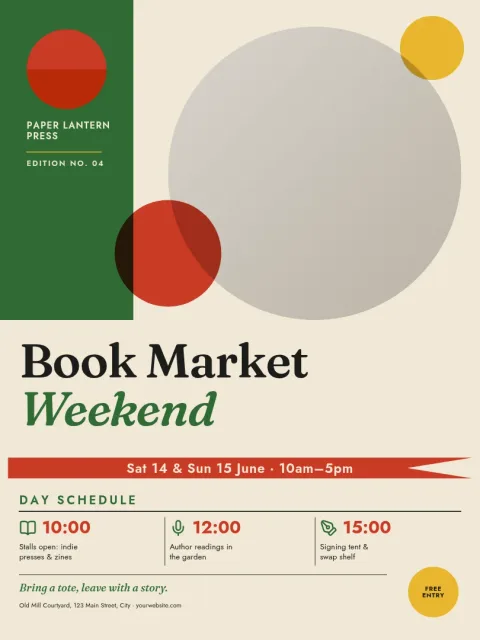
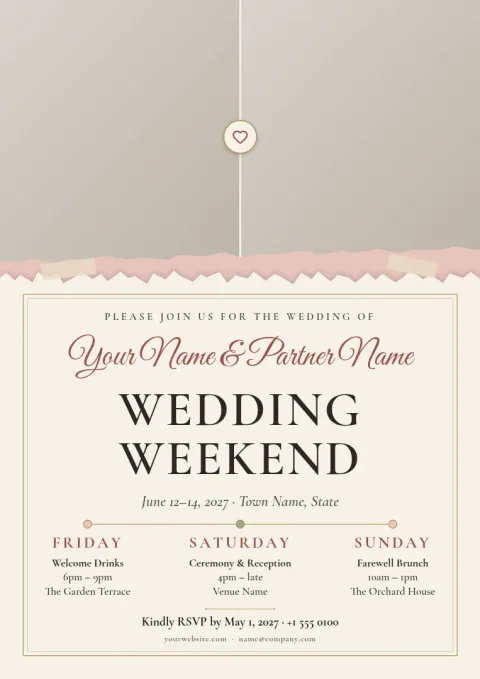
Show guests what happens and when. Each event schedule poster template below has clear spots for times, session names, speakers and venue details. Pick one, swap in your own text, colours and photos in the browser, then download it or send it into a Nimply post.
What a good schedule poster includes
Guests glance at a schedule for a few seconds, so keep it simple. Put the event name and date at the top, list times in one clear column, and keep session names short. Add the venue and one way to find more details, such as a web address. These templates already follow that order, so you only replace the words.
Make it match your event
Every template can be changed. Edit the text and fonts, switch the colours, replace the photo placeholders and move blocks around. If you save a brand kit, your colours, fonts and logo stay consistent across posters, flyers and social posts. Choose a size that fits where the poster will hang or be shared.
Download or share
When the schedule is final, download the poster as PNG, JPG, WebP, PDF (standard or vector) or SVG. You can also send the design straight into a Nimply post for approval and scheduling, so the same schedule reaches your followers online. Downloading a template does not use AI credits.
Frequently asked questions
Can I change the times and sessions?
Yes. All text is editable, so you can rename sessions, change times, add rows or remove them. You can also change fonts, colours, photos and layout to suit your event.
What file types can I download?
You can download PNG, JPG, WebP, PDF (standard or vector) or SVG. Pick the one that suits where you will use the poster.
Does Nimply print the poster for me?
No. Nimply is where you design and download the file. You can take it to a print shop of your choice or share it online.
Is the editor free to use?
Nimply Design is part of every Nimply plan, including Free. Downloading a template does not use AI credits. AI photo tools such as the background remover do use credits.
Can I share the schedule on social media too?
Yes. You can send the design straight into a Nimply post, where it can go through approval and be scheduled.
Make it yours in minutes
Open any template in Nimply Design, add your brand in one click, and send it straight into a post for approval and scheduling.