

Event Schedule Flyer Template for Any Program or Agenda
Choose an event schedule flyer template, swap in your times, sessions and venue, and share a clear agenda in minutes. Each design is editable in your browser, so you can match your colours, fonts and logo, then download or send it to a post.
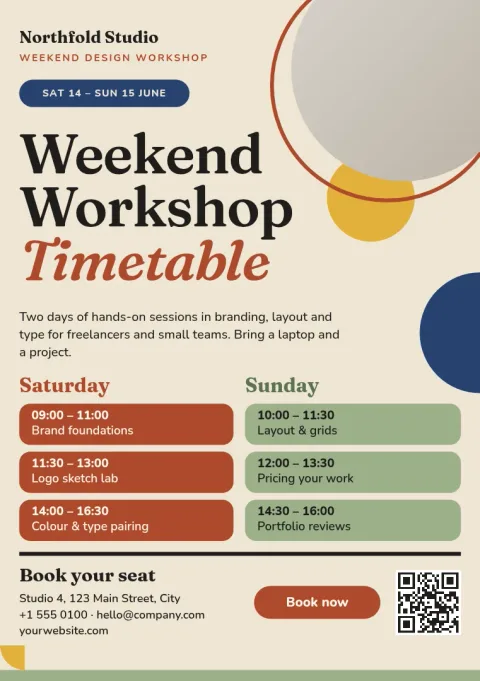
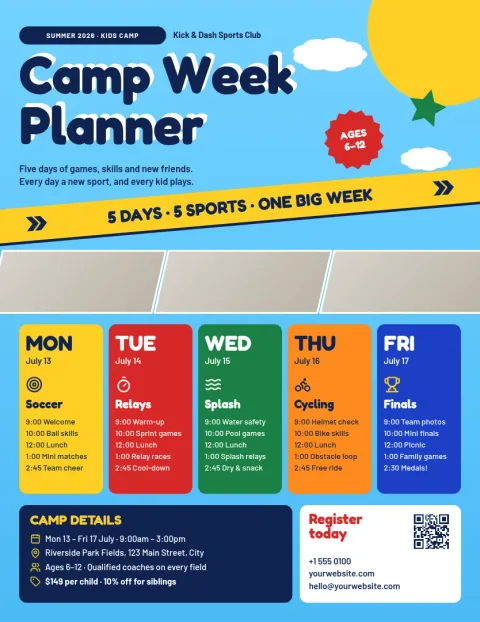
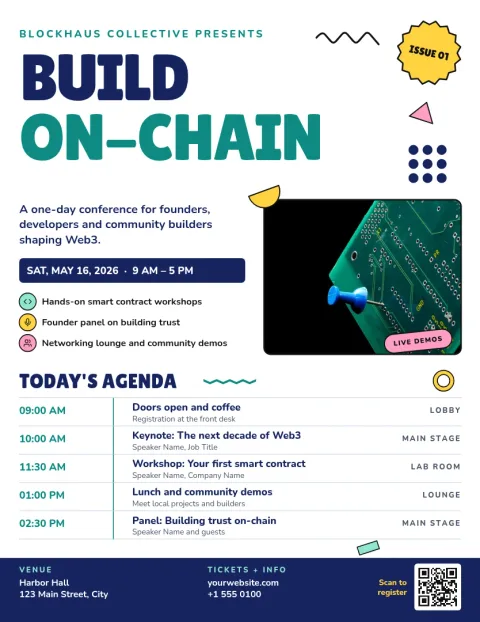
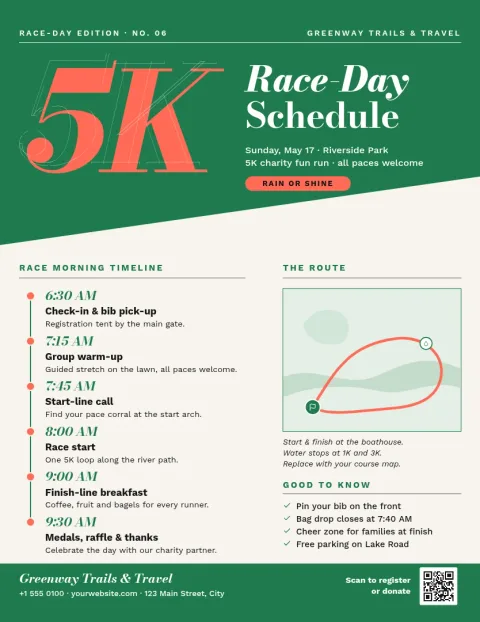
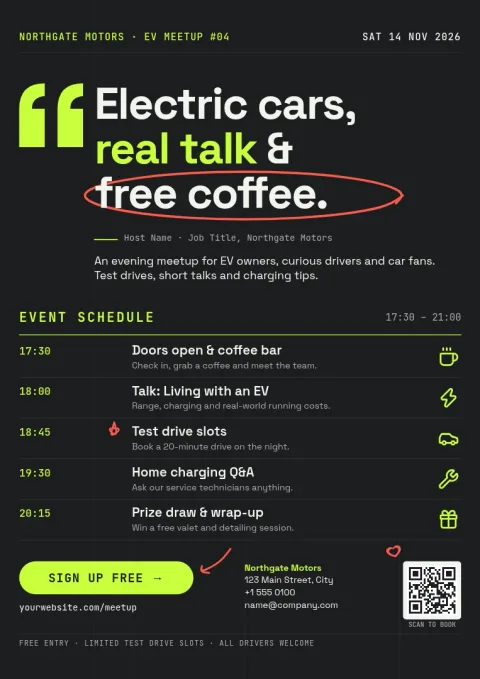
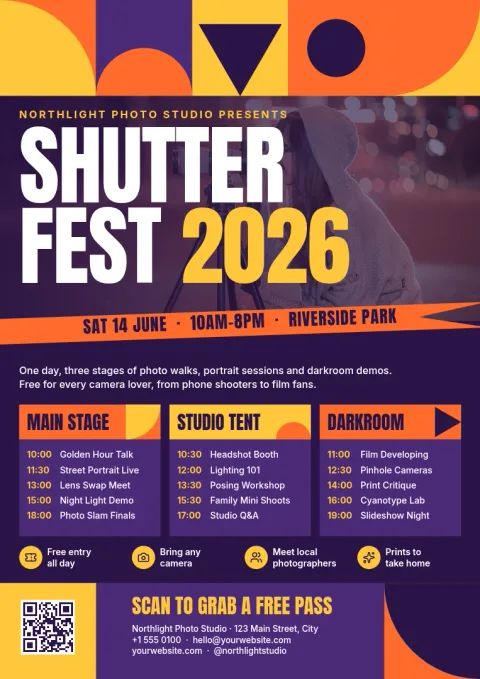
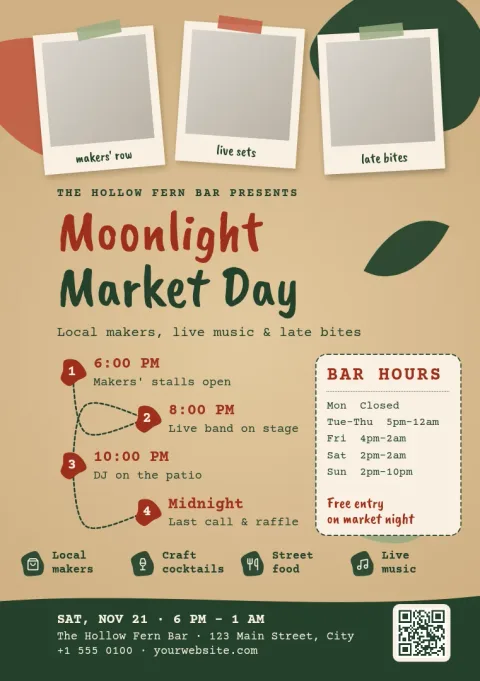
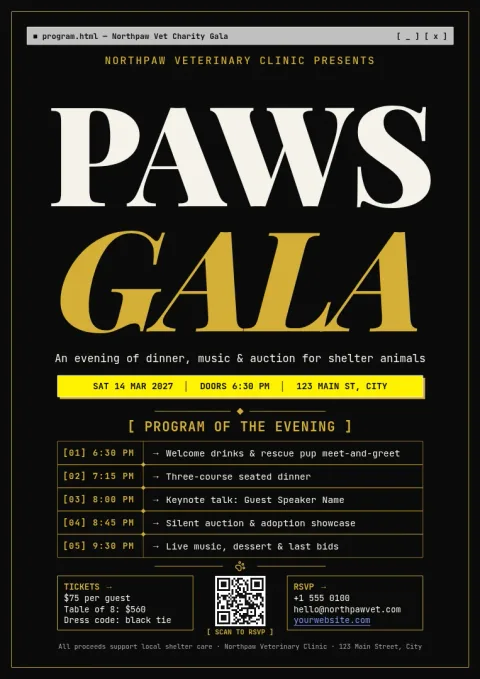
What a good schedule flyer shows
People scan a schedule flyer for three things: when it starts, where it is, and what happens in between. These templates put the date and venue up top, then list times in a clean column or grid. Replace the sample sessions with yours and delete any rows you do not need.
Make it match your brand
Edit text, fonts, colours, photos and layout directly in the editor. If you set up a brand kit, your colours, fonts and logo stay consistent across every flyer you make, so a weekend festival and a small workshop still look like they come from the same team.
Download or post it
When the schedule is final, download your flyer as PNG, JPG, WebP, PDF (standard or vector) or SVG. You can also send the design straight into a Nimply post, where it can go through approval and be scheduled for your followers.
Choose a size that fits
Templates come in Letter, A4 and A5 flyer sizes. Pick a larger size for a full day of sessions and a smaller one for a short program. Nimply Design is part of every plan, including Free, and downloading a template does not use AI credits.
Frequently asked questions
Can I change the times and sessions?
Yes. Every line of text is editable. Click a time, session name or speaker, type your own, and adjust fonts, colours and spacing. Delete or duplicate rows if your agenda is shorter or longer than the sample.
Which file formats can I download?
You can download PNG, JPG, WebP, PDF (standard or vector) or SVG. You can also send the design into a Nimply post for approval and scheduling instead of downloading it.
Is it free to use?
Nimply Design is part of every Nimply plan, including Free. Downloading a template does not use AI credits. AI photo tools, such as the background remover, do use credits.
Can I keep my brand colours and logo?
Yes. Brand kits keep your colours, fonts and logo ready, so you can apply them to any template and keep your flyers consistent.
What sizes are available?
Flyer templates come in US Letter, A4 and A5. Choose the size that suits how much schedule detail you need to fit.
Make it yours in minutes
Open any template in Nimply Design, add your brand in one click, and send it straight into a post for approval and scheduling.