

Comic Book Poster Template Designs You Can Edit
Start from a comic book poster template and make it yours. Swap the headline, change the colours, drop in your own photos and adjust the layout in your browser. Use these for events, sales, classrooms, shop windows or just for fun. Nimply Design is included in every plan, including Free.
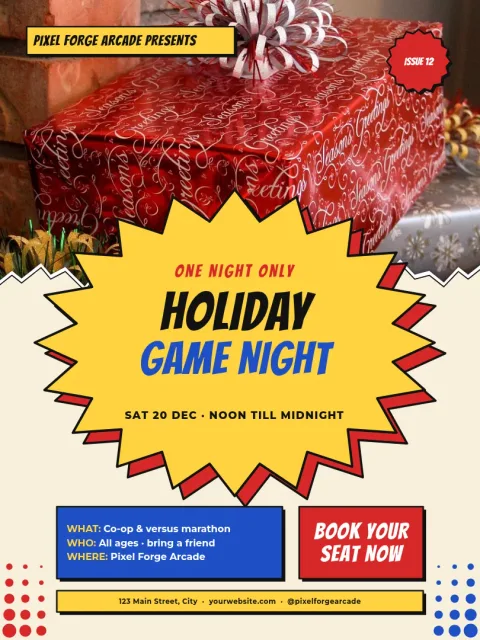
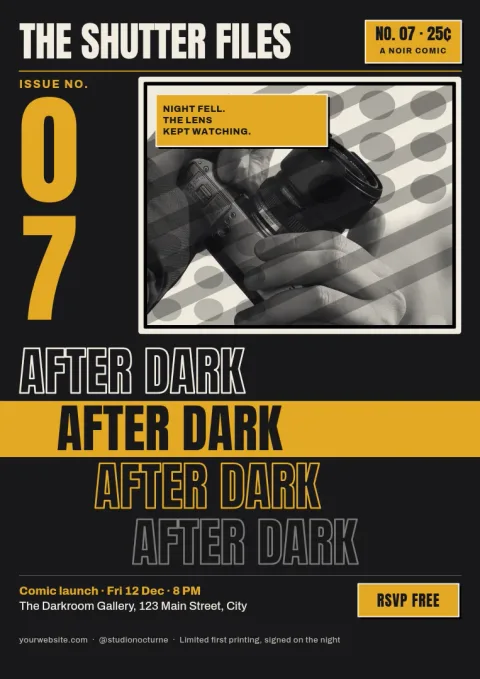

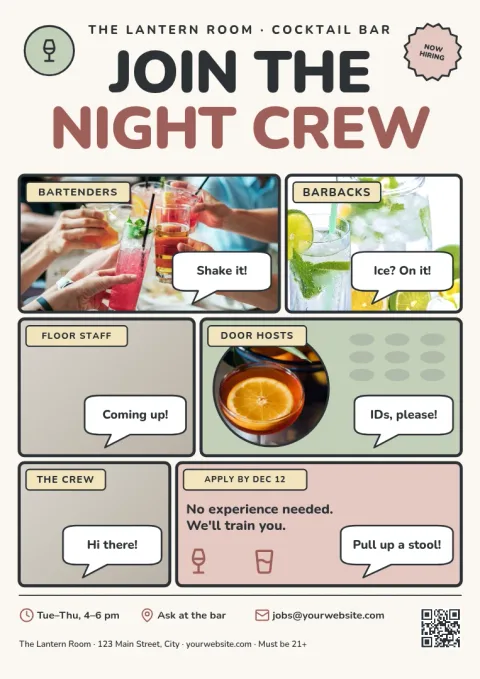
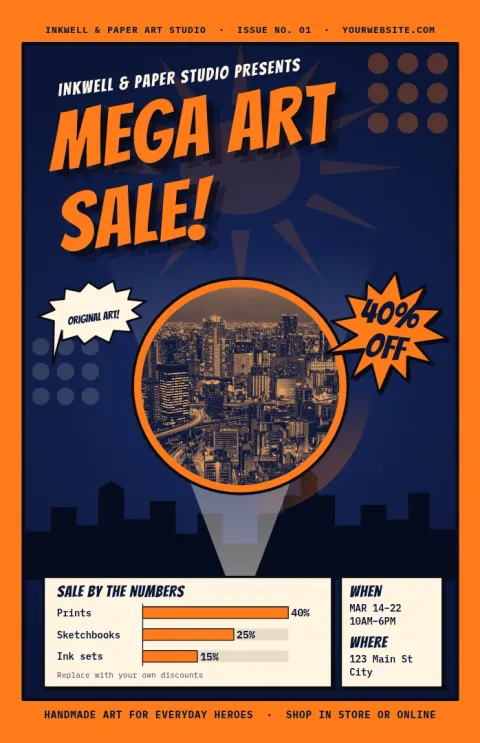
What these templates include
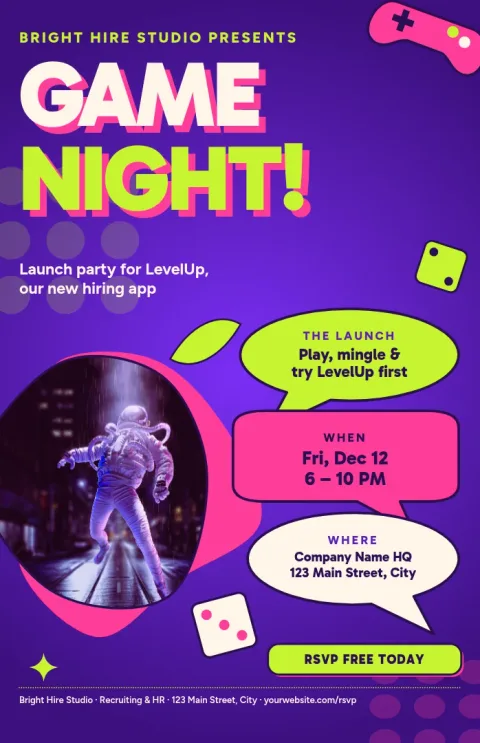
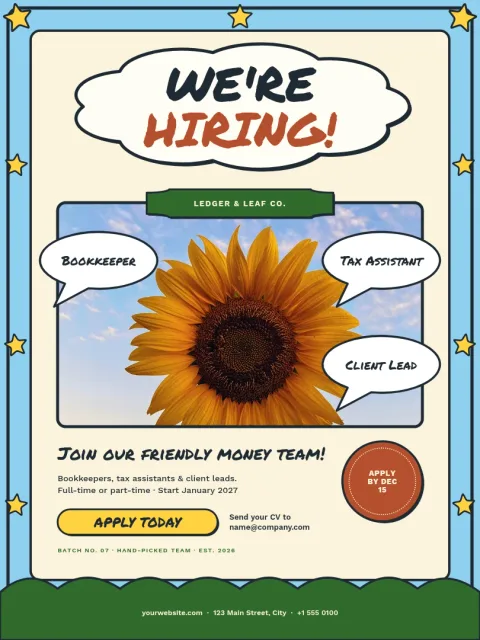
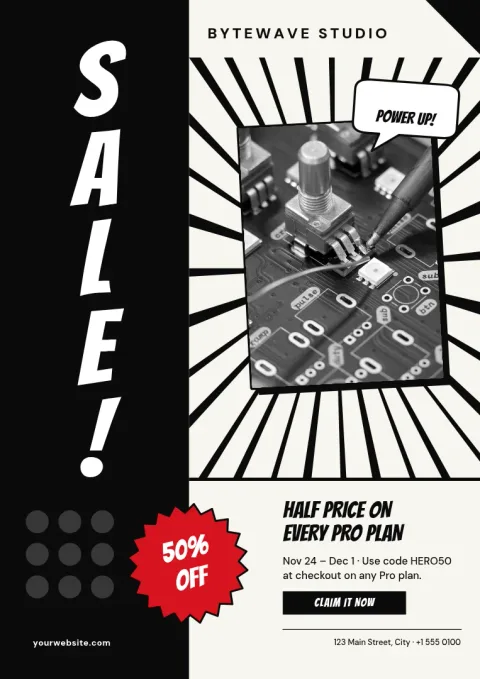
Each comic book poster template uses bold shapes, speech bubbles, action bursts, halftone dots or panel grids. You edit everything in the browser: text, fonts, colours, photos and layout. The eight designs here range from loud pop art to a calm, hand-drawn panel page, so you can match the mood of your message.
Ways to use a comic poster
A comic look gets attention on a shop window, a school notice board or a club wall. Try it for a sale, a game night, a book launch, a class project or a birthday. Keep the headline short, as you would in a comic caption, and let the artwork carry the energy.
Edit, then download or share
Set your brand colours, fonts and logo in a brand kit so every poster matches. When you finish, download as PNG, JPG, WebP, PDF (standard or vector) or SVG. You can also send the design into a Nimply post for approval and scheduling. Downloading a template does not use AI credits.
Frequently asked questions
Can I edit a comic book poster template for free?
Yes. Nimply Design is part of every Nimply plan, including Free. You can change the text, fonts, colours, photos and layout of any template in your browser.
What sizes are available?
The templates here come in common poster sizes such as 18x24 inch, A3 and 11x17 inch. Pick the one that suits where you will display it.
Which file types can I download?
You can download PNG, JPG, WebP, PDF (standard or vector) or SVG. Vector PDF and SVG are useful when you need sharp lines at a large size.
Can I use my own photos?
Yes. Replace the photo placeholders with your own pictures. The AI background remover is optional and uses AI credits, but downloading a template does not.
Can I keep my brand colours?
Yes. Set up a brand kit with your colours, fonts and logo, then apply them to the poster so it matches your other designs.
Make it yours in minutes
Open any template in Nimply Design, add your brand in one click, and send it straight into a post for approval and scheduling.