

Book launch flyer template designs for authors
Tell readers where and when your book arrives. Start from one of eight book launch flyer template designs, drop in your cover and details, and adjust colours and fonts to suit your genre. Everything is edited in your browser, and you can download the finished flyer when you are happy with it.
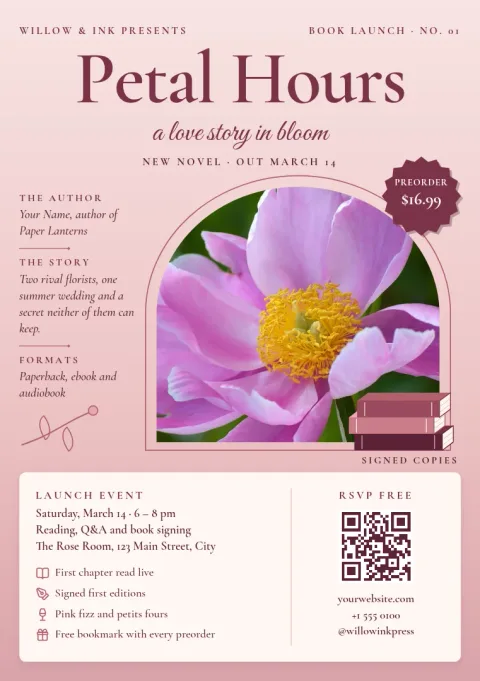
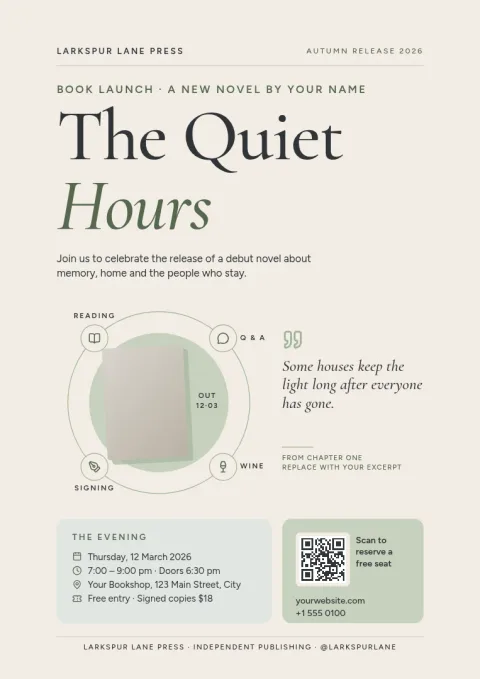
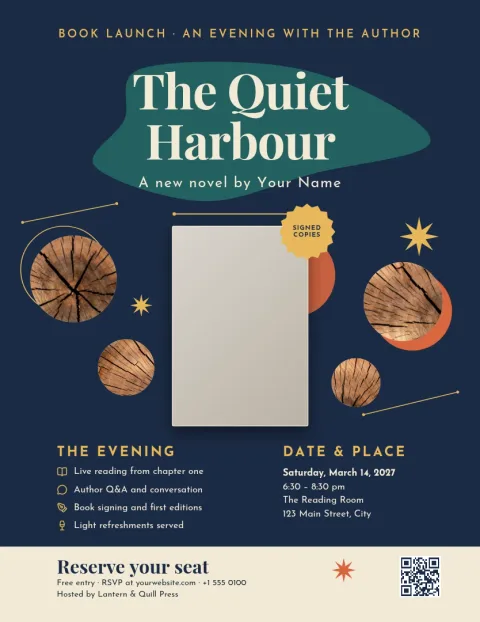
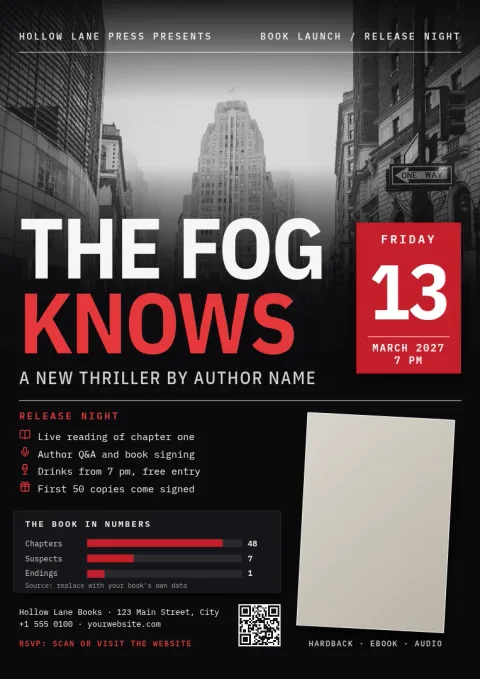
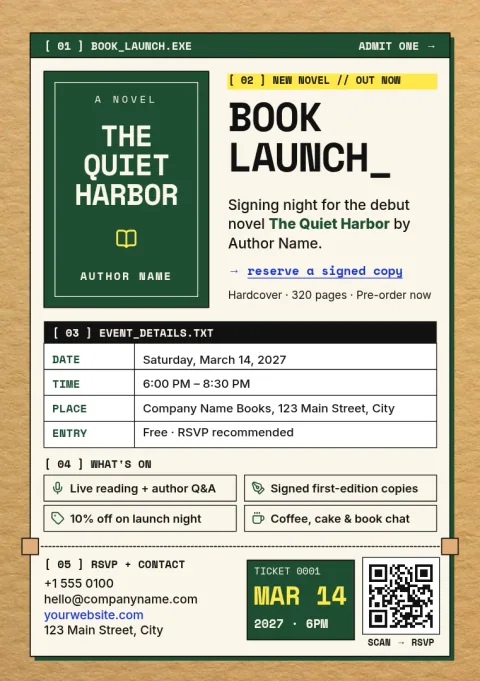
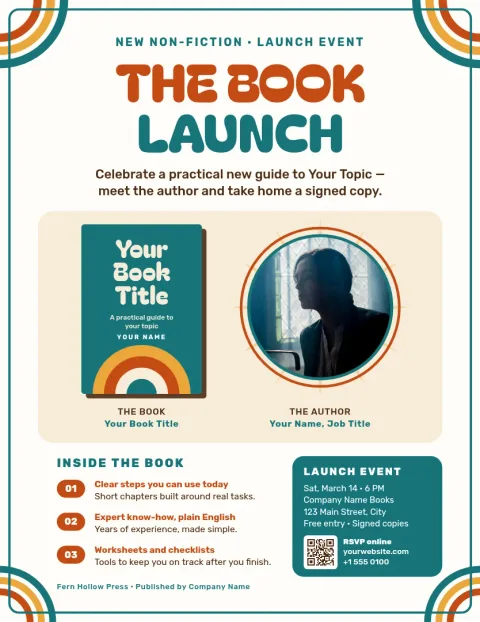
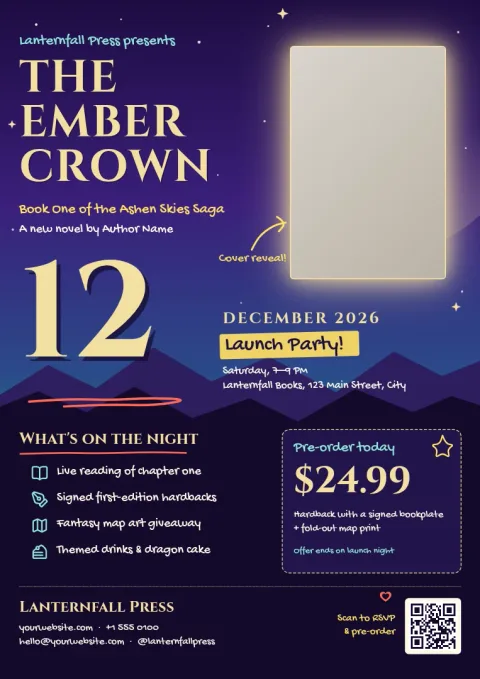
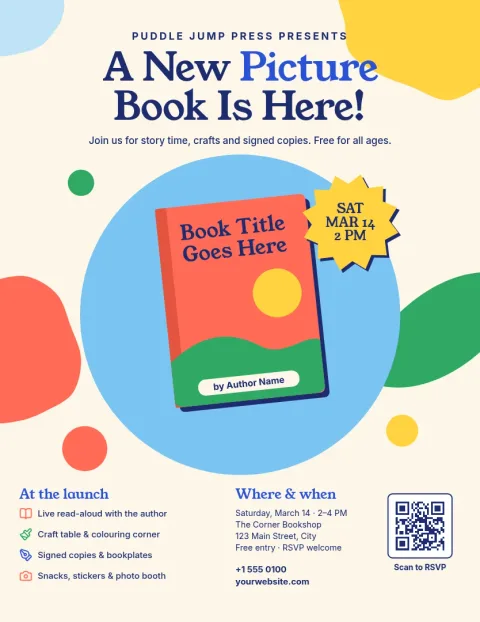
What a good book launch flyer includes
Keep the flyer to what a reader needs: the book cover, title, your name, the launch date, and where to find it or where to be. Add one line that says why the book is worth picking up. A short link or QR placeholder at the bottom gives people a clear next step. Each template leaves room for these pieces.
Choose a style that suits your genre
A thriller reads best with dark colours and bold type. A children's book works with bright shapes and rounded letters. Non-fiction often does well with clean layouts and plenty of white space. These eight templates cover several moods, so you can start close to your book's feel and change colours and fonts from there.
Edit, save and reuse
Open a template in Nimply Design, replace the text and photo placeholders, and change fonts, colours and layout. A brand kit keeps your colours, fonts and logo ready for later posters or social posts. Download as PNG, JPG, WebP, PDF or SVG, or send the design into a Nimply post for approval and scheduling.
Frequently asked questions
Can I change the colours to match my book cover?
Yes. Every template lets you edit colours, fonts, text and layout. Pick the main colours from your cover so the flyer and the book look like they belong together. A brand kit can store those colours for later designs.
Which file formats can I download?
You can download PNG, JPG, WebP, PDF (standard or vector) or SVG. You can also send the design straight into a Nimply post for approval and scheduling, which is handy for sharing the flyer on social media.
Which sizes are available?
The templates come in US Letter, A4 and A5 flyer sizes. Letter and A4 suit notice boards and handouts, while A5 is a smaller size that is easier to hand out at events and readings.
Does downloading a template use AI credits?
No. Downloading a template does not use AI credits. Credits are only used by AI photo tools such as the background remover and Magic Layers, if you choose to use them on your cover image.
Make it yours in minutes
Open any template in Nimply Design, add your brand in one click, and send it straight into a post for approval and scheduling.