

Book flyer template designs you can edit in your browser
Choose a book flyer template, swap in your cover, title and event details, and have a flyer ready to share. These eight designs cover launches, signings, book fairs, ebook promos, kids' readings and more. Edit everything in Nimply Design, then download or send it to a post.
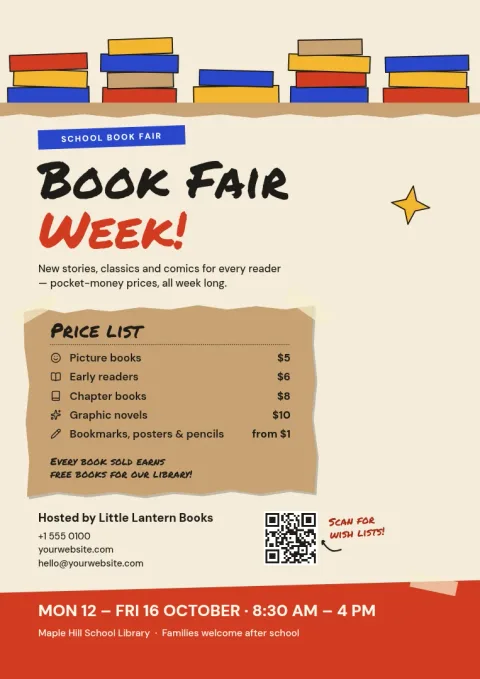
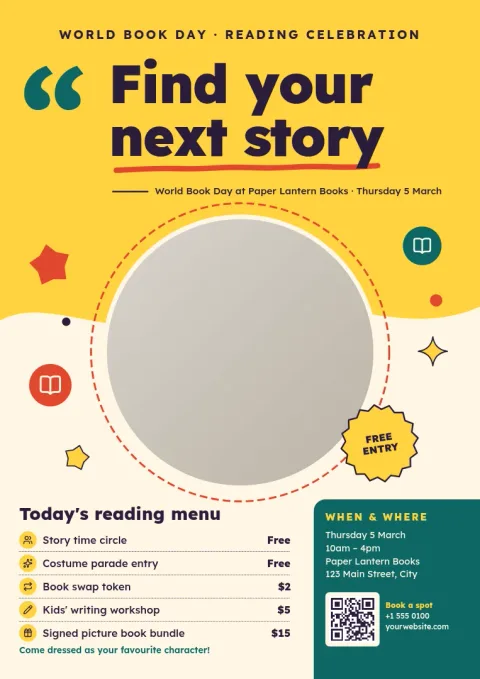
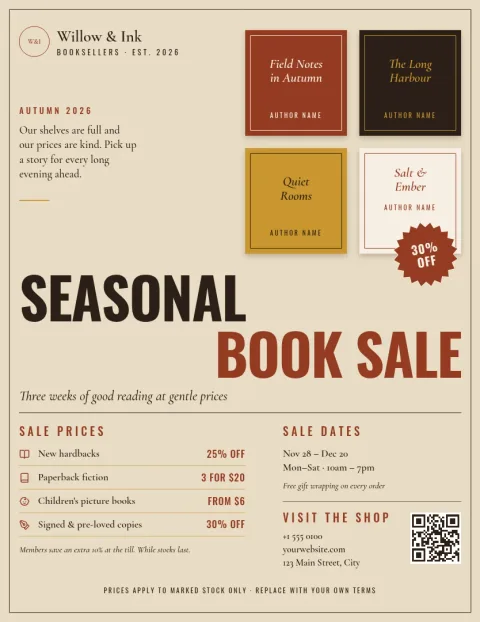
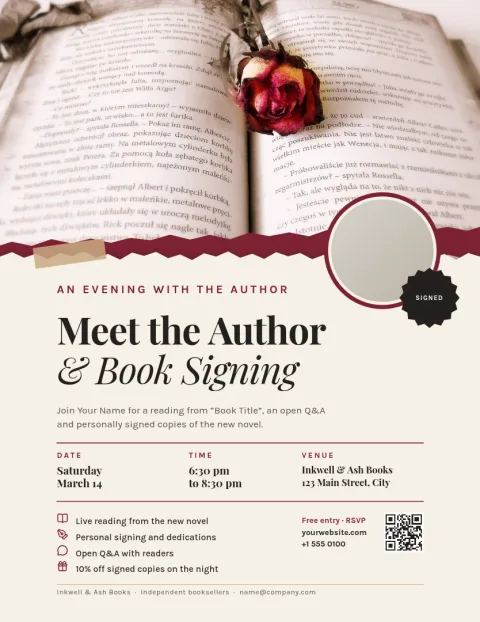
What a good book flyer needs
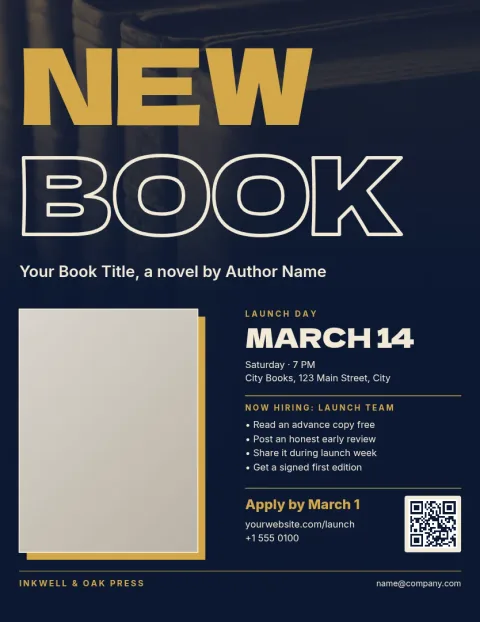
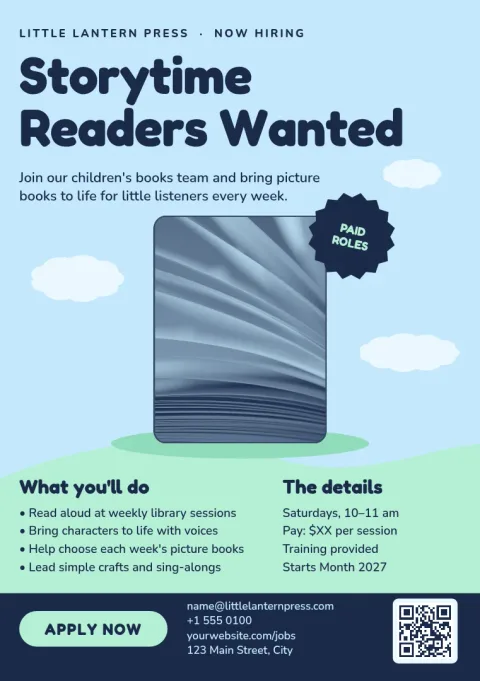
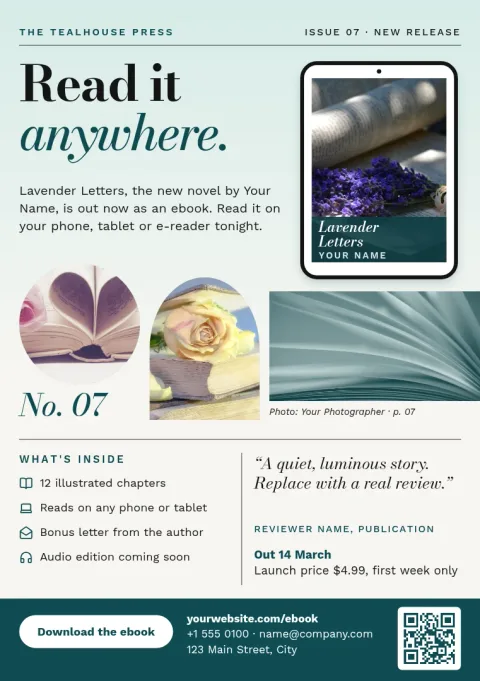
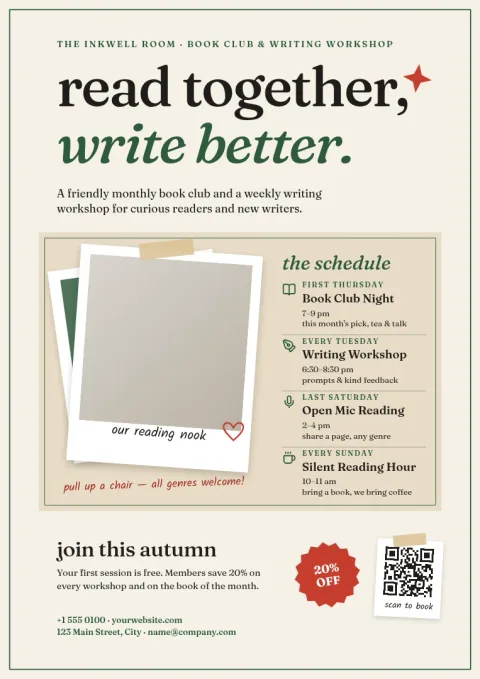
A book flyer works when a reader can see the cover, the title and the next step in a few seconds. Put the cover or a strong image first, add one line that says why someone should care, and finish with a clear date, place or link. Each template here is built around that order.
Edit the template to match your book
Open any template in Nimply Design and change the text, fonts, colours, photos and layout. Drop in your cover image, adjust the palette to suit your genre, and move things around until it feels right. A brand kit keeps your colours, fonts and logo ready for every flyer you make.
Download or share your flyer
When the flyer is done, download it as PNG, JPG, WebP, PDF (standard or vector) or SVG. You can also send the design straight into a Nimply post for approval and scheduling, so the same artwork can announce your book online. Nimply Design is part of every plan, including Free.
Frequently asked questions
Can I use a book flyer template for a self-published book?
Yes. The templates are layouts you fill with your own cover, title, blurb and details. Nothing is tied to a publisher, so they suit self-published authors, small presses and bookshops alike.
Which sizes are available for book flyers?
Flyer templates come in US Letter, A4 and A5 sizes. Pick the one that matches where you plan to share the flyer, whether that is a document, a screen or a handout.
What file types can I download?
You can download PNG, JPG, WebP, PDF (standard or vector) or SVG. Downloading a template does not use AI credits.
Can I add my own book cover?
Yes. Replace the placeholder image with your cover, then adjust text and colours to suit it. AI photo tools such as the background remover use AI credits, but they are optional.
Make it yours in minutes
Open any template in Nimply Design, add your brand in one click, and send it straight into a post for approval and scheduling.