

Basketball tournament flyer template for your next event
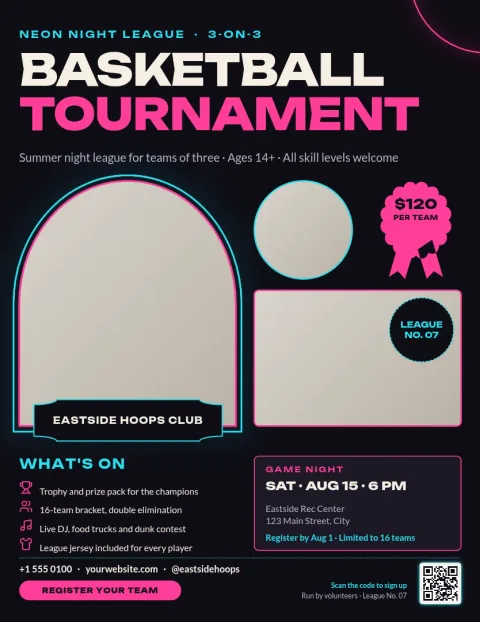
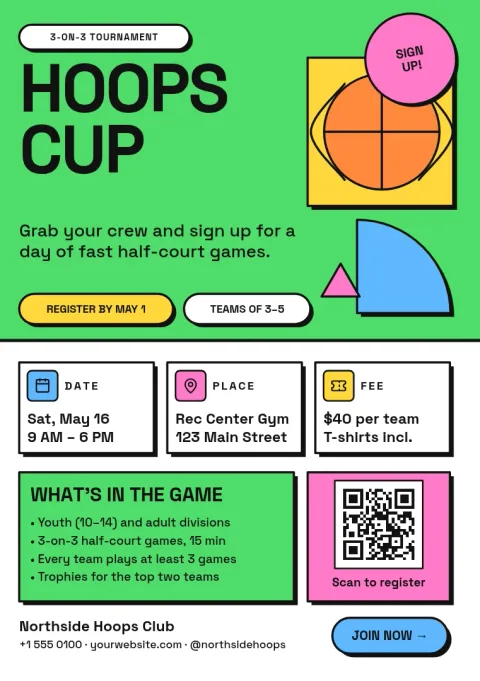
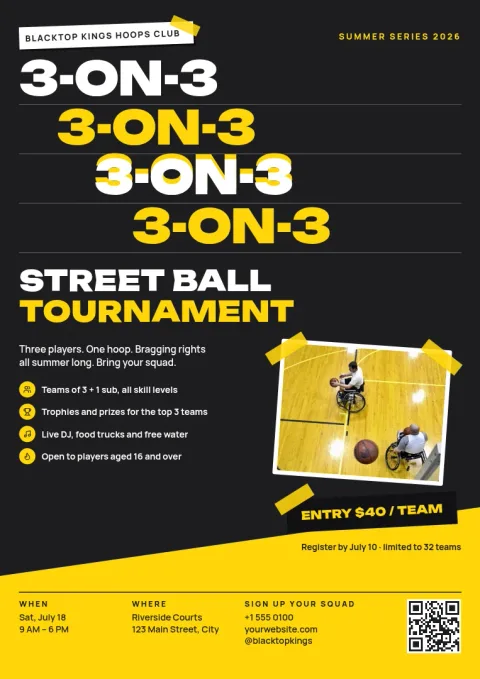
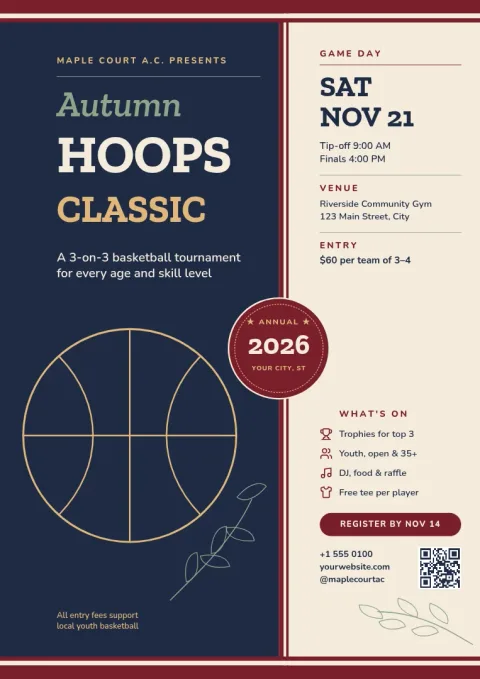
Choose a basketball tournament flyer template, swap in your dates, venue, entry fee and sign-up details, and share it with players and parents. Every design is editable in your browser, and you can keep your club colours, fonts and logo in a brand kit.
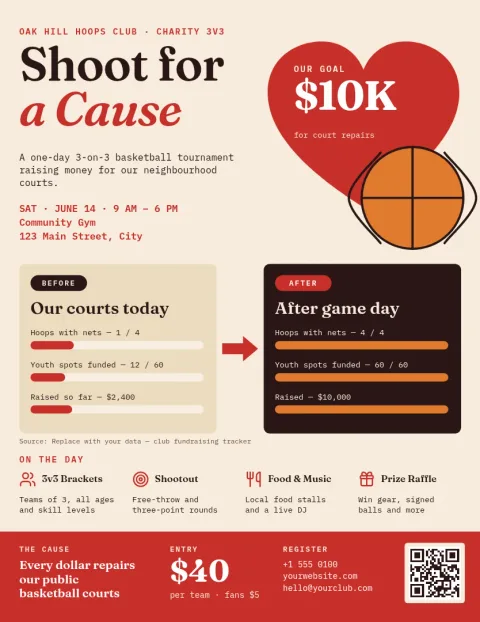
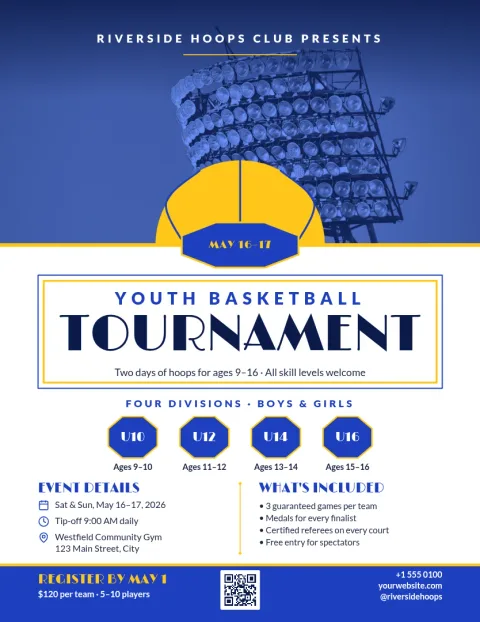
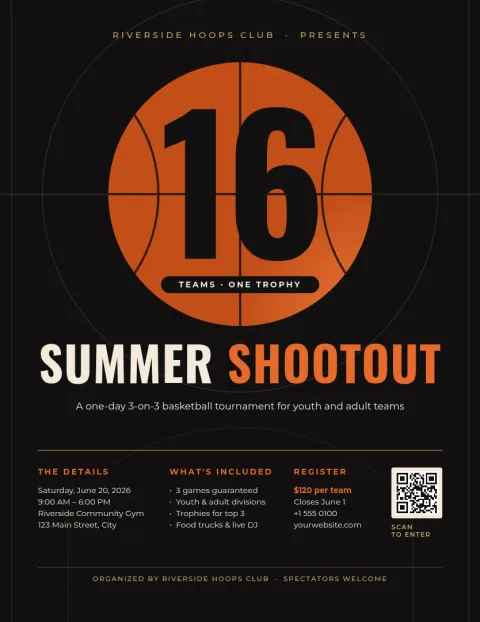
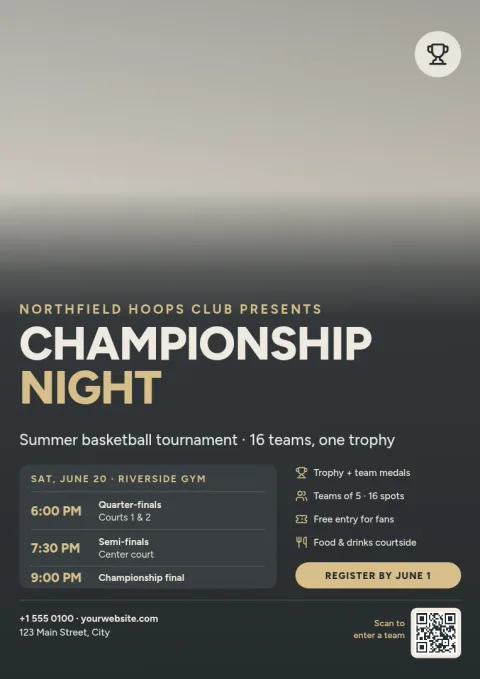
What a good tournament flyer shows
Players want a few facts fast: the event name, the date, where it is and how to sign up. Put those first, then add details like divisions, age groups, entry fee, prizes and the registration deadline. These templates leave clear space for each of them, so you only replace the text.
Edit it to match your club
Change the text, fonts, colours, photos and layout in the browser editor. Save your club colours, fonts and logo in a brand kit so every flyer for the season looks the same. Use a photo placeholder for a team shot or game action photo.
Download or post it
Download your flyer as PDF, PNG, JPG, WebP or SVG. You can also send the design into a Nimply post for approval and scheduling, so the announcement goes out on social media too. Downloading a template does not use AI credits.
Frequently asked questions
Is the basketball tournament flyer template free to use?
Nimply Design is part of every Nimply plan, including Free. You can open a template, edit it and download it. Downloading a template does not use AI credits.
What should I put on a tournament flyer?
Include the event name, date, venue, divisions or age groups, entry fee, registration deadline and a contact or sign-up link. Add prizes if you have them. Keep the date and venue large so people can read them quickly.
Which file formats can I download?
You can download PNG, JPG, WebP, PDF (standard or vector) or SVG. PDF suits sharing or printing yourself, and PNG or JPG suits social posts and group chats.
Can I use my club logo and colours?
Yes. Upload your logo and set your colours and fonts in a brand kit, then apply them to any template. You can also edit the layout and swap photos.
Which sizes are available?
These flyers come in US Letter, A4 and A5 sizes, so you can pick the one that suits your audience and where you plan to share it.
Make it yours in minutes
Open any template in Nimply Design, add your brand in one click, and send it straight into a post for approval and scheduling.