

Art presentation template designs you can edit online
Show your work clearly with an art presentation template made for artists, makers and small studios. Choose a layout, drop in your photos, change the text, fonts and colours, then download your slides as a PDF or images. Each design starts you off with a finished look, so you spend your time on the art.
What these art presentation templates cover
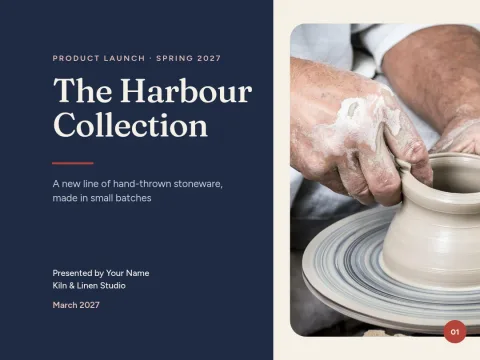
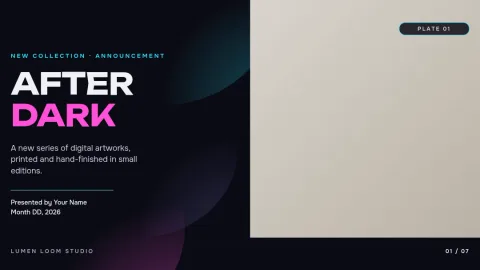
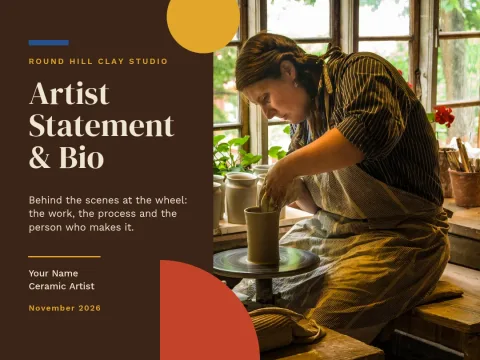
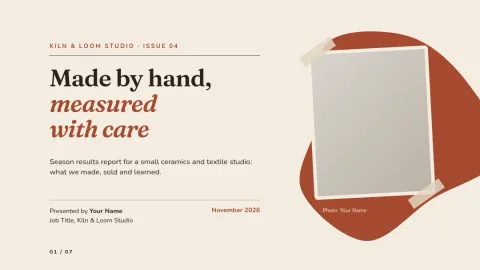
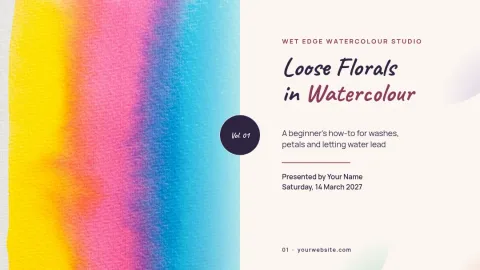
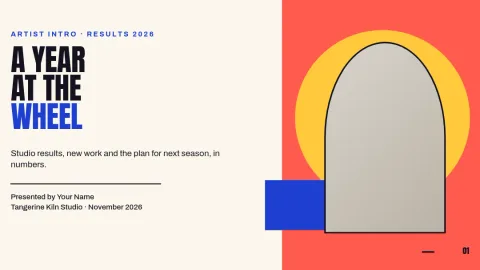
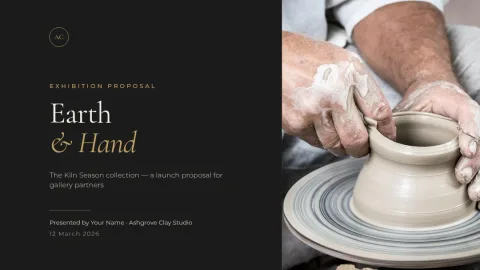
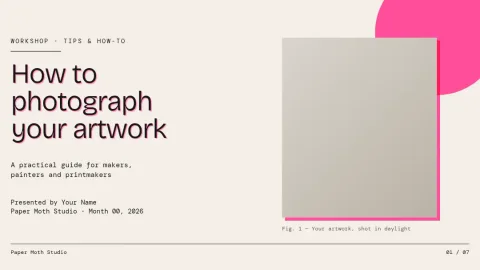
The eight designs here cover the most common reasons artists present their work: a portfolio overview, a gallery proposal, an artist statement, a workshop pitch, a craft business intro and a class lesson. Every layout leaves room for large images, because in art the work should lead and the text should support it.
Edit everything in your browser
Open a template in Nimply Design and change the text, fonts, colours, photos and layout. Save your colours, fonts and logo in a brand kit so every deck matches your studio. Nimply Design is part of every Nimply plan, including Free, and downloading a template does not use AI credits.
Download or send to a post
Download your slides as PDF (standard or vector), PNG, JPG, WebP or SVG. A PDF works well for emailing a proposal to a gallery. You can also send a slide straight into a Nimply post for approval and scheduling, which helps if you want to share a preview of the work.
Choosing the right layout
Match the template to the audience. Galleries and buyers like quiet layouts with plenty of white space. Students and workshop groups respond to bold colour and short text. If your work is mixed media or handmade, pick a layout with large photo areas so textures and detail stay visible.
Frequently asked questions
Can I use an art presentation template for a portfolio?
Yes. Several designs here are built for portfolios, with large image areas and short captions. Replace the placeholders with photos of your work, add titles, sizes and materials, then download the deck as a PDF to send to galleries or clients.
Which file formats can I download?
You can download PNG, JPG, WebP, PDF (standard or vector) or SVG. PDF is the usual choice for a full deck you want to email or share as one file.
Do I need design skills to edit these templates?
No. Click any text, photo or shape to change it. You can adjust fonts, colours and layout, and a brand kit keeps your colours, fonts and logo consistent across every slide.
Is it free to use?
Nimply Design is part of every Nimply plan, including Free. Downloading a template does not use AI credits. Only AI photo tools, such as the background remover and Magic Layers, use credits.
Can I change the slide size?
The templates come in standard widescreen and 4:3 presentation sizes. Pick the one that suits the screen or projector where you will present.
Make it yours in minutes
Open any template in Nimply Design, add your brand in one click, and send it straight into a post for approval and scheduling.