

Interior design project presentation template for client pitches
Show a room, a renovation or a full home concept in a deck your client can follow. Start from one of eight layouts, swap in your photos and text, set your brand colours and fonts, then download a PDF or PNG to share.
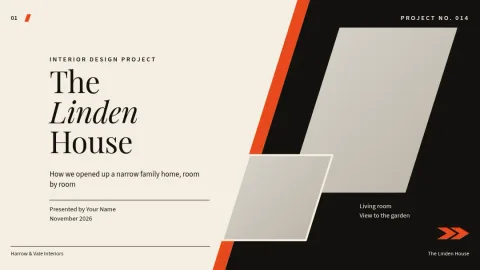
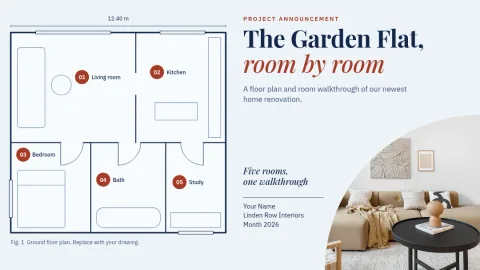
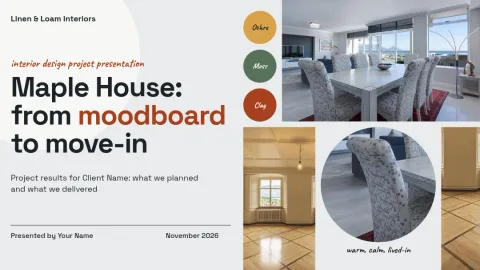
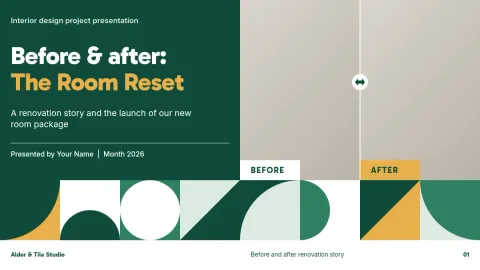

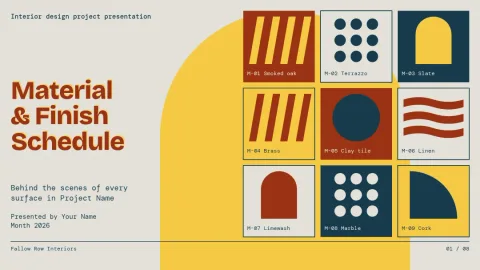
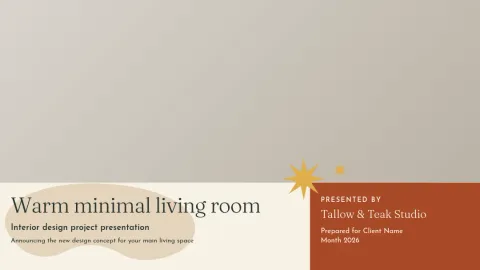

What a project deck should cover
Clients want to see the idea, the look and the plan. Most good decks run in the same order: a concept slide, a moodboard, room layouts, materials and finishes, then next steps. These templates already follow that flow, so you fill in your project instead of designing the structure from scratch.
Edit it to match your studio
Change any text, font, colour, photo or layout in the browser editor. If you save a brand kit, your colours, fonts and logo stay consistent from one project deck to the next. Placeholders mark where room photos, sketches and sample swatches go.
Share or download
Download your deck as a PDF, PNG, JPG, WebP or SVG. PDF works well for emailing a proposal. Nimply Design is included in every plan, including Free, and downloading a template does not use AI credits. AI photo tools like the background remover do use credits.
Frequently asked questions
What should an interior design project presentation include?
Usually a concept summary, a moodboard, room-by-room layouts, materials and finishes, and next steps. Many designers also add a short before and after section for renovations. These templates give you slides for each of these parts.
Can I use my own photos and brand colours?
Yes. Replace the photo placeholders with your own images, and edit text, fonts and colours. A brand kit keeps your colours, fonts and logo ready for every new deck.
Which file formats can I download?
PNG, JPG, WebP, PDF (standard or vector) or SVG. For a client proposal, PDF is usually the easiest to send and open.
Is it free to use?
Nimply Design is part of every Nimply plan, including Free. Downloading a template does not use AI credits. AI photo tools such as the background remover and Magic Layers do.
Do the templates come as PowerPoint files?
No. You edit them in the Nimply browser editor and download them as PDF or image files, not as PowerPoint files.
Make it yours in minutes
Open any template in Nimply Design, add your brand in one click, and send it straight into a post for approval and scheduling.