

Yoga flyer template free: 8 designs to edit in your browser
Fill your next class, workshop or retreat with a flyer that looks like your studio. Start from one of these eight yoga designs, swap in your own class times, colours and photos, and download the finished flyer. Nimply Design is included in every plan, including Free.
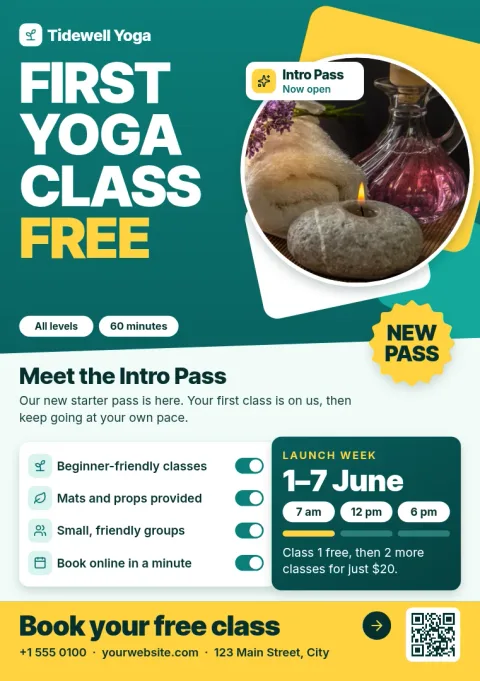
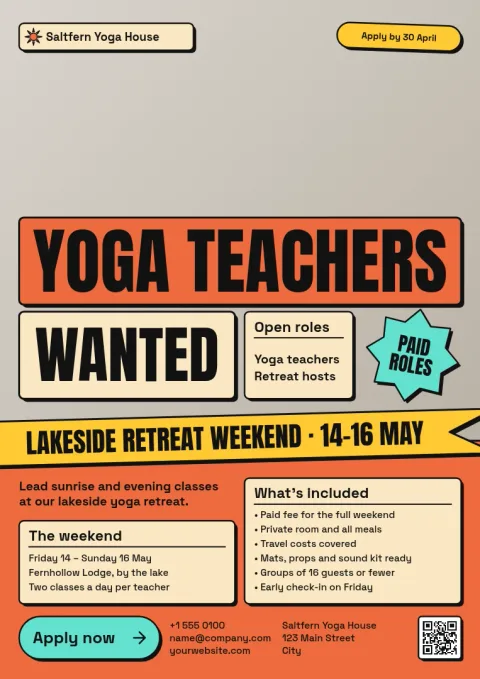
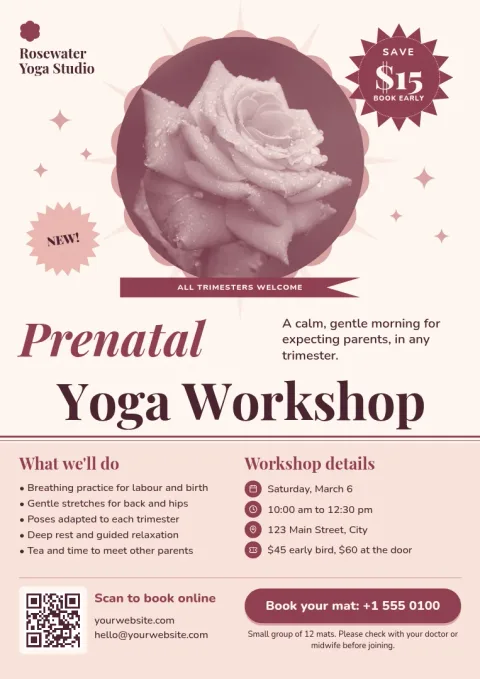
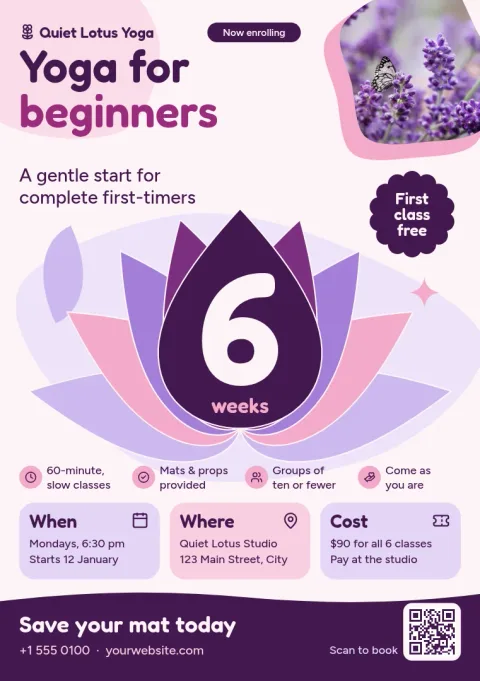
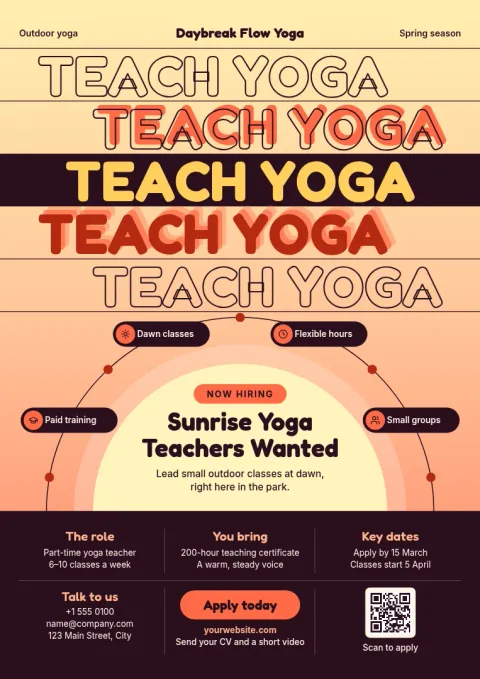
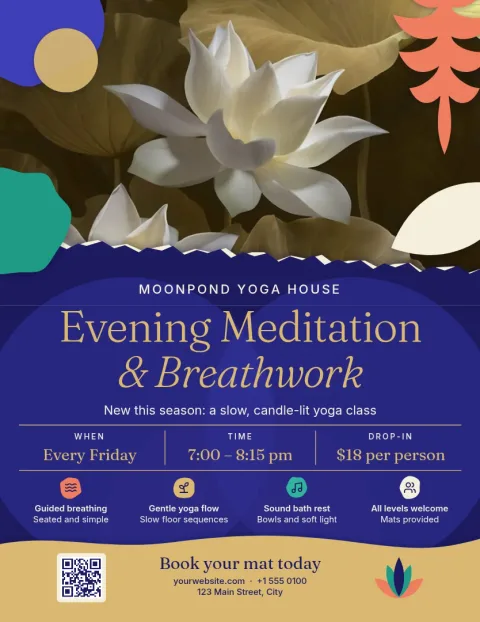
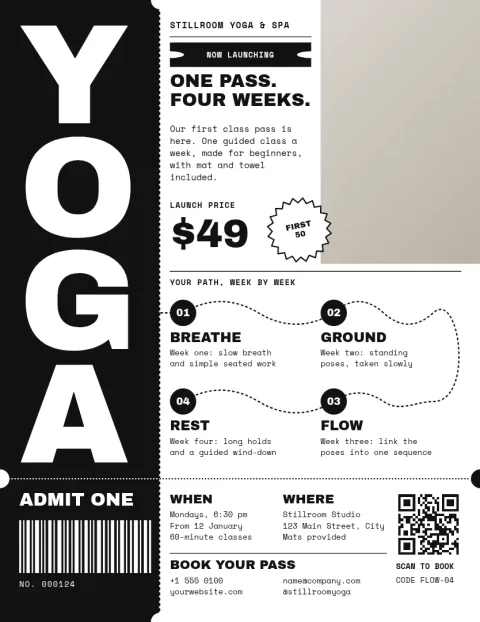
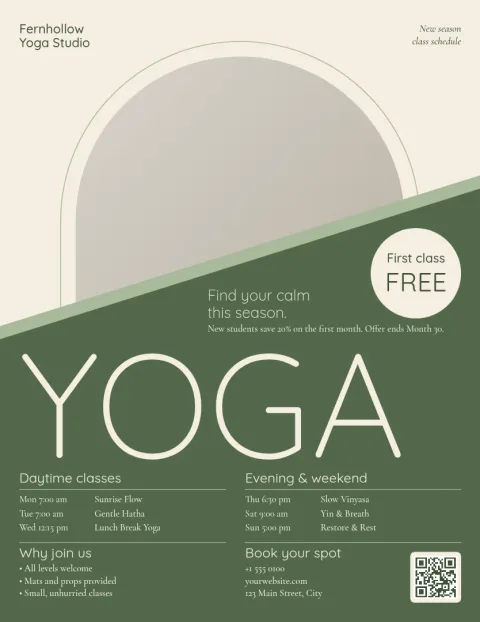
Make the flyer yours in a few minutes
Each template opens in the Nimply Design editor in your browser. Change the text, fonts, colours, photos and layout until it fits your studio. Add your class times, teacher name, address and booking link, then remove anything you do not need. If you keep a brand kit, your colours, fonts and logo stay consistent across every flyer.
Choose a style that suits your classes
A gentle beginner class and a sweaty power flow do not need the same look. These templates range from calm sage and minimal black and white to bold colour and photo-led retreat layouts. Pick the mood closest to your students, then adjust it. Sizes include Letter, A4 and A5, so you can match the flyer to where it will be shared.
Download it the way you need it
When the flyer is ready, download it as PNG, JPG, WebP, PDF (standard or vector) or SVG. You can also send the design straight into a Nimply post for approval and scheduling, so the same artwork can announce your class online. Downloading a template does not use AI credits. Only AI photo tools, such as the background remover, do.
Frequently asked questions
Is this yoga flyer template really free?
Nimply Design is part of every Nimply plan, including Free. You can open a template, edit it and download it without using AI credits. AI photo tools, like the background remover, do use credits.
Can I change the colours and photos?
Yes. You can edit text, fonts, colours, photos and layout in the editor. Swap the placeholder image for a photo of your own studio or class, and match the colours to your brand.
What file types can I download?
You can download PNG, JPG, WebP, PDF (standard or vector) or SVG. Pick the format that suits where you will share the flyer, such as a PDF for documents or a PNG for social media.
Which flyer size should I choose?
The templates come in Letter, A4 and A5. A5 is handy for small handouts, while Letter and A4 give you more room for a class schedule. You can pick the size that matches your plan.
Can I use the flyer on social media too?
Yes. Download the image, or send the design straight into a Nimply post for approval and scheduling. That lets you announce the same class or workshop online without rebuilding the artwork.
Make it yours in minutes
Open any template in Nimply Design, add your brand in one click, and send it straight into a post for approval and scheduling.