

Student business card templates you can edit online
Hand out a card that shows who you are and what you study. Choose a student business card template, swap in your name, major, email and links, then download it. Edit text, fonts, colours and layout in your browser. Nimply Design is included in every plan, including Free.
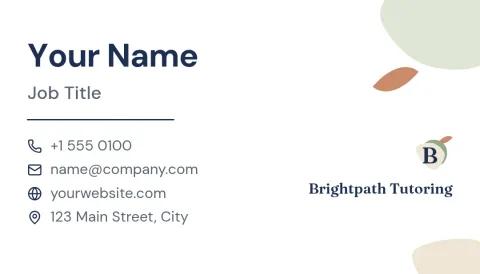
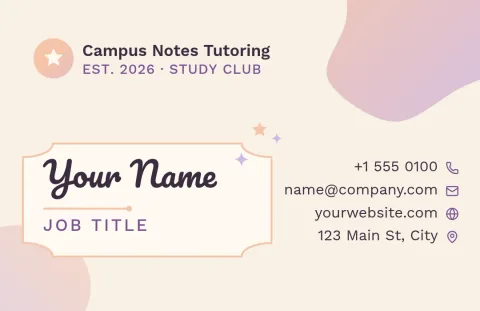
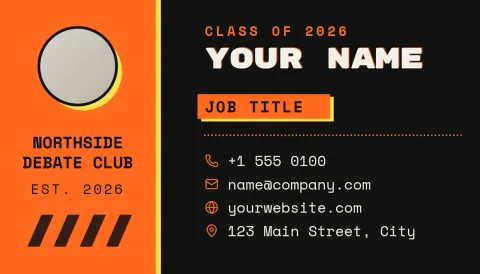
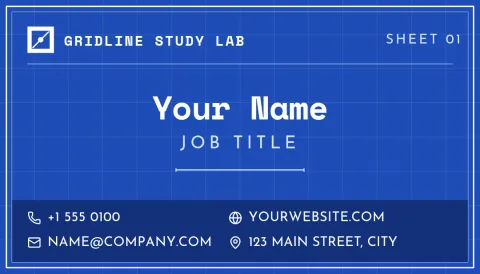
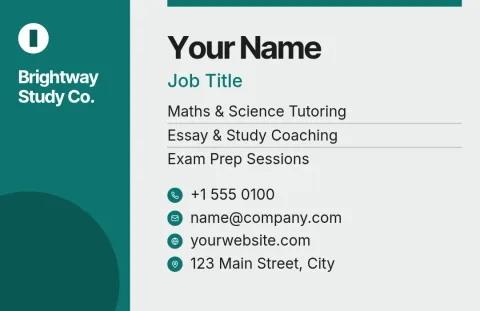
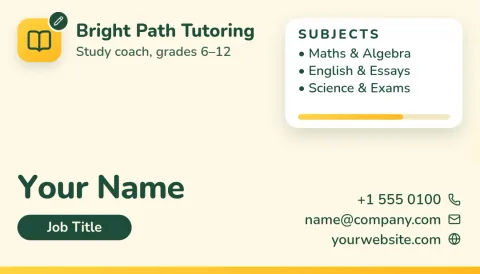
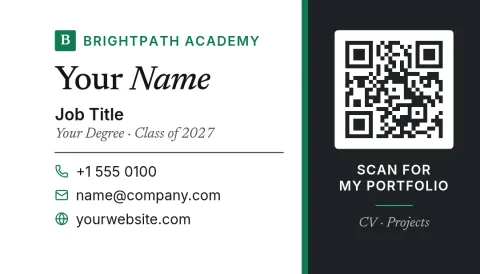
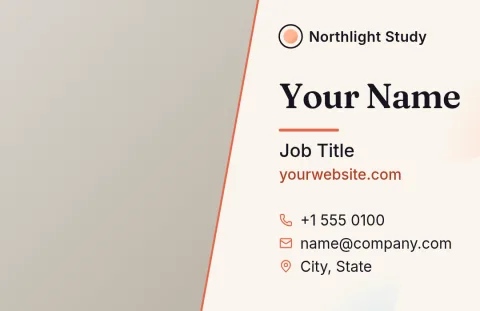
Cards for career fairs, interviews and networking
A student card is a small way to make it easy for someone to remember you and reach you. These templates cover the usual situations: career fairs, internship interviews, club events, tutoring and freelance side work. Each one leaves room for your name, field of study, expected graduation, and a way to get in touch.
What to put on a student card
Keep it short. Your name, your major or focus, your school, one email address and one link, such as a portfolio or LinkedIn profile, is plenty. Add a QR code or a short tagline only if there is space. Use the same fonts and colours you use on your résumé so everything looks like it belongs together.
Edit, save your style and download
Change any text, font, colour, photo or layout element in the editor. A brand kit can keep your colours, fonts and logo ready for next time. Download as PNG, JPG, WebP, PDF (standard or vector) or SVG. Downloading a template does not use AI credits, though AI photo tools do.
Choose a size that fits your region
Templates come in the US business card size and the EU size, so you can match the format common where you live. Pick the size before you start editing, then check that your text sits comfortably away from the edges before you download the final file.
Frequently asked questions
Can I use these templates for free?
Yes. Nimply Design is part of every Nimply plan, including Free. You can open a template, edit it in your browser and download it. Downloading a template does not use AI credits.
What file formats can I download?
You can download PNG, JPG, WebP, PDF (standard or vector) or SVG. Pick the format that suits where you will use the card, such as a PDF for a document or PNG for sharing on screen.
What should a student put on a business card?
Your name, major or area of focus, school, one email address and one link such as a portfolio or LinkedIn. Add a short tagline if there is room. Skip anything that makes the card crowded.
Which sizes are available?
The templates use the US business card size or the EU size. Choose the one that matches your region before you start editing.
Can I keep the same colours and fonts across designs?
Yes. Brand kits keep your colours, fonts and logo, so your card, résumé and other designs can share one look.
Make it yours in minutes
Open any template in Nimply Design, add your brand in one click, and send it straight into a post for approval and scheduling.