

Professional business card sample templates you can edit
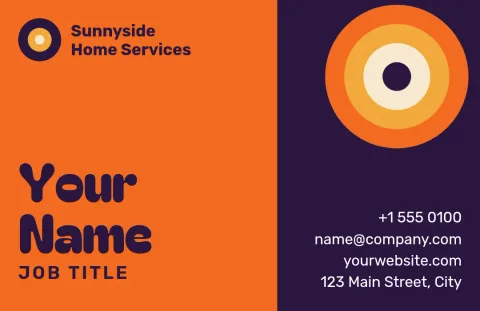
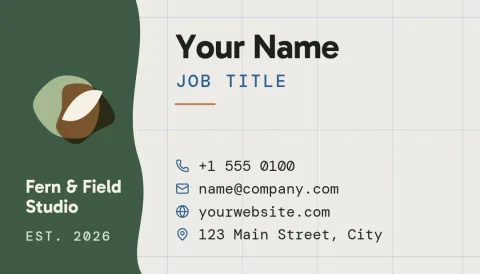
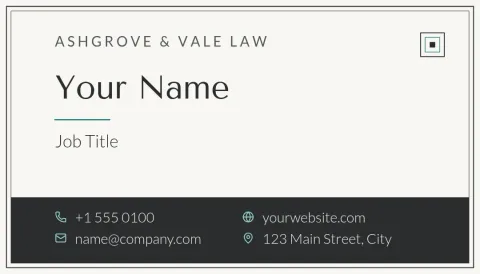
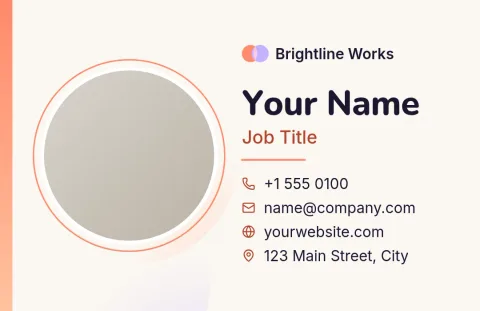
See what a professional business card can look like, then make it yours. Each sample below is a ready-made template. Swap in your name, details, colours and logo in the Nimply Design editor, and download the finished card when you are happy with it.

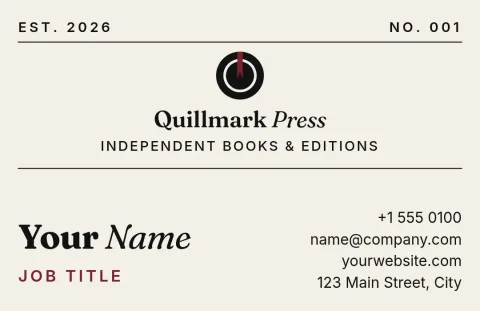
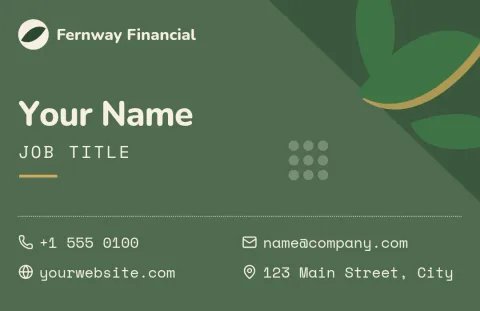
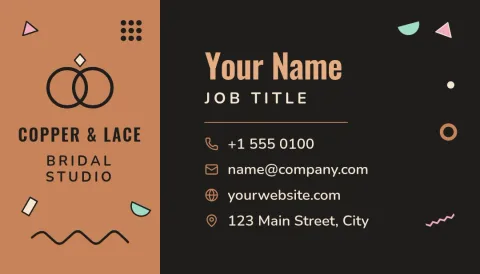
What makes a business card look professional
Most good cards share a few habits. They keep the text short: name, role, phone, email and website. They use one or two fonts and a small set of colours. They leave space around the edges so nothing feels crowded. The samples here show these habits in different styles, so you can pick the one that suits how you work.
Pick a sample and make it yours
Open any template and replace the placeholder text with your own details. Change fonts, colours and layout, or add your logo and a photo. If you have a brand kit, it keeps your colours, fonts and logo ready so every card matches the rest of your materials.
Choose the right card size
The templates come in two sizes: the US business card size and the European one. Pick the size that matches where you will use the card. You can also use the same design for a digital version, such as a PNG you share online.
Download your finished card
When the design is ready, download it as PNG, JPG, WebP, PDF (standard or vector) or SVG. Downloading a template does not use AI credits. AI photo tools, such as the background remover, do use credits if you choose to try them on a headshot.
Frequently asked questions
Are these professional business card samples free to use?
Nimply Design is part of every Nimply plan, including Free, so you can open a template and edit it. Downloading a template does not use AI credits. Check your plan page for current limits.
Can I add my own logo and colours?
Yes. Replace the text, fonts, colours, photos and layout in any sample. If you set up a brand kit, it keeps your colours, fonts and logo so you can reuse them on each new card.
Which file formats can I download?
You can download PNG, JPG, WebP, PDF (standard or vector) or SVG. Pick the format that fits how you plan to use the card, such as a PDF for a document or a PNG to share online.
Which sizes are available?
These samples use the US business card size or the European business card size. Choose the one that matches your region or where you plan to use the card.
Can I remove the background from my headshot?
Yes, the AI background remover can do this in the editor. It uses AI credits, unlike downloading a template, which does not.
Make it yours in minutes
Open any template in Nimply Design, add your brand in one click, and send it straight into a post for approval and scheduling.