

Business card template for printing you can edit online
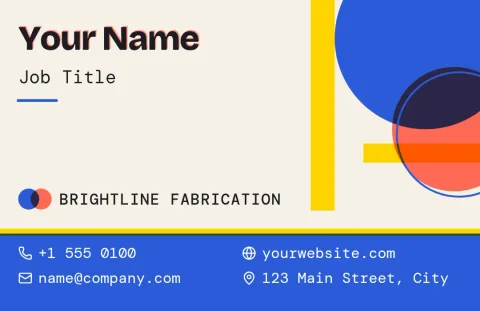
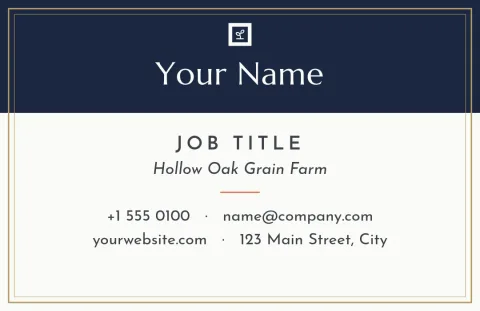
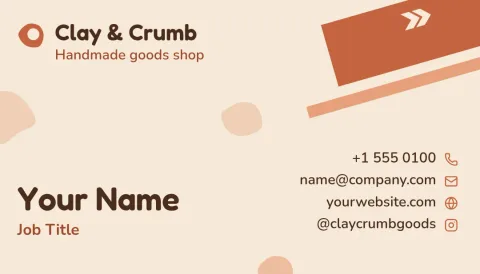
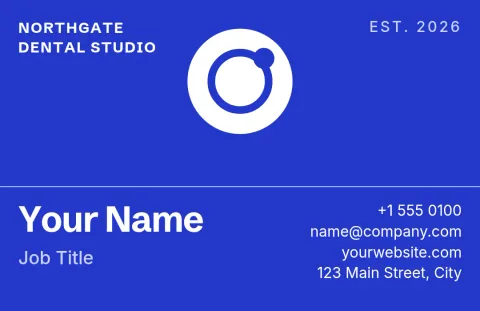
Choose a business card template for printing, swap in your name, details and logo, and download a file your print shop can use. Every design here comes in US or European card size, so you can start with the format your printer expects.
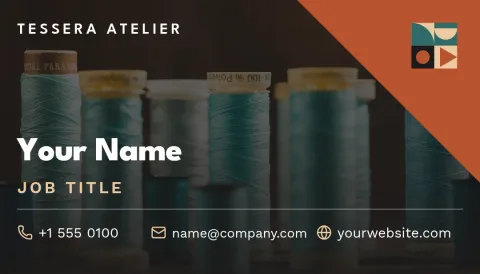
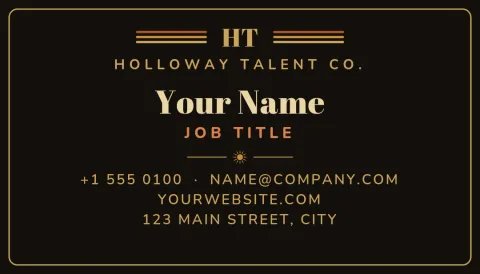
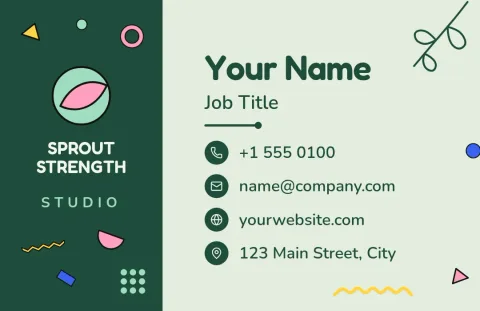
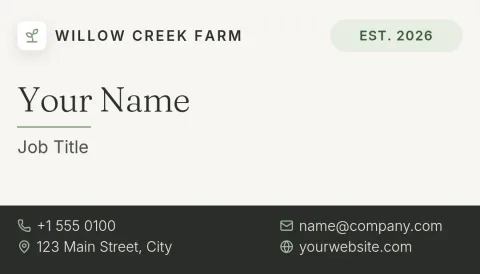
Pick the right card size first
Business cards are usually 3.5 x 2 inches in the US and 85 x 55 mm in much of Europe. Our templates come in both sizes, so choose the one your printer works with before you start editing. It saves you from resizing and moving your text later.
Edit the card in your browser
Open a template in Nimply Design and change the text, fonts, colours, photos and layout. If you have a brand kit, it keeps your colours, fonts and logo ready, so every card matches your other materials. You do not need design software installed.
Download a file for your print shop
When the card looks right, download it as a PDF (standard or vector), PNG, JPG, WebP or SVG. A vector PDF or SVG stays sharp at any size. Before you order, check your print shop's file guidelines for bleed, margins and colour.
A few tips before you print
Keep the card simple: name, role, phone, email and one web address or social handle. Leave a little space around the edges so nothing gets trimmed. Read the card out loud once, and check every number and spelling before you send it to the printer.
Frequently asked questions
What size is a business card for printing?
In the US the standard is 3.5 x 2 inches. In much of Europe it is 85 x 55 mm. Nimply has a template size for each, so pick the one that matches your print shop's order form.
Which file format should I download?
A PDF is the usual choice for print shops, and the vector option stays sharp at any size. You can also download PNG, JPG, WebP or SVG. Check your printer's guidelines to see which they prefer.
Can I use my own logo and colours?
Yes. You can upload your logo, change any colour and font, and save them in a brand kit so future cards and other designs stay consistent.
Does Nimply print the cards for me?
No. Nimply is where you design and download the file. You then take it to the print shop or online printer of your choice.
Is it free to use these templates?
Nimply Design is part of every plan, including Free, and downloading a template does not use AI credits. AI photo tools such as the background remover do use credits.
Make it yours in minutes
Open any template in Nimply Design, add your brand in one click, and send it straight into a post for approval and scheduling.