

Business card basic template designs you can edit
A good business card is simple: your name, what you do and how to reach you. Pick a business card basic template below, swap in your details, adjust the fonts and colours, and download the file. The editor runs in your browser and is part of every Nimply plan, including Free.

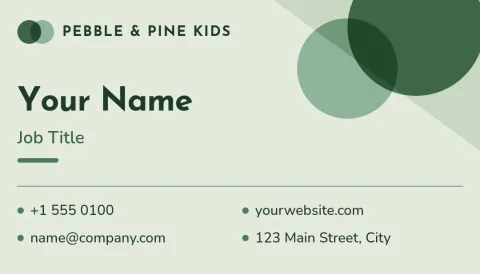
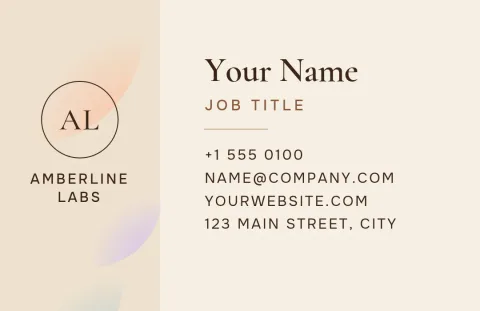
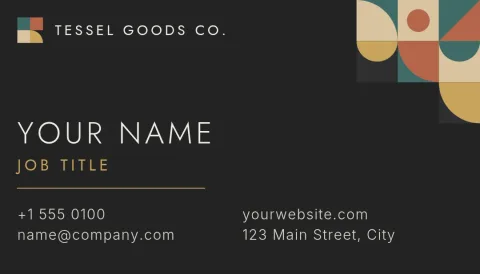
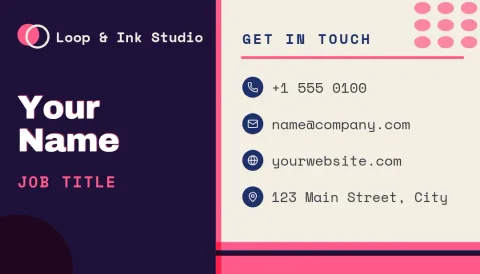
What a basic business card needs
Keep it to the essentials: your name, your role or business, a phone number or email, and one more way to be found, such as a website. Leave space around the text so it stays easy to read. Each template here has a clear layout for these details, so you can fill it in and move on.
Choose a layout that suits you
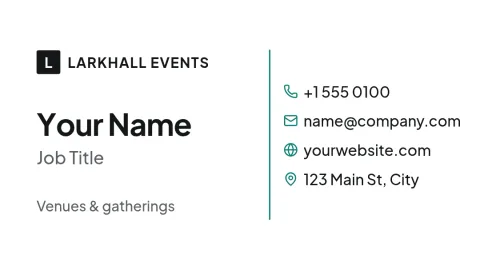
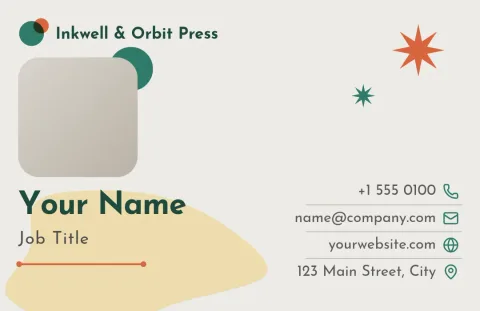
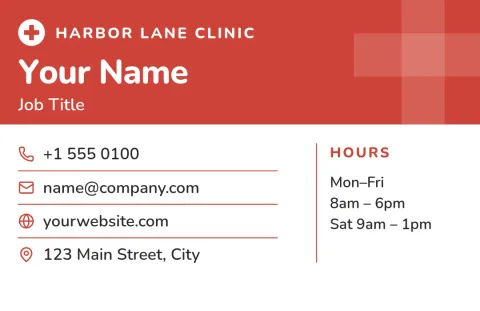
Some cards are plain white with dark text, some use a block of colour, and some leave room for a photo or logo. Pick the one closest to how you want to be remembered, then adjust it. You can change the text, fonts, colours, photos and layout without starting from scratch.
Keep your brand consistent
If you save your colours, fonts and logo in a brand kit, your card can match your social posts, flyers and menus. That way people see the same look wherever they find you. Brand kits are part of the Nimply design editor.
Download in the format you need
When the card is ready, download it as a PNG, JPG, WebP, PDF (standard or vector) or SVG. Choose the US or EU business card size when you start. Downloading a template does not use AI credits. Only AI photo tools, such as the background remover, do.
Frequently asked questions
Can I edit these templates for free?
Yes. The Nimply design editor is part of every plan, including Free. You can open a template, change the text, fonts, colours, photos and layout, and download it. Downloading a template does not use AI credits.
Which sizes are available?
These templates come in the US and EU business card sizes. Pick the one that matches where you plan to use the card. If you are unsure, check the size your printer asks for before you start designing.
What file types can I download?
You can download PNG, JPG, WebP, PDF (standard or vector) or SVG. A vector PDF or SVG is a good choice when you need sharp text and logos at any size.
Can I add my logo and brand colours?
Yes. You can upload your logo and edit colours by hand. With a brand kit, your colours, fonts and logo are saved so you can reuse them on every design.
Does Nimply print the cards?
No. Nimply is where you design and download the file. You can then take it to any printer you like, or share it digitally.
Make it yours in minutes
Open any template in Nimply Design, add your brand in one click, and send it straight into a post for approval and scheduling.