

Spa Flyer Template Collection to Edit Online
Choose a spa flyer template, swap in your treatments, prices and photos, and download it when it looks right. Each design is made for a different feel, from quiet and minimal to bright and seasonal. Everything is edited in your browser with Nimply Design, which is included in every plan, including Free.
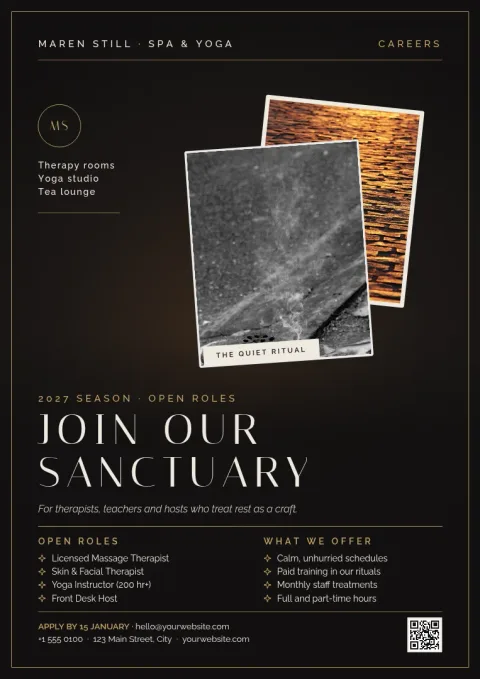
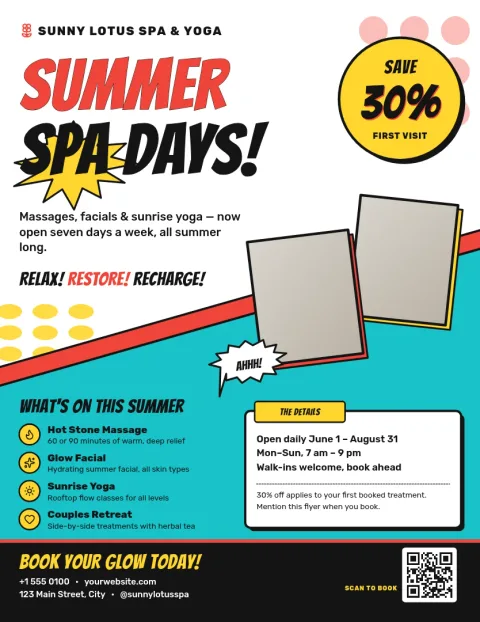
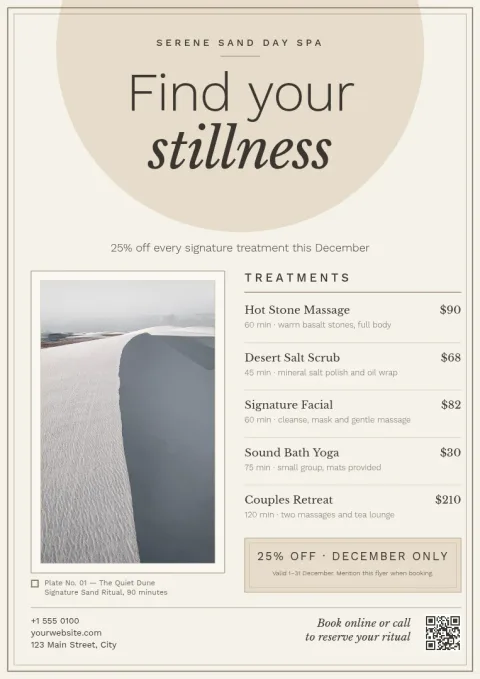
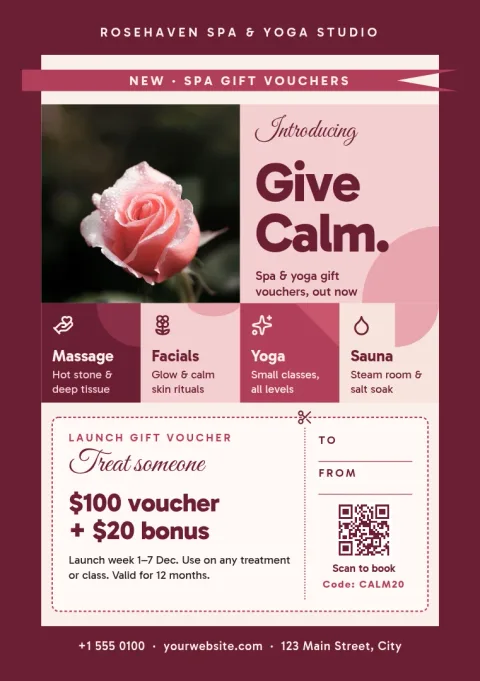
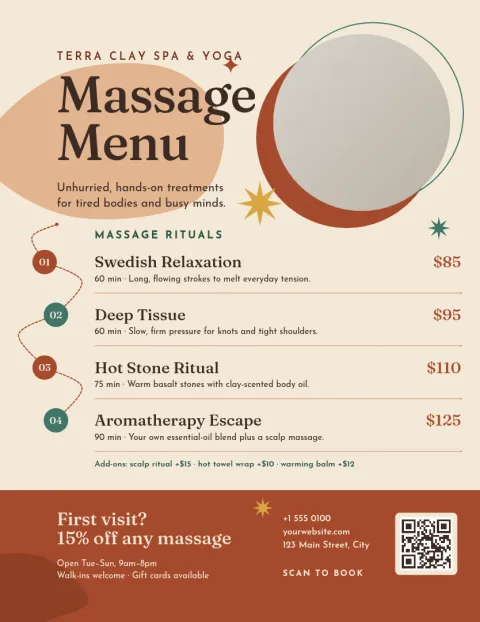
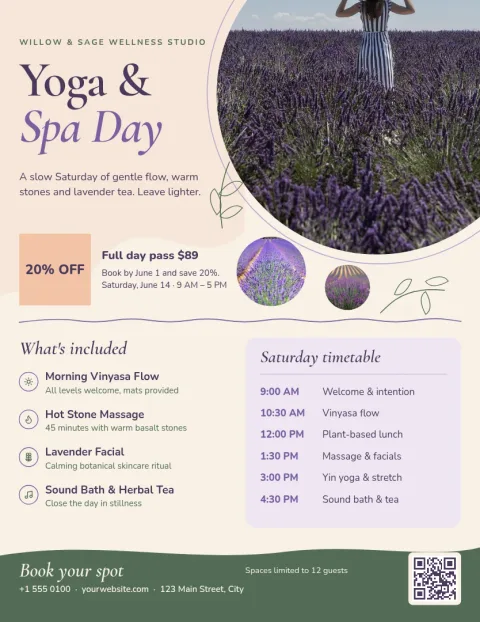
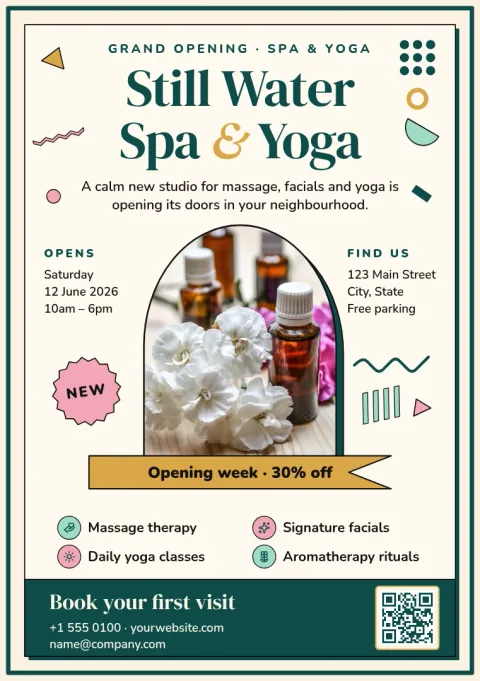
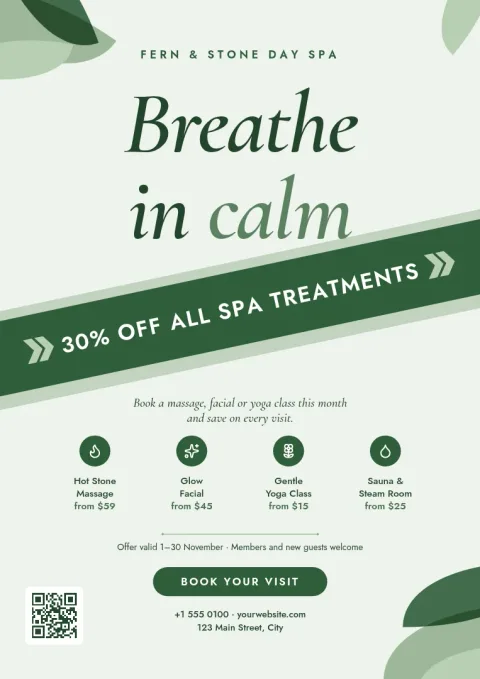
Spa flyer templates for every kind of spa
A day spa, a massage studio and a nail bar do not need the same flyer. These eight templates cover calm minimal looks, warm earthy tones, bold promotions and gift offers. Start with the one closest to your space, then change the wording, colours and photos so it matches your business.
What you can change
Edit the text, fonts, colours, photos and layout of any template. Add your treatment list, opening hours, booking details and a short offer. If you set up a brand kit, your colours, fonts and logo are kept ready, so each new flyer looks like it belongs with the rest of your material.
Download or share
Download your flyer as PNG, JPG, WebP, PDF (standard or vector) or SVG. You can also send the design straight into a Nimply post for approval and scheduling, which is handy when you want the same offer on social media. Downloading a template does not use AI credits.
Choosing a size
The templates come in US Letter, A4 and A5 flyer sizes. A5 suits reception desks and handouts, while Letter and A4 work well for noticeboards and window displays. Pick the size that fits where the flyer will be seen.
Frequently asked questions
Can I edit a spa flyer template for free?
Yes. Nimply Design is part of every Nimply plan, including Free. You can open a template, change the text, fonts, colours, photos and layout, and download the result. Downloading a template does not use AI credits.
Which file formats can I download?
You can download PNG, JPG, WebP, PDF (standard or vector) or SVG. PDF is a common choice for flyers you plan to share or hand over to a print shop.
Can I add my own logo and colours?
Yes. Replace the colours, fonts and photos by hand, or use a brand kit to keep your colours, fonts and logo ready for every new design.
Which size should I choose?
Use A5 for small handouts and counter displays. Letter or A4 suits posters on noticeboards and windows. Each template is available in the flyer sizes offered on its page.
Can I use the flyer on social media too?
Yes. You can send a finished design into a Nimply post for approval and scheduling, so the same offer can go out online as well.
Make it yours in minutes
Open any template in Nimply Design, add your brand in one click, and send it straight into a post for approval and scheduling.