

Resume business cards templates to edit and download
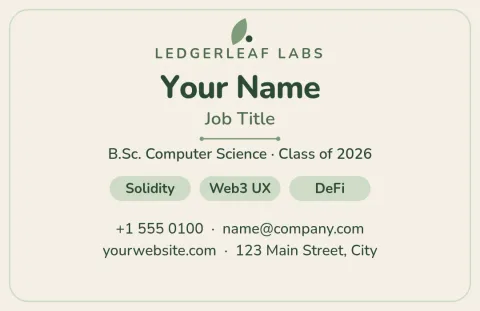
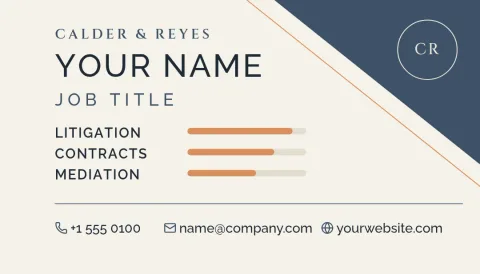
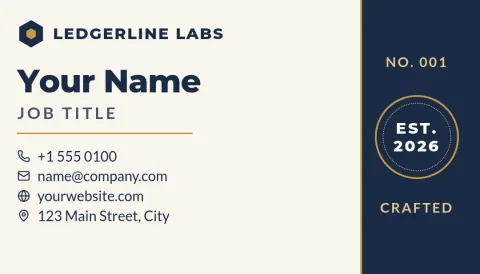
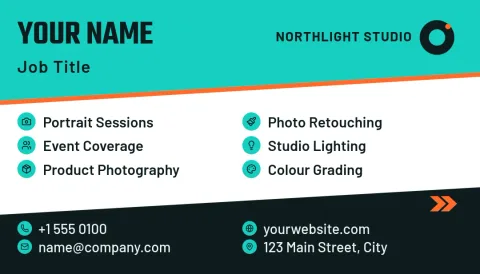
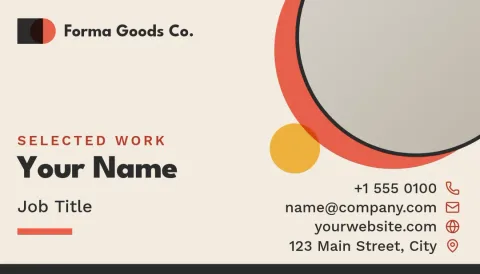
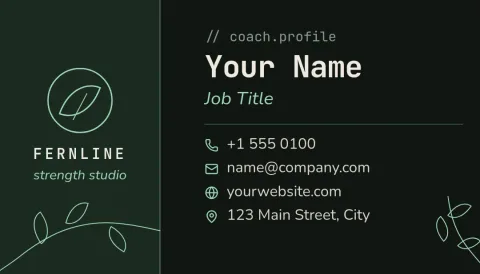
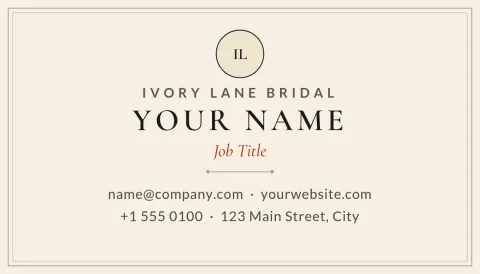
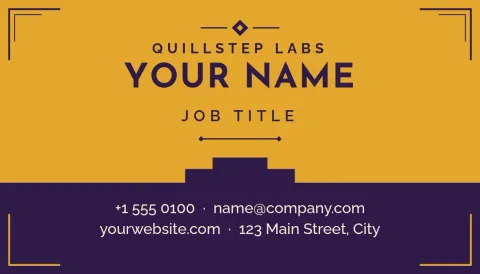
A resume business card puts your name, your strongest skills and a way to reach you on something small enough to hand over at a job fair or meeting. Pick one of these eight designs, swap in your details, and download it when it looks right.
What goes on a resume business card
There is not much room, so keep to the essentials: your name, the job title you want, two or three skills, and one or two ways to reach you, such as an email, phone number or portfolio link. The back of the card is a good place for a short summary or a list of tools. Each template here has a layout for this already, so you only replace the text.
Make the card yours
Every template opens in the Nimply Design editor in your browser. You can edit text, fonts, colours, photos and layout. If you set up a brand kit, it keeps your colours, fonts and logo ready, so a personal brand stays the same across your card, résumé and social posts. Templates come in US and EU business card sizes.
Download when you are ready
Download your card as PNG, JPG, WebP, PDF (standard or vector) or SVG. Downloading a template does not use AI credits. Credits are only used by the AI photo tools, such as the background remover and Magic Layers, if you choose to try them on a headshot.
Which style suits you
Clean white layouts work well for office, finance and admin roles. Dark or bold colour cards suit developers and creatives who want to stand out. Students and career changers can pick a layout that leads with a short pitch instead of a long job history. Look through all eight and choose the one that sounds like you.
Frequently asked questions
Can I change the colours and fonts?
Yes. Every template is fully editable. You can change text, fonts, colours, photos and layout in the browser editor. With a brand kit, your colours, fonts and logo are saved so you can apply them quickly.
Which sizes are available?
The templates use the US business card size or the EU business card size. Choose the one that matches where you will use the card, and the layout is already set up for it.
What file formats can I download?
You can download PNG, JPG, WebP, PDF (standard or vector) or SVG. Pick PDF or SVG if you want to keep the lines sharp at any size.
Does downloading a template cost AI credits?
No. Downloading a template does not use AI credits. Only the AI photo tools, such as the background remover and Magic Layers, use credits.
Is Nimply Design free to use?
Nimply Design is part of every Nimply plan, including Free, so you can open these templates and start editing without a paid plan.
Make it yours in minutes
Open any template in Nimply Design, add your brand in one click, and send it straight into a post for approval and scheduling.