

Recruitment agency business card templates you can edit
Pick a card that suits the people you place and the clients you serve, then make it yours. Each template opens in the Nimply Design editor, where you change the name, details, colours, fonts and logo. Start from a layout that already works and have your card ready to download.
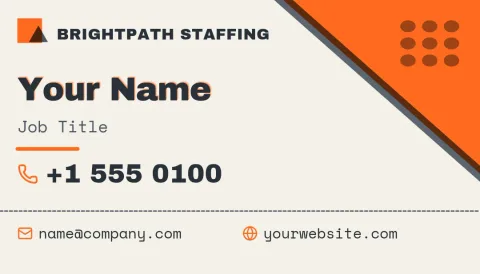
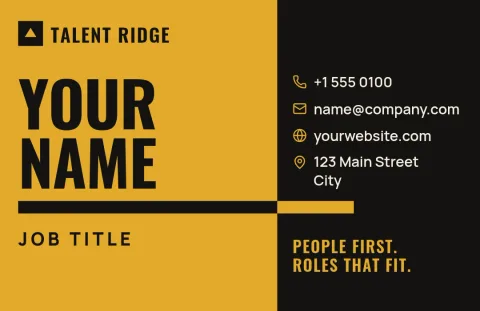
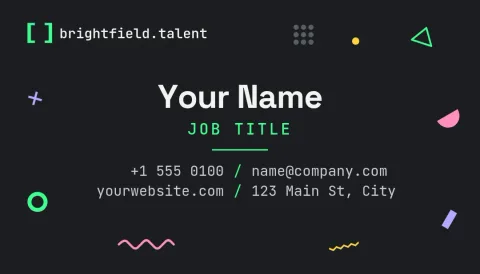

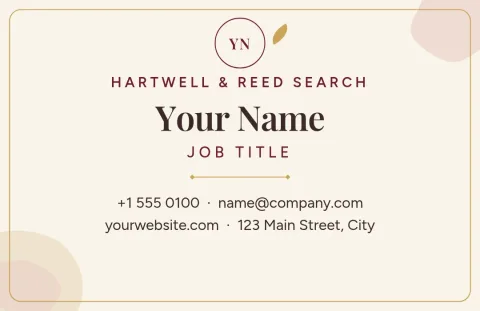
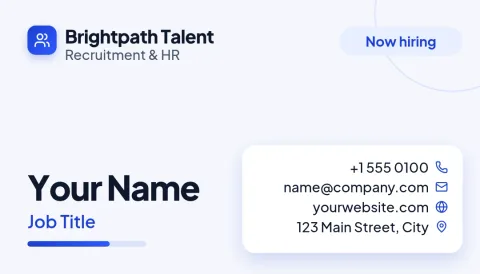
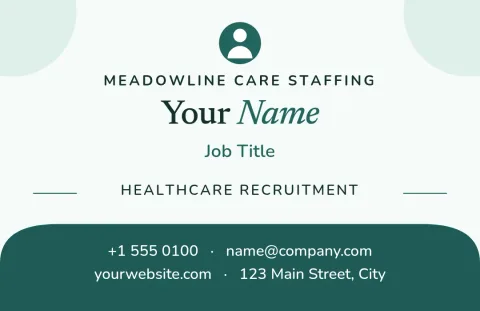
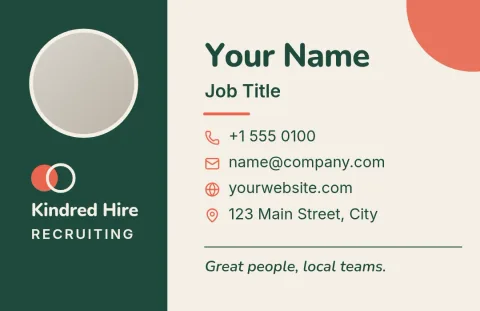
Choose a style that fits your recruiting niche
A card for tech candidates can look different from one for nurses or warehouse staff. The eight templates here cover corporate, bold, minimal, healthcare, temp staffing, executive search, job-board style and friendly local agency looks. Pick the one closest to how you want candidates and hiring managers to see you, then adjust from there.
Make the card match your agency
Replace the placeholder name, title, phone, email and website with your own. Change fonts and colours, move elements around, and swap the logo area for your logo. If you set up a brand kit, your colours, fonts and logo stay consistent across every card and every other design you make.
Download and use your card
When you are happy, download your card as PDF (standard or vector), PNG, JPG, WebP or SVG. Templates come in US and EU business card sizes, so choose the one you need. Downloading a template does not use AI credits. The AI photo tools, such as background remover, do use credits.
Frequently asked questions
Can I edit these templates for free?
Yes. Nimply Design is part of every Nimply plan, including Free. You can edit text, fonts, colours, photos and layout, and downloading a template does not use AI credits. Only the AI photo tools, like the background remover, use credits.
What should a recruiter put on a business card?
Your name, role, agency name, phone, email and website are the basics. Many recruiters also add a LinkedIn address and a line about the sectors they cover, such as tech, healthcare or finance, so people know when to call.
Which file formats can I download?
You can download PNG, JPG, WebP, PDF (standard or vector) or SVG. Pick the one that suits where you will use the card, whether that is sharing it digitally or handing a file to a printer.
Can I add my agency logo and brand colours?
Yes. You can replace the logo area with your own and change any colour or font. With a brand kit, your colours, fonts and logo stay saved so each new card matches the rest of your materials.
Are there US and EU card sizes?
Yes. The templates use the US or EU business card size presets, so you can choose the size that matches the cards you normally use in your region.
Make it yours in minutes
Open any template in Nimply Design, add your brand in one click, and send it straight into a post for approval and scheduling.