

8 creative business card ideas you can make your own
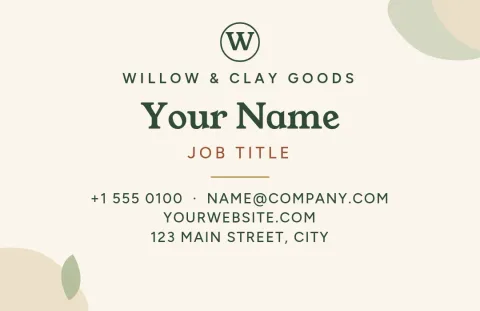
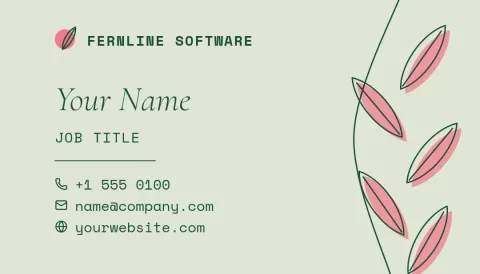
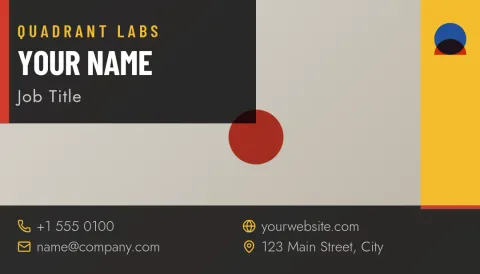
A card people keep starts with one clear idea: a bold colour, a hand-drawn touch, a big photo or a clever layout. These eight templates each show a different direction. Pick the one that feels like your business, swap in your details and brand colours, and download it.

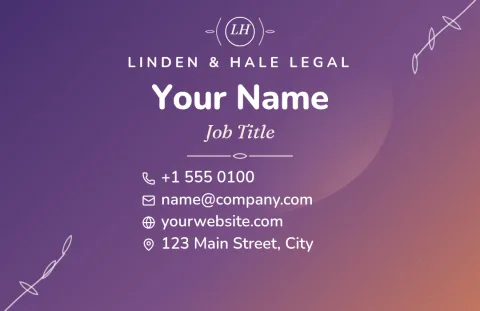
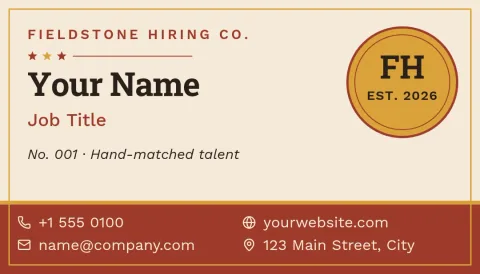
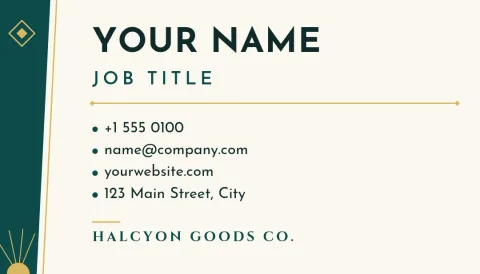
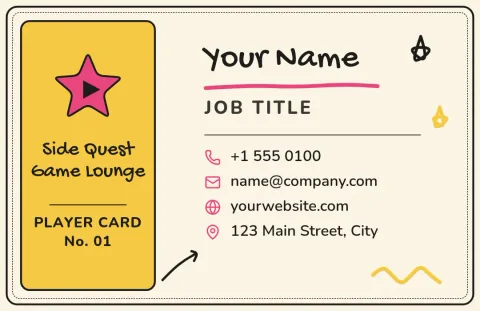
Pick an idea that matches how you work
Think about the first thing you want someone to feel when they hold your card. Bold colour blocks say confident. Doodles say friendly and hands-on. A full photo says your work speaks for itself. Minimal monograms say calm and precise. Choose the mood first, then fill in the details.
Keep creative ideas easy to read
A card can be playful and still be useful. Keep your name, role and one way to reach you large enough to read at a glance. Leave some empty space, and use no more than two fonts. If a design feels busy, remove one element before you add another.
Edit, save your brand, then download
Open any template in the Nimply Design editor in your browser. Change the text, fonts, colours, photos and layout. Add your colours, fonts and logo to a brand kit so every card matches. Download as PDF, PNG, JPG, WebP or SVG. Downloading a template does not use AI credits.
US and European sizes
Templates come in the standard US business card size and the common European size, so you can start with the one your region uses. Check the size before you download, and keep important text away from the edges so nothing feels tight.
Frequently asked questions
Can I change the colours and fonts on these cards?
Yes. Every template is editable in the browser. You can change text, fonts, colours, photos and layout. If you set up a brand kit, it keeps your colours, fonts and logo ready so each card matches the rest of your brand.
Are the business card templates free to use?
Nimply Design is part of every Nimply plan, including Free. Opening a template, editing it and downloading it does not use AI credits. Only AI photo tools, such as the background remover and Magic Layers, use credits.
What file formats can I download?
You can download PNG, JPG, WebP, PDF (standard or vector) or SVG. PDF and SVG suit sharing with a print shop. Nimply does not print or ship cards itself.
Which size should I choose?
Choose the US size if you hand out cards in the United States or Canada, and the European size for most of Europe. If you are unsure, ask your print shop which size they prefer before you finish the design.
Make it yours in minutes
Open any template in Nimply Design, add your brand in one click, and send it straight into a post for approval and scheduling.