

Photography Gift Certificate Template for Your Studio
Choose a photography gift certificate template, swap in your studio name, session type and value, and download it ready to share or print yourself. Each design is fully editable in your browser, with room for a photo of your own work.
What to put on a photography gift certificate
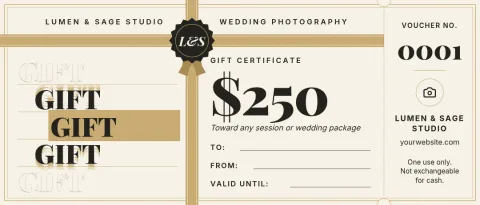
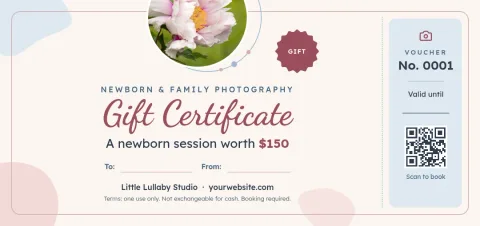
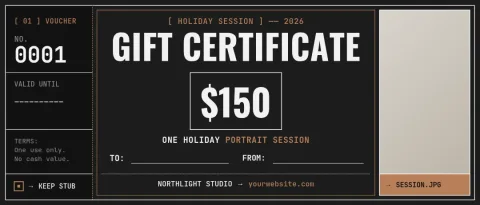
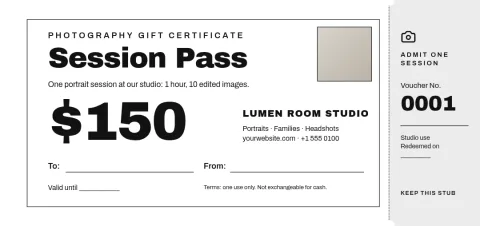
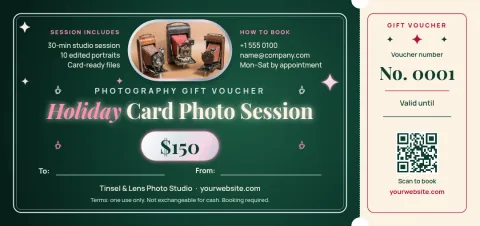
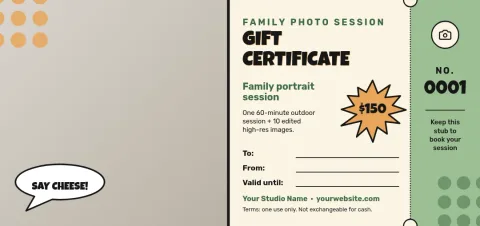
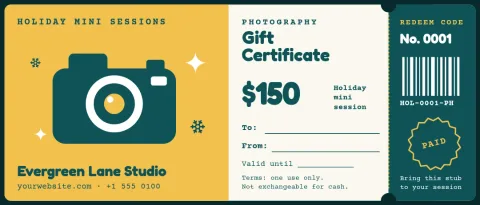
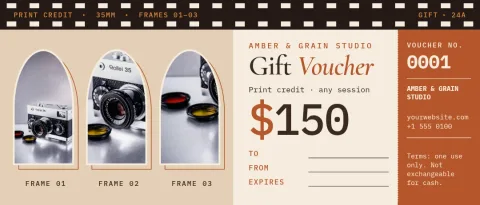
Keep it clear for the person who receives it. Add your studio name and logo, the session or amount it covers, a recipient and giver line, an expiry date, and how to book. Mention what is included, such as session length or number of edited images, so nobody has to ask. These templates already leave space for each of those details.
Designs for different kinds of shoots
The eight templates cover family, newborn, wedding, portrait, mini session, holiday and print-credit offers. Some are soft and airy, others are bold or dark and moody. Pick the one closest to your shooting style, then add one of your own photos so the certificate looks like your work.
Edit, then download or schedule
Nimply Design runs in your browser and is part of every Nimply plan, including Free. Change text, fonts, colours, photos and layout, and save your colours, fonts and logo in a brand kit. Download as PDF, PNG or JPG, or send the design into a Nimply post for approval and scheduling. Downloading a template does not use AI credits.
Sell more gift sessions around busy seasons
Gift certificates sell best before holidays, Mother's Day and wedding season. Make one version for each, post the image on your social channels, and share the PDF with buyers by email. Reusing one layout with new wording keeps your offers looking consistent.
Frequently asked questions
Can I edit these photography gift certificate templates?
Yes. You can change the text, fonts, colours, photos and layout in the Nimply Design editor in your browser. Add your studio name, session details, value and expiry date, and replace the placeholder photo with your own.
Is it free to use them?
Nimply Design is part of every Nimply plan, including Free. Downloading a template does not use AI credits. AI photo tools such as the background remover do use credits.
What file formats can I download?
You can download PNG, JPG, WebP, PDF (standard or vector) or SVG. PDF suits emailing or printing at home or at a print shop of your choice. PNG and JPG work well for social posts.
Does Nimply print or ship the certificates?
No. Nimply Design gives you the finished file. You can email it, post it online, or print it yourself or through a printer you choose.
Can I keep my studio branding consistent?
Yes. Save your colours, fonts and logo in a brand kit so each new certificate starts with your look. It helps when you make seasonal versions.
Make it yours in minutes
Open any template in Nimply Design, add your brand in one click, and send it straight into a post for approval and scheduling.