

Pet sitting business card template free to edit online
Pick a pet sitting business card template free to start with, then add your name, phone number, services and a pet photo. Change colours and fonts to match your brand, and download the card as a PNG, JPG or PDF when it looks right.
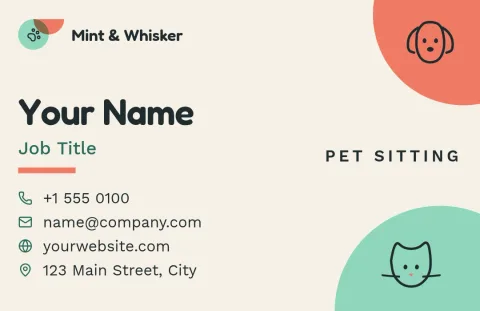
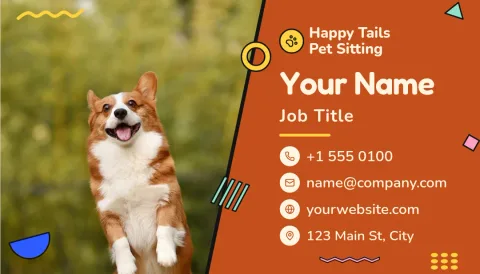
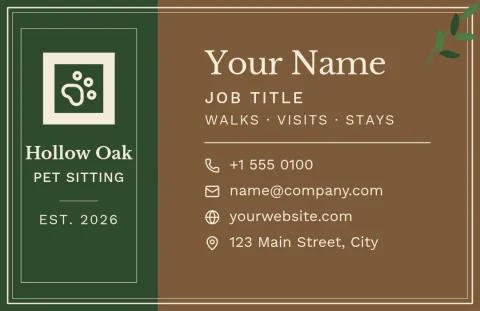


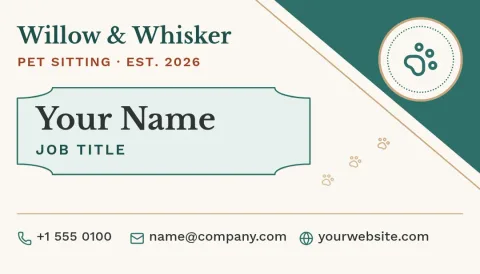
What to put on a pet sitting card
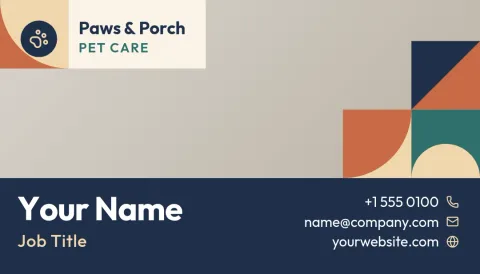
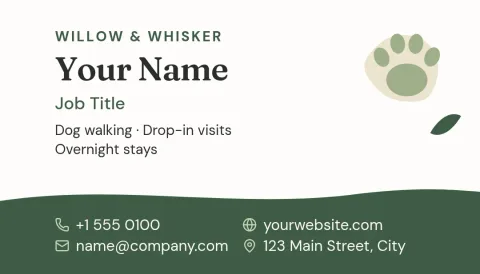
Keep it short so a pet owner can act on it. Add your name, a phone number or booking link, and the services you offer, such as drop-in visits, dog walking or overnight stays. A clear photo of a pet or a small paw icon helps people remember you. Leave some empty space so the card does not feel crowded.
Make the card look like your business
Every template can be edited. Change the text, fonts, colours, photos and layout until it fits how you work. If you set up a brand kit, your colours, fonts and logo stay ready for each new card, flyer or social post, so everything you hand out looks like it comes from the same sitter.
Download and share your design
When the card is ready, download it as PNG, JPG, WebP, PDF (standard or vector) or SVG. You can also send the design straight into a Nimply post for approval and scheduling, which is handy for announcing your services online. Downloading a template does not use AI credits.
Choose the right size
Templates come in US and EU business card sizes. Pick the one that matches where you live or where you plan to print. Check your phone number and spelling at full size before you download, since small typos are easy to miss on a card this size.
Frequently asked questions
Is there a pet sitting business card template free to use?
Yes. Nimply Design is part of every Nimply plan, including Free, so you can open a template, edit it and download it. Downloading a template does not use AI credits.
Can I change the colours, fonts and photo?
Yes. You can edit the text, fonts, colours, photos and layout of any template. A brand kit can keep your colours, fonts and logo ready to reuse on other designs.
What file formats can I download?
You can download PNG, JPG, WebP, PDF (standard or vector) or SVG. PDF is a common choice if you plan to take the file to a print shop.
Which sizes are available?
The cards in this collection come in US and EU business card sizes. Choose the one that suits your country or your printer.
Can I use the card for dog walking too?
Yes. The text is fully editable, so you can list dog walking, house visits, boarding or any mix of services your business offers.
Make it yours in minutes
Open any template in Nimply Design, add your brand in one click, and send it straight into a post for approval and scheduling.