

Memorial flyer template designs for services and gatherings
Choose a memorial flyer template that fits the tone of the day, then add the name, date, place and a photo. Edit everything in your browser, keep the wording simple, and download the finished flyer to share with family and friends.
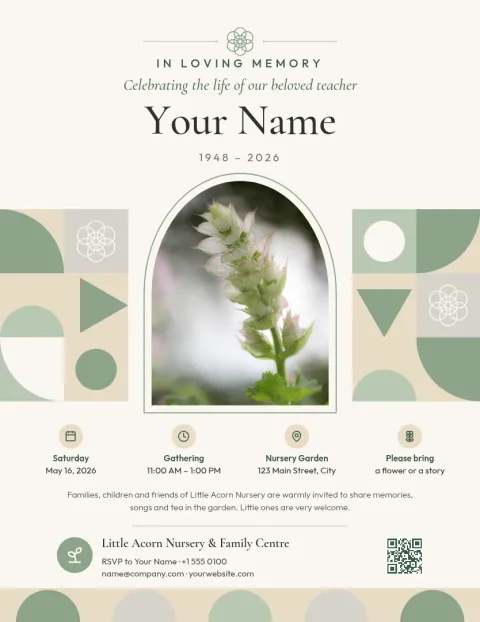
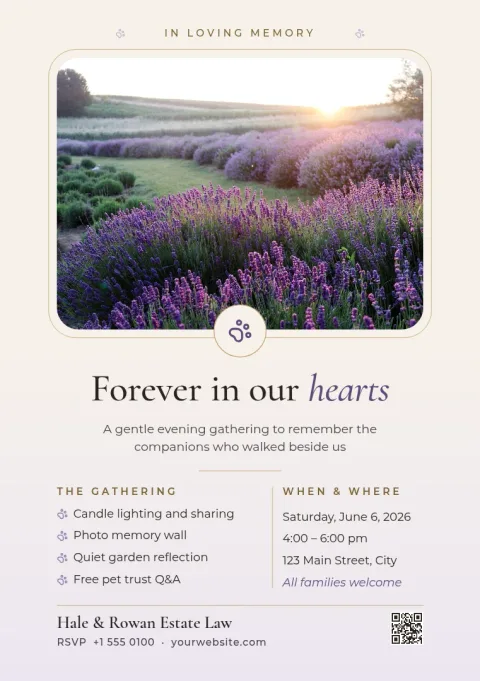
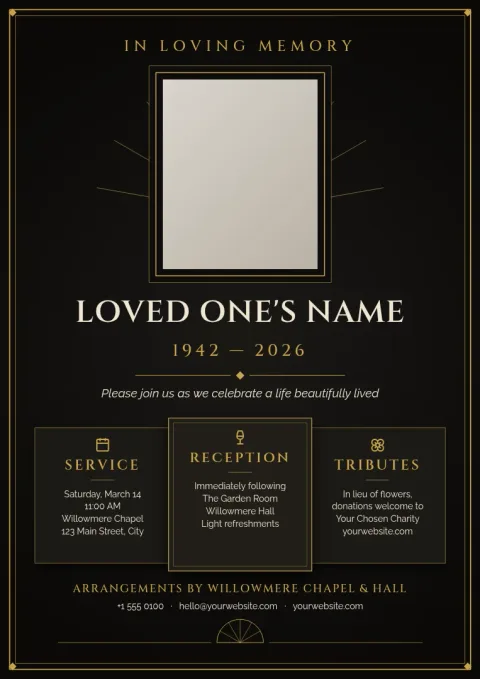
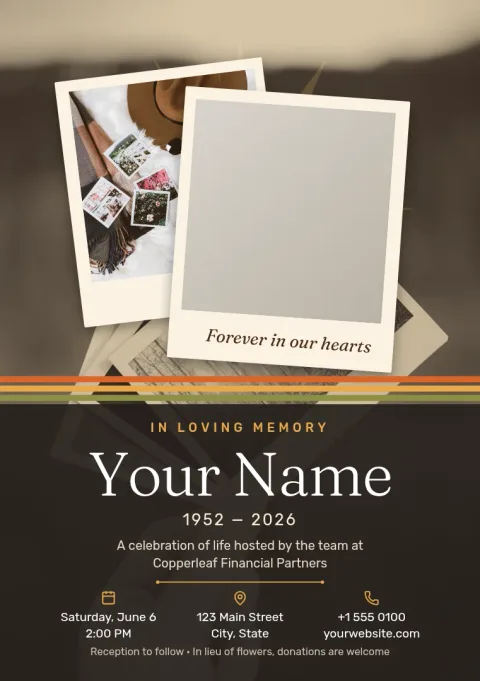
What to put on a memorial flyer
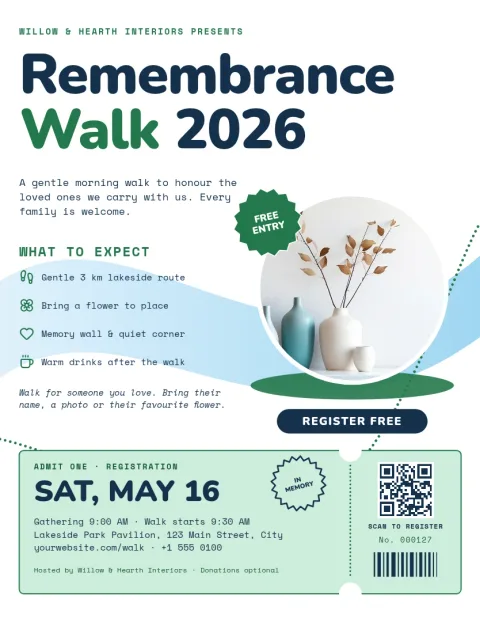
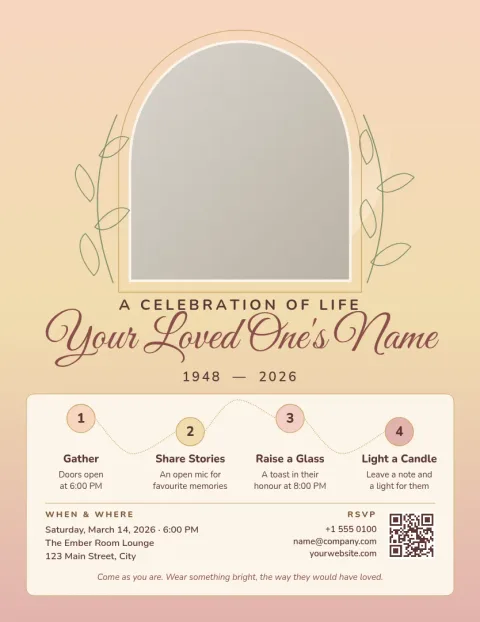
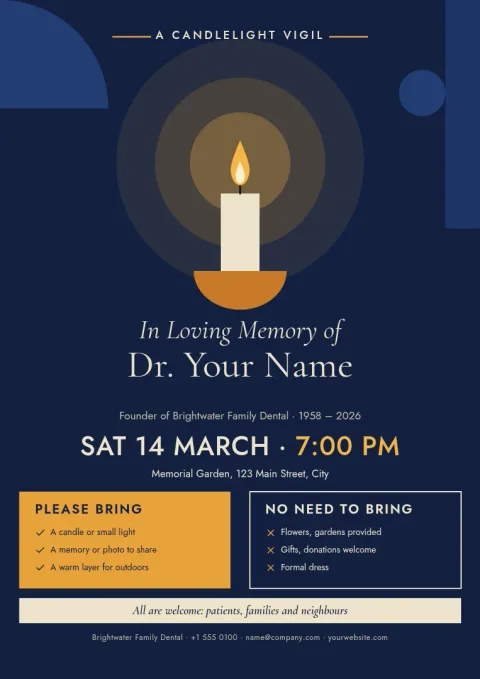
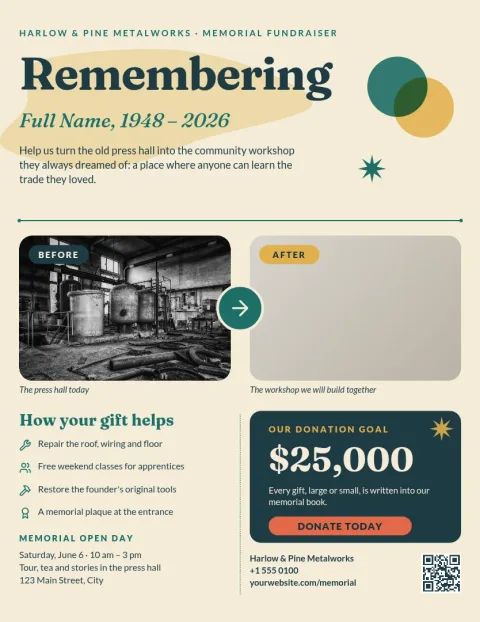
Keep it short so people can read it at a glance. Include the full name, a favourite photo, the date and time, the address, and who to contact with questions. If there is a livestream, a reception, or a request for donations in place of flowers, add one line for each. Leave space around the text so the page feels calm.
Choosing a tone and size
Some families want a quiet, traditional look. Others prefer a bright celebration of life. These templates cover both, plus vigils, walks and fundraisers. Letter, A4 and A5 sizes are available, so you can pick one that suits a noticeboard, a message or a handout.
Editing and downloading
Open a template in Nimply Design and change the text, fonts, colours, photo and layout. Save your colours and fonts in a brand kit if you plan to make several pieces, such as a flyer and a program. Download as PDF, PNG or JPG, or as SVG. Downloading a template does not use AI credits.
Frequently asked questions
Can I change the photo on a memorial flyer template?
Yes. Replace the placeholder with your own photo, then move or resize it to suit the layout. The background remover is an AI photo tool and uses AI credits. Simply swapping the photo does not.
What file types can I download?
You can download your flyer as PNG, JPG, WebP, PDF (standard or vector) or SVG. PDF is a good choice for sharing a document, and PNG or JPG works well for messages and social posts.
Which size should I choose?
Letter and A4 are full-page sizes that suit noticeboards and handouts. A5 is half that size and works well for smaller handouts or a shared image. Pick the one that matches where the flyer will be seen.
Can I use the same colours across several designs?
Yes. A brand kit keeps your colours, fonts and logo together, so a flyer, an invitation and a program can look like they belong together.
Does a template have to stay as it is?
No. Every part is editable: the words, fonts, colours, photo and layout. Treat the template as a starting point and change anything that does not fit your family or event.
Make it yours in minutes
Open any template in Nimply Design, add your brand in one click, and send it straight into a post for approval and scheduling.