

Live music flyer template designs for gigs and shows
Choose a live music flyer template that fits your night, from open mics to festival lineups. Swap in your act, date, venue and photo, adjust the fonts and colours, then download the flyer or send it to a Nimply post. Nimply Design runs in your browser and is part of every plan.
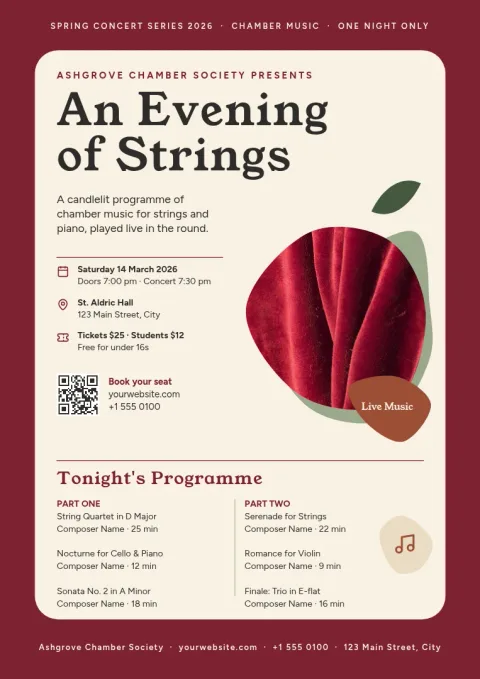
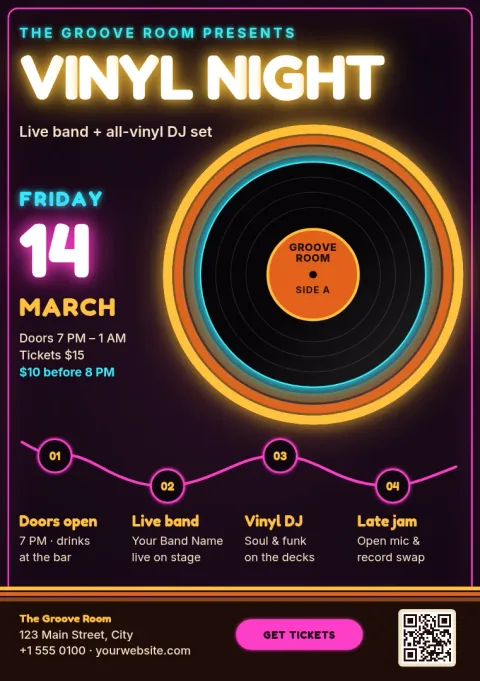
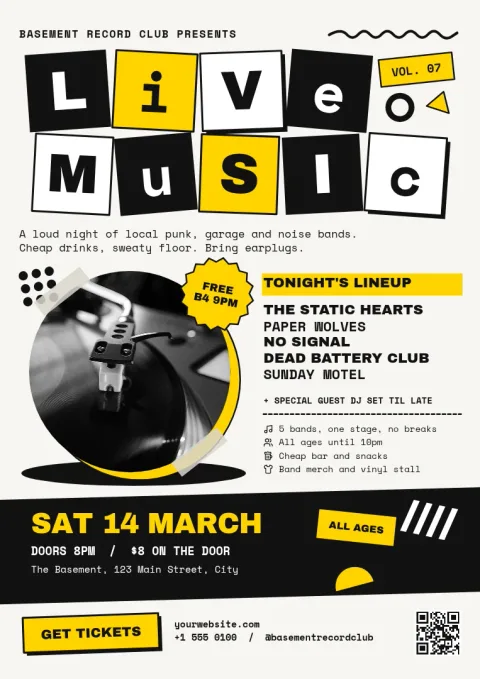
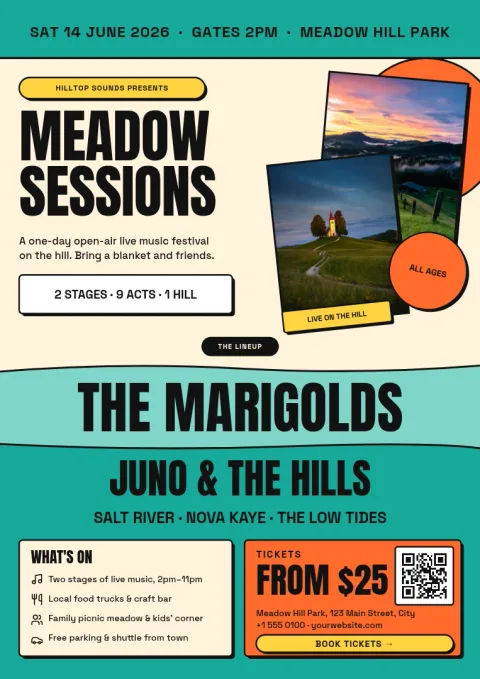
Pick a style that suits your night
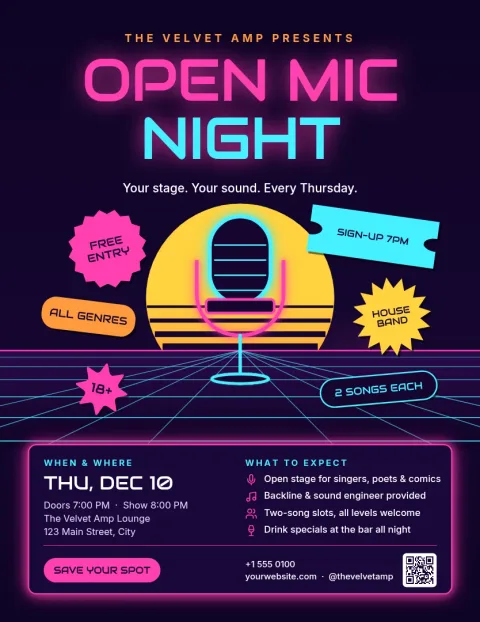
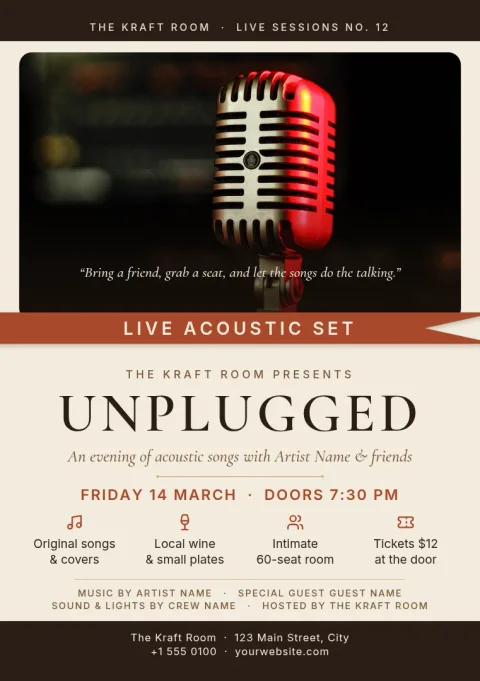
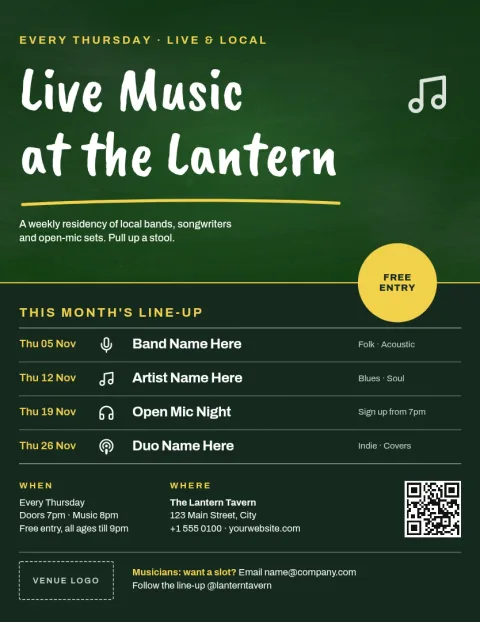
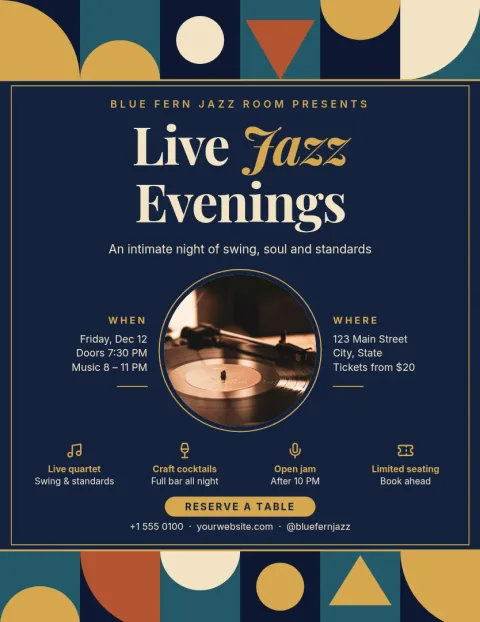
A flyer works best when it looks like the gig. The eight templates here cover loud and quiet nights: a neon open mic, a warm acoustic set, a punk collage, a jazz evening, a festival lineup, a retro vinyl night, a weekly pub residency and a classical concert. Start with the mood closest to yours, then change what you need.
What you can change
Every template is editable in the browser. Replace the act name, date, time, venue and ticket details, then change fonts, colours, photos and layout. If you have a band or venue look, a brand kit keeps your colours, fonts and logo ready so each new flyer matches the last.
Download or schedule it
When the flyer is ready, download it as PNG, JPG, WebP, PDF or SVG. You can also send the design straight into a Nimply post, where it can go through approval and be scheduled. Downloading a template does not use AI credits. Photo tools like the background remover do.
Frequently asked questions
Can I edit a live music flyer template for free?
Nimply Design is part of every Nimply plan, including Free. You can open a template, edit the text, fonts, colours, photos and layout in your browser, and download it. Downloading a template does not use AI credits.
What file types can I download?
You can download your flyer as PNG, JPG, WebP, PDF (standard or vector) or SVG. You can also send it into a Nimply post for approval and scheduling.
Can I use my own band photo?
Yes. Replace the photo placeholder with your own image and adjust the layout around it. The background remover can cut out a subject, and it uses AI credits.
Which flyer sizes are available?
These templates come in Letter, A4 and A5 flyer sizes. Pick the one that suits where you will share or hand out the flyer.
Can I keep my band colours and logo?
Yes. Set up a brand kit with your colours, fonts and logo, and apply them to any template so your flyers look consistent.
Make it yours in minutes
Open any template in Nimply Design, add your brand in one click, and send it straight into a post for approval and scheduling.