

Job flyer template designs for your next hire
Need to tell people you are hiring? Start with a job flyer template, add your role, pay and how to apply, and swap in your colours and logo. Each design below is built for a different kind of workplace, so you can pick the one that fits and edit it in your browser.
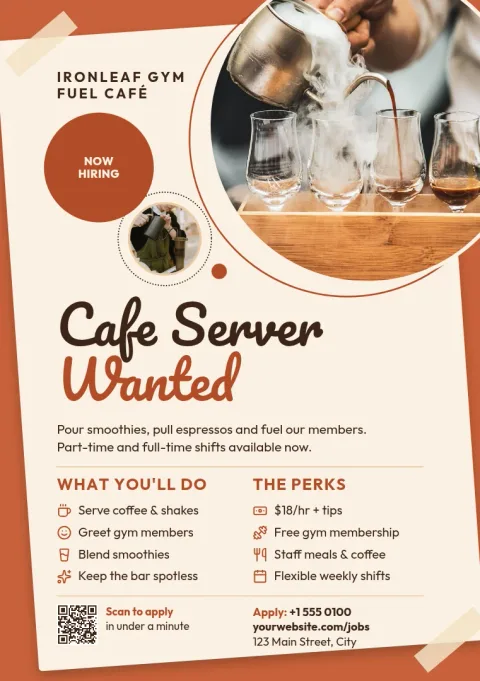
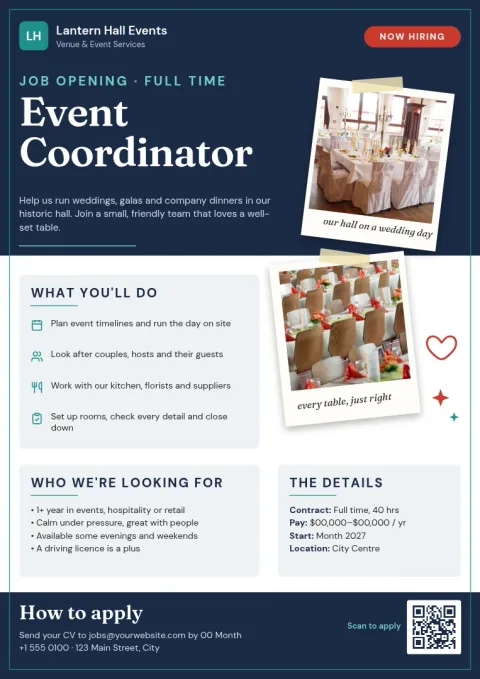
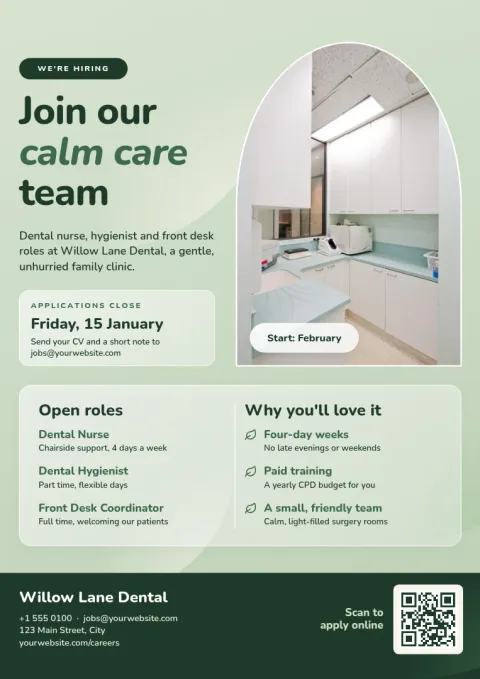
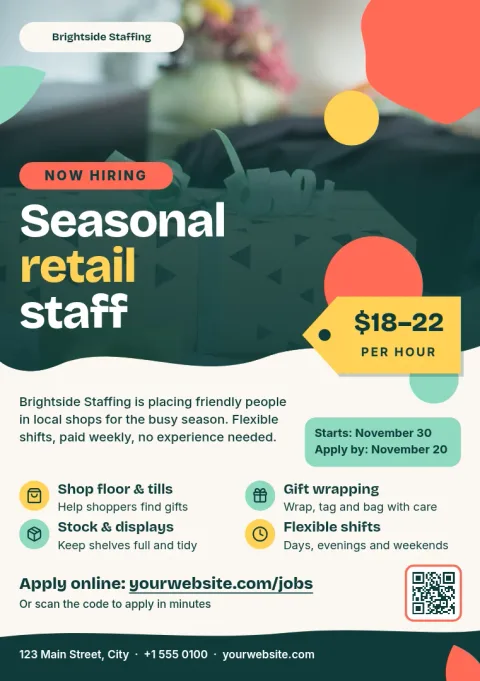
What to put on a job flyer
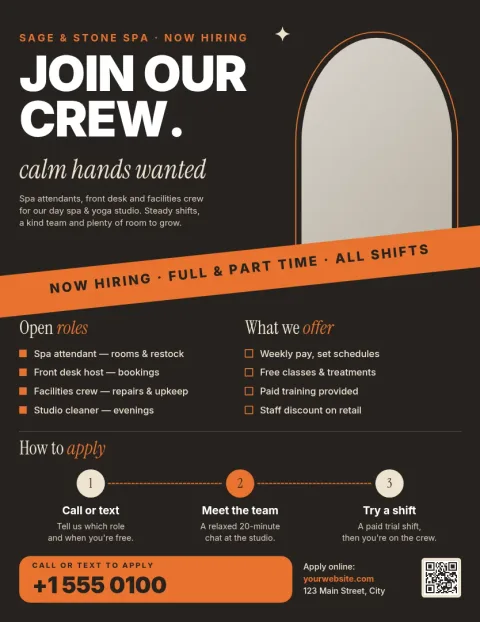
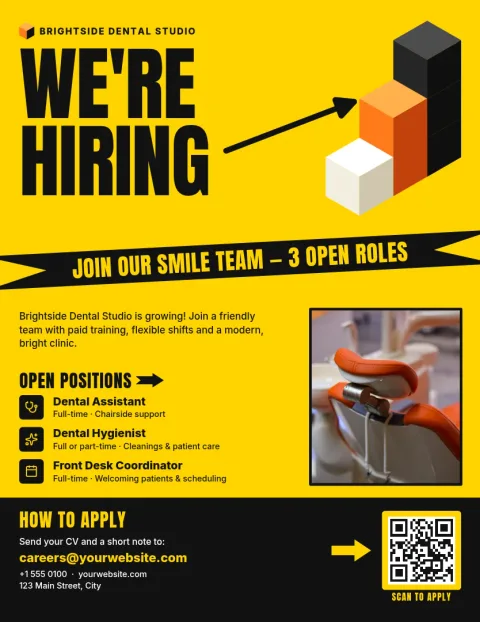
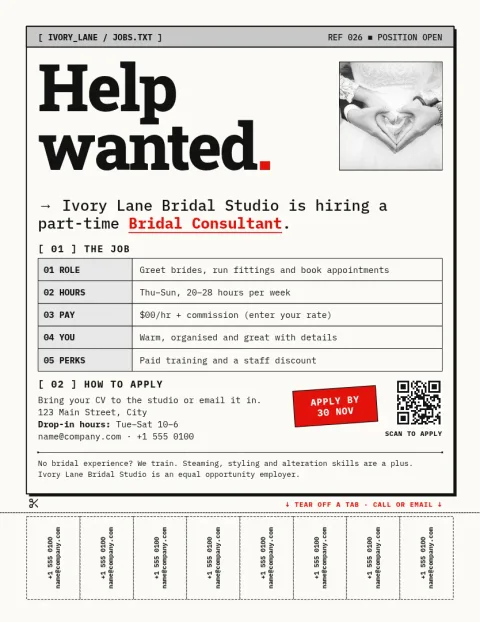
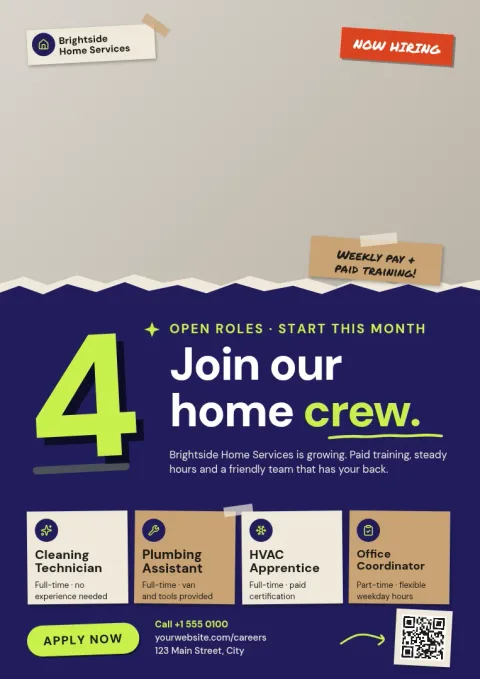
Keep it short. Lead with the job title and a clear line such as "Now hiring". Add the basics people ask first: hours, pay or pay range, location and start date. Finish with one simple way to apply, like an email, phone number or web address. Every template here leaves room for these details, so you can replace the sample text and go.
Choose a style that fits the role
A loud, high-contrast flyer works well for shop floors and busy kitchens. A calm, tidy layout suits offices and care work. Photo-led designs help when your team is part of the appeal. Look through the eight styles, pick the closest match, then change fonts, colours and layout until it looks like your business.
Edit, save and share
Open a template in Nimply Design and edit text, fonts, colours, photos and layout. A brand kit keeps your colours, fonts and logo ready for each new flyer. When you are done, download a PNG, JPG, WebP, PDF or SVG, or send the design straight into a Nimply post for approval and scheduling.
Frequently asked questions
Can I edit a job flyer template for free?
Nimply Design is part of every Nimply plan, including Free. You can open a template, change the text, fonts, colours, photos and layout, and download your finished flyer. AI photo tools such as the background remover use AI credits, but downloading a template does not.
What sizes are the flyers?
The templates come in common flyer sizes: US Letter, A4 and A5. Pick the size that matches where you will use the flyer, whether that is a full page, a smaller handout or a shared image.
Which file formats can I download?
You can download PNG, JPG, WebP, PDF (standard or vector) or SVG. PNG and JPG suit sharing online. PDF is handy when you need a document you can send or keep.
Can I add my logo and brand colours?
Yes. Upload your logo and change colours and fonts by hand, or save them in a brand kit so each new flyer starts with your look.
Can I post the flyer on social media?
Yes. You can download the design as an image, or send it straight into a Nimply post for approval and scheduling.
Make it yours in minutes
Open any template in Nimply Design, add your brand in one click, and send it straight into a post for approval and scheduling.