

Interior designer business card templates you can edit
A business card is often the first thing a client keeps after a meeting. These eight templates give your studio a clear, tasteful card without starting from a blank page. Pick a look, swap in your name, details and colours, and download the file when it feels right.
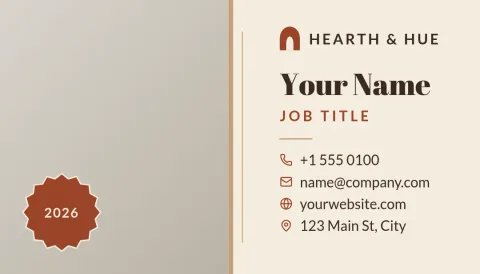

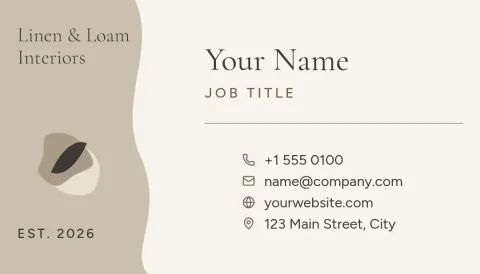
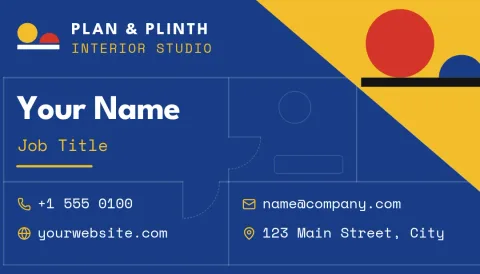


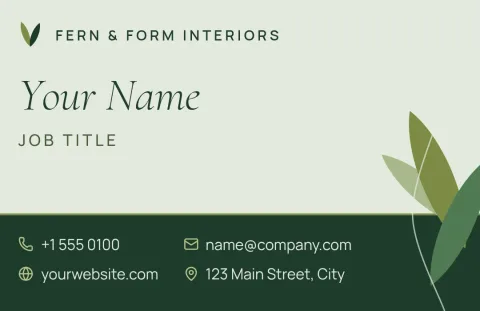
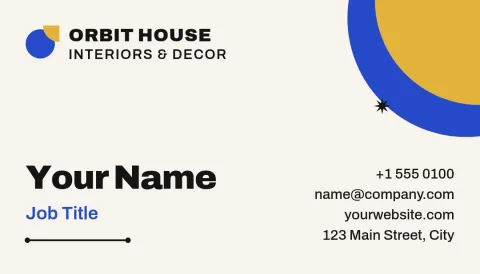
Choose a style that matches your work
Clients judge your taste before they see a single room. A minimalist studio, a warm residential designer and a bold commercial firm should not share the same card. These templates range from quiet and neutral to colourful and graphic, so you can start close to your own style and adjust from there.
Edit everything in your browser
Open a template in Nimply Design and change the text, fonts, colours, photos and layout. Add your logo, phone number, website and social handle. If you save a brand kit, your colours, fonts and logo stay consistent across your cards and anything else you design.
Download in the format you need
When the card is ready, download it as PNG, JPG, WebP, PDF (standard or vector) or SVG. Templates come in US and European business card sizes. Downloading a template does not use AI credits. Credits are only used by AI photo tools such as the background remover.
What to put on an interior designer card
Keep it short: your name, studio name, what you do, phone or email, website and one social handle. A photo of a finished room or a material swatch pattern can carry the mood. Leave breathing space, since crowded cards rarely feel like the calm spaces you design.
Frequently asked questions
Can I change the colours and fonts?
Yes. Every template is fully editable. You can change text, fonts, colours, photos and layout, and use a brand kit to keep your studio colours, fonts and logo consistent.
Which sizes are available?
The templates come in US and European business card sizes. Pick the one that matches your market before you start editing.
What file formats can I download?
PNG, JPG, WebP, PDF (standard or vector) or SVG. Choose the format your printer or website asks for.
Does downloading a template cost AI credits?
No. Downloading a template does not use AI credits. Only AI photo tools, such as the background remover and Magic Layers, use credits.
Can I use my own project photos?
Yes. Replace the photo placeholders with your own images of finished rooms, materials or a portrait, and adjust the layout to fit.
Make it yours in minutes
Open any template in Nimply Design, add your brand in one click, and send it straight into a post for approval and scheduling.