

Networking Event Flyer Template Collection
Fill a room with the right people. Start from a networking event flyer template, swap in your event name, date and venue, and adjust colours, fonts and photos in the browser. Download a PNG, JPG or PDF, or send the design into a Nimply post for approval and scheduling.

What a good networking flyer says
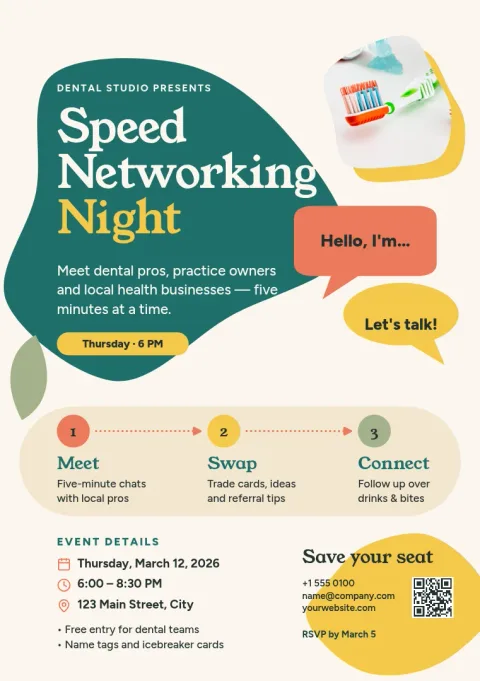
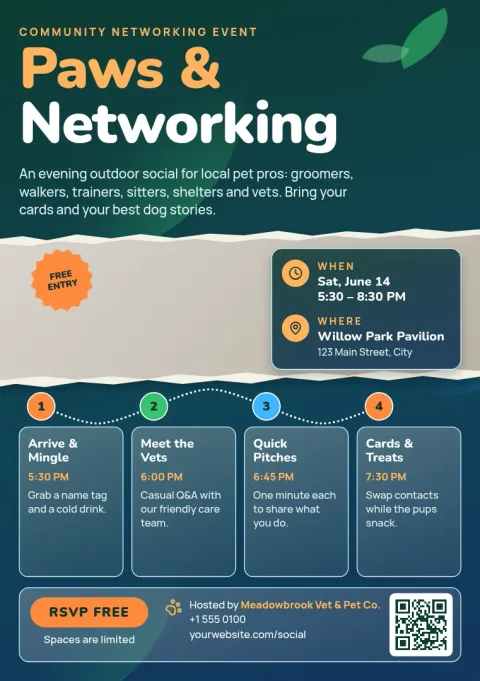
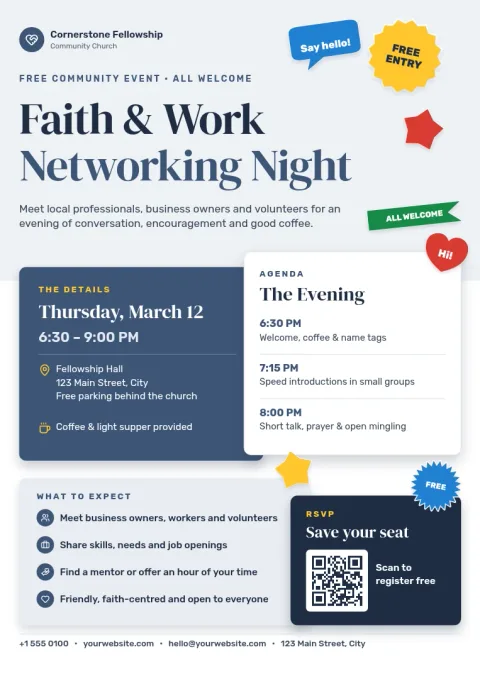
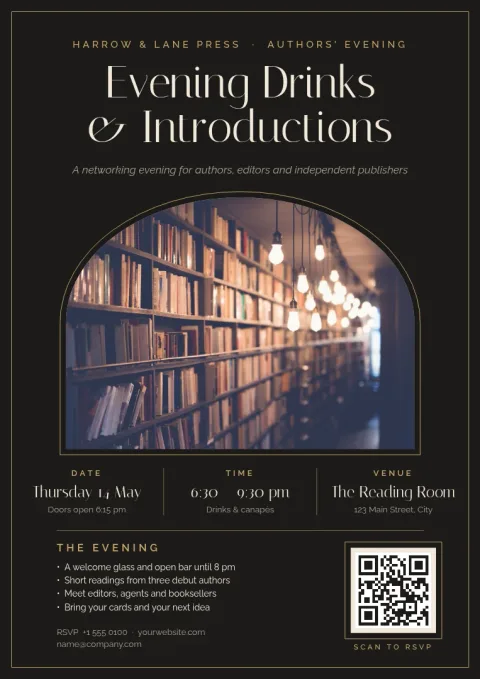
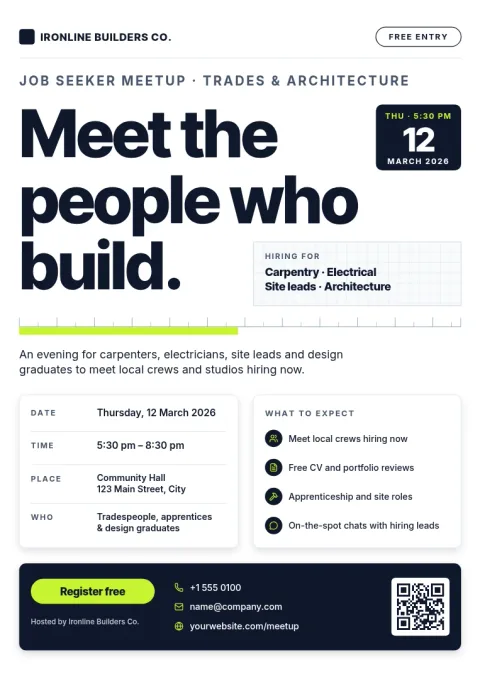
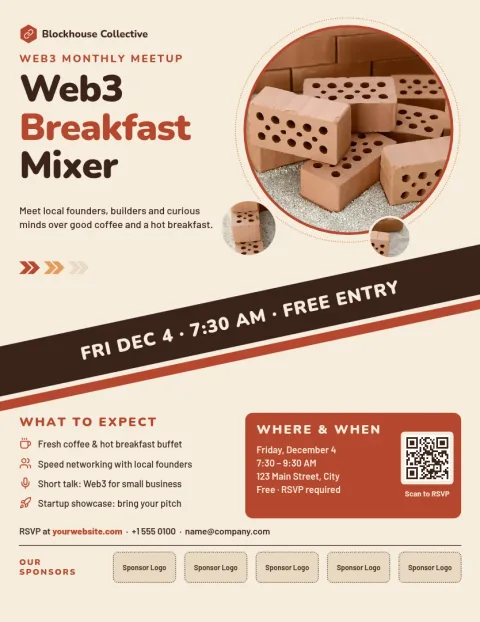
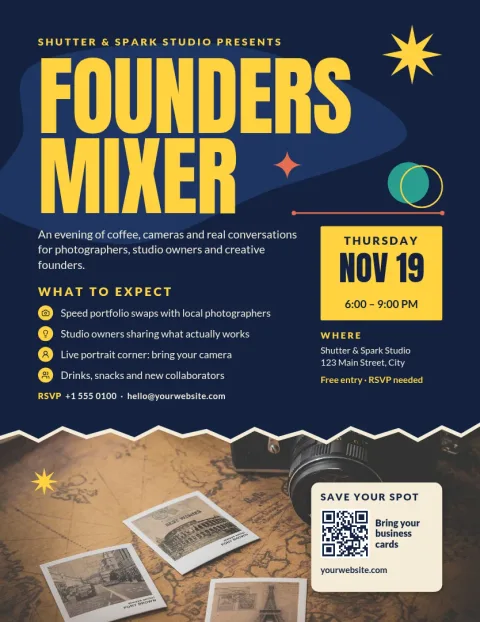
People decide in a few seconds whether to come. Put the event name first, then the date, time and place, then one line on who it is for and what they will get, such as introductions, a short talk or a drinks hour. Add a clear way to register, like a web address or QR code.
Edit the template in your browser
Open any template in Nimply Design and change the text, fonts, colours, photos and layout. Add your logo and colours with a brand kit so every flyer matches your business. Nothing needs installing, and Nimply Design is part of every plan, including Free.
Choose a size and download
Templates come in US Letter, A4 and A5 flyer sizes. Download as PNG, JPG, WebP, PDF (standard or vector) or SVG. You can also send the design into a Nimply post to get it approved and scheduled. Downloading a template does not use AI credits.
Pick a style for your crowd
A founders mixer, a chamber of commerce breakfast and a job-seeker meetup need different looks. This set covers bold and playful, calm and corporate, and warm and local, so you can match the flyer to the people you want to meet.
Frequently asked questions
Can I edit these flyers for free?
Yes. Nimply Design is part of every Nimply plan, including Free. You can change text, fonts, colours, photos and layout in the browser. AI photo tools like the background remover use AI credits, but downloading a template does not.
Which file types can I download?
You can download PNG, JPG, WebP, PDF (standard or vector) or SVG. Pick PDF if you plan to print the flyer yourself, or PNG and JPG for sharing online.
Which sizes are available?
The flyers come in US Letter, A4 and A5. Choose the one that suits where you will hand out or post it, then adjust the layout if needed.
Can I use my own logo and colours?
Yes. Set up a brand kit with your colours, fonts and logo, and apply them to any template so the flyer looks like your organisation.
Can I post the flyer on social media?
Yes. Download it as an image, or send the design straight into a Nimply post where it can go through approval and be scheduled.
Make it yours in minutes
Open any template in Nimply Design, add your brand in one click, and send it straight into a post for approval and scheduling.