

Boutique Flyer Template Free: 8 Designs to Edit
Announce a sale, a new collection or an in-store event with a flyer that looks like your shop. Pick a boutique flyer template, swap in your text, colours and photos, and download it as a PDF, PNG or JPG. Nimply Design is included in every plan, including Free.
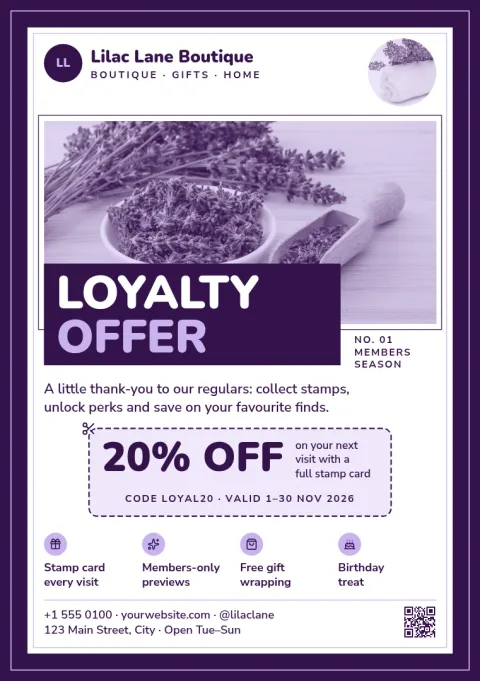
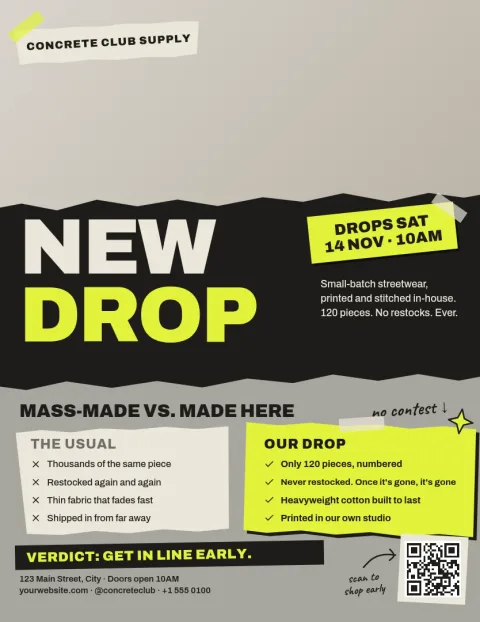
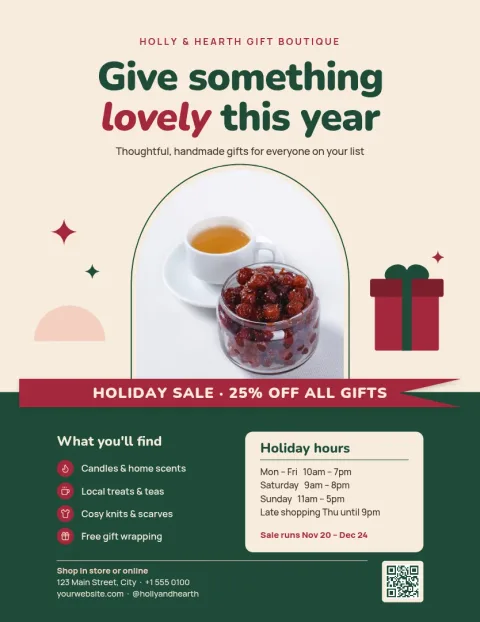
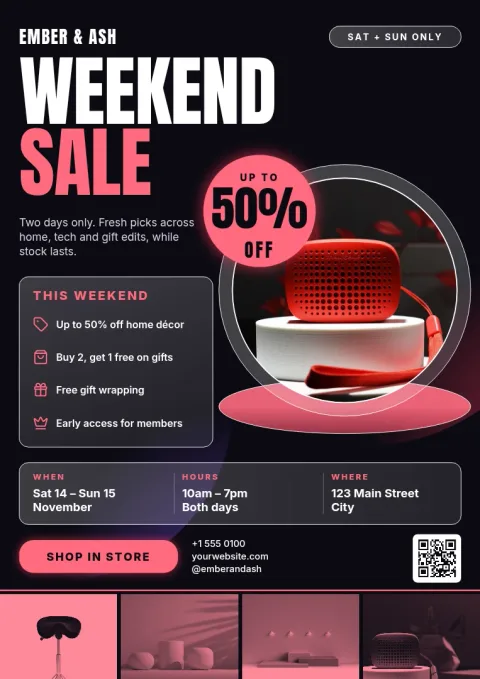
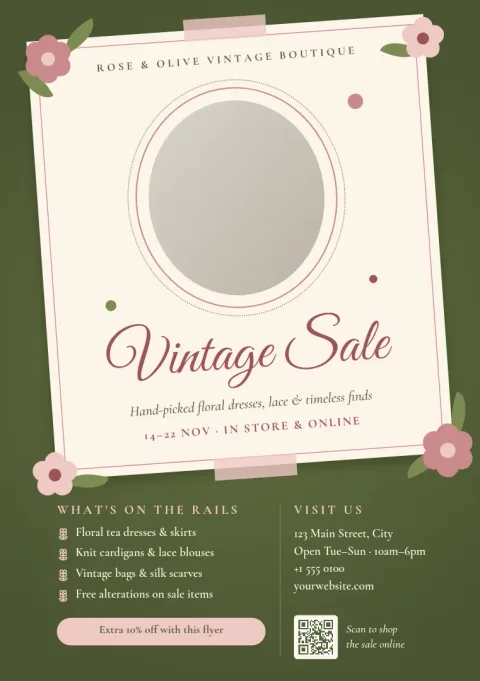
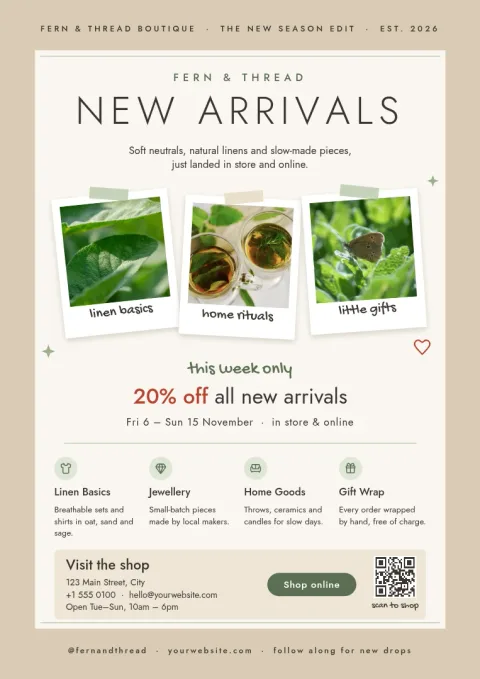
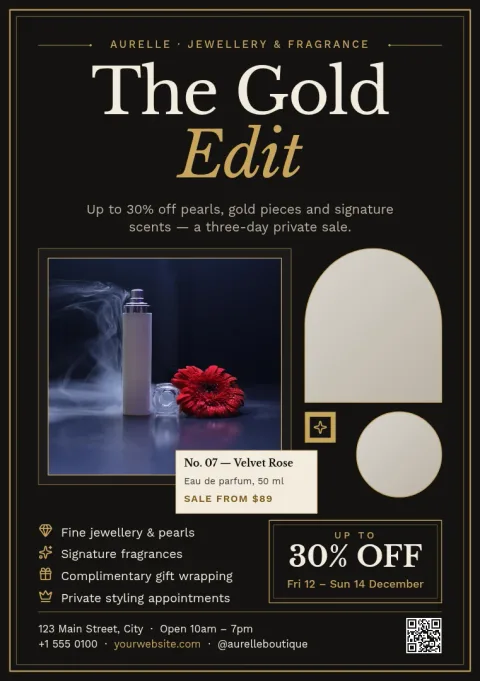
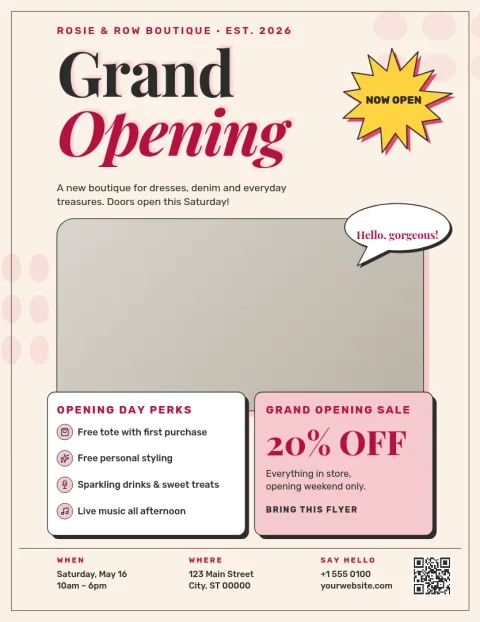
Make the flyer match your shop
Each template is fully editable. Change the wording, fonts, colours, photos and layout until it sounds and looks like your boutique. If you save a brand kit, your colours, fonts and logo are ready to apply, so every flyer you make feels like it came from the same shop.
Choose a size and download
Templates come in letter, A4 and A5 flyer sizes. When you finish, download as PNG, JPG, WebP, PDF (standard or vector) or SVG. Downloading a template does not use AI credits. Nimply does not print or ship flyers, so you take the file to the print shop or share it online.
Share it beyond the counter
A flyer does not have to stay on paper. Send the finished design straight into a Nimply post for approval and scheduling, so the same promotion can reach your followers while it sits by the till.
Photos and AI tools
Use photo placeholders for your own product shots. The background remover and Magic Layers are optional AI photo tools that use AI credits. You can design and download every template without them.
Frequently asked questions
Is the boutique flyer template free to use?
Nimply Design is part of every Nimply plan, including Free, so you can open a template, edit it and download it. AI photo tools such as the background remover use AI credits, but downloading a template does not.
Which file types can I download?
You can download PNG, JPG, WebP, PDF (standard or vector) or SVG. PDF is a common choice if you plan to take the flyer to a print shop.
Can Nimply print my flyers?
No. Nimply does not print or ship. Download your design and take the file to a printer of your choice, or share it digitally.
Can I use my own logo and colours?
Yes. Edit any colour, font or photo by hand, or use a brand kit to keep your colours, fonts and logo ready for every new flyer.
Can I post my flyer on social media?
Yes. You can send the design straight into a Nimply post, then approve and schedule it alongside your other content.
Make it yours in minutes
Open any template in Nimply Design, add your brand in one click, and send it straight into a post for approval and scheduling.