

Fashion Show Flyer Template Collection
Announce your runway night with a flyer people notice. Pick a fashion show flyer template, swap in your date, venue and photos, and download it as a PNG, JPG or PDF. Each design is editable in your browser, in Letter, A4 or A5 sizes.
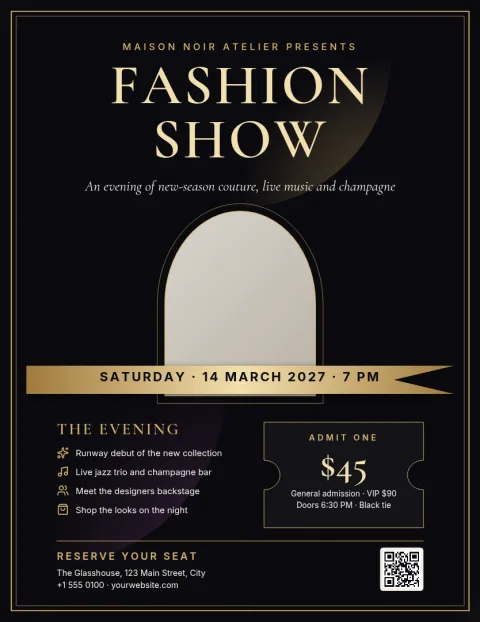
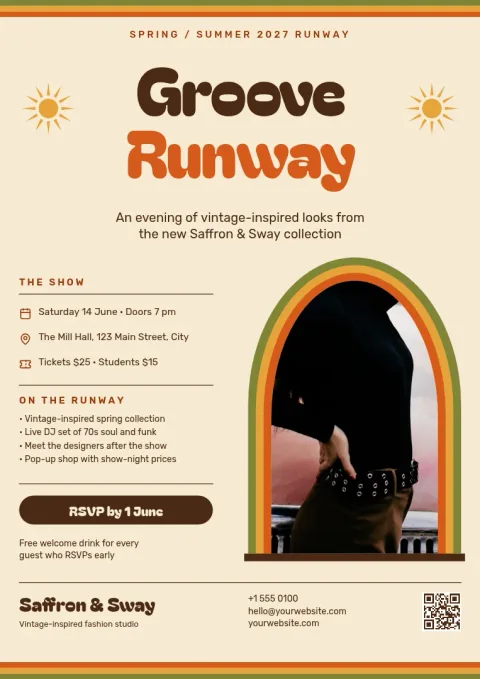
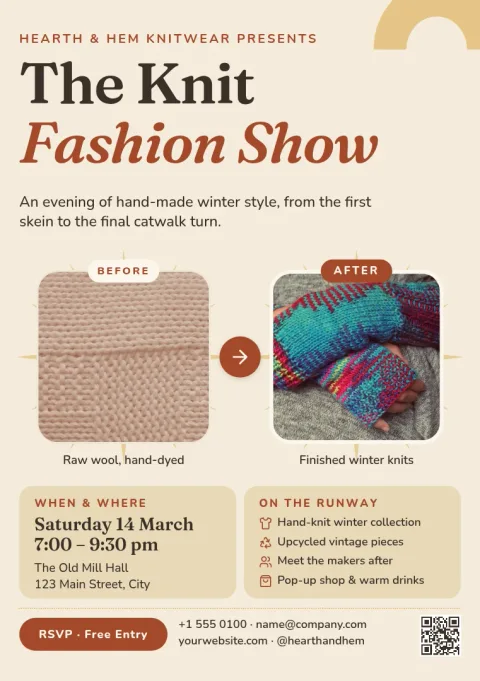
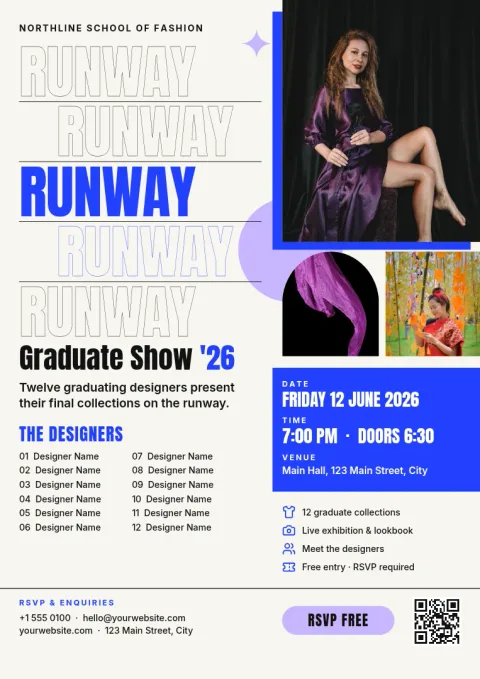
What to put on a fashion show flyer
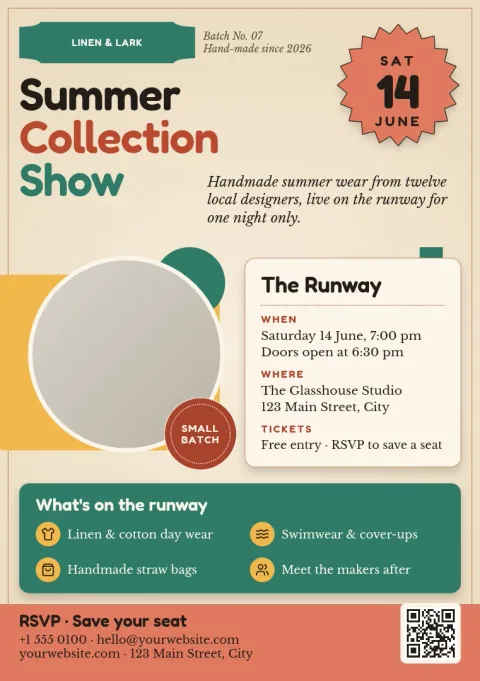
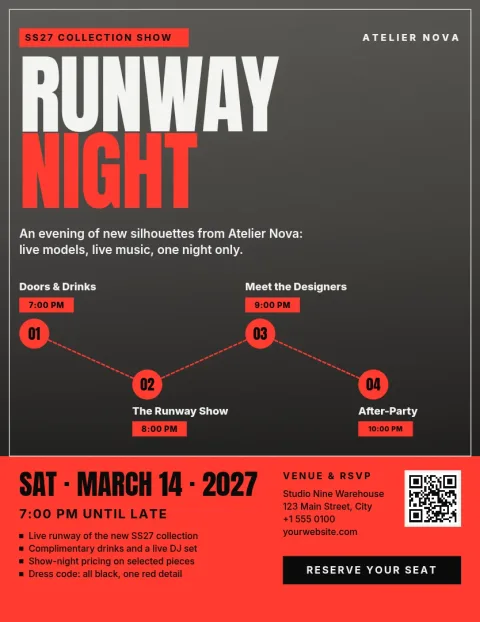
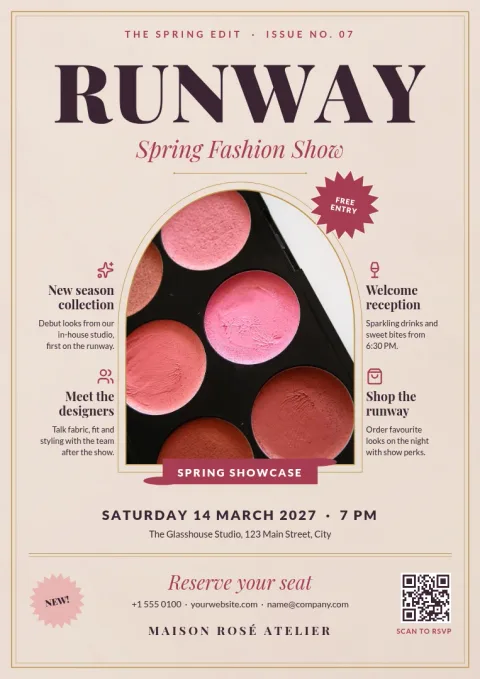
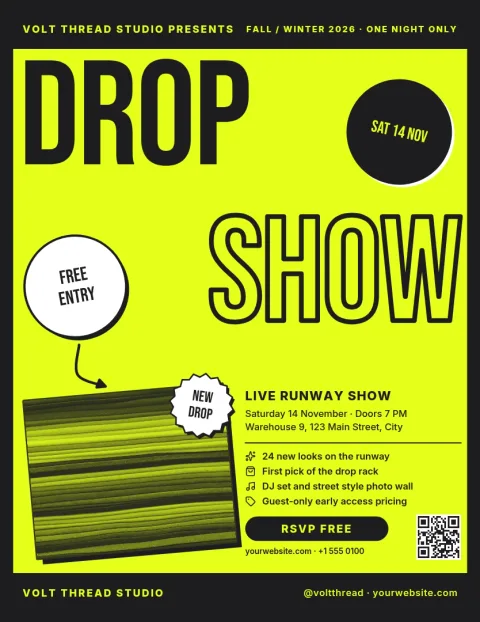
Keep the essentials easy to find: the name of the show, the date and time, the venue, and how to get tickets or RSVP. Add a line about the designers or brands on show if it helps people decide. One strong photo or bold shape usually works better than several small images.
Edit every part of the design
Each template opens in the Nimply Design editor in your browser. Change the text, fonts, colours, photos and layout until it suits your show. If you save a brand kit, your colours, fonts and logo stay ready for the next flyer, poster or invitation.
Download or share it
Download your flyer as PNG, JPG, WebP, PDF or SVG. You can also send it straight into a Nimply post for approval and scheduling, so the same design can announce the show on social media. Downloading a template does not use AI credits.
Frequently asked questions
Can I use a fashion show flyer template for free?
Yes. Nimply Design is part of every plan, including Free, so you can open a template, edit it and download it. AI photo tools such as the background remover use AI credits, but downloading a template does not.
Which sizes are available?
The flyers come in US Letter, A4 and A5. Pick the size that matches how you plan to share the flyer, then adjust the layout in the editor if you need to.
Can I use my own photos?
Yes. Replace the photo placeholders with your own model, collection or venue images, and change the text, fonts and colours to match your brand.
What file formats can I download?
You can download PNG, JPG, WebP, PDF (standard or vector) or SVG. You can also send the design into a Nimply post for approval and scheduling.
Can I save my brand colours and logo?
Yes. Brand kits keep your colours, fonts and logo, so each new flyer starts with your look instead of a blank page.
Make it yours in minutes
Open any template in Nimply Design, add your brand in one click, and send it straight into a post for approval and scheduling.