

Fashion show poster template free to edit in your browser
Choose a fashion show poster, swap in your date, venue and photos, and download it when it looks right. These eight designs cover runway nights, student shows, charity events and designer launches. Nimply Design is part of every plan, including Free.
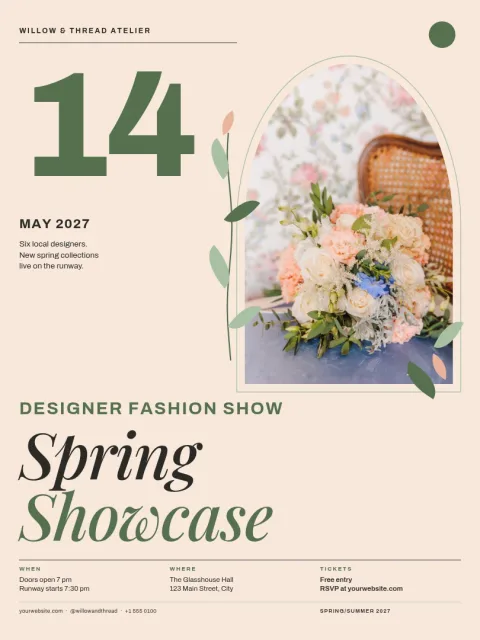
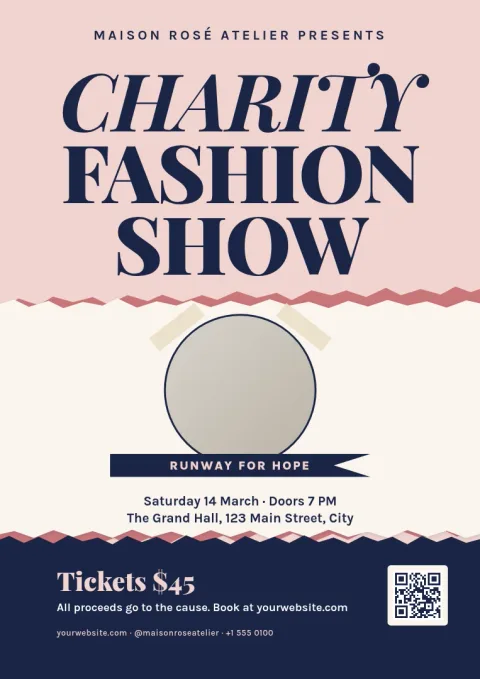
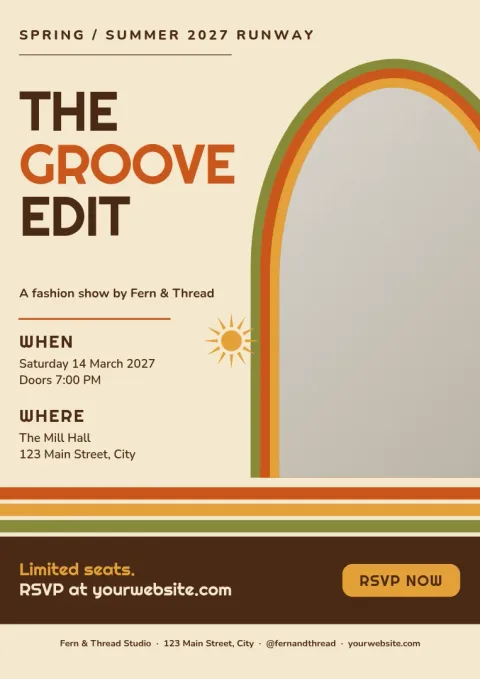
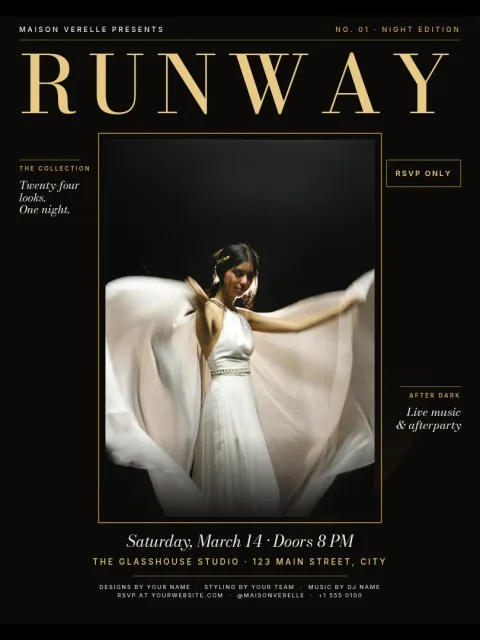
What to put on a fashion show poster
Keep the poster simple enough to read from across a room. Lead with the show name, then the date, time and venue. Add a short line about who is showing, such as a label, a school or a cause. If tickets are needed, give one clear way to get them. One strong photo or bold shape does more than many small images.
Edit every part of the poster
Each template opens in the Nimply Design editor. You can change the text, fonts, colours, photos and layout. If you keep a brand kit, it holds your colours, fonts and logo so the poster matches your label or school. Replace the photo placeholders with your own model or lookbook shots.
Sizes and downloads
The posters come in 18x24, A3 and 11x17 sizes. Download as PNG, JPG, WebP, PDF (standard or vector) or SVG. You can also send the design straight into a Nimply post for approval and scheduling, so the same artwork can announce the show online.
Choosing a style for your show
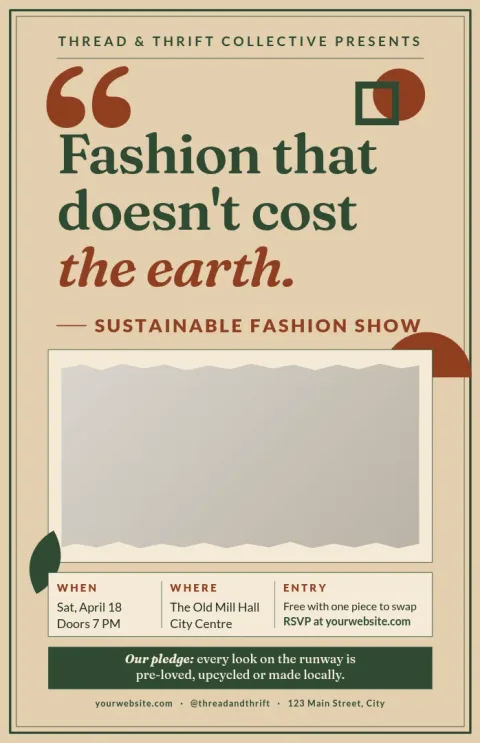
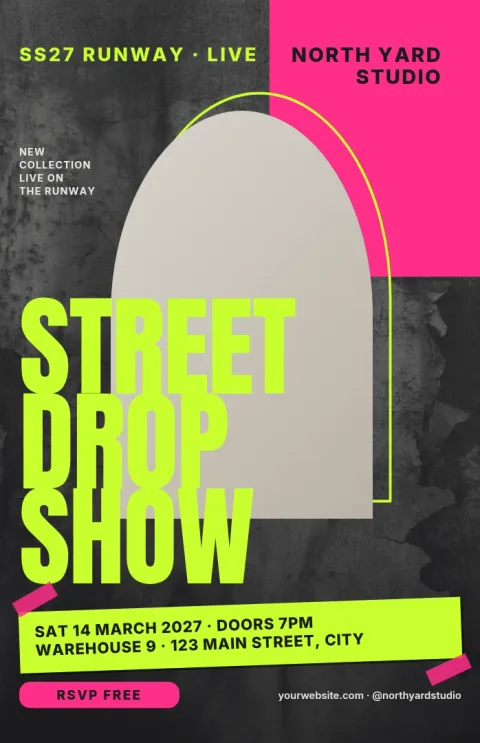
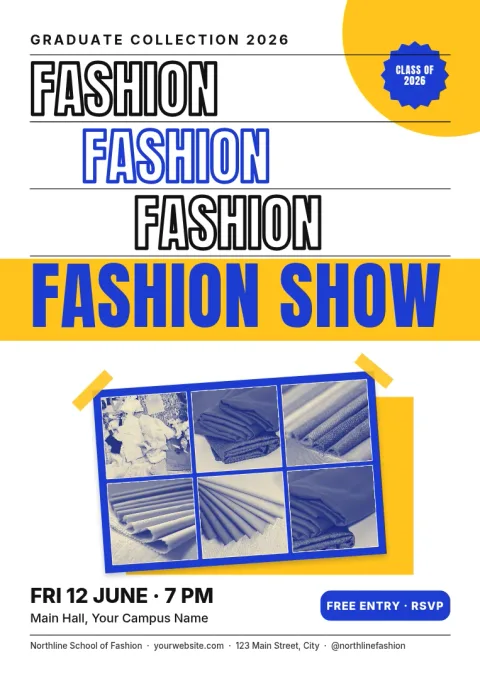
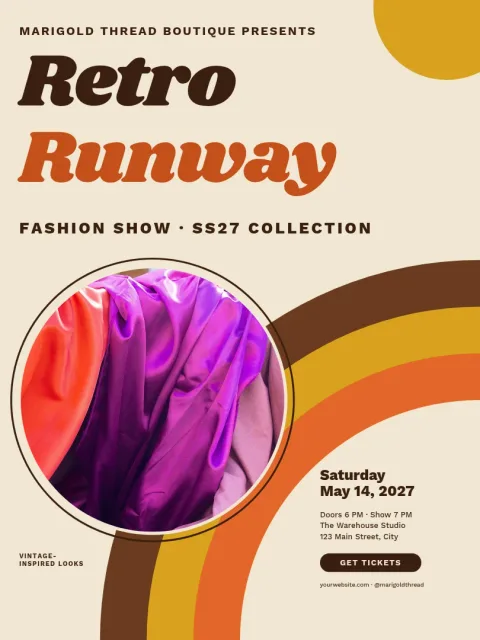
Pick the mood that suits the crowd. Dark and gold works for evening runway events. Clean white layouts suit editorial and designer showcases. Bright colour and heavy type fit streetwear and student shows. Softer palettes suit charity and sustainable events where the message matters as much as the clothes.
Frequently asked questions
Is the fashion show poster template really free?
Nimply Design is part of every Nimply plan, including Free, and downloading a template does not use AI credits. Only the AI photo tools, such as the background remover and Magic Layers, use AI credits.
Can I use my own photos and logo?
Yes. Replace the photo placeholders with your own images and add your logo. If you set up a brand kit, your colours, fonts and logo are kept ready for each new poster.
What file types can I download?
You can download PNG, JPG, WebP, PDF (standard or vector) or SVG. Pick PDF or SVG if you plan to have the poster printed elsewhere.
Which poster size should I choose?
Use 18x24 for a classic large poster, A3 if you are in a region that uses A sizes, and 11x17 for a smaller tabloid-style print. All three are available.
Can I share the poster on social media too?
Yes. You can send the design straight into a Nimply post for approval and scheduling, or download it and upload it wherever you like.
Make it yours in minutes
Open any template in Nimply Design, add your brand in one click, and send it straight into a post for approval and scheduling.