

DJ flyer template designs for club nights and gigs
Start with a DJ flyer template that suits your night, from dark neon club posters to clean minimal residencies. Swap in your name, date, venue and photo, adjust the colours and fonts, then download the file or send it to a Nimply post. Eight styles are below.
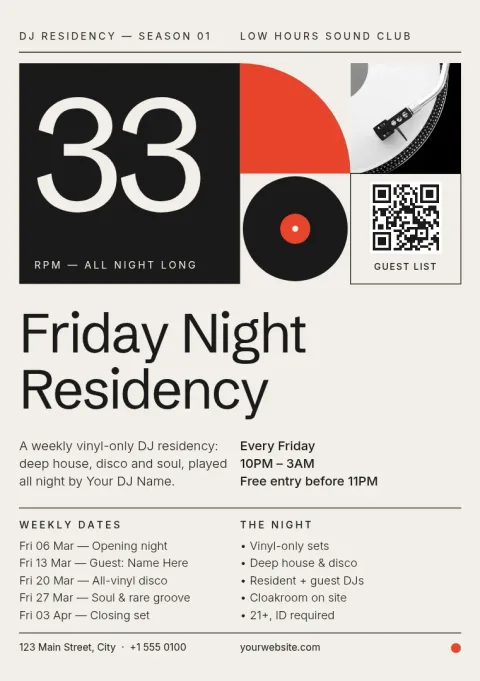
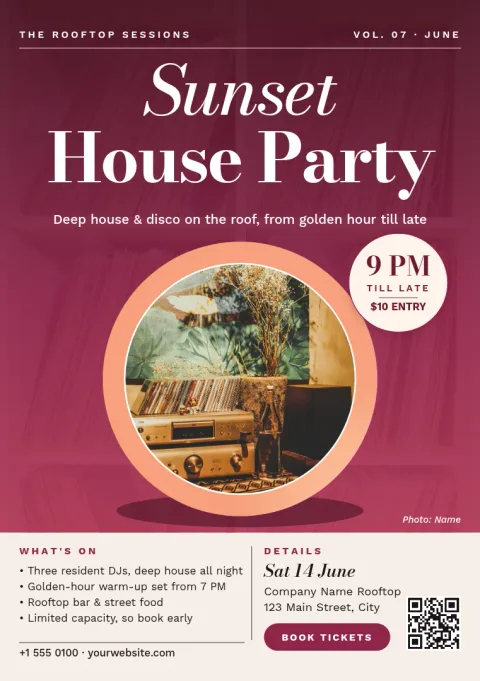
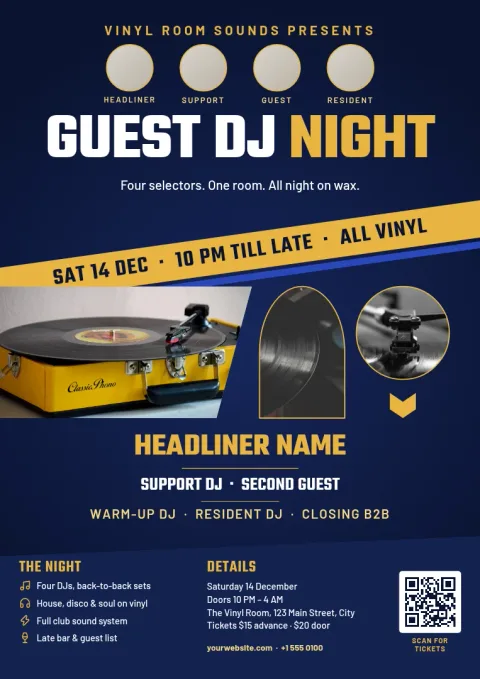
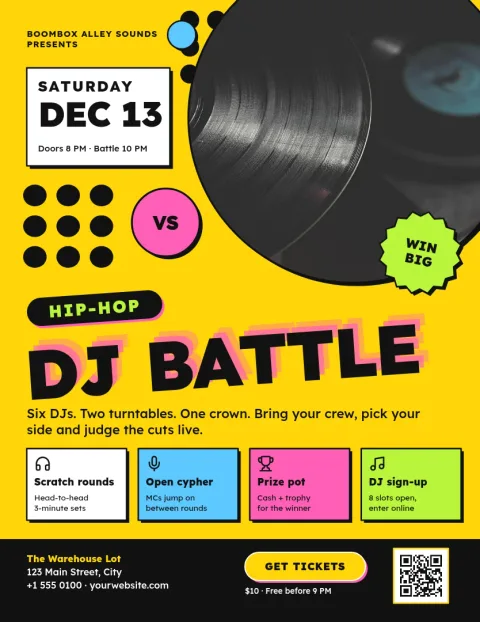
Pick a style that matches your sound
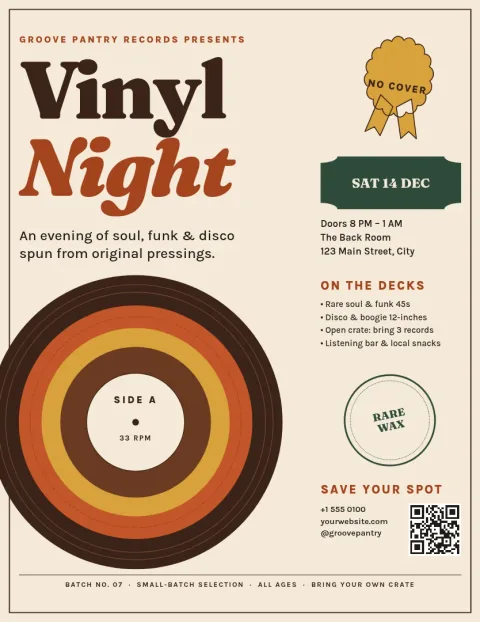
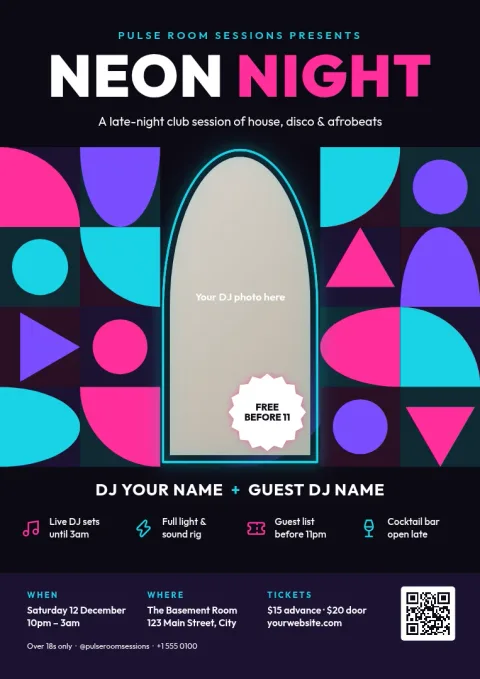
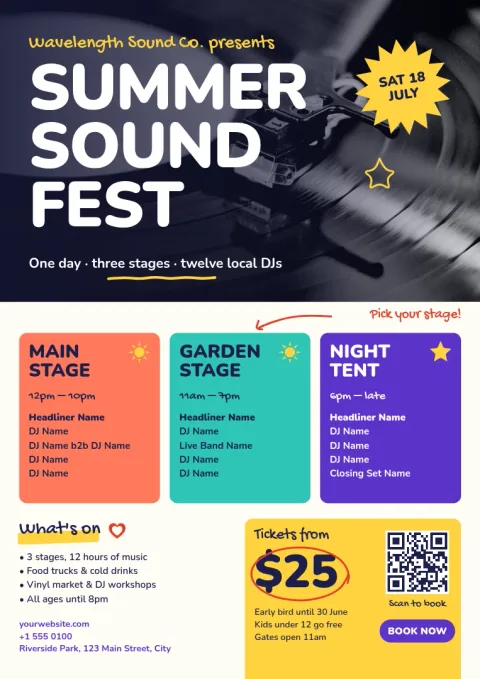
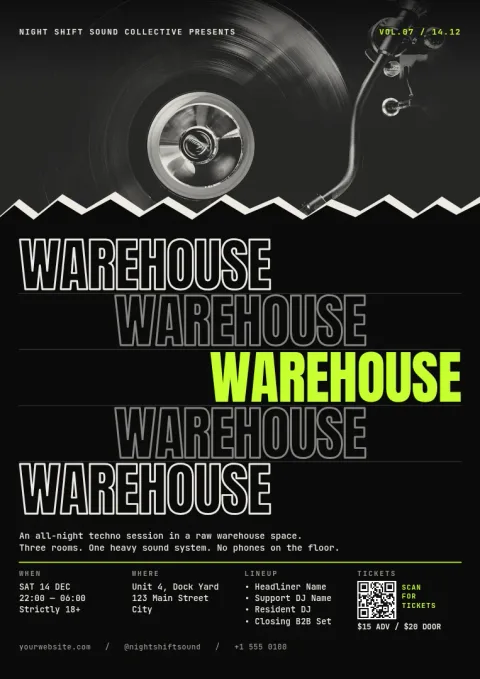
A flyer sets expectations before anyone hears a note. Neon gradients and glowing type suit club and dance nights. Heavy black-and-white type fits techno and warehouse events. Warm retro colours work for vinyl and soul nights. Choose the template whose mood matches your music, then change only what you need.
What to put on a DJ flyer
Keep the essentials easy to find: the DJ or event name, date, start time, venue and how to get in. Add a short line on the genre, support acts and an entry or ticket note. Each template leaves clear room for these, so you can replace the placeholder text and keep the hierarchy.
Edit, download or schedule
Open any template in Nimply Design, which runs in your browser and is part of every plan, including Free. Edit text, fonts, colours, photos and layout. A brand kit can keep your colours, fonts and logo consistent. Download as PNG, JPG, WebP, PDF or SVG, or send the design into a Nimply post for approval and scheduling.
Frequently asked questions
Can I change the text and colours on a DJ flyer template?
Yes. Every template opens in the Nimply Design editor, where you can edit text, fonts, colours, photos and layout. Replace the placeholder name, date and venue with your own, and adjust the palette to match your artwork or logo.
What file formats can I download?
You can download PNG, JPG, WebP, PDF (standard or vector) or SVG. PNG and JPG suit social posts and stories. PDF is useful if you plan to share the flyer as a document. Downloading a template does not use AI credits.
Can I use my own DJ photo?
Yes. Each template has a photo placeholder you can replace with your own picture. If you want a cleaner cutout, the AI background remover is available, and it uses AI credits.
Can I post the flyer straight to social media?
You can send the finished design into a Nimply post, then use approval and scheduling as usual. Or download it and upload it yourself wherever you promote your night.
Make it yours in minutes
Open any template in Nimply Design, add your brand in one click, and send it straight into a post for approval and scheduling.