

Dentist flyer template designs for your dental clinic
Choose a dentist flyer template, swap in your clinic's name, offers and photos, and have a finished flyer in minutes. These eight layouts cover new patient offers, check-ups, whitening, kids' dentistry and more. Edit everything in your browser, then download the result.
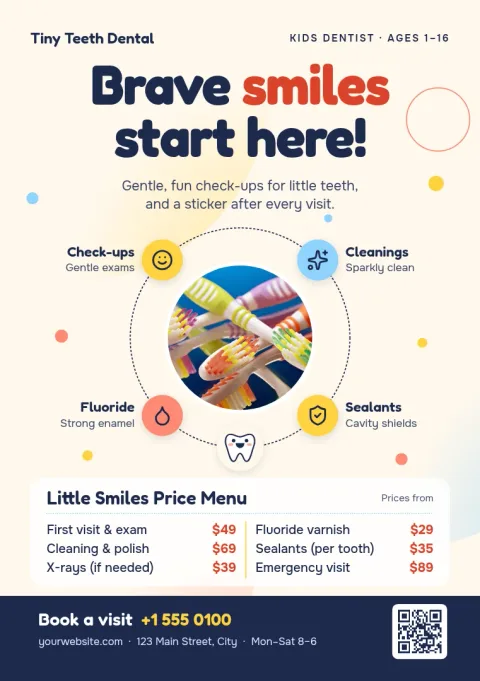
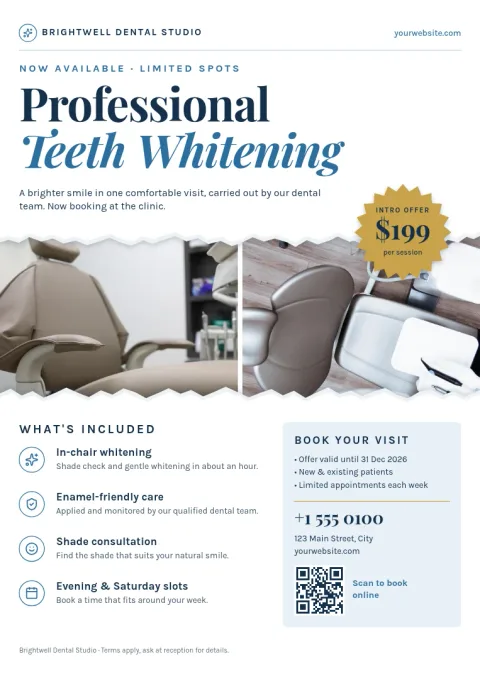
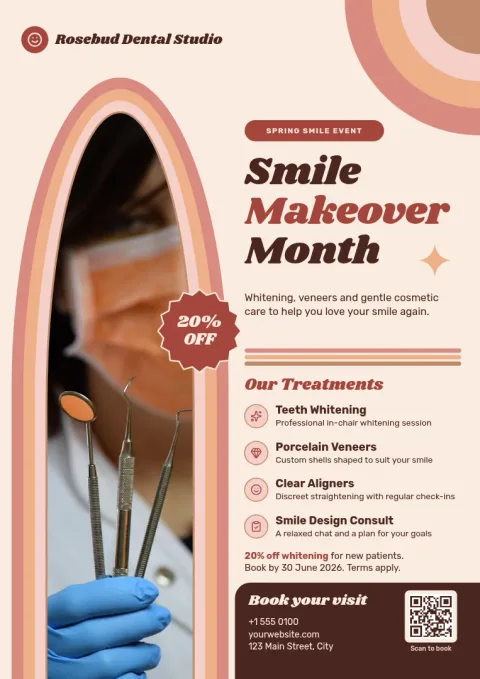
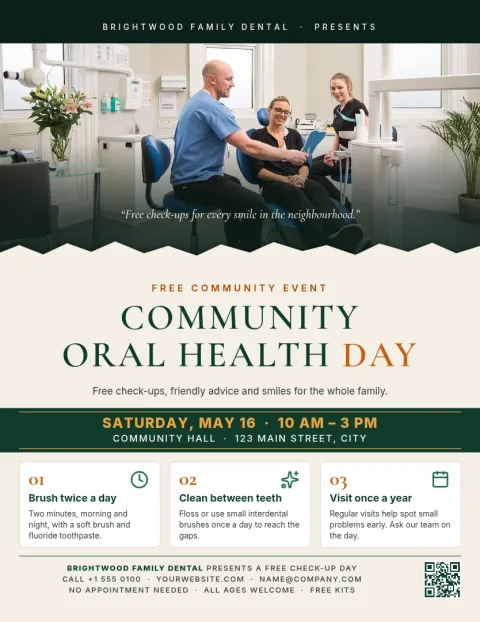
What to put on a dental flyer
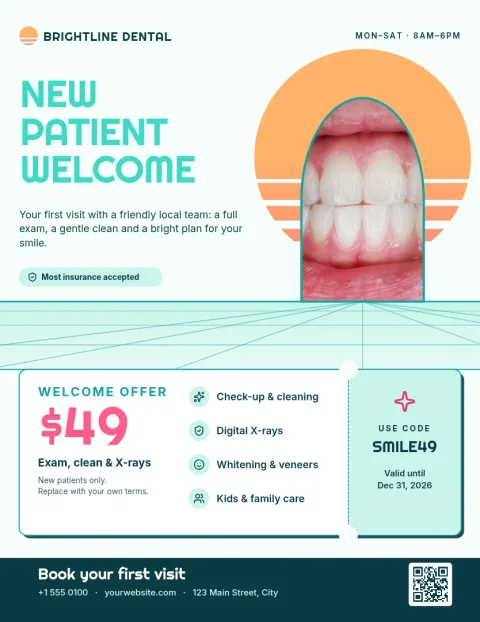
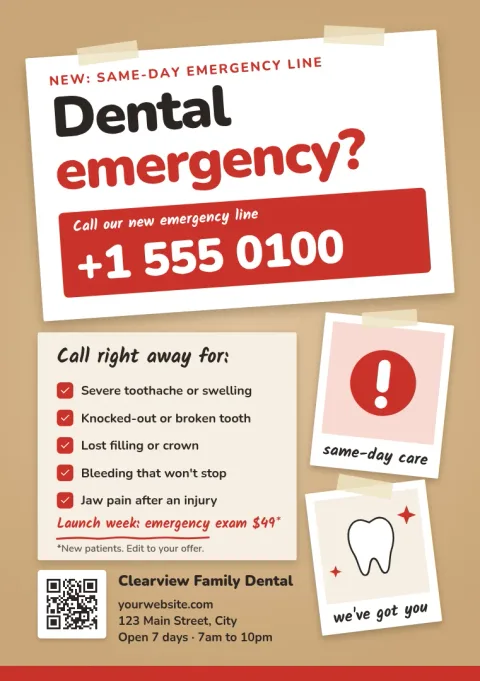
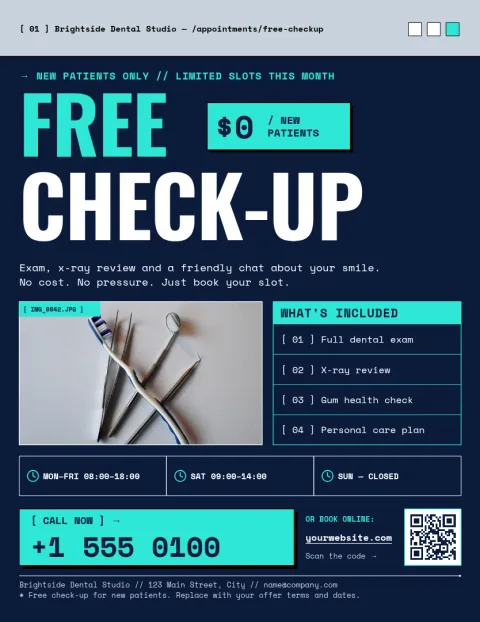
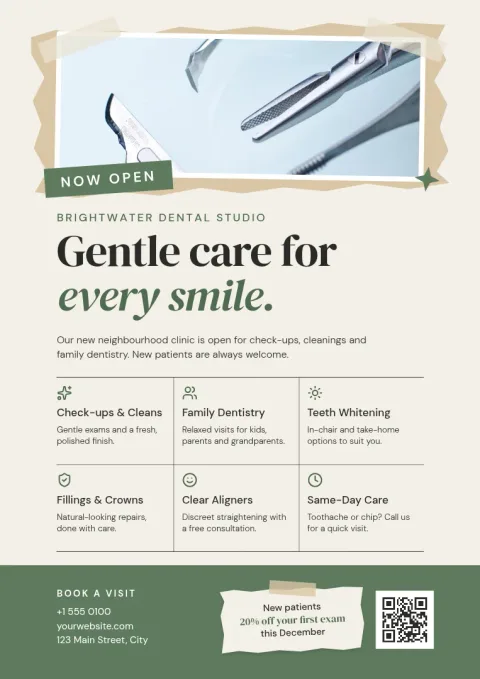
Keep it simple. Lead with one clear offer or service, such as a new patient check-up or teeth whitening. Add your clinic name, phone number, address and opening hours. A friendly photo placeholder of a smile or your team helps people trust you. Finish with one next step, like calling or booking online.
Edit the template to match your clinic
Every template opens in the Nimply Design editor in your browser. Change the text, fonts, colours, photos and layout. Save your colours, fonts and logo in a brand kit so each new flyer looks like it belongs to your clinic. Nimply Design is part of every plan, including Free.
Download and share
When your flyer is ready, download it as PNG, JPG, WebP, PDF (standard or vector) or SVG. Use the PDF when you need a document to hand over or print yourself. You can also send the design into a Nimply post for approval and scheduling, so the same artwork can reach your social channels.
Frequently asked questions
Can I change the colours to match my clinic?
Yes. Every template lets you edit text, fonts, colours, photos and layout. If you set up a brand kit, your colours, fonts and logo are kept so you can reuse them on each new flyer.
What file formats can I download?
You can download PNG, JPG, WebP, PDF (standard or vector) or SVG. PDF is a good choice for a flyer you want to share as a document or take to a printer.
Does Nimply print the flyers for me?
No. Nimply is where you design and download the flyer. You can print the file yourself or take the PDF to a print shop.
Does downloading a template use AI credits?
No. Downloading a template does not use credits. Only AI photo tools, such as the background remover and Magic Layers, use AI credits.
Make it yours in minutes
Open any template in Nimply Design, add your brand in one click, and send it straight into a post for approval and scheduling.