

Dental Business Card Template Designs You Can Edit
Choose a dental business card template, type in your name, clinic and contact details, and make it match your practice. Change fonts, colours, photos and layout in your browser, then download the finished card. Designs fit US and European card sizes.

What a dental card needs to say
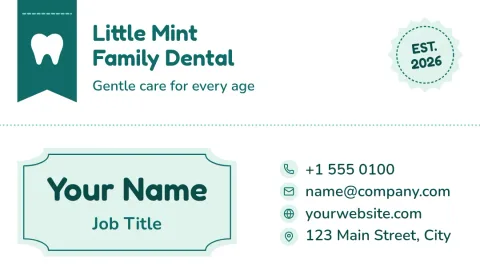
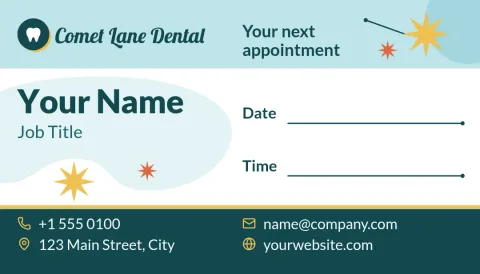
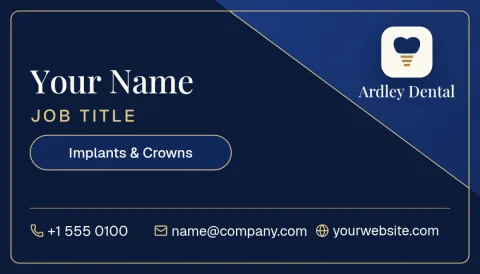
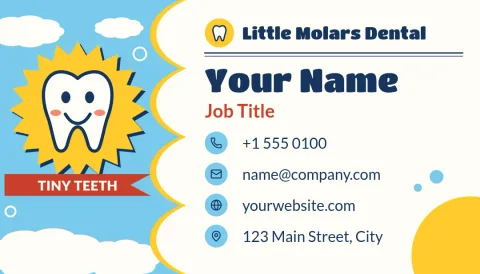
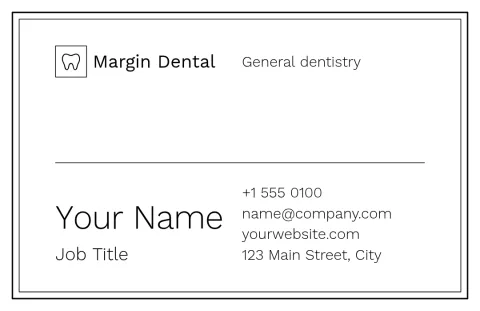
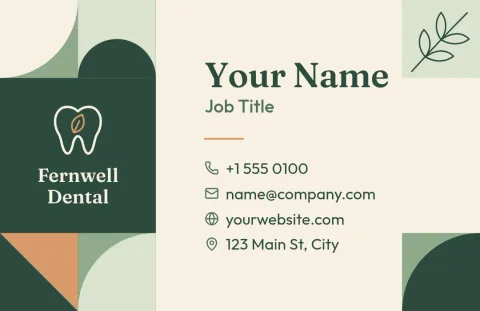
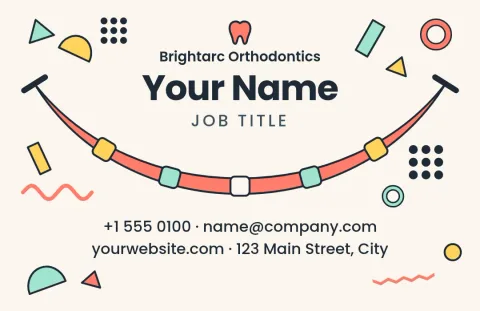
A patient should be able to read your name, title, phone number and address at a glance. Add your website or booking link, and opening hours if there is room. Keep the design calm and clean, since people tend to link neatness with care. Each template here leaves space for these basics.
Make it look like your clinic
Add your logo, then set your brand colours and fonts so the card matches your signage and website. Nimply brand kits keep your colours, fonts and logo ready for every design. You can swap photo placeholders for your own team or practice photos.
Sizes and downloads
Templates come in US and EU business card sizes. Download your card as PNG, JPG, WebP, PDF (standard or vector) or SVG. Downloading a template does not use AI credits. Nimply Design is part of every plan, including Free.
Cards for every kind of practice
The set covers general dentists, orthodontists, paediatric clinics, cosmetic and implant practices, and appointment reminder cards. Pick the closest mood, then change the wording to suit your services and your patients.
Frequently asked questions
Can I edit these dental business card templates for free?
Yes. Nimply Design is part of every plan, including Free. You can change text, fonts, colours, photos and layout in your browser, and downloading a template does not use AI credits.
Which file formats can I download?
You can download PNG, JPG, WebP, PDF (standard or vector) or SVG. Choose the format that suits wherever you plan to use the card.
Can I use my own logo and colours?
Yes. Upload your logo and set your colours and fonts. A brand kit saves them so each new design starts on brand.
What sizes are available?
Templates are available in US and EU business card sizes. Pick the one that matches where your cards will be used.
Can I add a photo of my team or clinic?
Yes. Replace the photo placeholders with your own images. The background remover is an AI photo tool and uses AI credits.
Make it yours in minutes
Open any template in Nimply Design, add your brand in one click, and send it straight into a post for approval and scheduling.