

Business Cards for Daycare Templates You Can Edit
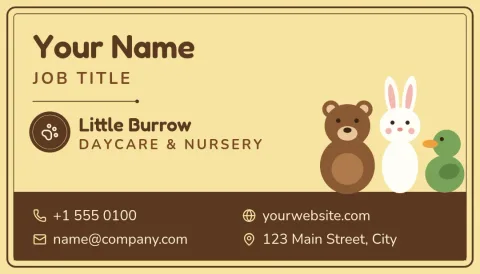
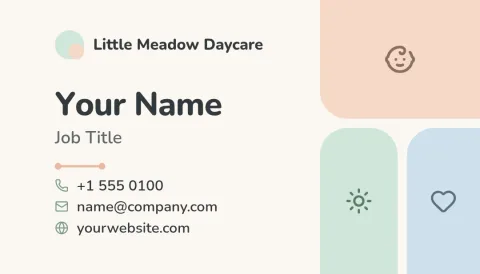
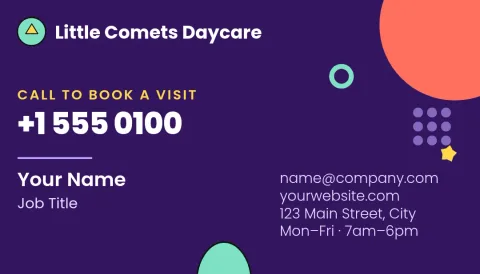
Parents often decide who to call from a card on a noticeboard or in a handbag. These business cards for daycare templates give you a clear, friendly layout to start from. Change the text, colours and photo, then download your card as a PDF or image.
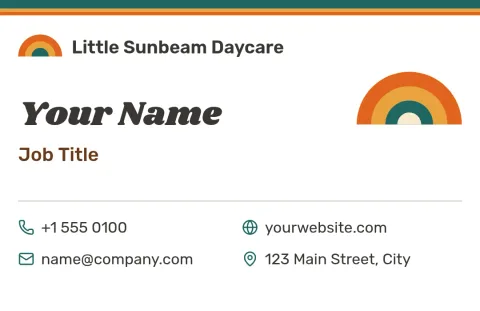
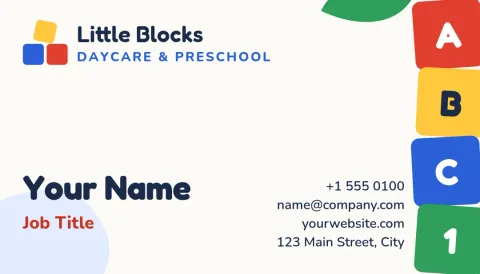

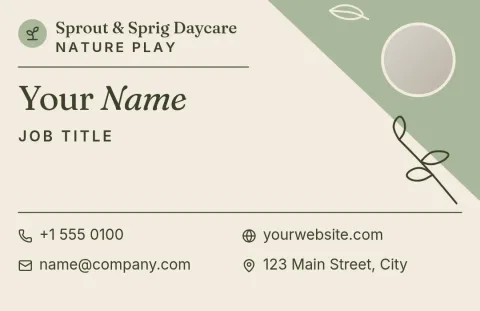
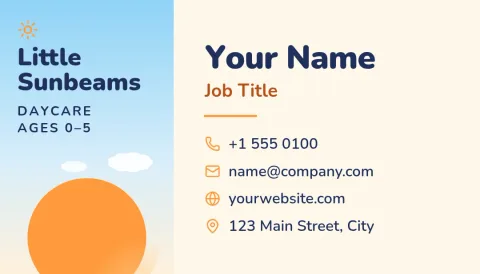
What to put on a daycare business card
Keep it short enough to read at a glance. Add your daycare name, your own name and role, a phone number, and a way to book a visit. Opening hours, the age range you care for and your licence status help parents decide quickly. Every template here leaves room for these details, and you can remove any line you do not need.
Edit the design in your browser
Open a template in Nimply Design and change the text, fonts, colours, photos and layout. Save your colours, fonts and logo in a brand kit so your cards, flyers and posts all match. Nimply Design is part of every Nimply plan, including Free.
Download and use your card
Download your finished card as a PDF (standard or vector), PNG, JPG, WebP or SVG. Choose a US or EU business card size when you start. Downloading a template does not use AI credits. Only the AI photo tools, such as the background remover, use credits.
Choose a style that fits your daycare
Some centres suit soft pastels and rounded shapes. Others want a plain, calm look that feels professional. Home daycares often use a warm, personal card with a photo. Browse the eight styles below and pick the one that sounds like your place, then adjust it until it does.
Frequently asked questions
What size are the business card templates?
You can start from a US or EU business card size. Pick the one that matches the printer or cutter you plan to use. You can edit the layout after you choose, so text and shapes fit your details.
Can I add my own logo and colours?
Yes. You can change colours, fonts, text and photos in each template. A brand kit stores your logo, colours and fonts, so each new card or flyer starts with your look.
Which file formats can I download?
You can download PNG, JPG, WebP, PDF (standard or vector) or SVG. PDF is a common choice when you send a card to a printer.
Does Nimply print the cards for me?
No. Nimply Design is an editor, so you download the file and print it yourself or take it to a print shop.
Do I need to pay to use the templates?
Nimply Design is part of every Nimply plan, including Free. Downloading a template does not use AI credits. AI photo tools like the background remover do.
Make it yours in minutes
Open any template in Nimply Design, add your brand in one click, and send it straight into a post for approval and scheduling.