

Day care business card design templates
Parents decide quickly who feels safe and friendly. Start from one of these eight day care business card design templates, add your name, phone number and hours, and make it match your centre. Everything is editable in your browser, and you can download when you are happy.
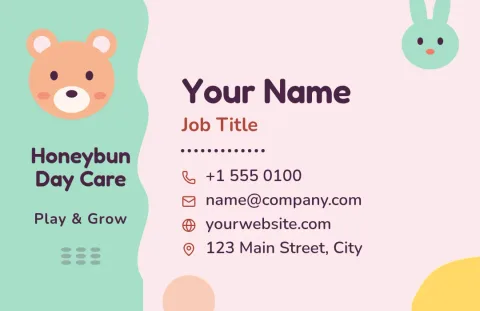
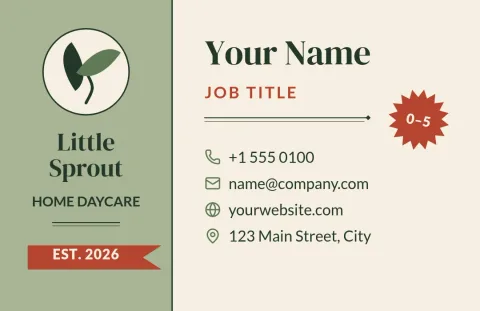
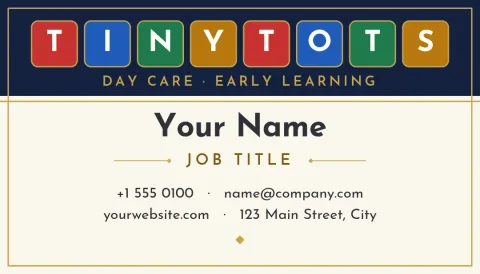
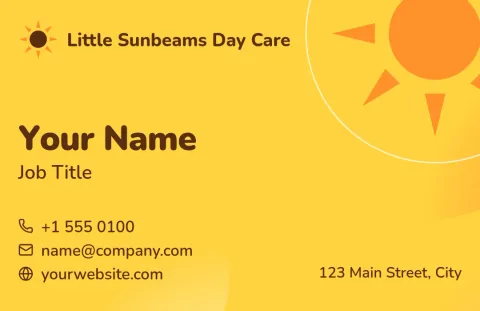
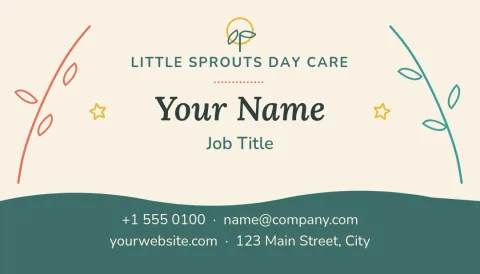
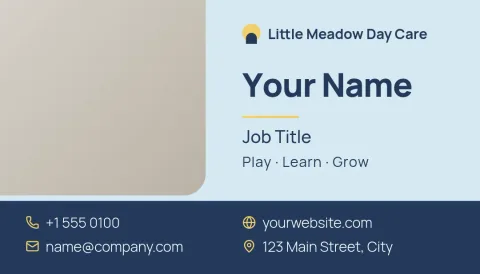
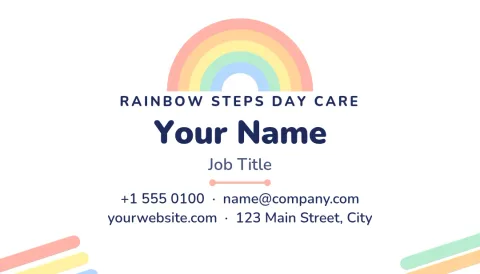
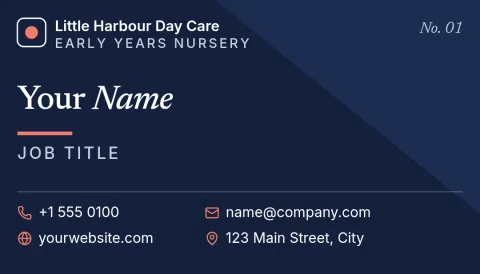
What to put on a day care card
Keep it simple. Your day care name, your own name, a phone number, and the area you serve are the essentials. Add ages you care for, opening hours, and a short line such as licensed or play-based only if it is true for you. Leave space around the text so the card is easy to read at a glance.
Choosing a look parents trust
Soft colours and rounded shapes feel welcoming, while clean layouts with one calm accent feel professional. Home day cares often suit warm, hand-made styles. Larger centres may prefer tidy grids and a clear logo. Try two or three templates side by side before you decide.
Make it yours in the editor
Change the text, fonts, colours, photos and layout in Nimply Design. Save your colours, fonts and logo in a brand kit so flyers and signs can match your card. Choose US or EU business card size when you start.
Download and share
Download your card as PDF, PNG, JPG, WebP or SVG. Downloading a template does not use AI credits. The AI photo tools, such as the background remover, do use credits. You can also send a design into a Nimply post for approval and scheduling.
Frequently asked questions
Can I edit these day care business card templates?
Yes. You can change the text, fonts, colours, photos and layout in the browser editor. Swap in your own name, phone number, hours and logo, then download the finished card.
What file formats can I download?
You can download PNG, JPG, WebP, PDF (standard or vector) or SVG. Pick the format that suits where you will use the card, such as sharing online or sending a file to a printer.
Does Nimply print the cards?
No. Nimply is where you design and download the file. You can take the PDF to any print shop you like.
Is it free to use?
Nimply Design is part of every plan, including Free. Downloading a template does not use AI credits. AI photo tools like the background remover do use credits.
Which size should I choose?
Choose the US size if you will print in North America, or the EU size for most of Europe. Both are available as business card sizes when you start a design.
Make it yours in minutes
Open any template in Nimply Design, add your brand in one click, and send it straight into a post for approval and scheduling.