

Construction flyer template designs you can edit in your browser
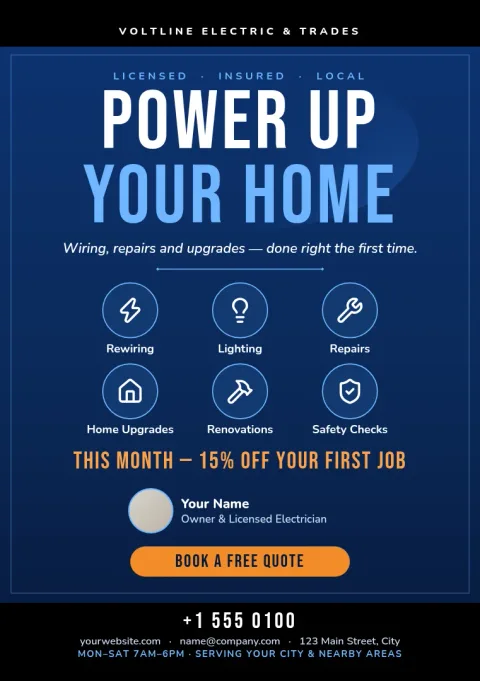
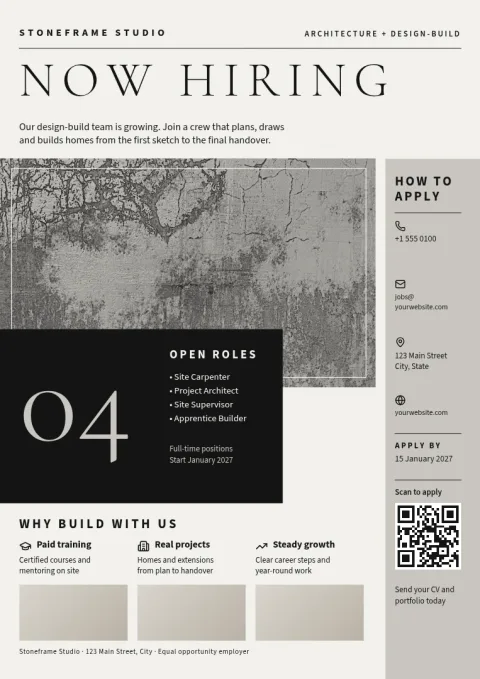
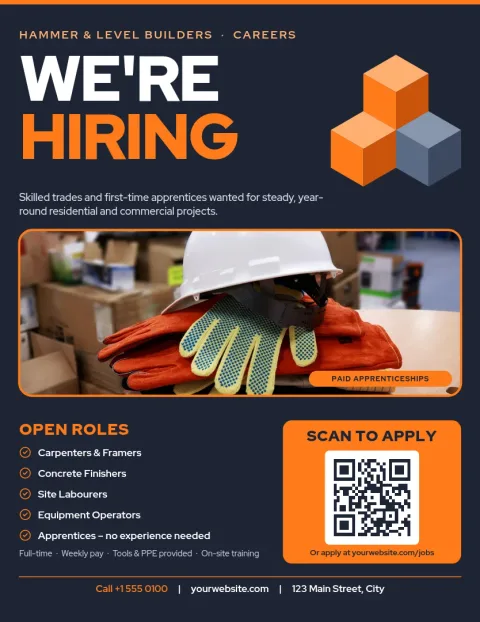
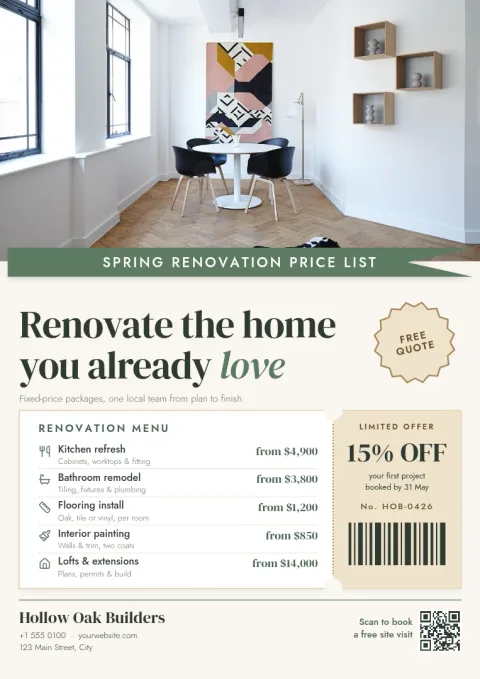
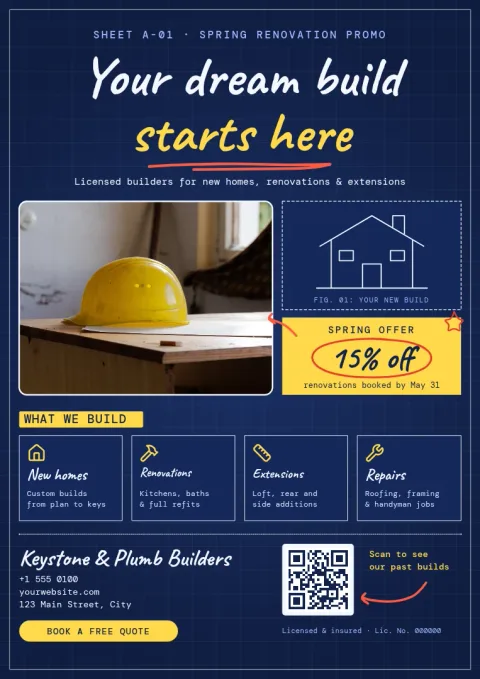
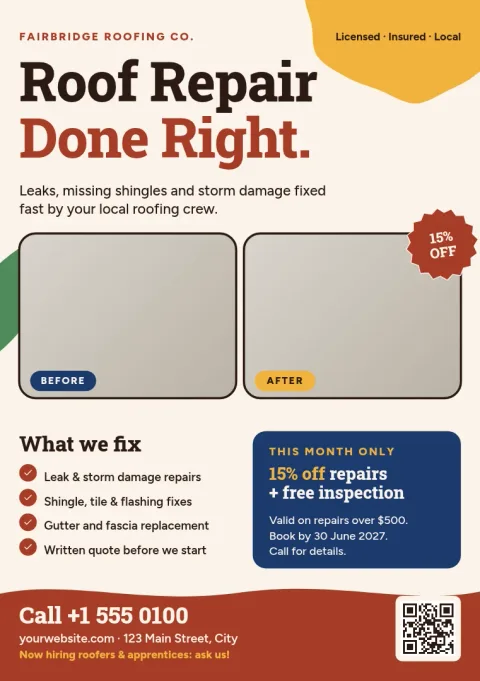
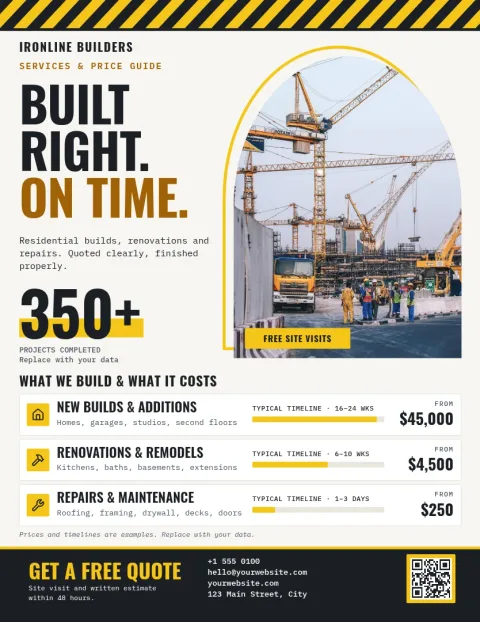
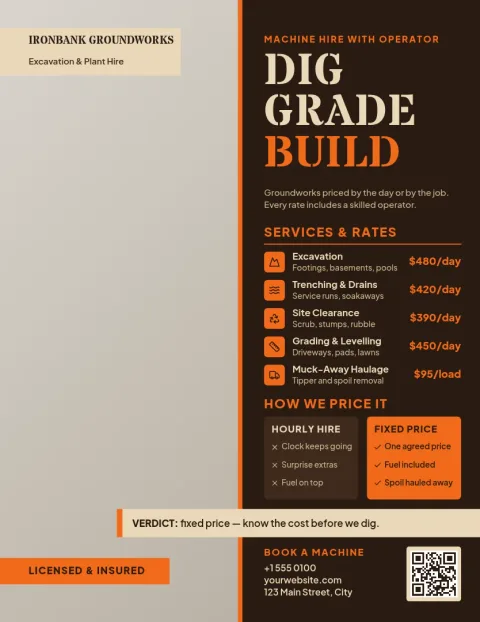
Start from a construction flyer template, swap in your company name, services and project photos, and have a clean flyer ready the same day. These eight layouts suit builders, roofers, renovators, electricians and other trades. Edit everything in your browser, then download your design.
What to put on a construction flyer
Keep it simple. Lead with what you do and where you work, then add two or three services, one strong project photo and a clear way to reach you. A phone number, website or QR code is enough. Licence details and a short line about your experience help people trust you before they call.
Make it match your business
Every template lets you change text, fonts, colours, photos and layout. If you set up a brand kit, your colours, fonts and logo stay consistent across flyers, posters and business cards, so your jobs, vans and paperwork all look like they come from the same company.
Choose a size and download
Pick Letter, A4 or A5 depending on whether the flyer will be handed out, pinned to a board or left in letterboxes. When you finish, download a PDF (standard or vector), PNG, JPG, WebP or SVG. You can also send the design into a Nimply post for approval and scheduling.
Add real photos of your work
Photo placeholders make it easy to drop in your own project shots. Before and after pictures, finished kitchens or a crew on site feel more believable than generic images. Nimply's AI photo tools, such as the background remover, use AI credits, while downloading a template does not.
Frequently asked questions
Can I edit a construction flyer template for free?
Nimply Design is part of every plan, including Free. You can change text, fonts, colours, photos and layout in your browser. Downloading a template does not use AI credits, though AI photo tools such as the background remover do.
Which file formats can I download?
You can download PNG, JPG, WebP, PDF (standard or vector) or SVG. Pick PDF if you plan to print the flyer somewhere else, or PNG and JPG for sharing online.
Which size should I choose?
Letter and A4 suit most handouts and noticeboards. A5 is smaller and cheaper to hand out in bulk. All three sizes are available, depending on the template.
Can I use my own logo and colours?
Yes. Upload your logo and change the colours and fonts by hand, or set up a brand kit so they stay the same across every design you make.
Does Nimply print the flyers?
No. Nimply is where you design and download the file. You can print it yourself or take the PDF to a print shop of your choice.
Make it yours in minutes
Open any template in Nimply Design, add your brand in one click, and send it straight into a post for approval and scheduling.