

Company flyer template designs you can edit online
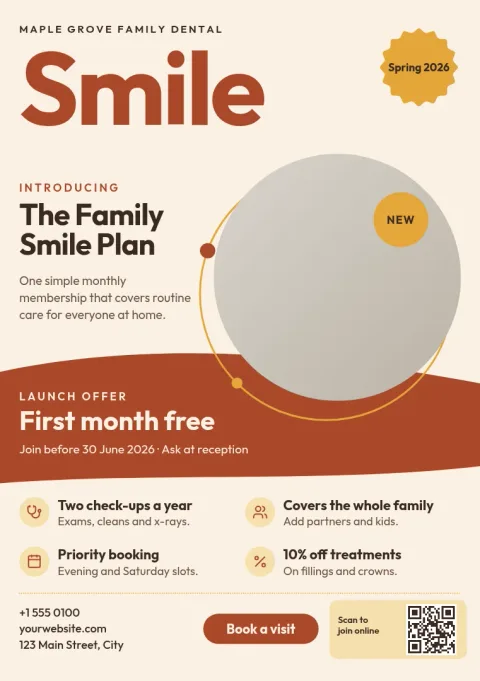
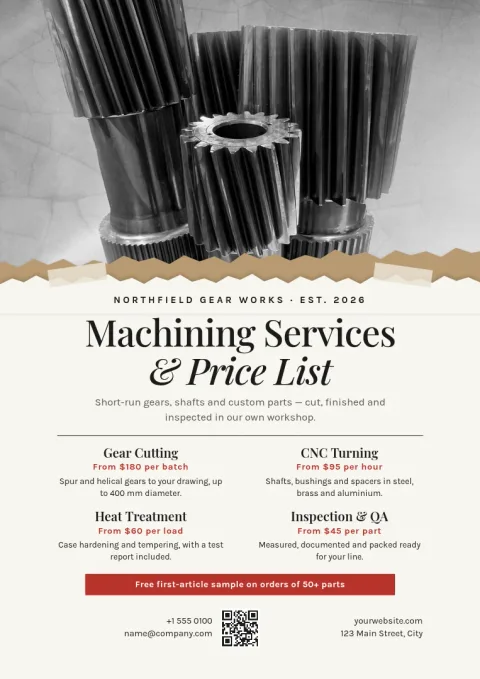
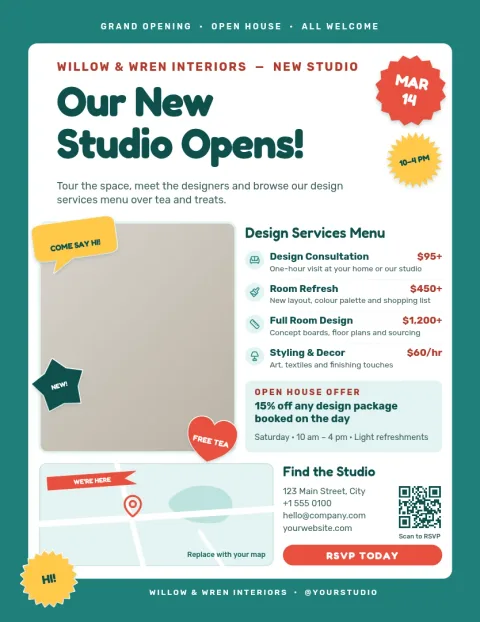
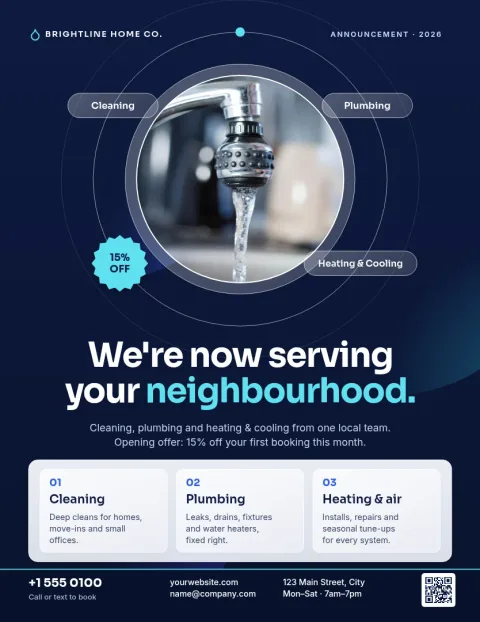
Introduce your business on one page. Choose a company flyer template, swap in your logo, colours, photos and wording, then download it. Each of the eight designs below suits a different job, from a services overview to a hiring notice, in Letter, A4 or A5.
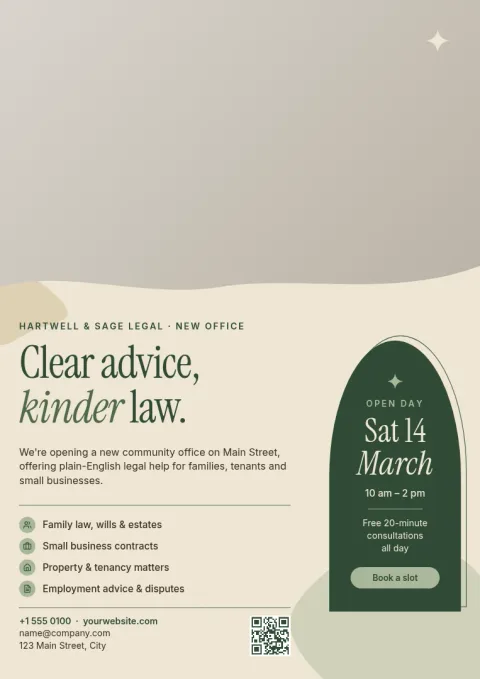
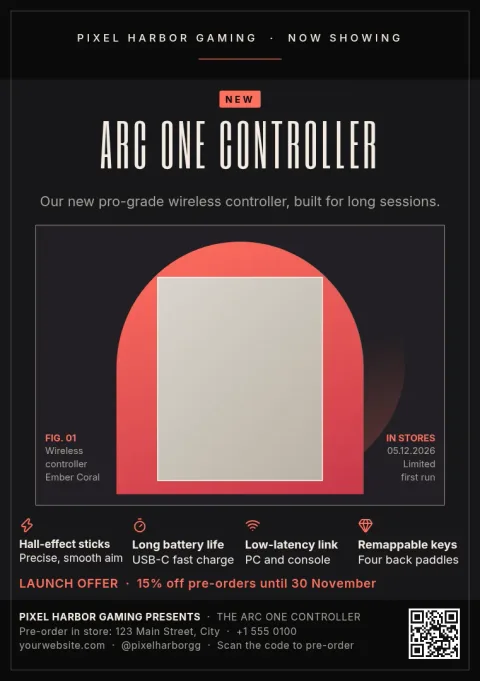
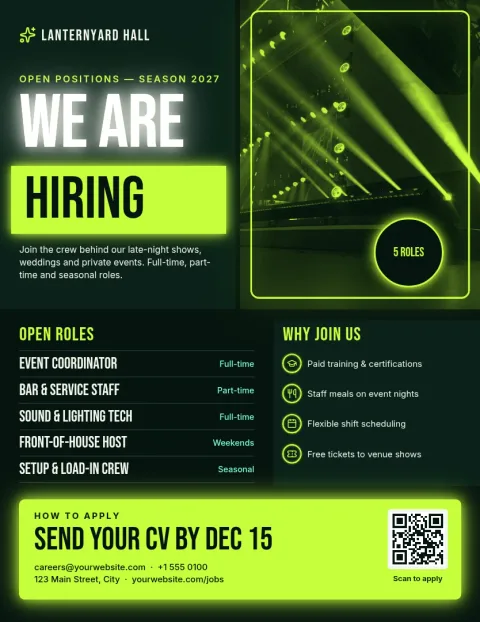
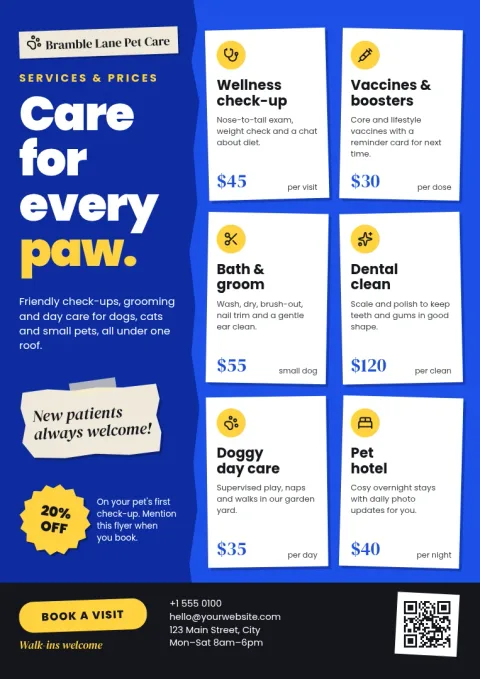
What a good company flyer does
A company flyer answers three questions fast: who you are, what you offer, and what the reader should do next. Keep one clear headline, two or three short points, and a single contact line or call to action. These templates are laid out that way, so you can replace the placeholder text and leave the structure alone.
Make it match your brand
Open any template in the Nimply Design editor in your browser. Change text, fonts, colours, photos and layout. If you save a brand kit, your colours, fonts and logo are ready to apply, so every flyer looks like it comes from the same company.
Choose the right size
Letter suits US offices and notice boards. A4 is the standard for most other countries. A5 is half of A4 and works well as a handout or a counter flyer. Pick the size that fits where the flyer will go; templates are available in all three.
Download or share
When the flyer is ready, download it as PDF (standard or vector), PNG, JPG, WebP or SVG. You can also send the design straight into a Nimply post for approval and scheduling. Downloading a template does not use AI credits.
Frequently asked questions
Can I add my own logo and colours?
Yes. You can edit text, fonts, colours, photos and layout in the editor. With a brand kit saved, your colours, fonts and logo are kept ready, so you can apply them to each flyer without starting over.
Which file formats can I download?
You can download a flyer as PNG, JPG, WebP, PDF (standard or vector) or SVG. PDF is usually the best choice when you plan to share the flyer as a document or take it to a print shop.
What sizes are available?
The flyer templates here come in Letter, A4 and A5. Pick the one that matches where you will use the flyer, such as a notice board, a mailing or a counter handout.
Does Nimply print the flyers?
No. Nimply is where you design and download the file. If you want paper copies, take the PDF to a printer of your choice.
Do I need design experience?
No. Each template already has a layout, type and colour scheme. You replace the text and photos with your own and adjust anything that does not fit.
Make it yours in minutes
Open any template in Nimply Design, add your brand in one click, and send it straight into a post for approval and scheduling.