

Campaign flyer template designs you can edit in your browser
Start with a campaign flyer template, swap in your message, photo and colours, and have a flyer ready to share. These eight designs suit local candidates, school and community races, fundraisers and promotional drives. Edit everything in the Nimply design editor, then download it or send it to a post.
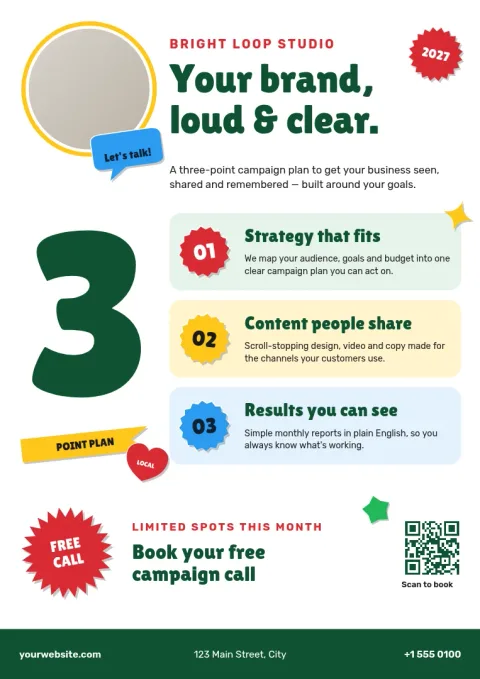
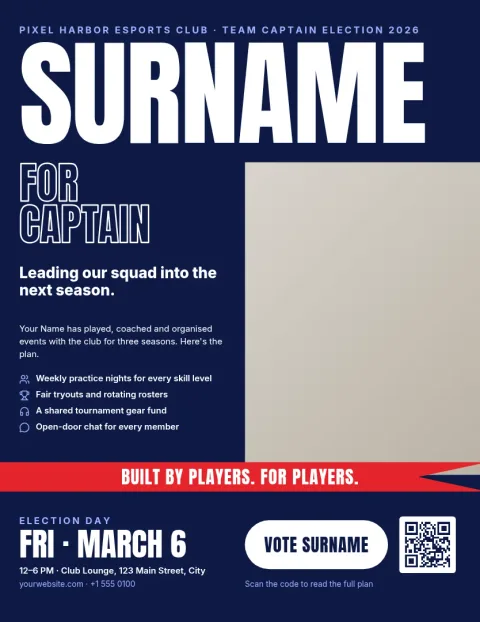
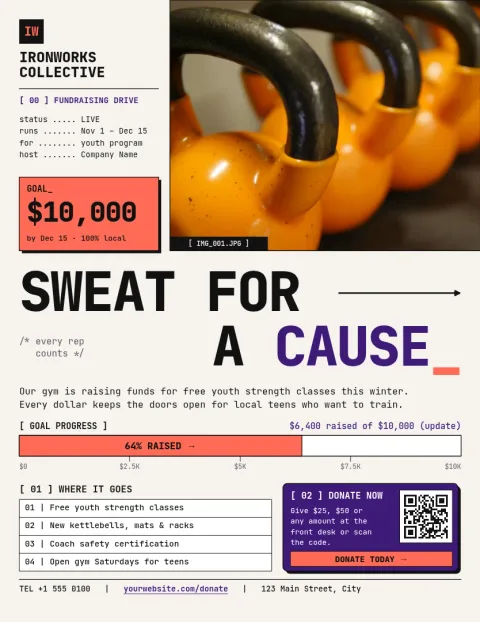
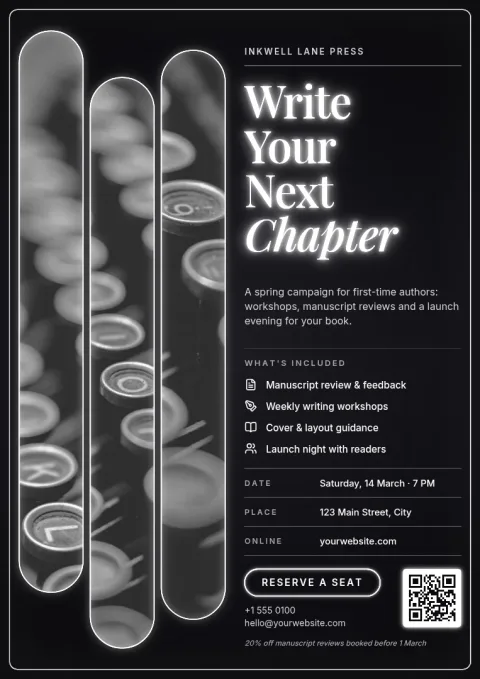
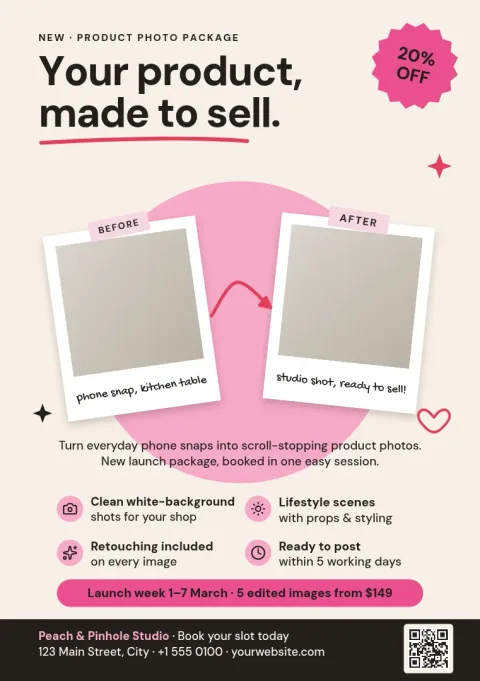
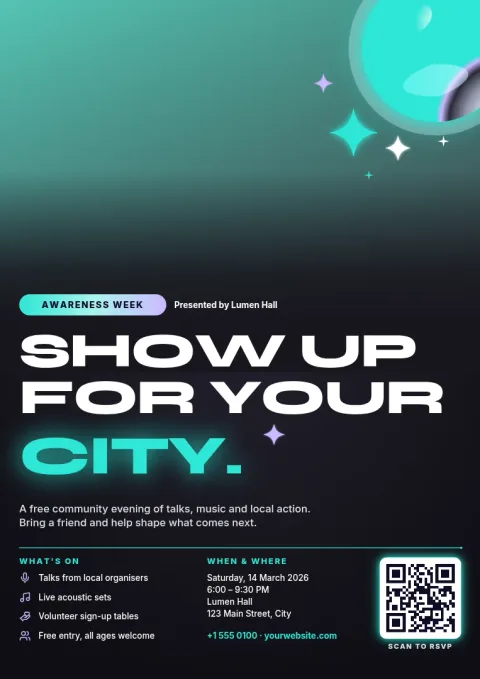
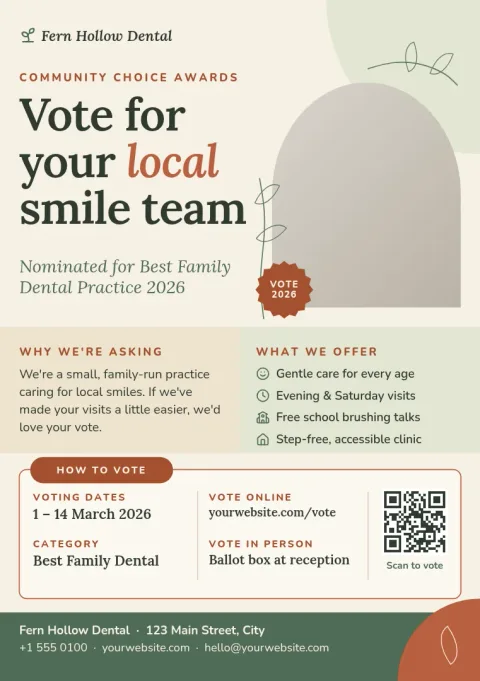
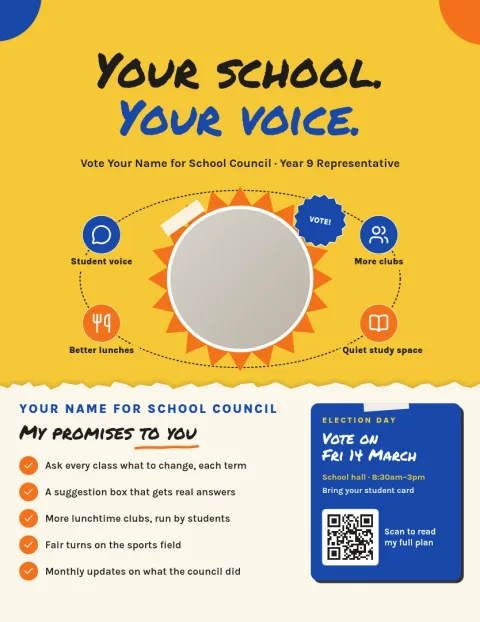
Choose a layout that fits your message
A campaign flyer has a few seconds to say who you are and what you want people to do. Each template here puts one idea first: a name, a cause, a date or a call to action. Pick the layout closest to your message, then replace the placeholder text and photo with your own.
Make it look like your campaign
Change fonts, colours, photos and layout directly in the editor. If you save a brand kit, your colours, fonts and logo stay consistent across every flyer, poster and social post. The AI background remover and Magic Layers use AI credits, but downloading a template does not.
Download or share it your way
Export your flyer as PNG, JPG, WebP, PDF (standard or vector) or SVG. You can also send the design straight into a Nimply post for approval and scheduling, so the same artwork can go on your social channels. Sizes include US Letter, A4 and A5.
Frequently asked questions
Can I use these for a political campaign?
Yes. The templates are general layouts for candidates, ballot causes, school and community elections, and promotional or fundraising campaigns. You add your own name, message and photos. Check any local rules about required disclaimers and add that text yourself.
Which sizes are available?
Campaign flyers come in US Letter, A4 and A5. Pick the size that matches how you plan to share or hand out your flyer, and the layout is set up for it.
Which file formats can I download?
You can download PNG, JPG, WebP, PDF (standard or vector) or SVG. Choose PDF when you need a clean file for a print shop, and PNG or JPG for sharing online.
Is the editor free to use?
The Nimply design editor is part of every plan, including Free. Downloading a template does not use AI credits. Only AI photo tools, such as the background remover and Magic Layers, use credits.
Make it yours in minutes
Open any template in Nimply Design, add your brand in one click, and send it straight into a post for approval and scheduling.