

Business card front and back template designs
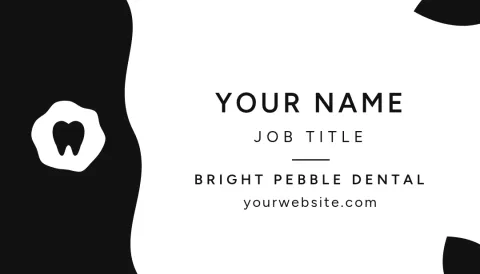
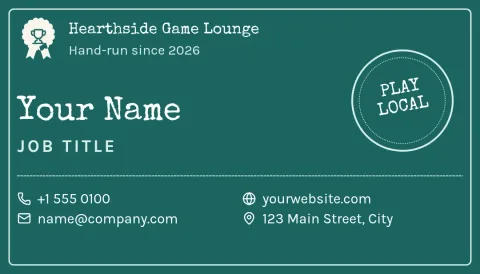
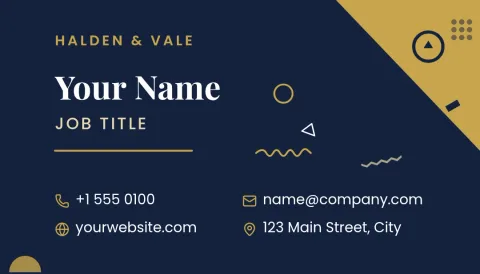
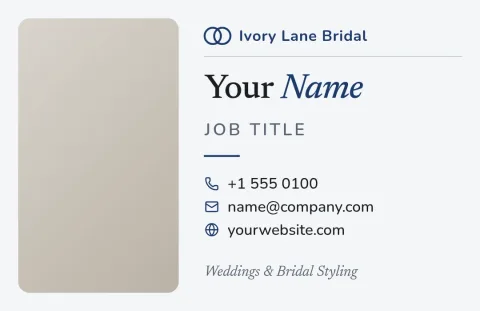
Each design here gives you a matching front and back, so your name sits on one side and your details or logo on the other. Pick one, change the text, colours and photos in the browser editor, and download both sides.

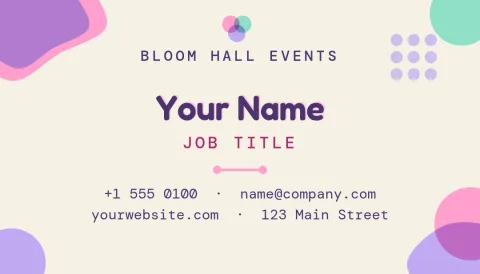
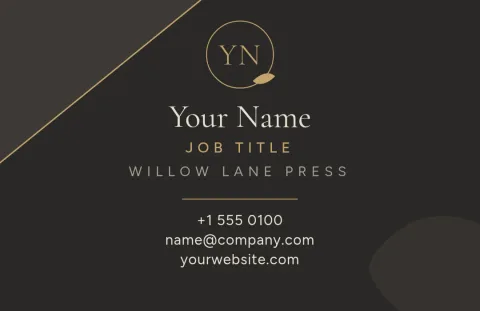
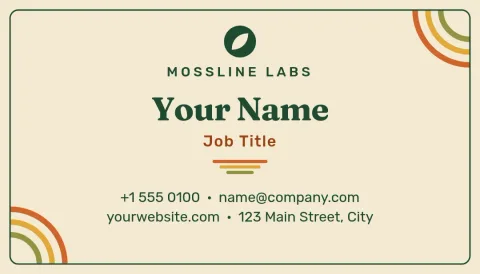
What a two-sided card does for you
A single side often gets crowded. Splitting the card lets the front stay simple, with your name, role and business, while the back holds the details people need: phone, email, website and address. Or you can give the back to a logo or a QR code. Every template below is built as a pair, so both sides already match.
Edit both sides in the browser
Open a template in Nimply Design and change the text, fonts, colours, photos and layout. If you have a brand kit, it keeps your colours, fonts and logo ready so each card matches the rest of your brand. Templates come in US and EU business card sizes, so pick the one that suits where you work.
Download what you need
When both sides look right, download them as PNG, JPG, WebP, PDF or SVG. PDF comes as standard or vector. Downloading a template does not use AI credits. Nimply Design is part of every plan, including Free, so you can try a template before deciding anything.
Choosing a style
Pick by how you want to be remembered. Minimal black and white suits people who want to look plain and sure. Bold colour backs stand out in a pile of cards. Photo and QR layouts help when you want people to remember your face or visit one page. You can change any palette to match your own.
Frequently asked questions
Can I edit both sides of the card?
Yes. Each template has a front and a back that you edit separately. You can change text, fonts, colours, photos and layout on either side, so the two sides can say different things while still looking like a set.
Which sizes are available?
The templates use US or EU business card sizes. Check the size shown on each template and pick the one that matches where your cards will be used.
What file types can I download?
You can download PNG, JPG, WebP, PDF (standard or vector) or SVG. Check with whoever produces your cards which file type they want before you export.
Does it cost anything to use a template?
Nimply Design is included in every Nimply plan, including Free. Downloading a template does not use AI credits. Only the AI photo tools, such as background remover and Magic Layers, do.
Can I keep my brand colours and logo?
Yes. Set up a brand kit with your colours, fonts and logo, and use them in any template. That way every card matches your other designs.
Make it yours in minutes
Open any template in Nimply Design, add your brand in one click, and send it straight into a post for approval and scheduling.