

Insight post
The single sharpest lesson from the video, argued in professional first-person — no “new video out!” framing.
Draft → approval
🔁 How-to
You already made the hard thing: to repurpose YouTube videos well, stop thinking “share the link everywhere” and start thinking “each platform gets its own native rebuild.” A 20-minute video holds a LinkedIn essay, an Instagram carousel, an X thread, and a Facebook debate — if someone does the translating.
Source
One long-form YouTube video
20 minutes · a dozen extractable ideas
The single sharpest lesson from the video, argued in professional first-person — no “new video out!” framing.
Draft → approval
The video's key points as a swipeable sequence — hook slide, one idea per slide, save-worthy close.
Draft → approval
X
The argument decomposed into a punchy opener and short, quotable beats your replies can grab onto.
Draft → approval
The video's most debatable take, framed as a question that invites the comments section in.
Draft → approval
The translator
Nimply’s Content Repurposer agent is the staff member who owns this translation job.
It works from your source content and reconstructs it per platform — LinkedIn, Instagram, Facebook, and X each by their own rules, not one caption cloned four times.
Every derived draft is linked to its source, so the agent won't repurpose the same video twice and you can always trace where a post came from.
Outputs arrive as drafts in your approval queue. Nothing reaches a channel until you've signed off — the same rail every Nimply agent runs on.
Your half of the job
Repurposing that works is a collaboration. The agent translates; these calls stay yours:
Not every upload deserves four derivatives. You pick the videos with ideas worth stretching.
Check that numbers, claims, and nuance survived the platform rebuild — especially where a thread compresses an argument.
The rebuild follows platform rules; you add the phrasing only you would use before approving.
Decide when each derivative runs so the pieces reinforce the video instead of colliding with it.
Around this workflow
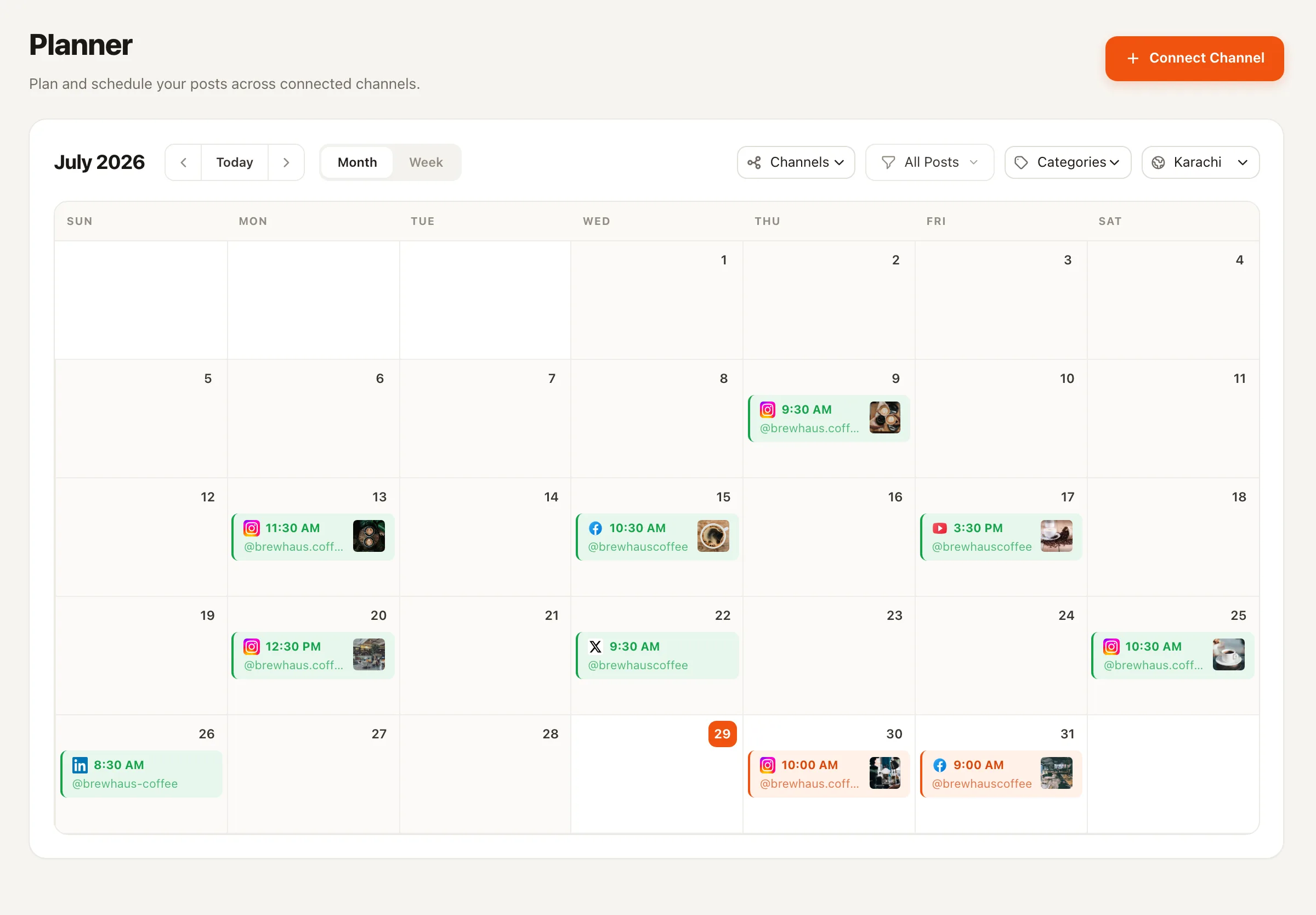
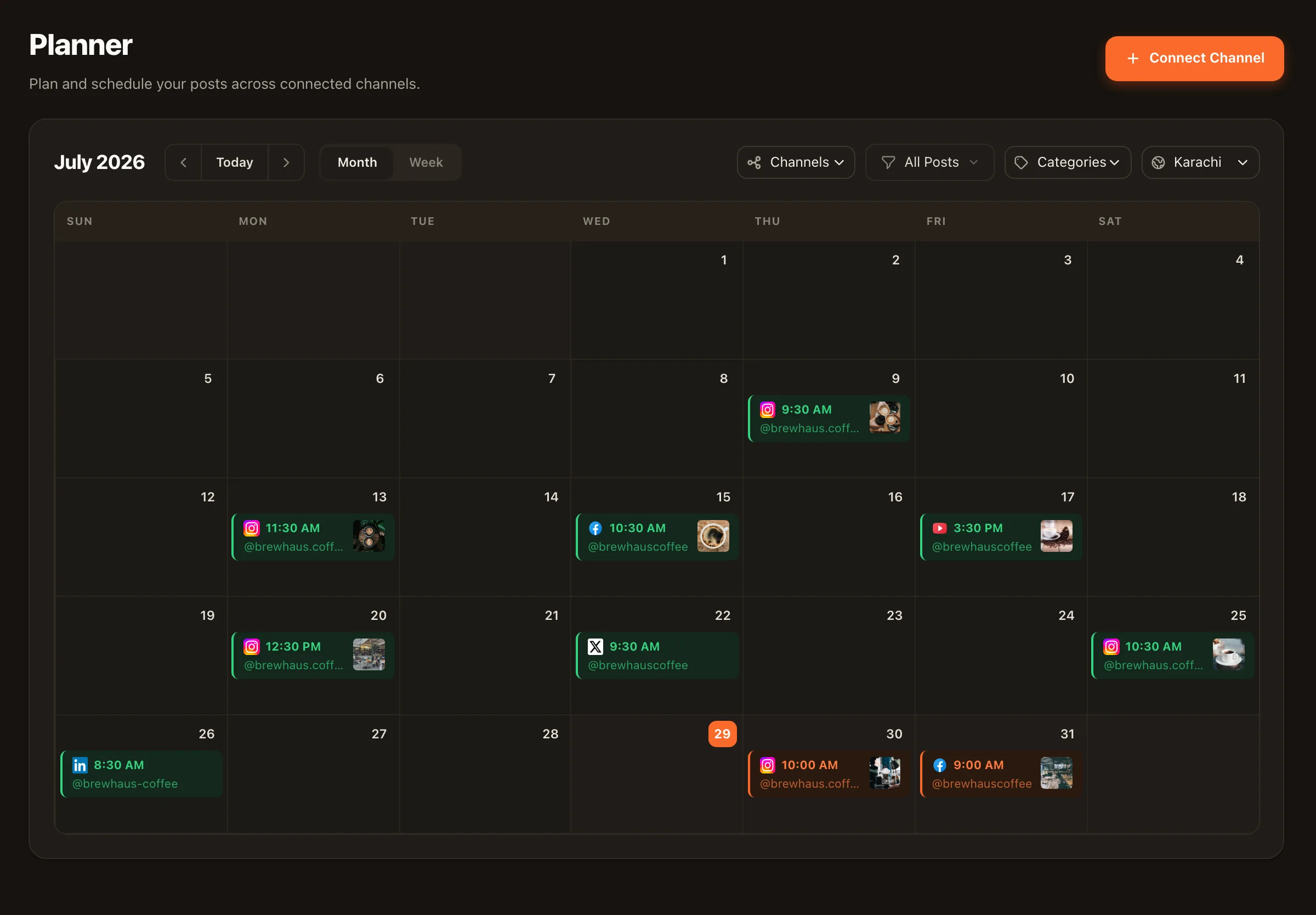
Repurposing covers the text-and-image side; the video side pairs with a scheduled Shorts drip from the same calendar. Both sit inside the larger YouTube channel management picture — publish, package, protect, learn. And if your long-form lives in audio rather than video, the identical workflow serves podcasters repurposing episodes.
No — it works with the ideas in your content, not scissors. It pulls the source material and rebuilds it natively for each platform: an insight-led post for LinkedIn, a carousel of key points for Instagram, a thread for X, a discussion starter for Facebook. Each output follows that platform's own rules rather than being one caption pasted four times.
No — lineage tracking exists for exactly this. Nimply records what was repurposed from what, so the agent won't quietly double-dip a source your audience has already seen. You can trace any derived draft back to the video it came from.
Never. The Repurposer's outputs land as drafts that go through approval before anything is scheduled. That's a platform-wide Nimply rule: agents draft, humans approve, then it schedules.
Taste and truth. You pick which videos deserve repurposing, check that platform-specific claims and numbers survived the translation, adjust voice where it matters, and decide timing. The agent does the rebuilding; you do the judging.
Yes, that's the sibling workflow. Text-and-image derivatives come from the Repurposer; for the video side, Nimply schedules YouTube Shorts (and long-form uploads) from the same calendar, so a cut-down of the video can drip out alongside the derived posts.
Very — a podcast episode is the same shape as a video: one dense long-form source with many extractable ideas. The same repurposing workflow applies; see how podcasters use Nimply for that angle.
Hire the Content Repurposer, point it at your best video, and approve the platform-native rebuilds it drafts — free to start.