Nimply Logo

▶ Channel operations

YouTube channel management, run as four jobs

Strip the mystique away and YouTube channel management is four recurring jobs: publish on a cadence, package every video so it earns the click, protect the comment section, and learn from what the numbers say. Nimply puts all four on one board — with AI agents doing the repetitive parts and you approving everything that touches the channel.

The channel-ops board

Four jobs, one workspace

01 · Publish

Videos and Shorts on a schedule

Batch your uploads, drop each video or Short on a calendar slot, and Nimply publishes to your channel automatically. A weekly long-form plus a Shorts cadence between uploads keeps the channel warm without you living in YouTube Studio.

How I plan a launch weekVideoTue 5:00 PM
3 hooks that held retentionShortWed 12:30 PM
Behind the edit — ep. 12ShortThu 12:30 PM
02 · Package

Thumbnails that earn the click

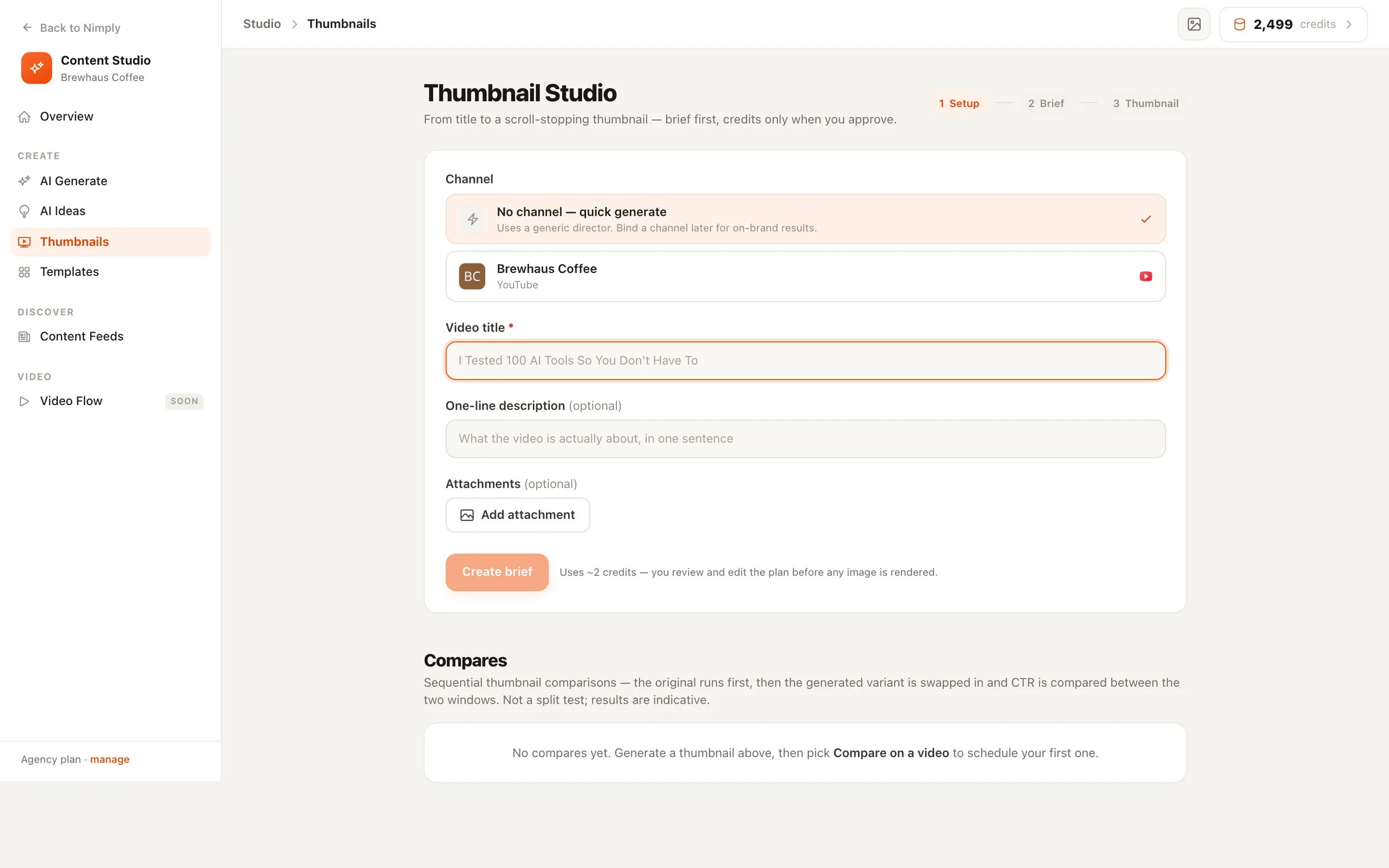
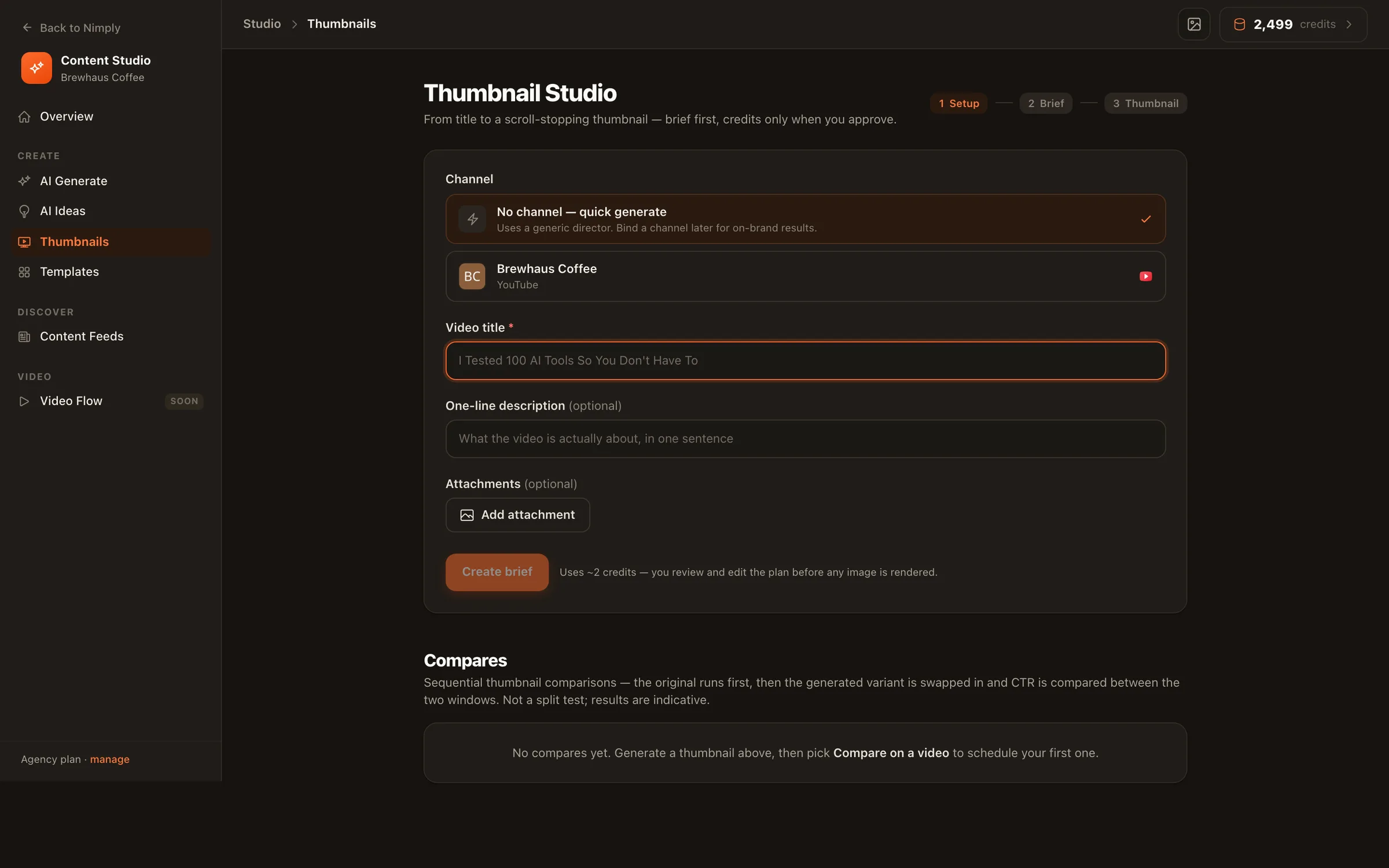
The Thumbnail Director agent builds on-brand thumbnails from your persona photos and brand colors, delivers them as variant grids, and takes chat-style edits until one is right.

Variant A
Variant B
Variant C
Variant D

03 · Protect

A comment section worth reading

The Community Moderator agent works on your YouTube comments — spam and hate handled by your rules, every action reversible and logged in an audit trail.

🔥🔥 CHECK MY CHANNEL free giveawayHidden · spam
Great breakdown, the retention tip helpedKept
Link in my bio for cheap subs!!Hidden · spam

04 · Learn

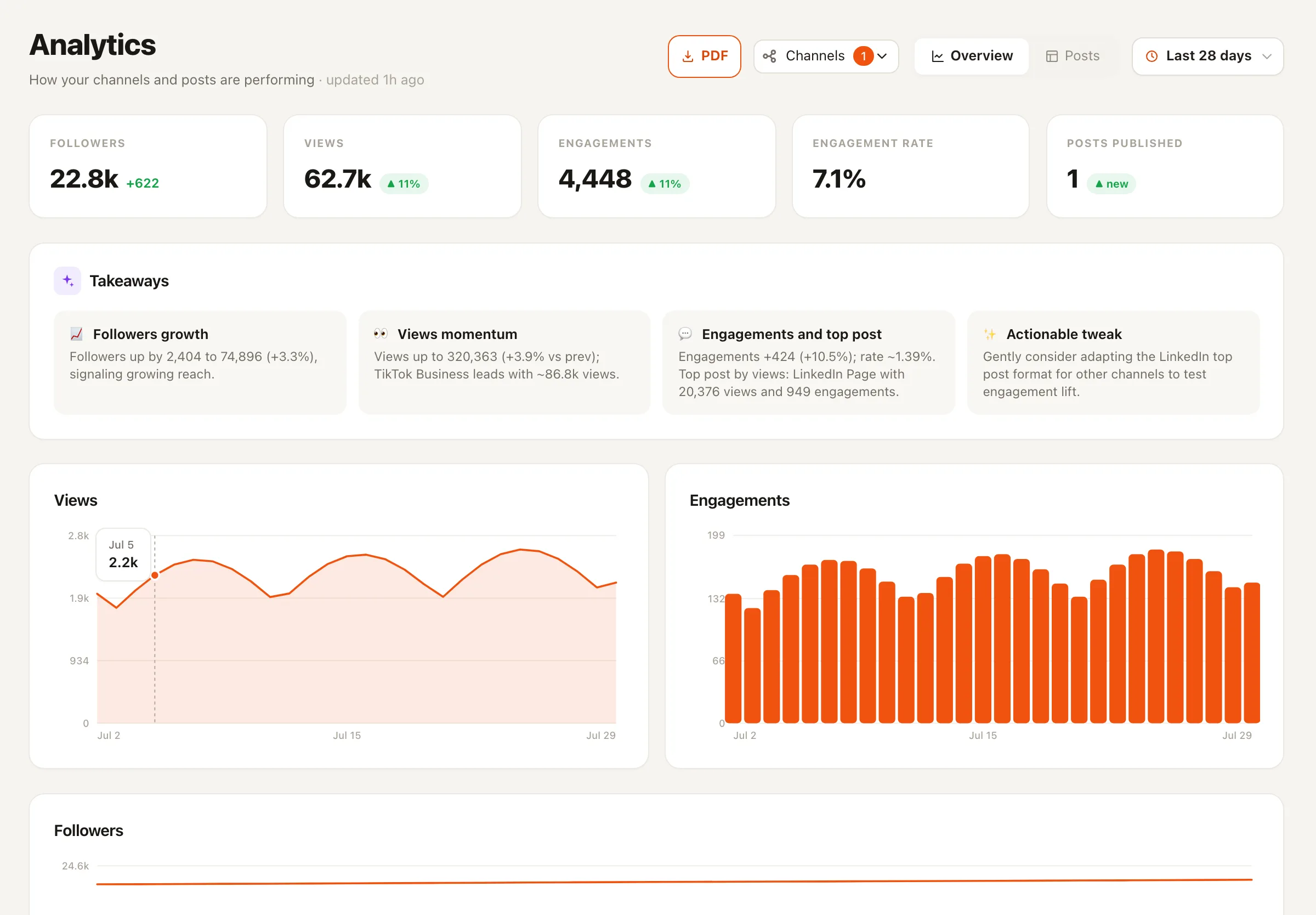
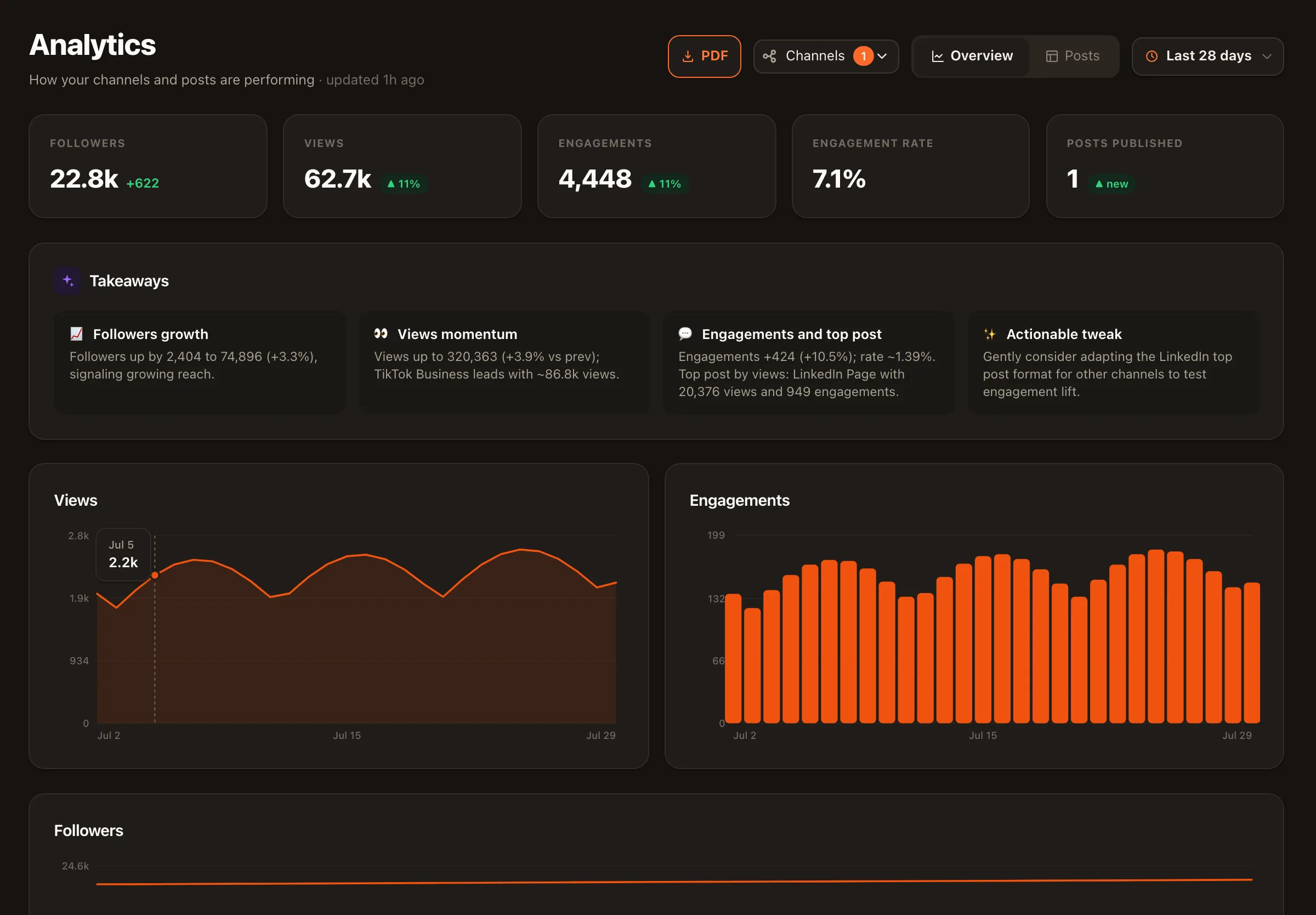
YouTube-first analytics

Nimply’s analytics are strongest on YouTube: channel metrics and per-video metrics side by side, so you can see how a packaging change or a new cadence actually landed.

Views

Channel

Watch signals

Per video

Subscribers

Channel

Engagement

Per video

Packaging in practice

Iterate on thumbnails like a designer sits next to you

The title-and-thumbnail pair decides whether a video gets watched. The Thumbnail Director turns that from a Photoshop session into a conversation.

  • Set up once with your face and brand

    Upload persona photos and your brand colors during setup — every thumbnail after that looks like your channel, not clip art.

  • Variant grids, not one guess

    Each request comes back as a grid of on-brand variants so you compare directions instead of accepting the first render.

  • Chat-style edits until it's right

    'Bigger text', 'swap the background', 'more surprise in the expression' — refine in plain language, no design tools.

Nimply's AI studio generating a grid of on-brand YouTube thumbnail variants
Variant grids from your persona photos and brand colors — refined by chat.

Learning in practice

Where Nimply’s analytics genuinely shine

We’ll be straight with you: our analytics are YouTube-first, and YouTube is where they’re strongest today. Channel metrics and video metrics live next to the calendar that produced them, so the question “did the new Shorts cadence do anything?” gets answered with data, not vibes. When something works, the repurposing workflow stretches that winner across every other platform.

Nimply's YouTube analytics view showing channel and per-video metrics
Channel and per-video metrics — YouTube-first by design.

The rails

Agents work the channel. They never touch it alone.

Every Nimply agent runs on the same rails: draft, approval, then schedule. The Thumbnail Director designs but never uploads; the moderator’s actions are reversible with a full audit trail; scheduled publishing waits for sign-off when you turn approvals on. If you run a channel for a living, see how YouTubers use Nimply end to end, or start with the YouTube channel page for connection details.

YouTube channel management — FAQ

Can Nimply schedule both long-form videos and Shorts?

Yes. Nimply schedules standard YouTube videos and Shorts from the same planner, so a weekly long-form upload and a daily Shorts drip live on one calendar. At the scheduled time, Nimply publishes to your connected channel automatically.

How does the AI thumbnail workflow actually work?

The Thumbnail Director is an AI agent you set up once with your persona photos and brand colors. For each video it produces a grid of on-brand thumbnail variants, and you refine them with chat-style edits — 'make the text bigger', 'try a shocked expression' — until one earns the click. It designs; it never uploads anything on its own.

Does the comment moderation work on YouTube?

Yes. The Community Moderator agent works on YouTube comments: it deals with spam and hate according to the rules you set, its actions are reversible, and everything it does is recorded in an audit trail you can review.

What YouTube analytics do I get?

Nimply's analytics are YouTube-first — it is genuinely the strongest platform in our analytics view today. You get channel-level metrics and per-video metrics, which makes it practical to connect what you published to how the channel actually responded.

Do the AI agents ever publish to my channel directly?

No. That is a platform-wide rule: agents draft, you approve, then it schedules. Thumbnails, moderation rules, repurposed posts — a human signs off before anything changes on your channel, and you can pause any agent at any time.

Can my editor and I share the workflow?

Yes. Nimply workspaces support member roles and an approval workflow: an editor can draft and schedule a video for review, and it only moves to scheduled once an approver signs off. Nothing publishes unreviewed unless you want it to.

Put all four jobs on one board

Connect your channel, schedule your next batch of videos and Shorts, and hire the thumbnail and moderation agents — free to start.