

Batch day
You film eight Shorts in a sitting
Same lighting, same energy, one setup. Batching is how busy channels actually get made — the recording part was never the problem.
▶️ YouTube Shorts
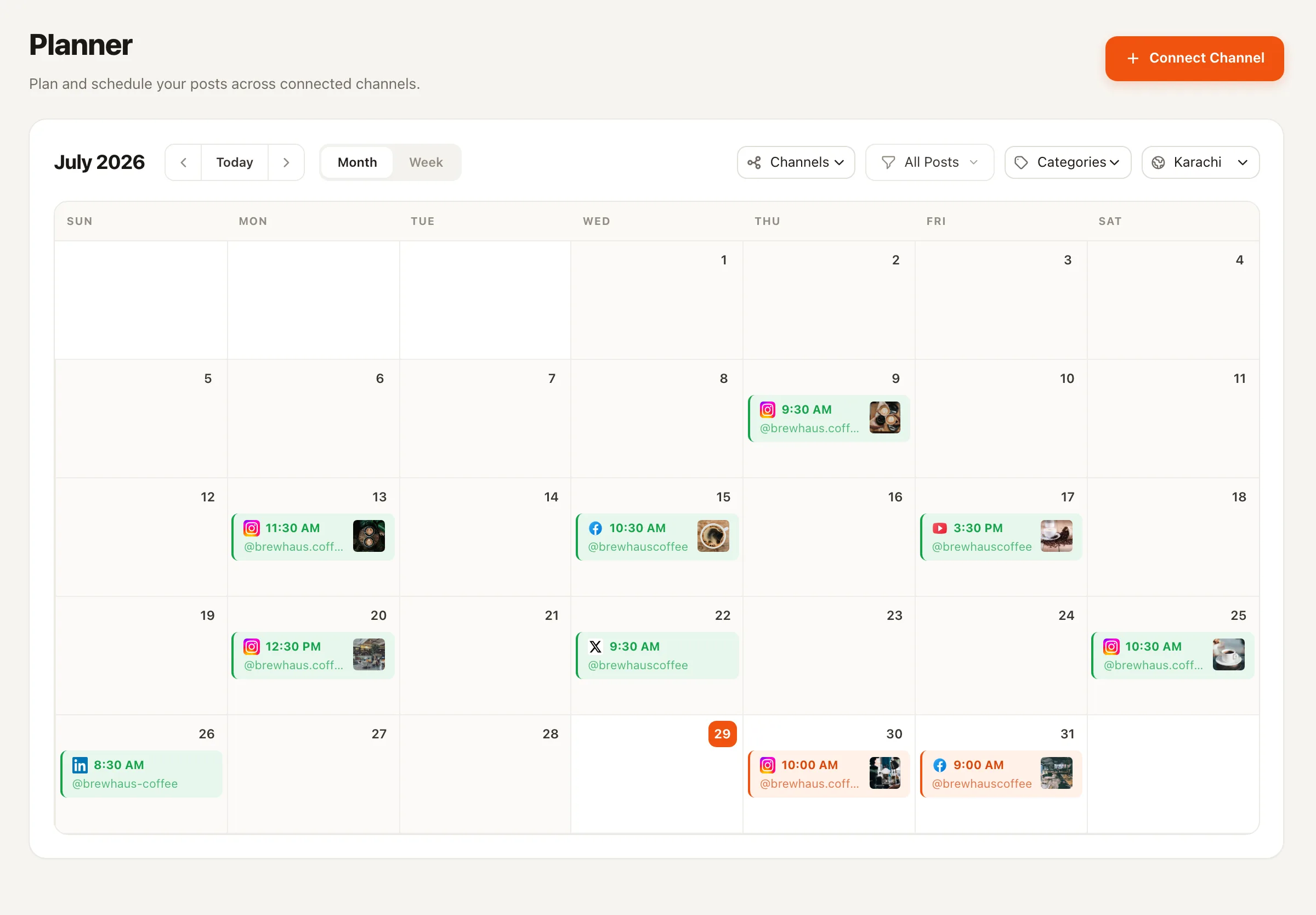
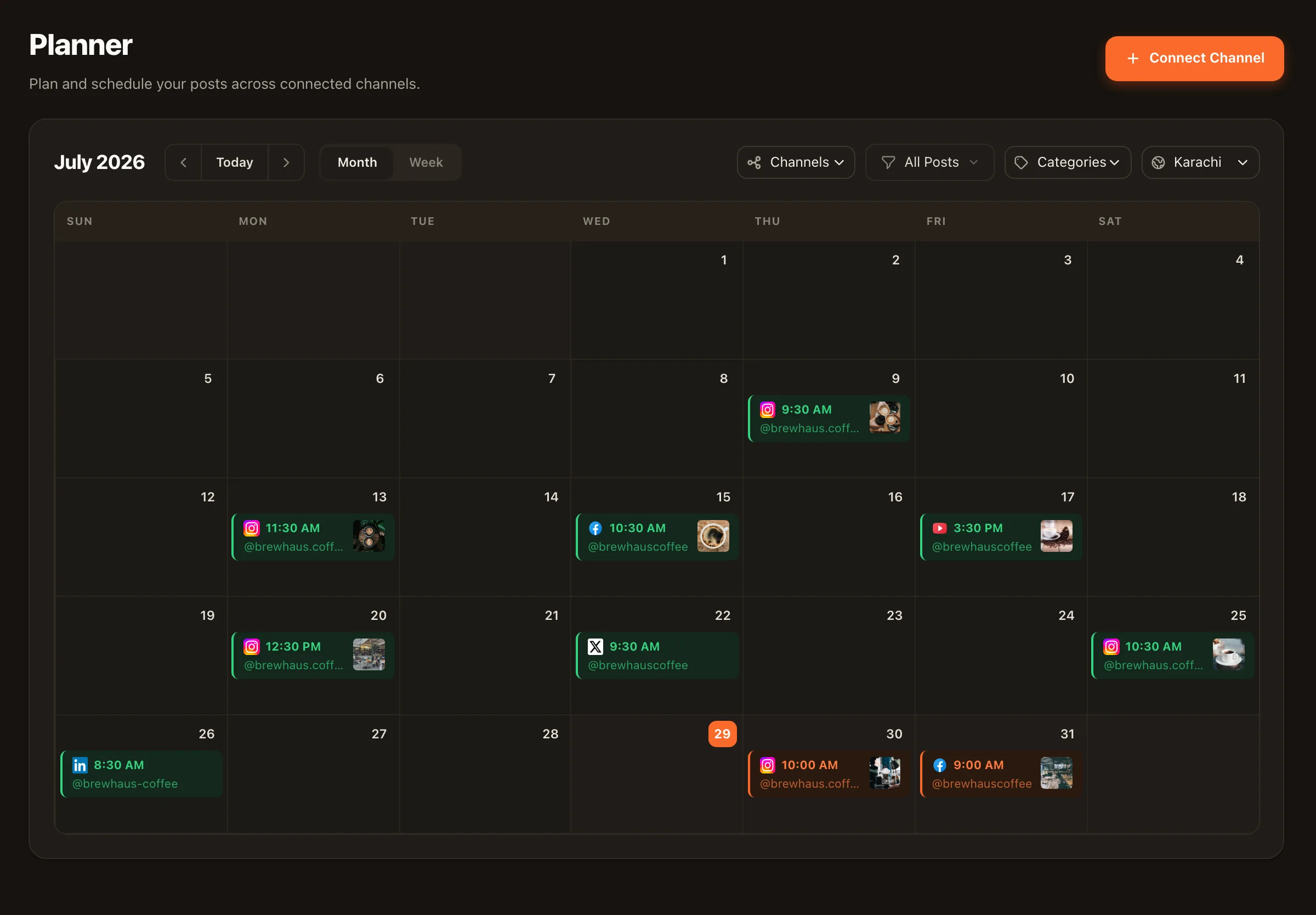
Most creators record Shorts in batches — then burn the batch by posting three in one afternoon and nothing for two weeks. When you schedule YouTube Shorts in Nimply, the batch becomes a drip: upload everything on Sunday, drop each Short on a calendar slot, and every one publishes automatically at its time.
Shorts and long-form · automatic publishing · approval optional
The problem
Batch day
Same lighting, same energy, one setup. Batching is how busy channels actually get made — the recording part was never the problem.
Then reality
Opening YouTube Studio every day to upload one file, paste a title, and hit publish is exactly the kind of chore that gets skipped the moment a week gets busy — and the channel goes quiet.
The fix
In Nimply the whole batch goes in at once. Each Short takes a calendar slot — or joins a best-time queue that fills your preset time slots automatically — and publishing happens without you.
Setup
1 · Connect your channel
Link your YouTube channel to Nimply once. Shorts and long-form uploads both run through the same connection.
2 · Upload the batch
Add each vertical video in the composer with its title and description. Hashtag sets you've saved attach in one click.
3 · Place it — or queue it
Pick an exact date and time on the calendar, or add the Short to a best-time queue and let it claim the next open preset slot.
4 · Route through approval (optional)
If a teammate or client signs off on content, the Short waits in the approval workflow until someone approves it.
5 · Nimply publishes automatically
At the scheduled time the Short goes live on your channel. Drag it to a new slot anytime before then.
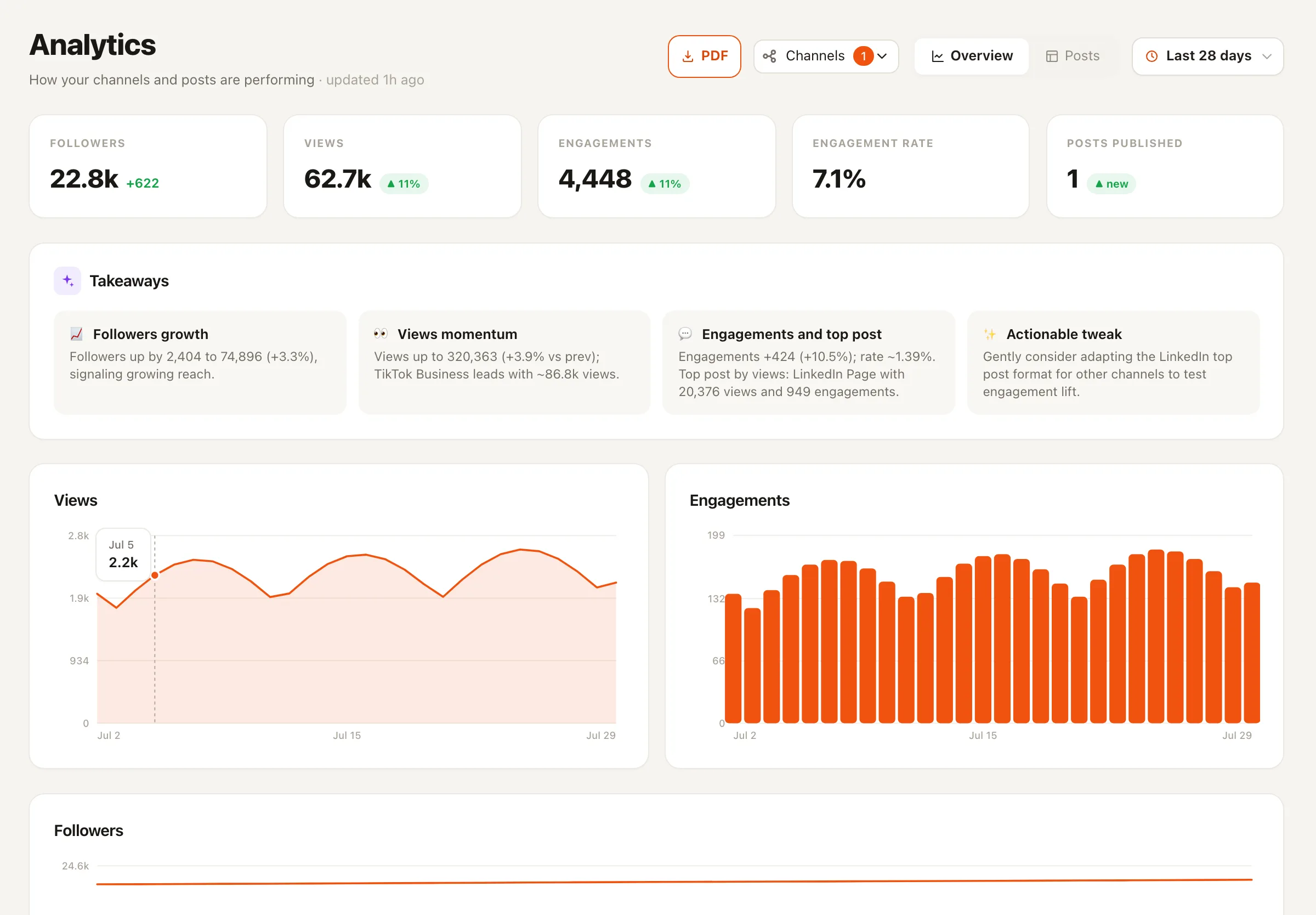
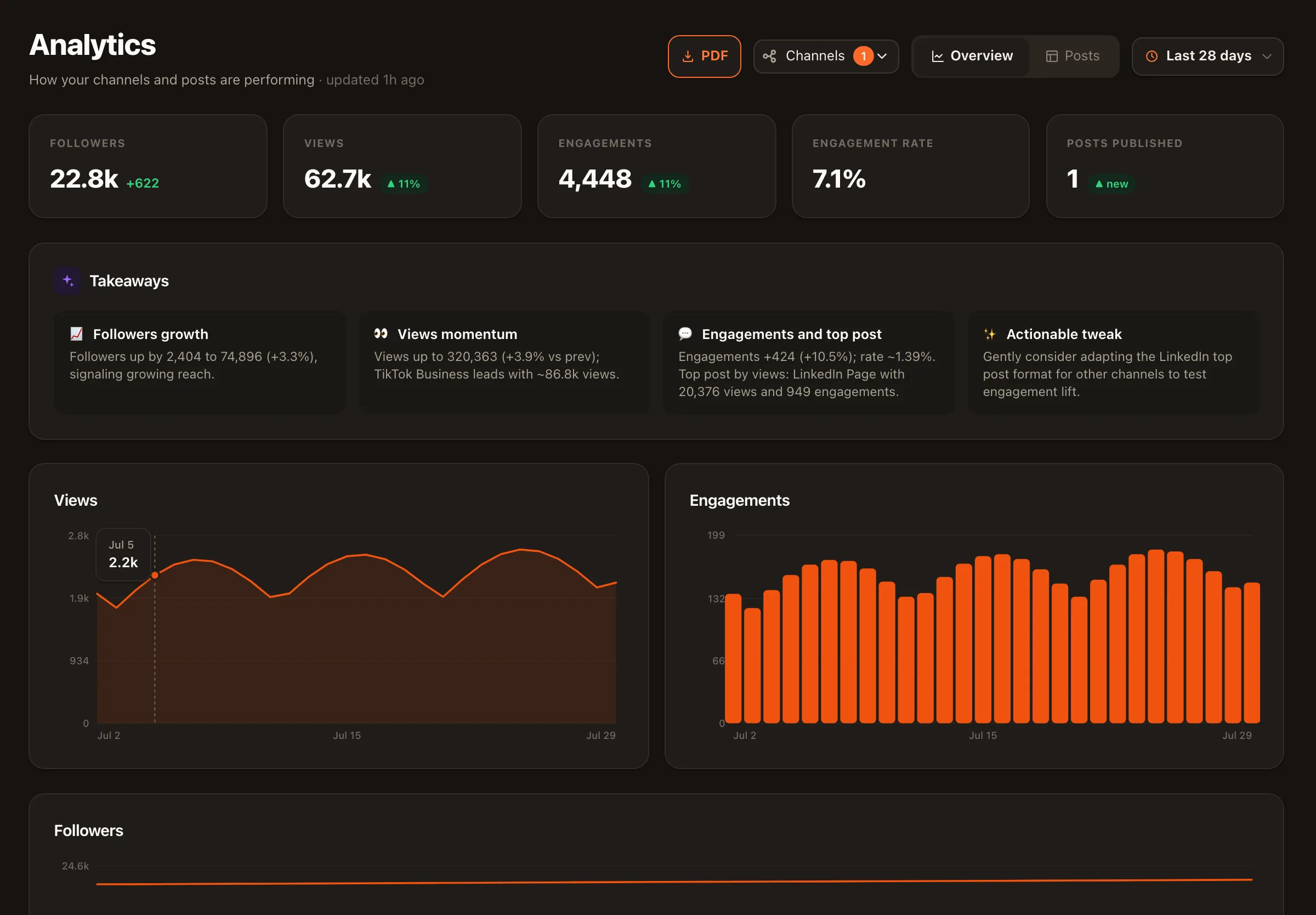
The feedback loop matters as much as the scheduling: because Nimply’s analytics are built YouTube-first, your Shorts cadence and your channel metrics live in the same product — post, measure, move a slot, repeat.
Good to know
Schedule vertical Shorts and standard videos side by side — a weekly deep-dive and a daily Short drip in one view, color-coded by category.
The Thumbnail Director agent designs on-brand thumbnails for your videos. Like all Nimply agents it never publishes directly — everything goes draft → approval → schedule.
The Evergreen Recycler agent ranks your back catalog by real engagement and files fresh re-drafts of the winners for your approval — instead of letting them disappear.
Shorts are one lane of Nimply's wider social media scheduling — the same planner drives TikTok, Instagram, and six other platforms.
Filming vertical for more than one app? The same batch usually belongs on TikTok too — schedule TikTok posts from the same calendar, and let best-time queues decide the slots. The full picture of the planner — approvals, categories, bulk CSV upload — lives on the social media scheduling page, and the Thumbnail Director agent covers the packaging side of your channel.
It publishes. At the scheduled time, Nimply uploads and publishes the Short to your connected YouTube channel automatically — no notification-and-pray, no phone required at 9am on a Tuesday.
Yes. Nimply schedules both Shorts and standard YouTube videos from the same planner, so a weekly long-form upload and a daily Short drip can live on one calendar.
You define a set of preset time slots — say 12:30pm and 7pm daily — and instead of picking a date for every Short, you add it to the queue. Nimply fills the next open slot automatically, so a batch of eight Shorts becomes eight future publish times in a few clicks.
Yes. Nimply's approval workflow lets a teammate draft the Short and submit it for review; it only moves to scheduled once an approver signs off. Nothing publishes unreviewed unless you want it to.
The Thumbnail Director is an AI agent that designs on-brand thumbnails for your YouTube videos. Like every Nimply agent, it never publishes on its own — its work goes through draft, approval, then schedule, so you always sign off before anything reaches your channel.
Nimply's analytics are YouTube-first: you get channel and post metrics for YouTube in the analytics view today, which makes it easy to see how your Shorts cadence is landing and adjust your queue slots accordingly.
Connect YouTube, upload your Shorts, and let the queue keep the channel warm — free to start.