

Guide 4 · Automations
Build your first automation
Automations is a node-based workflow builder living inside your workspace — the way tools like n8n work, but with native access to your posts, channels, agents, and inbox. This guide builds one workflow end to end: trigger, actions, test run, activation.
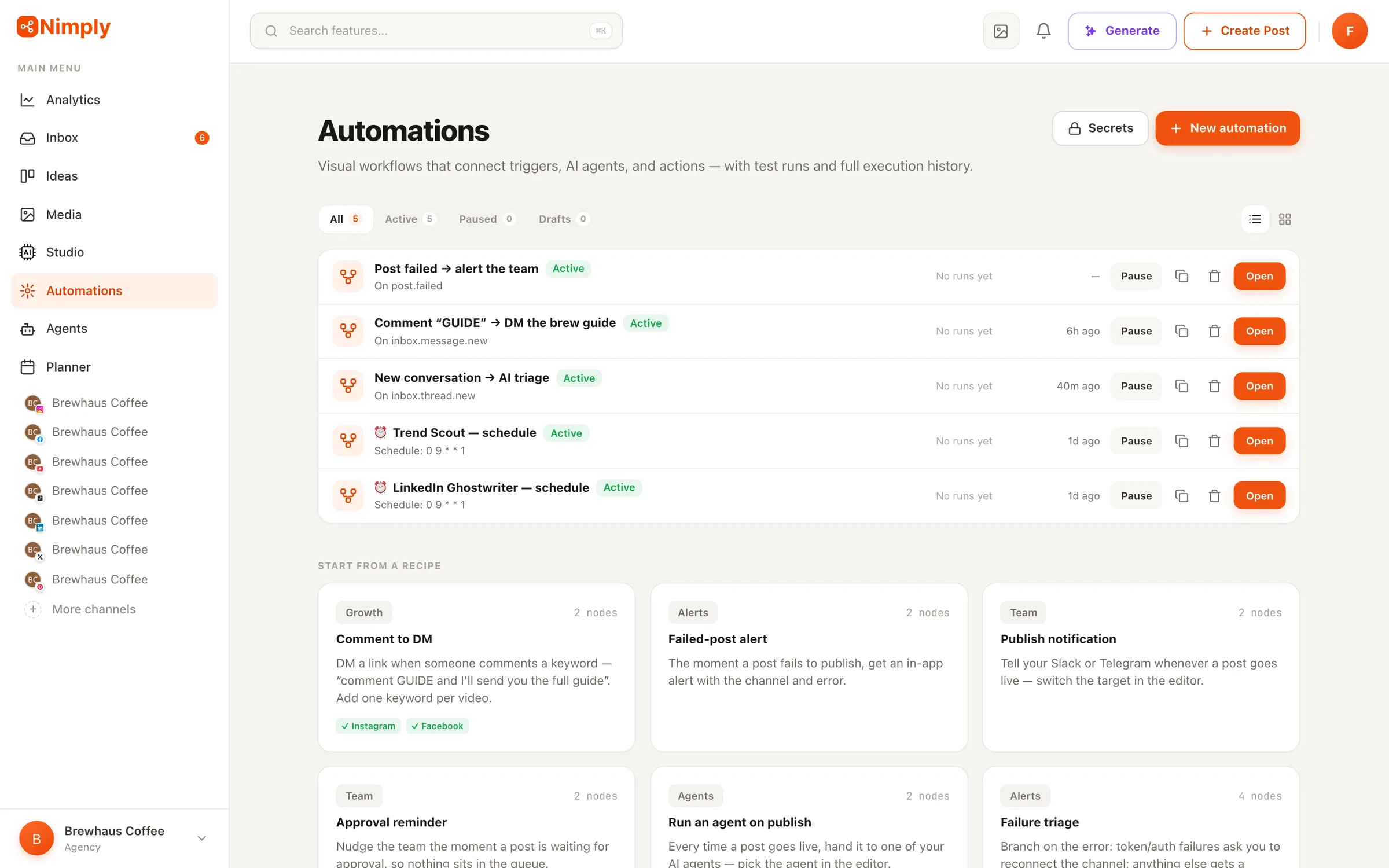
Start from the automations list
The Automations area lists every workflow in your workspace with its status, trigger, and recent runs. You can start from a blank canvas or from a prebuilt recipe — failed-post alerts and weekly planning reminders are classic first automations because they pay off immediately and can’t do any damage.
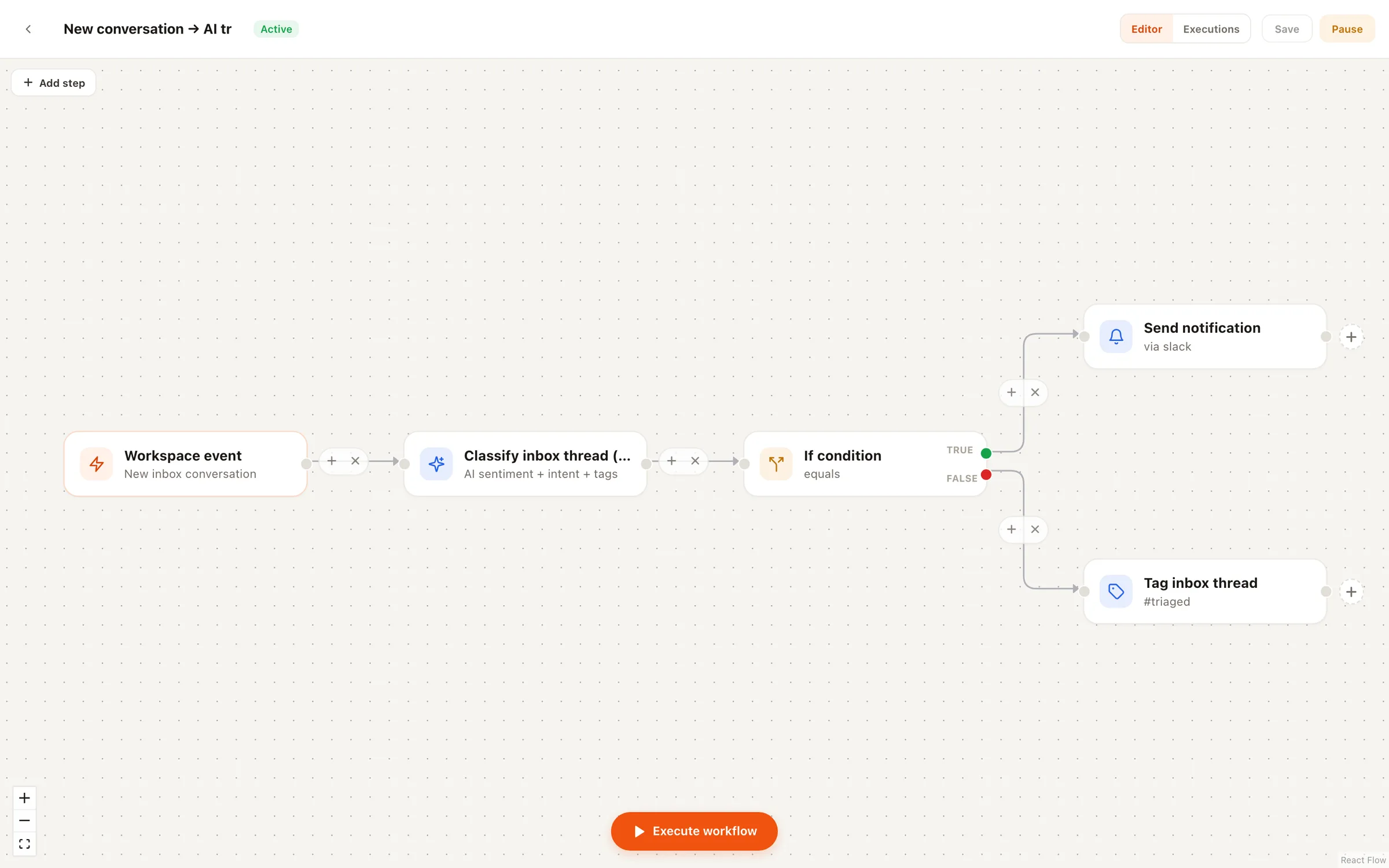
For this guide, we’ll build a triage-style flow: when a new inbox conversation is classified as a complaint, notify the team in Slack. The same mechanics apply to any workflow you build later.
Pick one trigger
Every automation starts with exactly one trigger — that constraint keeps flows predictable. You choose between workspace events (a post published, failed, or approved; a channel connected; an agent run finished; inbox events), a cron-style schedule, or a manual Run button for flows you want to fire on demand.
On the canvas, the trigger is the leftmost node; everything downstream receives its data. You reference that data anywhere with simple {{expressions}} — the post’s title in a Slack message, the conversation’s intent in a condition.
Chain actions in the node editor
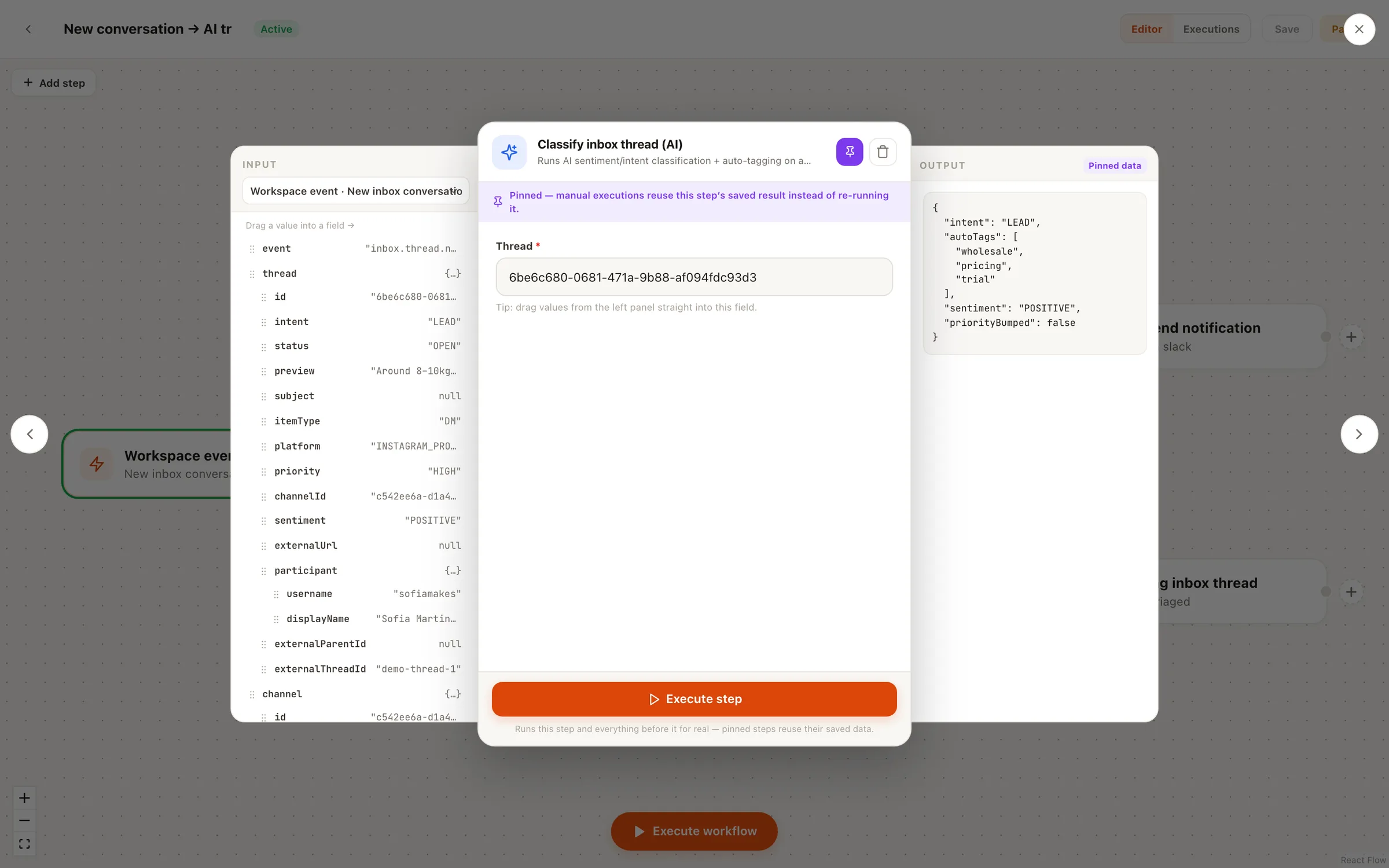
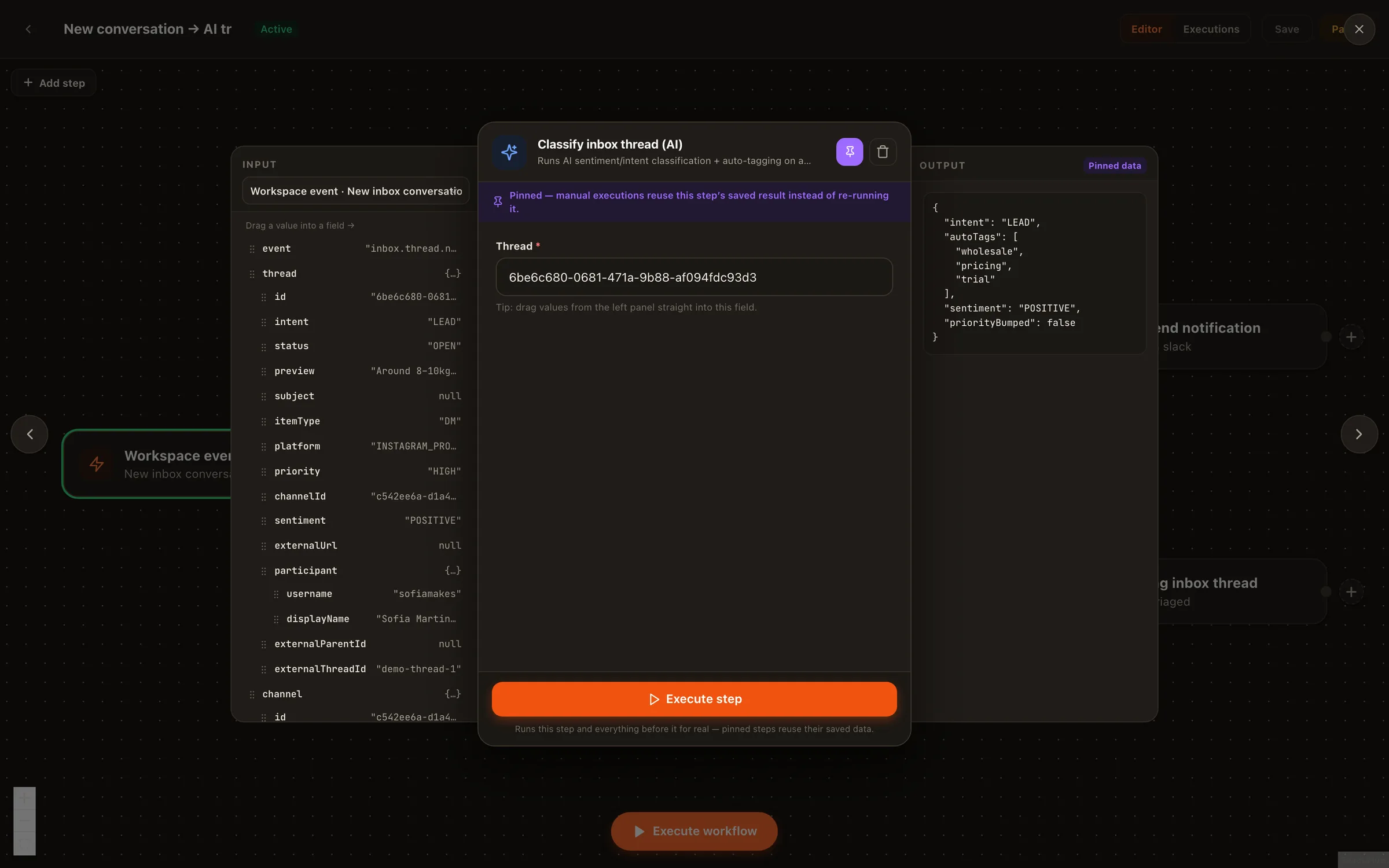
Click any node to open its editor and configure what it does. Actions include creating a draft post, running an AI agent, sending a Slack, Telegram, or in-app notification, and calling any external API with the HTTP node (secrets are stored encrypted and referenced safely). If-conditions branch the flow, and Wait nodes pause a branch for minutes or days when timing matters.
One rail worth knowing before you build anything ambitious: the create-post action always produces a draft that enters your normal approval workflow. By design, no automation can publish directly to your channels — details on the Automations page.
Run it in test mode
Before activating anything, run the workflow in test mode. Test runs execute the whole graph synchronously: read-only steps run for real, while anything that would write — a draft, a notification, an API call — is simulated and clearly labeled. Each node shows success or failure right on the canvas, so you can validate the logic and the branching without sending a single message or spending credits.
Read the test results node by node: check that the trigger data contains what you expected, that each condition took the branch you intended, and that the simulated writes — the labeled Slack message or draft — look right with real values interpolated into them. If a condition routes the wrong way or an expression comes back empty, fix it and test again. This loop is cheap on purpose: it costs nothing and sends nothing.
Activate and watch the run history
When the test run looks right, activate the workflow. Live runs execute in the background, and every execution is recorded with a per-node trace you can audit later; runs can be cancelled mid-flight if needed. Admin and editor roles gate who can build versus activate, which matters once several people share a workspace.
From here, the interesting flows combine pillars: trigger an agent run when an upload is scheduled, wire inbox triage into Slack alerts, or use comment-to-DM keyword automations on your posts.
Put your workflow on autopilot
Start from a recipe, test it safely, and activate your first automation today.