

Guide 1 · Setup
Set up Nimply and plan your first week
This guide takes you from a fresh account to a planned week of content: workspace created, channels connected, posts drafted with AI help, and everything scheduled on the calendar. You can do all of it on the free plan.
Create your workspace
Everything in Nimply lives inside a workspace: the channels you connect, the posts you plan, your media, your automations, and your team. When you sign up you get your first workspace automatically — if you manage several brands or clients, create one workspace per brand later so their accounts and content never mix.
The dashboard is your home base. It shows what’s scheduled, what needs attention, and shortcuts into the planner, inbox, agents, and studio — you’ll recognize each of these areas as you work through the guides.
Connect your social channels
Open the Channels area and connect the accounts you post to. Nimply supports Instagram, Facebook, X (Twitter), LinkedIn, TikTok, YouTube, Pinterest, Threads, and Telegram, and you can connect multiple accounts per platform. Every connection goes through the platform’s official OAuth login — Nimply never sees or stores your social passwords.
A practical tip: connect the one or two channels you post to most first. You can add the rest any time, and the scheduling workflow is identical for every network.
Plan your week on the calendar
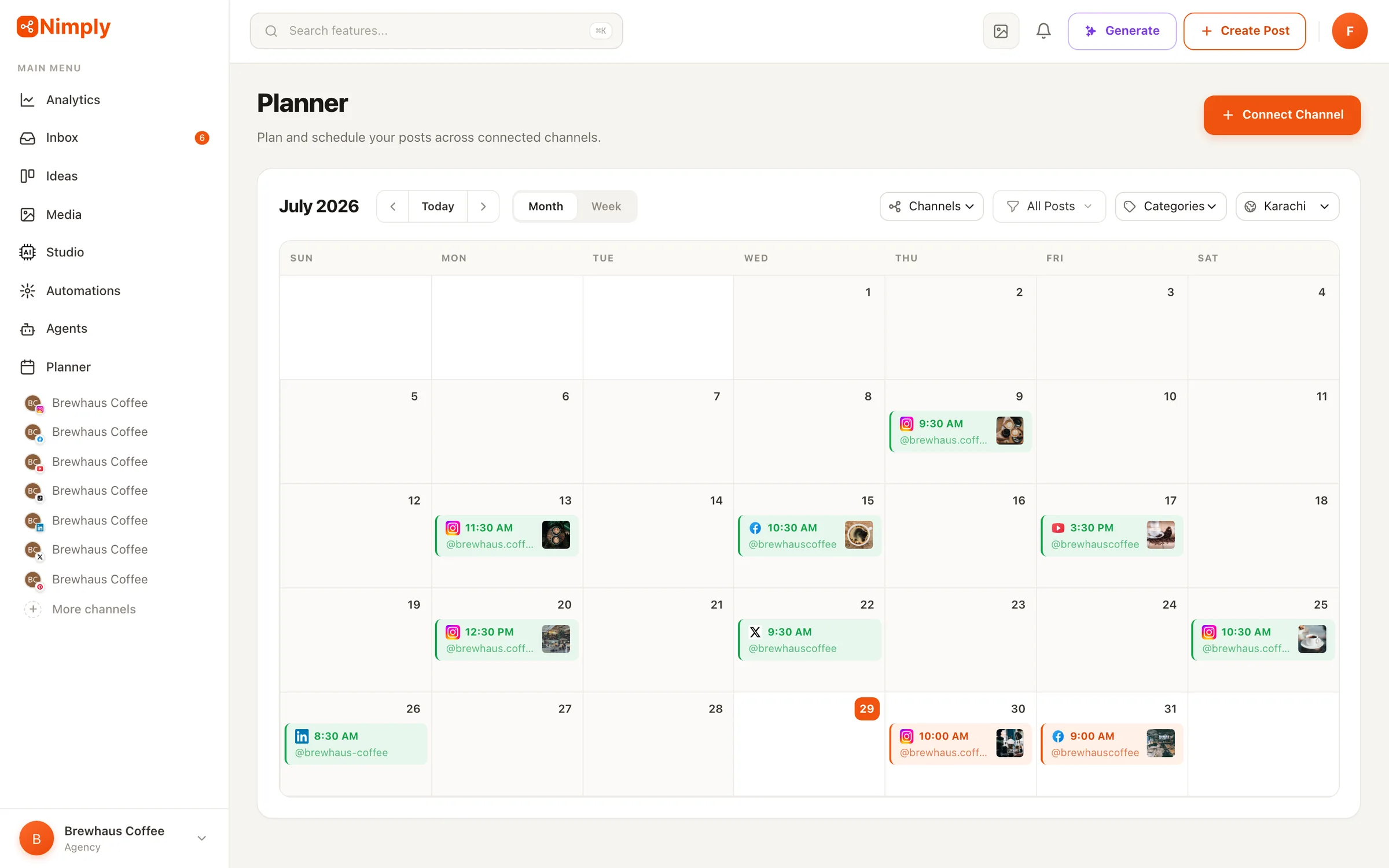
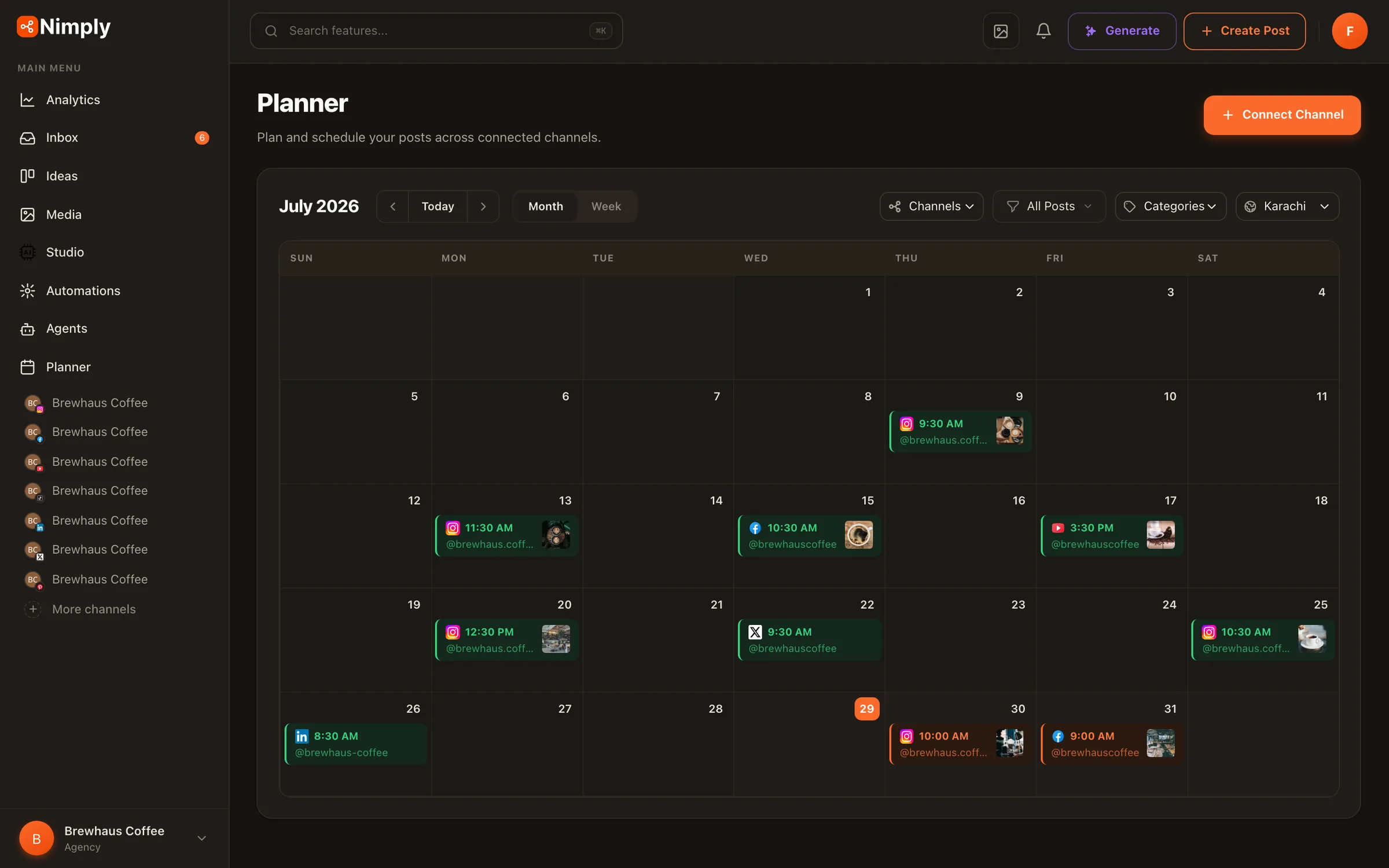
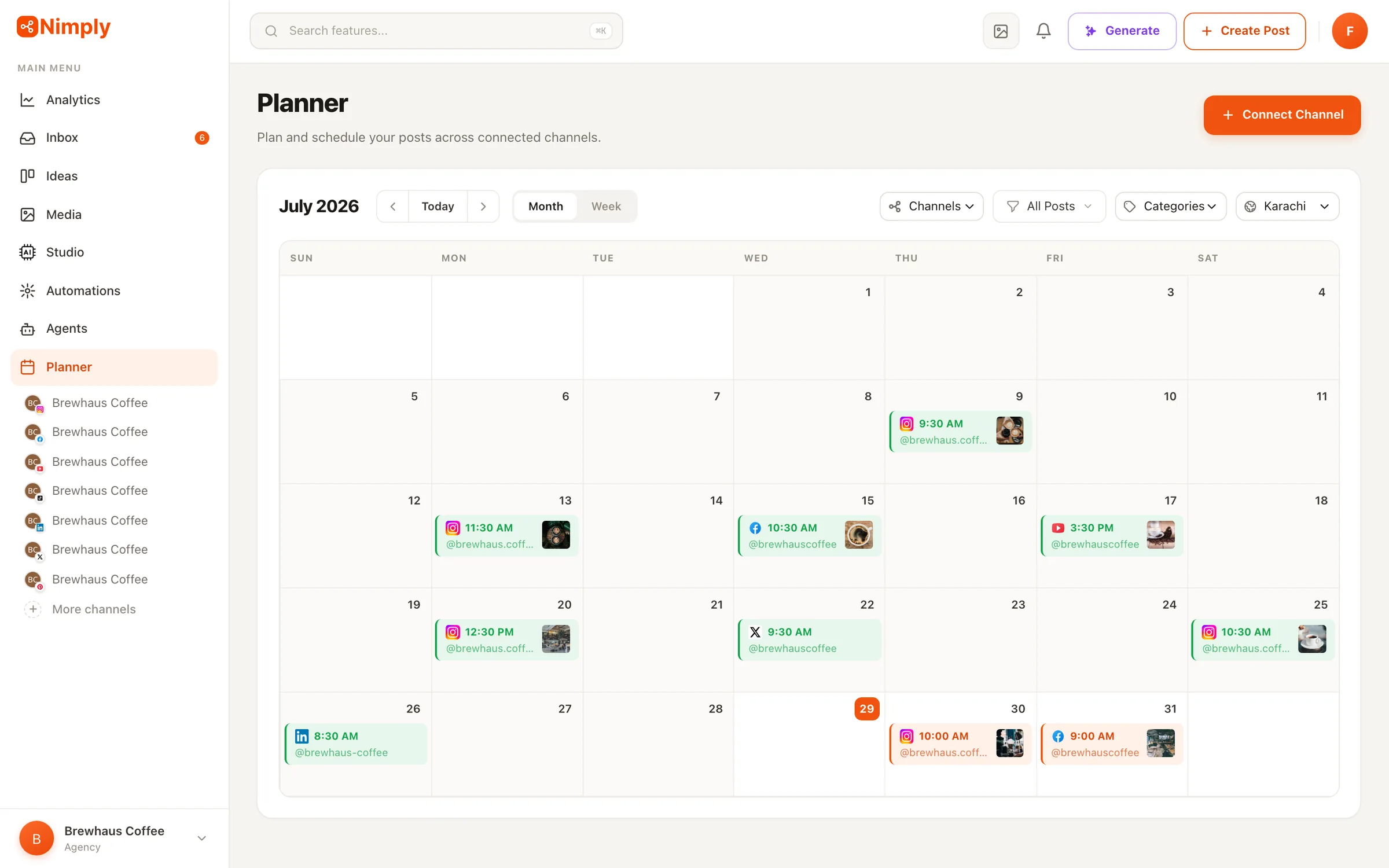
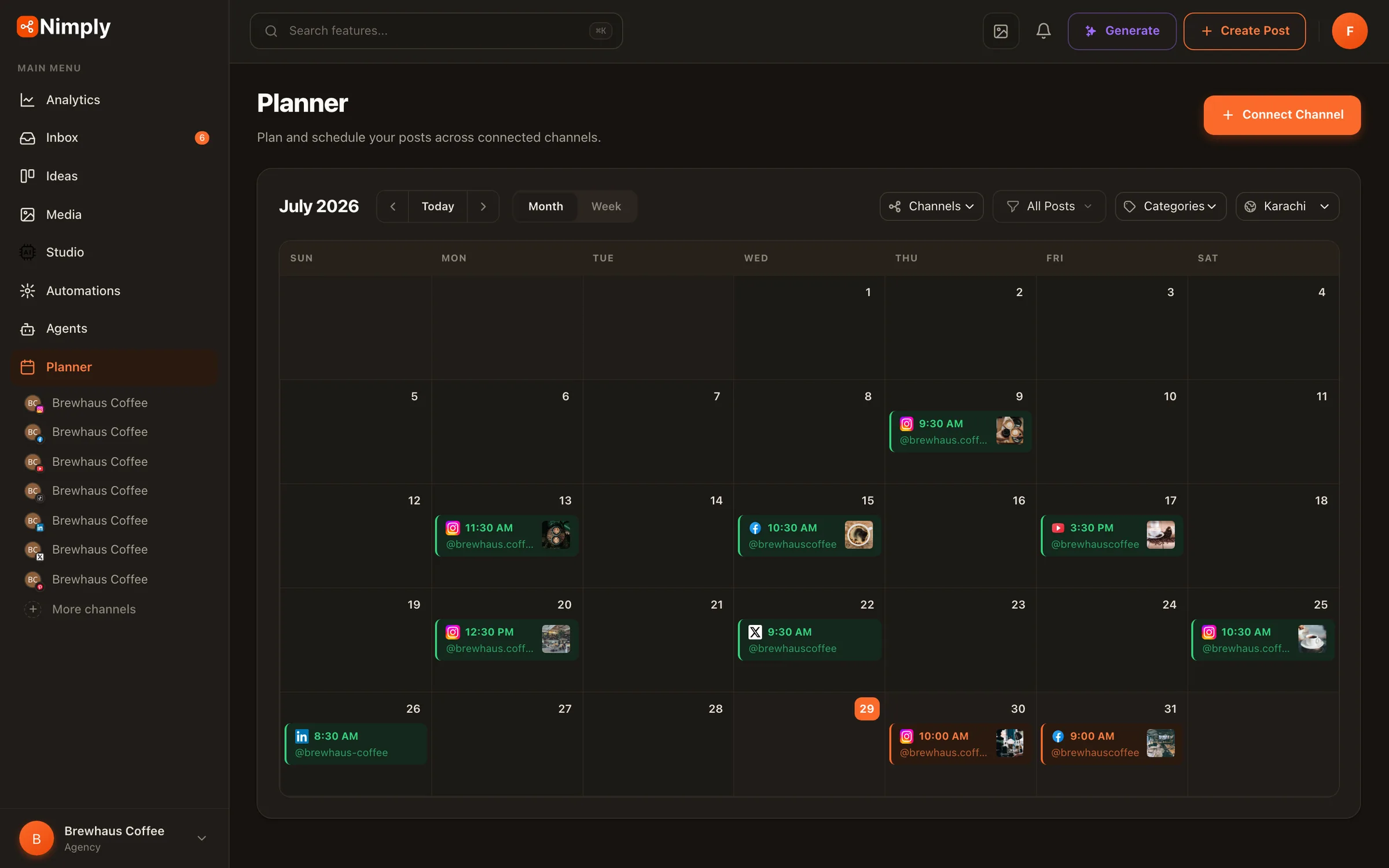
The planner is a visual calendar with month and week views. Every post you create appears here with its channel, status, and time — drafts, posts waiting for approval, scheduled posts, and published ones each look distinct, so you always know the state of your plan at a glance.
Start by blocking out a simple cadence for the week — say three posts across your two most active channels. Click any empty slot to start composing for that date and time. Categories help you balance content types (promos, education, behind-the-scenes), and if your team uses approvals, posts route through a draft → approval → scheduled flow before anything goes live.
Draft your first posts with the AI Assistant
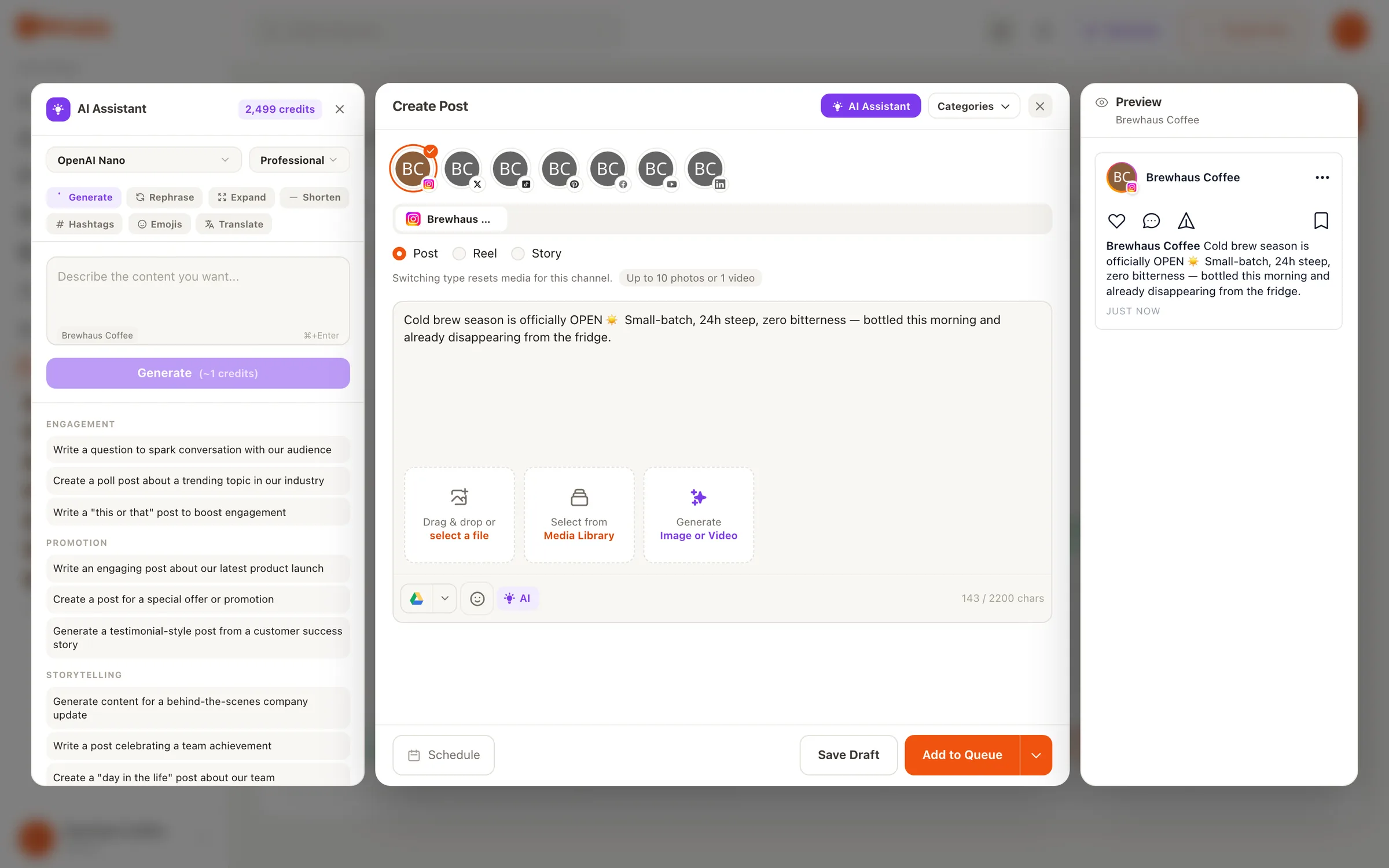
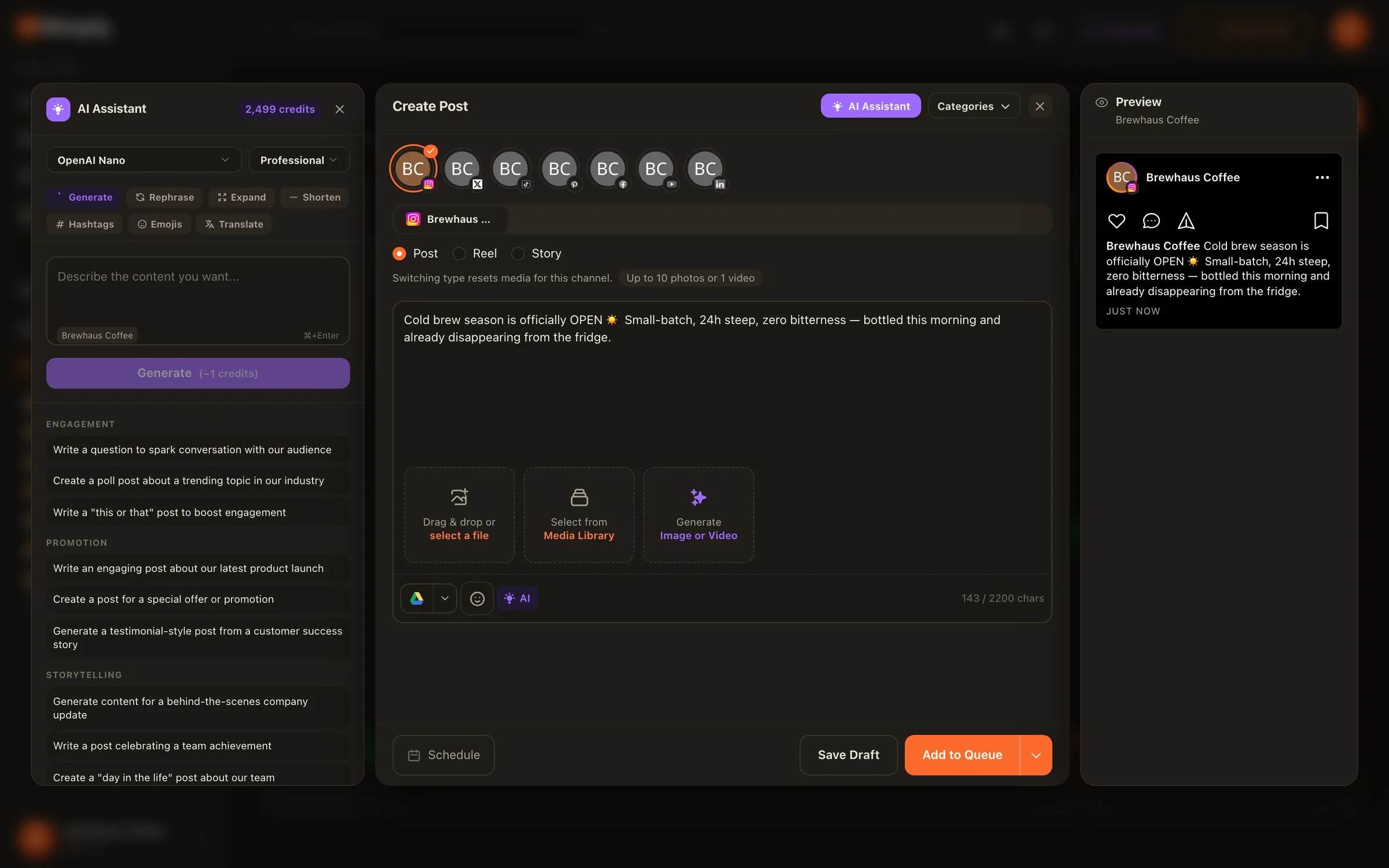
Inside the composer, the AI Assistant helps you go from a rough idea to a finished caption: hooks, hashtags, and rewrites tuned to each platform’s tone — professional for LinkedIn, punchy for X. You write the post once, then tailor the copy or media per network before scheduling.
AI usage runs on the monthly credits included with every plan (including the free plan), so you can try the assistant right away. For the full picture of what the AI tools can do — including image generation and feeds — see the Create content with AI guide and the AI Assistant page.
Schedule it and let Nimply publish
Pick a date and time for each post — or drop it into one of your planned slots — and Nimply publishes automatically when the moment arrives. You don’t need to be online. Published posts move to the published state on the calendar, and once your channels have been collecting data for a while, analytics shows you how each one performed.
That’s the foundation. From here, the rest of Nimply builds on this loop: agents draft work into it, automations react to it, and the inbox handles the conversations your posts start.
Ready to set up your workspace?
Create a free account, connect a channel, and schedule your first post today — no credit card required.