

The post and the funnel live together
You schedule the Reel and scope its keyword rule in the same workspace — no copying post links between tools or wondering which funnel is attached to what.
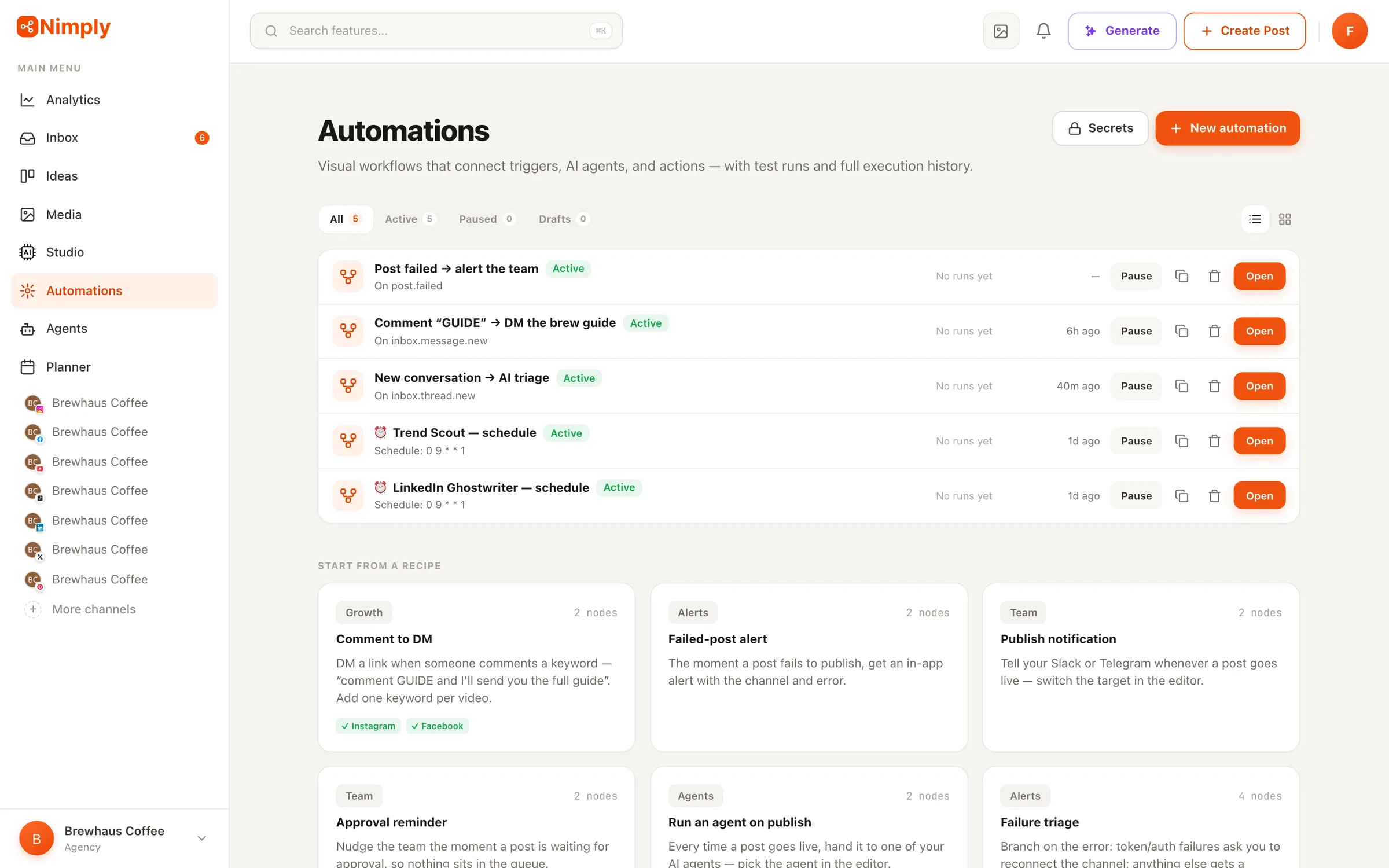
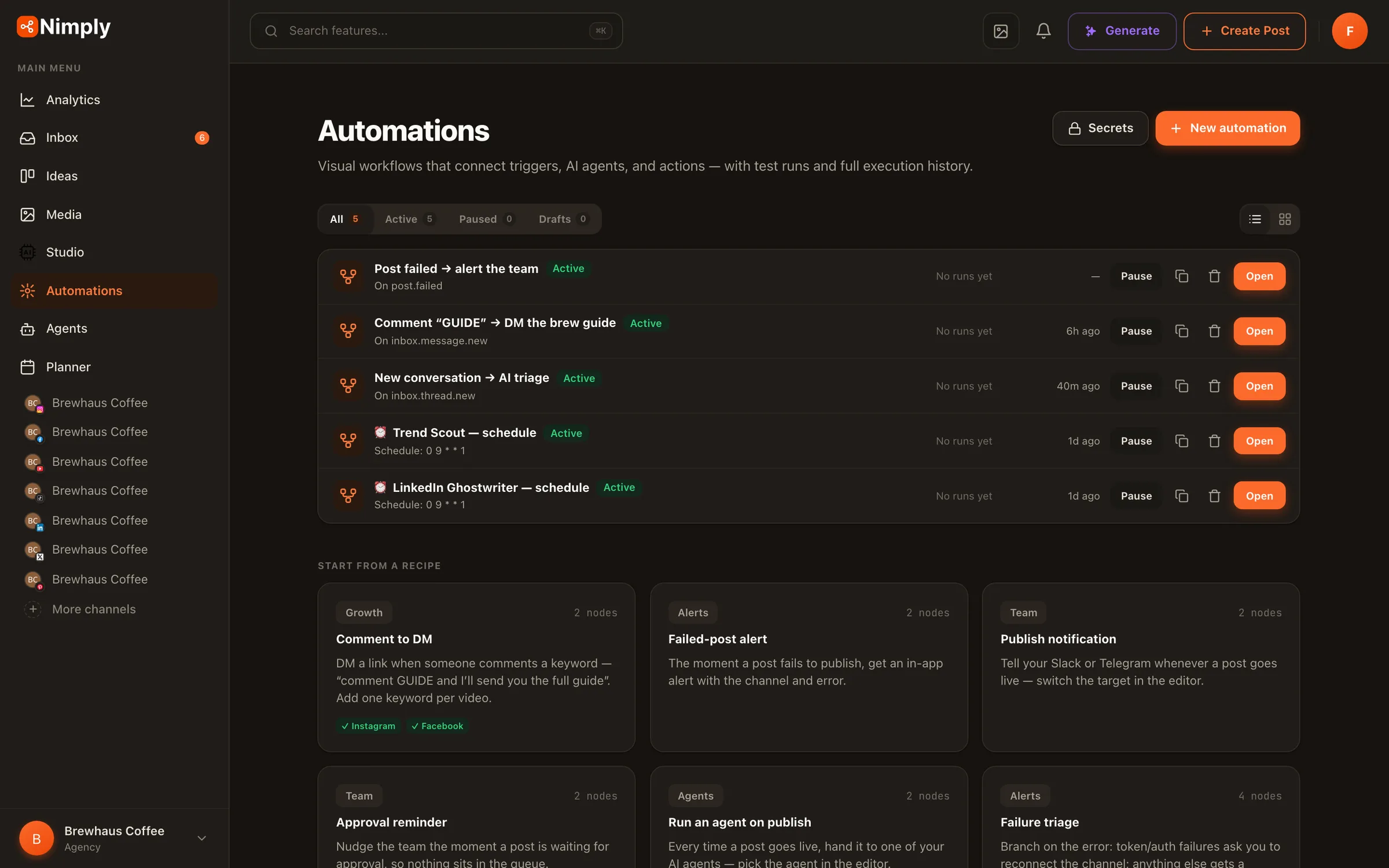
💬 Comment-to-DM recipe
“Comment GUIDE and I’ll send it to you” is the highest-converting CTA on Instagram — until you’re the one sending 400 DMs by hand. This automation watches your comments for keywords and delivers the DM (plus an optional public reply) the moment someone asks.
Instagram and Facebook Page comments live · full run history · test mode
How it works
On the canvas it’s a New comment trigger wired to the Reply & DM by keyword action. Here’s a real run:
“Want the full checklist? Comment GUIDE below.” Schedule the post from the same workspace — planner and automation live together.
The New comment trigger fires on your Instagram or Facebook post and checks the comment against your keyword rules — first match wins.
The matched rule sends your message — link included — straight to their DMs, and optionally drops a public reply (“Sent! Check your DMs 📬”) on the comment.
The run history shows the outcome per comment: DM sent, public reply posted, or a platform refusal — recorded, never silently dropped.
Keyword rules
A single keyword is easy. Running a content operation with a guide, a toolkit, and a webinar replay across dozens of posts is where the rules engine earns its keep.
Rules are checked in order, so behavior is always predictable — put your most specific keywords first and a catch-all last if you want one.
The same keyword can deliver different things on different posts — 'GUIDE' on your Reel sends the checklist, 'GUIDE' on your launch post sends the pricing page.
Add a comment reply ('Sent! Check your DMs') for social proof, or keep the delivery private — per rule, your call.
Messaging window expired? Comment already replied to? The run records what the platform said and moves on — you see it in history instead of losing it.
Example rule set
Rule 1 · “GUIDE” — scoped to the launch Reel
DM: “Here's the launch guide you asked for 👉 nimp.ly/guide” · Public reply: “Sent! Check your DMs 📬”
Rule 2 · “GUIDE” — all other posts
DM: “Here's the free checklist 👉 nimp.ly/checklist” · no public reply
Rule 3 · “TOOLKIT”
DM: “The full creator toolkit is here 👉 nimp.ly/toolkit” · Public reply: “On its way! 🚀”
A comment is checked top to bottom; the first rule that matches sends. On platforms where a DM can’t be delivered, the message text goes out as a public reply instead.
Why here, not a chat tool
Dedicated comment-to-DM tools do this one job — and only this job. In Nimply it’s a recipe on the same canvas that runs the rest of your workflow, which changes what happens before and after the DM.
You schedule the Reel and scope its keyword rule in the same workspace — no copying post links between tools or wondering which funnel is attached to what.
A comment-to-DM exchange is the start of a relationship. The thread shows up in Nimply's unified inbox, where your team — or a support agent — takes it from there.
It's a flow on the canvas, not a black box. Add a Notify step to ping Slack on every lead, an If branch, or a Run agent step — and test it all on sample data first.
Honest note on availability: comment-to-DM is live on Instagram and Facebook comments. Meta approved the Facebook permissions on 7 September 2026 and the Instagram ones on 17 September 2026 — reconnect each account once to pick them up. Instagram needs a professional account, and Instagram allows one private reply per comment, within seven days of that comment.
It's a workflow where someone comments a keyword on your post — 'GUIDE', 'LINK', 'TOOLKIT' — and automatically receives a direct message from you with the link or content you promised, optionally alongside a public reply on their comment. It's how creators deliver lead magnets from Reels and posts without answering every comment by hand. In Nimply it's a recipe on the automations canvas: a New comment trigger wired to the Reply & DM by keyword action.
You define a list of rules, each with a keyword and the DM (plus optional public reply) it should send. When a comment arrives, rules are checked in order and the first match wins — so you can run 'GUIDE' for one lead magnet and 'TOOLKIT' for another on the same account. A rule can also be scoped to one specific post, so the same keyword can deliver different things on different posts.
The comment trigger works on Facebook Page and Instagram comments today (Meta approved the Facebook permissions on 7 September and Instagram on 17 September — reconnect each account once to pick them up). On platforms where a DM can't be sent, the automation posts your message text as a public reply to the comment instead, so the commenter still gets the link.
Platforms refuse DMs for legitimate reasons — the messaging window expired, or the comment was already replied to. Nimply records these as outcomes in the run history, not failures: you can see exactly what happened on every comment, and the automation keeps running instead of erroring out.
ManyChat is a dedicated chat-automation product — good at that one job, but it's a separate subscription and a separate tool to configure. Nimply's comment-to-DM is one recipe inside a full social media platform: the same workspace schedules your posts, runs your unified inbox, and hires AI agents. Your keyword funnel and the post it runs on live in one place, and the conversations it starts land in the same inbox your team already answers.
Yes. Like every Nimply automation, you can run it in test mode first: the flow executes on sample data without touching your platforms, and each node shows its result on the canvas — so you verify your keywords and messages before a single real DM goes out.
Want to see it run before you sign up? Try the interactive Comment-to-DM demo — type a keyword and a DM, and watch a comment trigger them.
Start free, drop the comment-to-DM recipe on the canvas, set your keywords, and test it before a single DM goes out.